
Bestseller
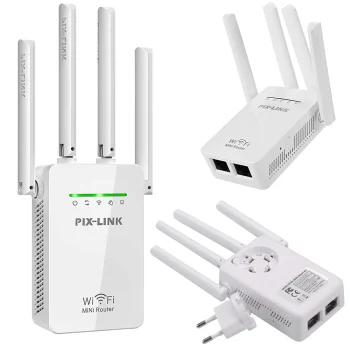
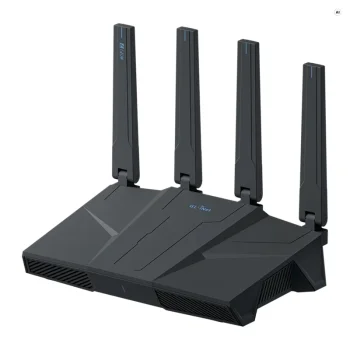
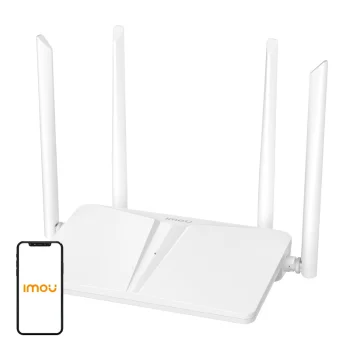
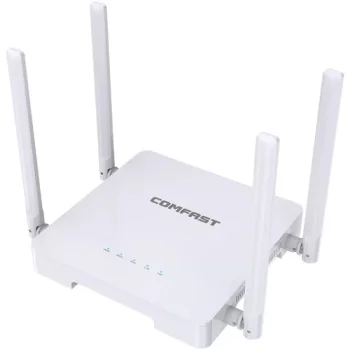
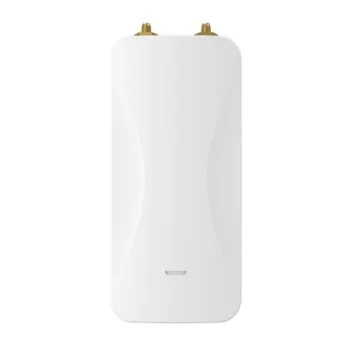
WiFi Signal Booster, Repeater 300Mbps, 4 Antennas, White
In stock
15.40 €
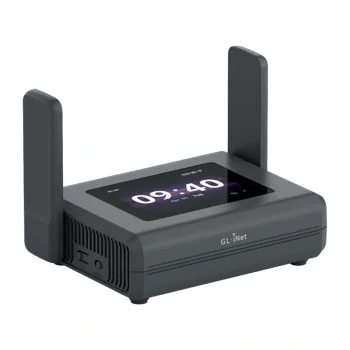
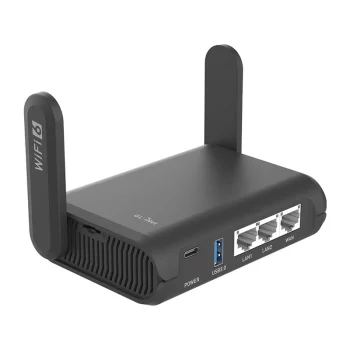
WiFi routers, signal boosters, USB Wi-Fi adapters and router wall shelves support home and office networking, with GL.iNet routers and Ugreen adapters among the available options. These products suit users setting up a network, extending existing coverage or adding wireless connectivity to a computer. Choose by purpose, Wi-Fi standard, supported frequency bands and connection ports.
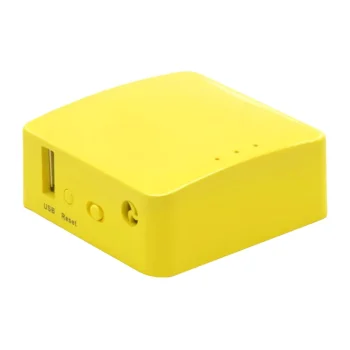
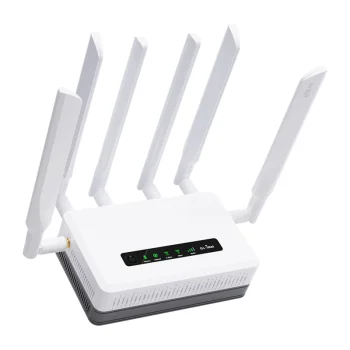
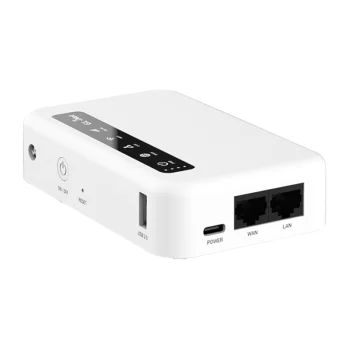
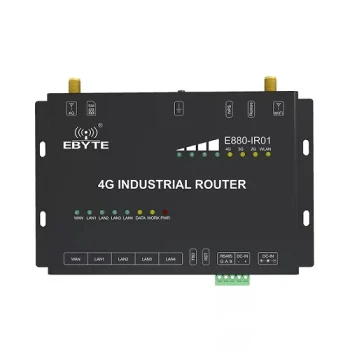
WiFi routers and networking accessories cover network setup, coverage extension and wireless computer connections. The range includes GL.iNet Wi-Fi 6 and Wi-Fi 7 routers, signal boosters and repeaters, USB Wi-Fi adapters including Ugreen models, and router wall shelves. These product types serve different purposes, so the right starting point is the network task rather than the advertised speed alone.
Decide whether you need a router, additional wireless coverage or a Wi-Fi connection for a computer. Compare wireless standards, frequency bands, Ethernet port counts and USB interfaces. Check the exact model’s specifications and compatibility with existing equipment. A stated wireless connection rate is not a promise of the same internet speed; the internet connection and local network conditions also affect performance.
A router forms the core of a network, a repeater addresses coverage needs, and a USB adapter provides wireless connectivity for a computer. Mounting accessories help organise the placement of the networking equipment.
A WiFi router creates a network, while a repeater extends the coverage of an existing wireless network. Some repeaters also support AP or router operating modes.
A USB Wi-Fi adapter provides a computer with wireless network connectivity through a USB port. Available options include dual-band adapters supporting 2.4 GHz and 5 GHz.
For wired connections, compare the WiFi router’s Ethernet port count and supported port speeds. The GL.iNet GL-BE6500, for example, has five 2.5G ports.
The advertised Wi-Fi connection rate does not guarantee the same internet speed. Actual performance also depends on the internet connection, connected devices and network conditions.
+371 20408041
info@motivs.lv
Duntes 56, Rīga, LV-1005, Latvija
Monday: 10:00 - 19:00
Tuesday: 10:00 - 19:00
Wednesday: 10:00 - 19:00
Thursday: 10:00 - 19:00
Friday: 10:00 - 19:00
Saturday: Closed
Sunday: Closed

 Gudri pirkumi vienuviet