

New
Desktop computer components
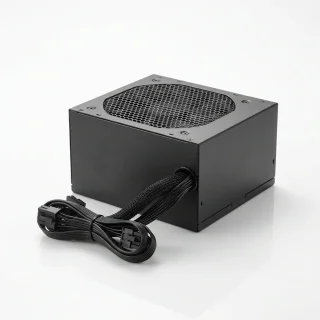
Computer components include PC cases, case fans, CPU coolers, power supplies, internal SSDs and hard drives, thermal paste and thermal pads, with brands including Darkflash, Thermaltake, Seagate and Seasonic. These parts suit new desktop builds and updates to existing systems. Choose according to component dimensions, connections and the requirements of the planned configuration.
Bestsellers

New

New
Arctic Gmbh
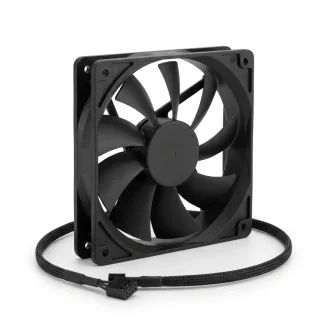
Arctic P12 PRO Reverse PWM PST 120mm Case Fan, Black
Delivery in 5–10 business days
11.40 €
New
New
New
New
Darkflash
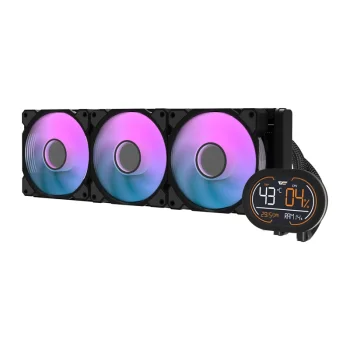
Darkflash DH360D v2 360mm AIO Liquid CPU Cooler, Black
Delivery in 5–12 business days
86.30 €
New
Computer components cover parts for assembling a desktop, updating cooling and adding internal storage. The range includes computer cases, case fans, CPU coolers, computer power supplies, internal SSDs and hard drives. Thermal paste and pads have a dedicated subcategory. Represented brands include Darkflash, Thermaltake, Seagate, Seasonic and other manufacturers.
How to choose computer components
Start with the task: building a system, replacing fans or adding storage space. Compare component dimensions and connections with the planned configuration. Check the stated case format, fan diameter and drive interface before selecting individual parts. For CPU coolers and power supplies, use the compatibility and connection information supplied for the specific product.
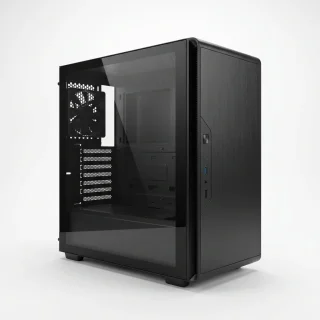
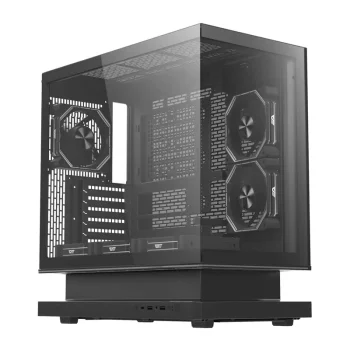
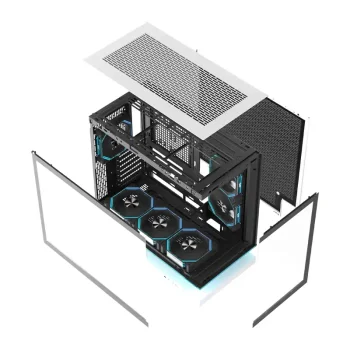
- Computer cases: Options include DarkFlash and Cooler Master cases. Some cases list included ARGB fans, so check the individual model description for the supplied fan count.
- Case fans: Thermaltake, Seasonic, ADATA and be quiet! fans are represented. Compare diameter, pack quantity and listed features such as PWM, ARGB or reverse fan design.
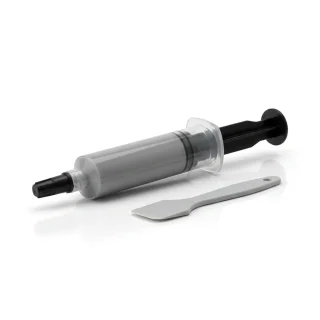
- Thermal paste and pads: Honeywell PTM7950 and ARCTIC TP-3 pads have stated dimensions and thicknesses. Match these measurements to the intended installation area.
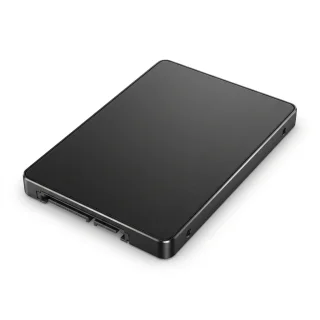
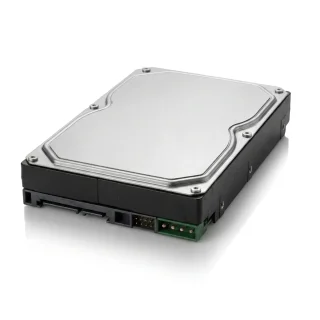
- Internal storage: SSD options include M.2 NVMe and SATA, while the hard drive range includes Seagate SkyHawk. Compare capacity, physical format and interface for the intended computer.
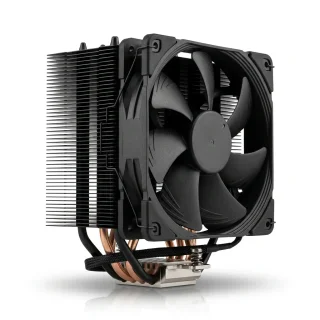
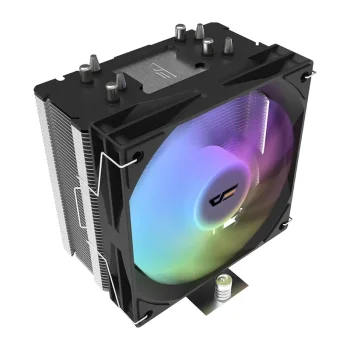
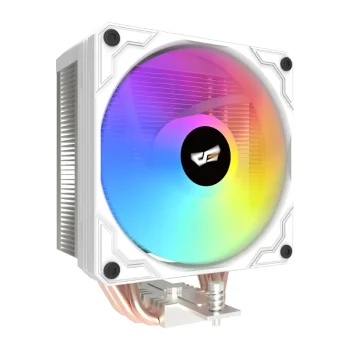
- CPU coolers and power supplies: Dedicated subcategories group these components by purpose. Review individual specifications against the requirements of the rest of the build.
The subcategories support different stages of a computer project, from choosing the enclosure to arranging cooling and storage. When replacing several components together, assess the configuration as a whole so that enclosure dimensions and component connections inform the same purchasing decision.
Frequently Asked Questions
What should I compare when choosing a case fan?
For a case fan, compare diameter and the listed connection or control details. Check the pack quantity as well, since the range includes individual fans and fan kits.
Which thermal pad measurements matter?
Thermal pad length, width and thickness are relevant to selection. Honeywell PTM7950 and ARCTIC TP-3 products state these measurements in their product names.
Do computer cases include fans?
Some computer cases, such as the DarkFlash F1 ATX, explicitly list included ARGB fans. Check the selected case description for its particular contents.
What should I check before choosing an internal drive?
For an internal drive, check capacity, physical format and interface. SSD options include M.2 NVMe and SATA, and the Seagate SkyHawk HDD range includes a 3.5-inch SATA product.
 Gudri pirkumi vienuviet