
-17%
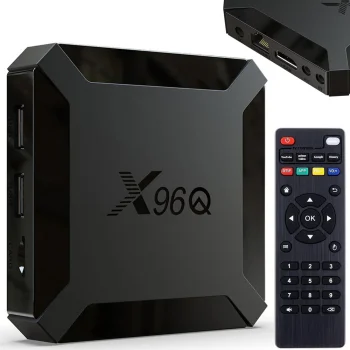
Smart TV Box Media Player Android 10 Black
In stock
24.70 €29.90 €
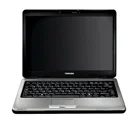
Computers and electronics include laptops, mini PCs, tablets, monitors, audio equipment, networking devices and accessories from brands including Extra Digital, Maclean, Orico and Tech-Protect. The range supports home offices, study, gaming and everyday entertainment. Start with the task you need to perform, then compare connections, power requirements and installation options to narrow down the relevant equipment.
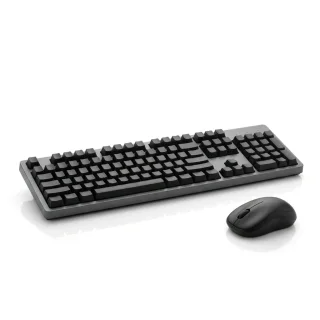
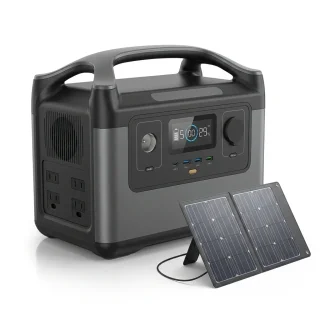
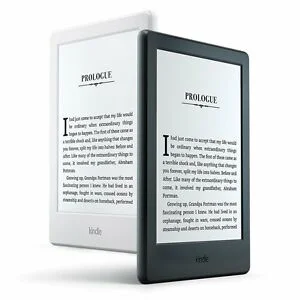
Computers and electronics cover laptops, mini PCs, tablets, smartphones, portable monitors and e-readers, alongside computer components, peripherals and data storage. Brands include Extra Digital, Maclean, Orico, Tech-Protect, Hismart, Darkflash, 3MK and Sunlu. Dedicated product groups also cover televisions, projectors, audio systems, robotics, solar equipment and machines for printing, engraving and cutting.
Identify the main task first: desk work, connecting a display, capturing video, setting up a network or supplying power. For accessories, check the exact device model, connection type and dimensions. Compare voltage and power requirements for electrical equipment, and mounting dimensions and load limits for brackets and stands.
For everyday workspaces, explore peripherals, storage and computer cleaning supplies. Home entertainment groups include televisions, projectors and speaker systems, while technical projects are supported by robot parts, solar inverters and solar panel mounting hardware.
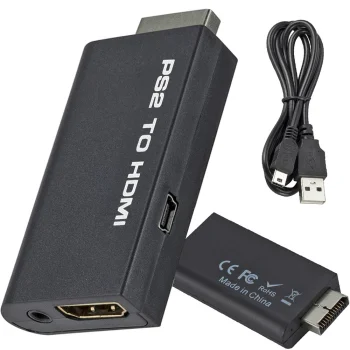
A USB hub provides connections for USB devices, while a video adapter connects particular types of video ports. Choose a USB hub or video adapter according to the ports involved and the function needed.
A power supply needs to match the equipment's required output voltage, power and connector. PoE power equipment also needs to match the device's supported method of receiving power.
A TV mount should match the television's mounting dimensions and weight, as well as the intended installation location. Wall brackets, stands and carts provide different placement options.
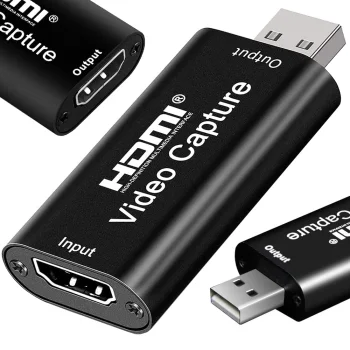
A video capture card captures a video signal, while an HDMI adapter adapts particular connections. Choose according to whether the task is capturing video or connecting equipment with different ports.
+371 20408041
info@motivs.lv
Duntes 56, Rīga, LV-1005, Latvija
Monday: 10:00 - 19:00
Tuesday: 10:00 - 19:00
Wednesday: 10:00 - 19:00
Thursday: 10:00 - 19:00
Friday: 10:00 - 19:00
Saturday: Closed
Sunday: Closed
 Gudri pirkumi vienuviet
