
Bestseller
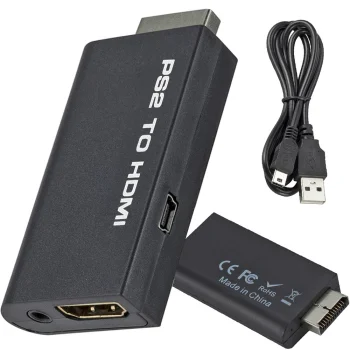
PS2 to HDMI audio adapter for PlayStation 2 gaming, black
In stock
6.80 €
Other computer cables and adapters include Ugreen and Vention printer cables, display adapters, USB network adapters, audio cables and USB video capture devices for digitising VHS recordings. They suit computer setups that need a printer, display, wired network connection or recording source. Choose by connector type, signal direction and the cable length needed between devices.
Other computer cables and adapters cover printer connections, display connections, wired networking and video capture. Products include Ugreen and Vention USB printer cables, Mini DisplayPort to HDMI adapters, DisplayPort to HDMI adapters and Ugreen HDMI to VGA adapters. Audio cables and camera USB cables serve additional equipment connections.
Check the exact device model and the connectors needed at both ends. For display adapters, identify the signal source and the display input: the stated conversion direction matters. Choose cable length around the distance between devices, allowing for the route behind a desk. Where a setup needs separate audio or power connections, check the individual adapter description for those ports.
A printer workstation calls for a matching USB cable, an external display needs the appropriate display adapter, and a video archive project uses a capture device. Start with the task, then compare the connections needed to complete it.
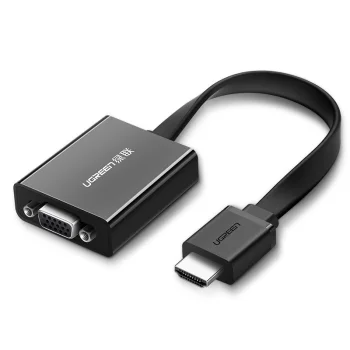
Choose a display adapter that matches the computer's video output and the display's input. The conversion direction must also match the setup, such as DisplayPort to HDMI.
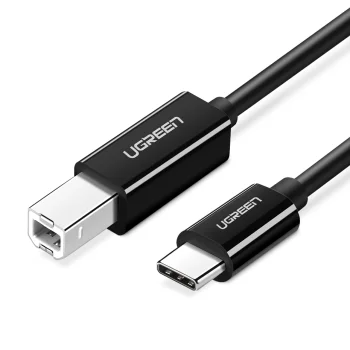
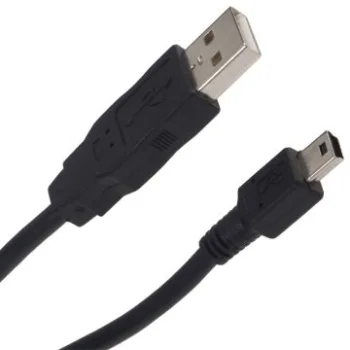
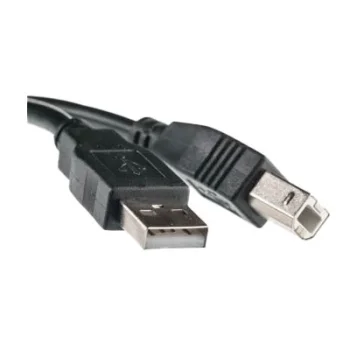
A USB-A to USB-B printer cable suits a connection between a computer with a USB-A socket and a printer with a USB-B socket. Choose a length that accommodates the distance and cable route.
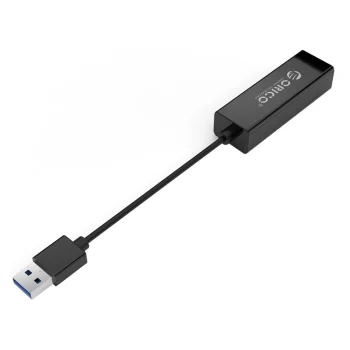
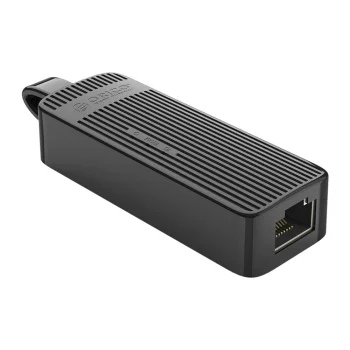
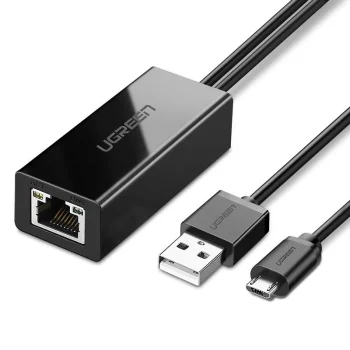
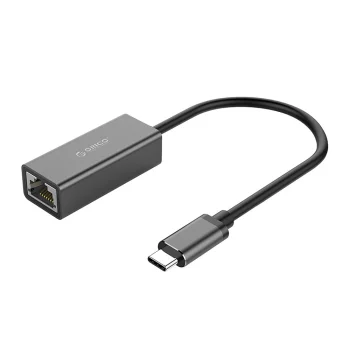
A USB to RJ45 adapter provides a wired network connection through a computer's USB port. Compare the adapter's stated network speed and USB interface.
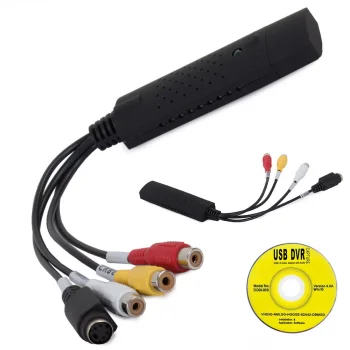
A USB VHS capture device is used to digitise analogue video recordings on a computer. The capture device inputs must match the playback equipment outputs.
+371 20408041
info@motivs.lv
Duntes 56, Rīga, LV-1005, Latvija
Monday: 10:00 - 19:00
Tuesday: 10:00 - 19:00
Wednesday: 10:00 - 19:00
Thursday: 10:00 - 19:00
Friday: 10:00 - 19:00
Saturday: Closed
Sunday: Closed



 Gudri pirkumi vienuviet