
Computer cables and adapters
Computer cables and adapters include DisplayPort to HDMI adapters, travel plug adapters, power cables and RF and coaxial cables. Brands represented include Maclean, Hismart, Tech-Protect, Extra Digital, SBS, Wozinsky, Ugreen and Orico. This category suits shoppers connecting computer peripherals, displays or devices with different plugs; the key choice is to match the connectors, connection direction and intended use.
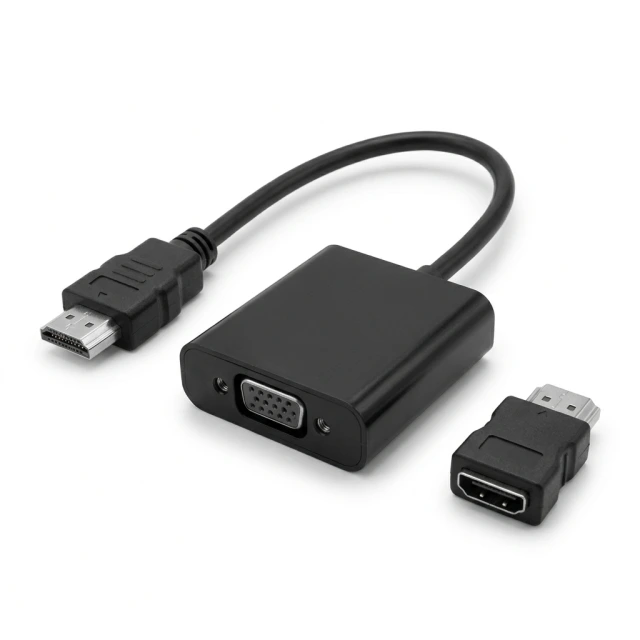
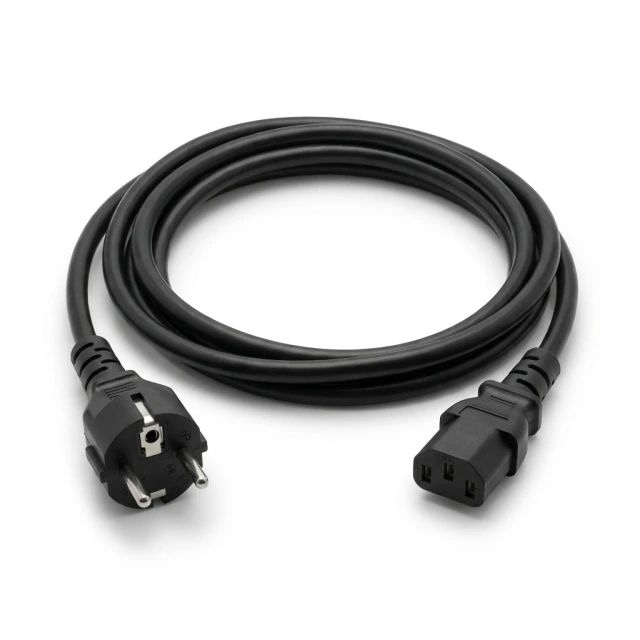
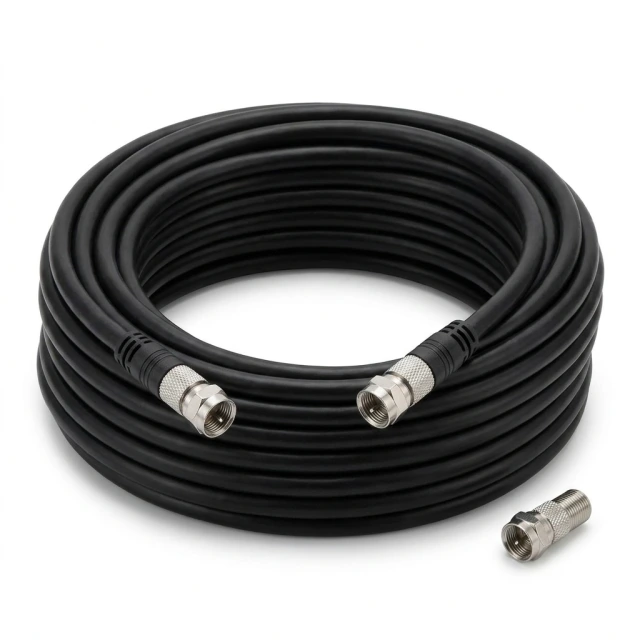
Bestsellers
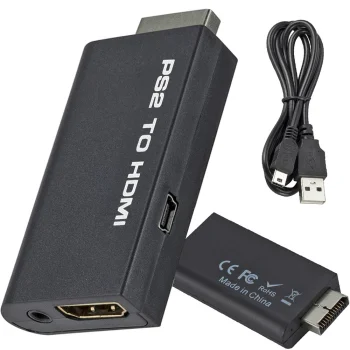
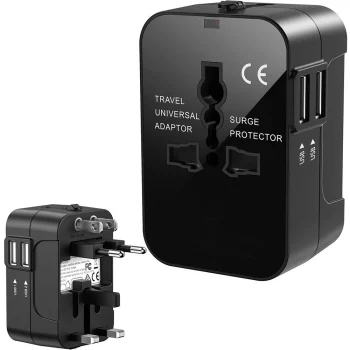
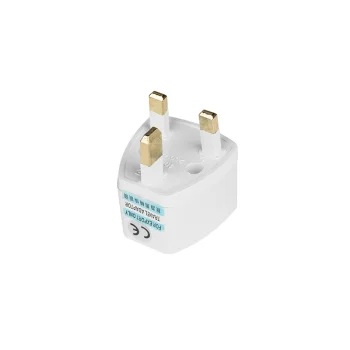
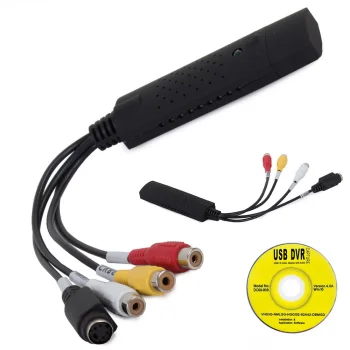
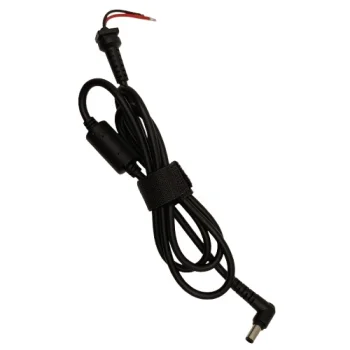
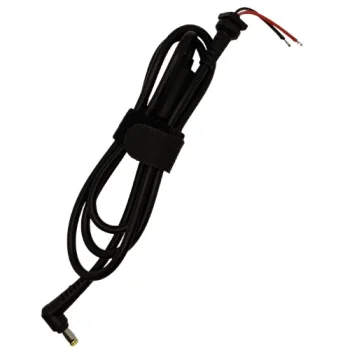
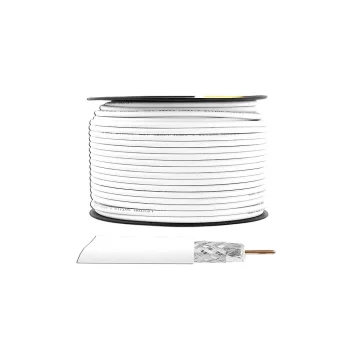
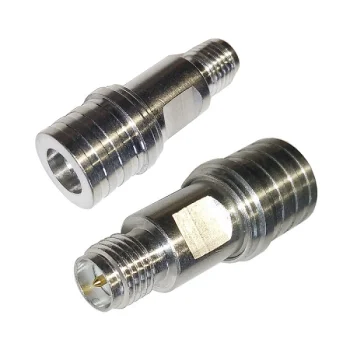
Computer cables and adapters cover several kinds of connections rather than a single cable format. The category includes Mini DisplayPort to HDMI and DisplayPort to HDMI adapters, a USB-A to USB-B printer cable, travel plug adapters and a USB video grabber for VHS conversion. Its subcategories group other cables and adapters, including VGA-related items and receivers, socket adapters, power cables, and RF and coaxial cables. Brands represented include Maclean, Hismart, Tech-Protect, Extra Digital, SBS, Wozinsky, Ugreen and Orico.
How to choose computer cables and adapters
Identify the ports or plugs on both items you want to connect before looking at a product name. For a video adapter, check the stated direction: DisplayPort to HDMI describes a different connection from HDMI to DisplayPort. Distinguish Mini DisplayPort from DisplayPort, and check whether the specified end is a plug or a socket. When choosing a cable, compare its connector types and listed length with your setup. For a travel plug adapter, check the plug and socket formats named on the particular item; a plug adapter should not be selected solely because it lists a destination.
- Video adapters: options include Mini DisplayPort to HDMI and DisplayPort to HDMI. Match the input and output connections to your devices.
- Printer cables: a USB-A to USB-B cable is listed for printer or scanner connections. Check the port types before selecting a cable.
- Travel plug adapters: listed examples include UK to EU and EU to UK plug adapters. Check which direction your plug and socket require.
- Power cables: these have a separate subcategory from socket adapters. Match the cable connectors to the equipment.
- RF and coaxial cables: use their dedicated subcategory when those connection types are needed.
- Video capture devices: a USB video grabber with an AV connection is listed for digitising VHS tapes.
For a display connection, start with the video adapter and other cable listings. For a wall socket, power connection or coaxial connection, use the corresponding subcategory and compare the exact connector details on the individual product.
Frequently Asked Questions
Can a DisplayPort to HDMI adapter be used in reverse?
A DisplayPort to HDMI adapter is labelled for a particular connection direction. Check for an adapter explicitly described for HDMI to DisplayPort if that is the direction you need.
How do I choose a travel plug adapter?
For a travel plug adapter, compare your device's plug with the socket format at the destination. The listed UK to EU and EU to UK adapters describe different directions.
Which cable should I check for a printer with a USB-B port?
A USB-A to USB-B printer cable is listed in this category. Confirm the ports on both the printer and the connecting device, and check the cable length.
What is the USB video grabber for?
The listed USB video grabber with an AV connection is intended for digitising VHS tapes. Check its connections against your source device before selecting it.


