0

HDD/SSD Drive Enclosures & Adapters

62 products

Discover HDD/SSD enclosures and adapters: external 2.5" and 3.5" cases, M.2 NVMe/SATA enclosures, docking stations, and SATA–USB converters. Turn an internal drive into portable storage, back up data, and migrate files with ease.

Choose models with USB-C or USB 3.2, UASP support, shock absorption, and solid cooling. Ideal for home, office, travel, and professional workflows where safe, fast, and convenient storage matters.

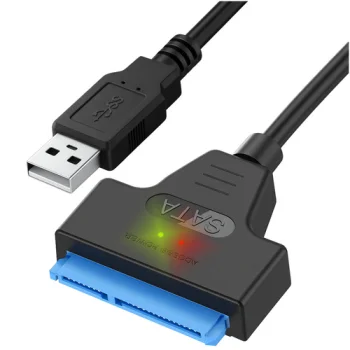
Izoxis USB to SATA 3.0 Adapter for 2.5" HDD/SSD, Black
Izoxis

-14%

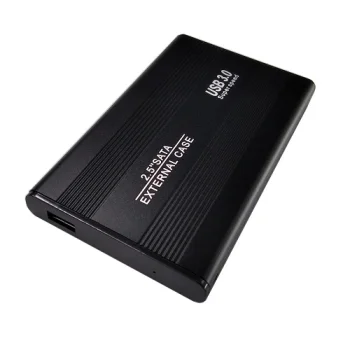
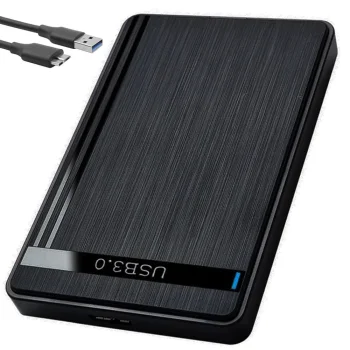
2.5" HDD / SSD Enclosure USB 3.0 SATA Black
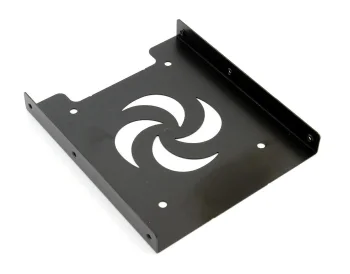
2.5" to 3.5" HDD/SSD Mounting Adapter AK294
Generic

-10%

External 2.5'' HDD SSD SATA Hard Drive Case to USB 3.0, Black
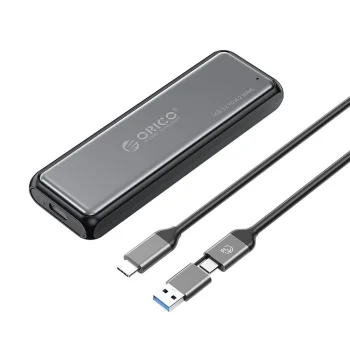
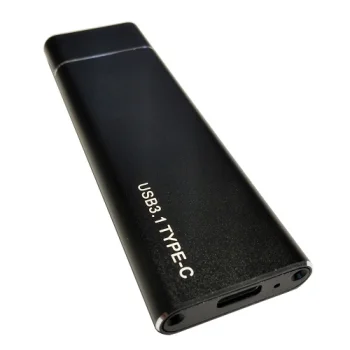
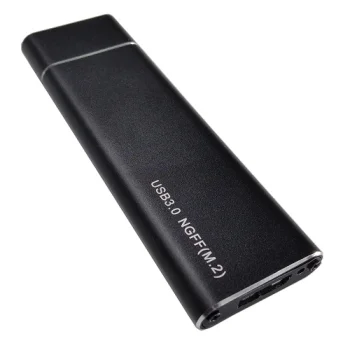
M.2 SATA NGFF Hard Drive Enclosure USB 3.1 Type-C 2230-2280mm, Black
M.2 SATA NGFF Hard Drive Enclosure USB 3.1 Type-C 2230-2280mm, Silver
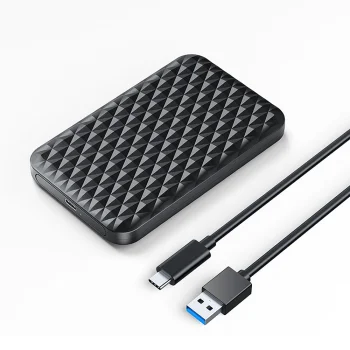
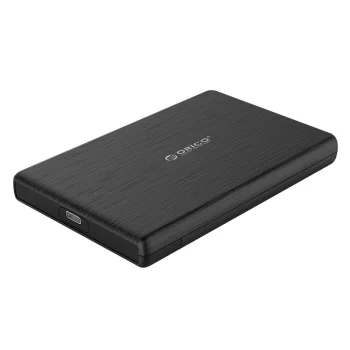
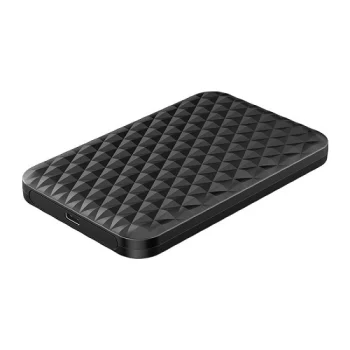
Orico 2520C3-V1 2.5" HDD/SSD USB-C External Drive Enclosure, Black
Orico
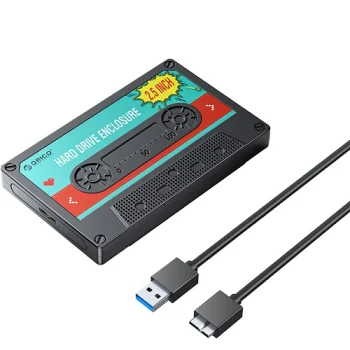
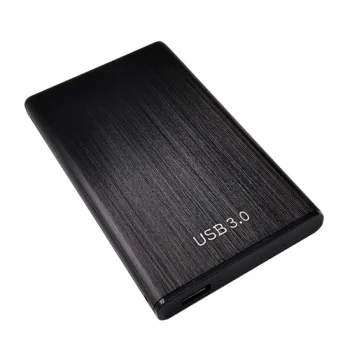
2.5 Inch Hard Drive Enclosure USB 3.0 to SATA Adapter Case for SSD HDD

-9%

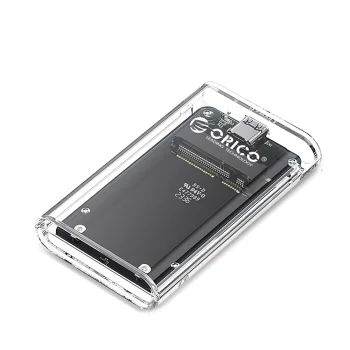
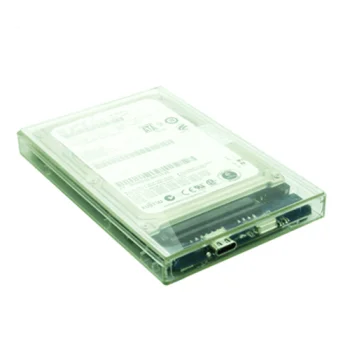
2.5" Drive Pocket HDD/SSD USB-C 5Gbps - transparent
Orico
New
2.5" HDD/SSD Enclosure ORICO 2189C3 USB-C 5Gbps
Orico
New
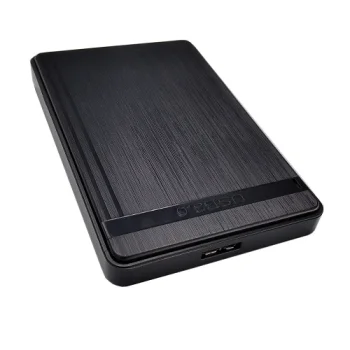
2.5" HDD/SSD Enclosure ORICO 2580U3, USB 3.0, Black
Orico
New
2.5" SATA HDD / SSD External Drive Enclosure USB 3.0, Black
Extra Digital
New
2.5" SATA HDD / SSD External Enclosure, USB 3.1 Type-C, Clear
Extra Digital
New
2.5" SATA HDD and SSD External Enclosure USB 3.0, Black
Extra Digital
New
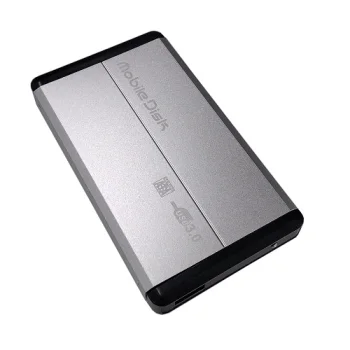
2.5" SATA HDD External Enclosure USB 3.0, Silver
Extra Digital
New
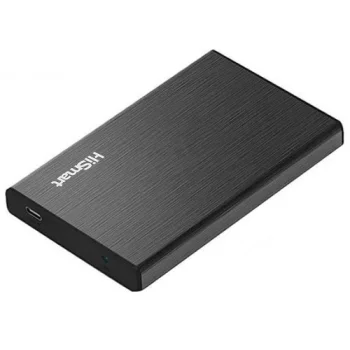
2.5" SATA HDD/SSD Enclosure USB 3.0 Type-C, Black
Hismart
New
2.5" SATA HDD/SSD External Drive Enclosure USB 3.1 Type-C, Black
Extra Digital
New
2.5" SATA HDD/SSD External Enclosure USB 2.0, Transparent
Extra Digital
New
2.5" SATA HDD/SSD External Enclosure USB 3.0, Transparent
Extra Digital
New
2.5" SATA HDD/SSD External Enclosure USB 3.1 Type-C, Black
Extra Digital
New
2.5"/3.5" SATA HDD/SSD External Enclosure USB 3.0, Black
Extra Digital
New
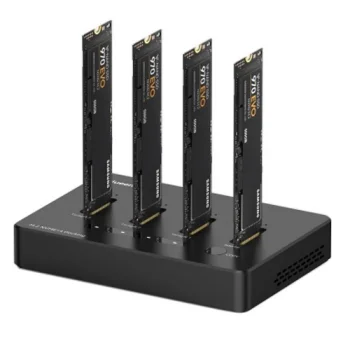
4-Bay M.2 NVMe SSD Docking Station, USB-C and USB-A
Extra Digital
New
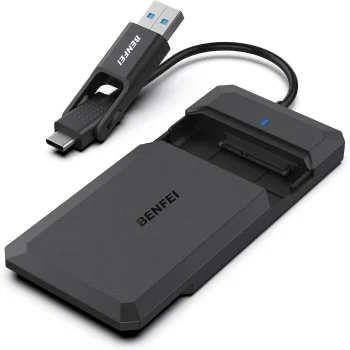
Benfei 2.5" SATA SSD Enclosure with USB-C/USB-A Cable, Black
Benfei
New
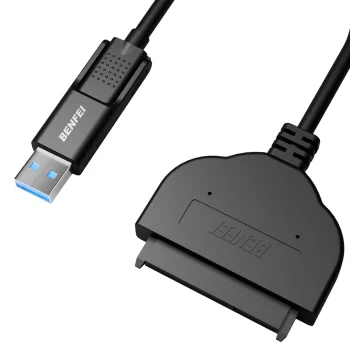
BENFEI USB-C & USB-A 3.0 to SATA III Cable Adapter for 2.5 HDD SSD, Black
Benfei
New
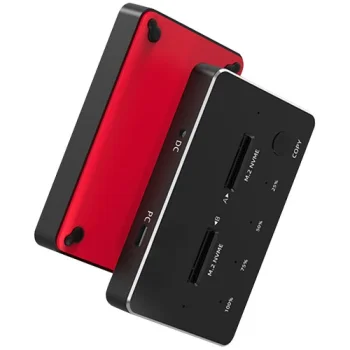
Dual Bay M.2 SATA/NVMe SSD Docking Station, USB-C, USB-A, Black
Extra Digital
New
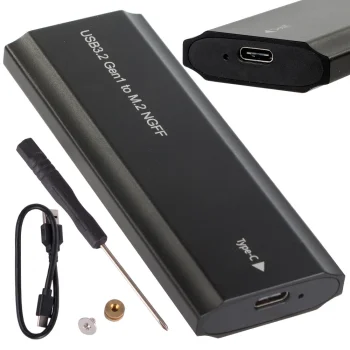
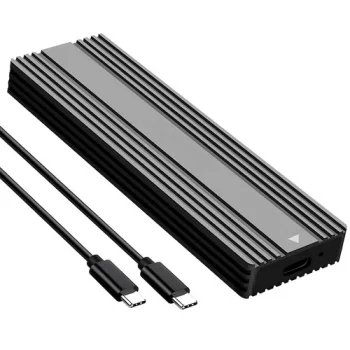
External M.2 SSD Enclosure USB 3.1 Type-C
Extra Digital
New
Freewell Pro SSD Link Drive Adapter M.2 2230 NVMe, FW-CR04
Freewell
New
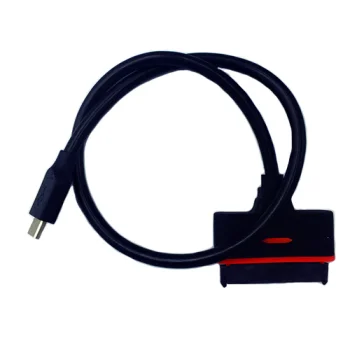
HDD Cable SATA to Type-C (USB 3.1)
Extra Digital
New
Lexar LPAE06N M.2 NVMe SSD Drive Enclosure 10Gbps USB-C, Silver
Lexar
New
M.2 NVMe / NGFF SSD External Enclosure USB 3.2 Type-C 20Gbps RGB
Extra Digital
New
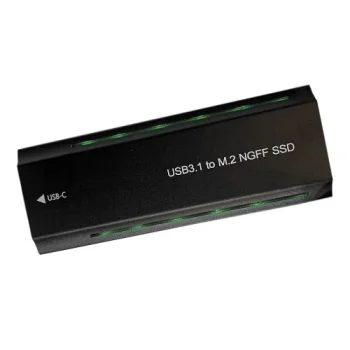
M.2 NVMe and NGFF SSD External Enclosure USB 3.1
Extra Digital
New
M.2 NVMe and SATA SSD Dual Bay Docking Station with Offline Clone
Extra Digital
New
M.2 PCIe NVMe SSD External Enclosure USB 3.1 Type-C, Black
Extra Digital
New
M.2 SATA and NVMe SSD Docking Station, USB-C 10Gbps, Dark Gray
Hismart
New
Maclean MC-655 HDD/SSD Mounting Bracket Adapter 2.5" to 3.5", Silver
Maclean
New

-15%

Maclean MCE443 M.2 NVMe/SATA SSD External Enclosure, USB 3.1, Aluminum
Maclean


This category features a full range of HDD/SSD enclosures and adapters for seamless storage connectivity. Explore external cases for 2.5" and 3.5" drives, M.2 (SATA and NVMe) enclosures, universal docking stations, SATA–USB/IDE–USB adapters, and laptop caddies that let you install a 2.5" drive in place of an optical bay.

Common use cases include backups, long-term archiving, large media storage, recovering data from old drives, and system upgrades involving cloning or data migration. On the go, an external enclosure turns an internal drive into a compact, high-capacity portable disk, while in the office, a dock lets you switch between multiple drives in seconds.

Key benefits are tool-free assembly on many models, broad compatibility, and high transfer speeds. USB 3.2 Gen 1/Gen 2 and USB-C connections provide fast, modern interfaces, and UASP helps accelerate large file transfers. Note that 3.5" drives typically require external power, whereas many 2.5" and M.2 setups run bus-powered over USB.

Materials matter: aluminum enclosures deliver better heat dissipation and rigidity, ABS plastic keeps weight down, and silicone dampers reduce shocks. M.2 enclosures benefit from thermal pads and ventilation, while 2.5"/3.5" cases need secure mounting and vibration control. Some models add extras such as hardware encryption, RAID modes, or locking mechanisms for added security.

How to choose: first match the drive type and form factor — 2.5" or 3.5" SATA HDD/SSD, or M.2 SATA/NVMe (lengths 2230/2242/2260/2280). M.2 NVMe and M.2 SATA use different protocols and aren’t interchangeable, so check the keying (B/M) and interface. Consider the host connection (USB-A, USB-C, and in some models, Thunderbolt), rated speeds, UASP/TRIM support, and power needs for 3.5" drives.

If mobility is a priority, pick a lightweight, shock-resistant case with solid thermals and a short, quality cable. For home and office, docking stations with standalone cloning and multi-bay support are convenient. For professional, sustained workloads, prioritize robust aluminum builds with well-designed passive cooling.

  • Supports 2.5", 3.5" and M.2 (SATA/NVMe) drive formats.
  • Fast interfaces: USB 3.2, USB-C, with UASP acceleration.
  • Quick, often tool-free installation and setup.
  • Durable materials and thermal design for reliability.
  • Works with Windows, macOS, and Linux without extra drivers.
  • Optional features: docks, cloning, encryption, RAID (model-dependent).
  • Perfect for backup, archiving, migration, and mobile workflows.

Frequently Asked Questions

Most enclosures support 2.5" or 3.5" SATA HDD/SSD, while M.2 enclosures fit M.2 SATA or NVMe drives (check B/M keying and length such as 2280). Universal adapters may also handle legacy IDE/SATA. Laptop caddies typically accept 2.5" SATA drives.

Yes. 3.5" drives generally require a separate power supply or an enclosure with a bundled adapter. Many 2.5" and M.2 solutions are bus-powered via USB, though a Y-cable may be needed if a port supplies insufficient current.

Installation is straightforward: open the enclosure, insert the drive, close it, and connect the cable. Most systems (Windows, macOS, Linux) recognize it automatically. New drives may need initialization and formatting before first use.

Choose an enclosure with good heat dissipation (e.g., aluminum) and keep vents unobstructed. Always eject safely, avoid shocks, and use a protective pouch for travel. Back up regularly; consider encryption for sensitive files.