
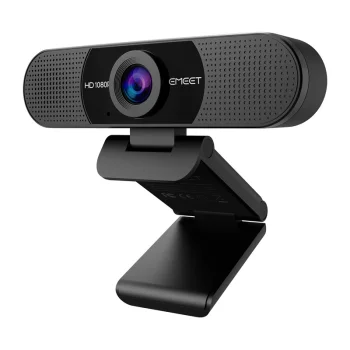
Emeet
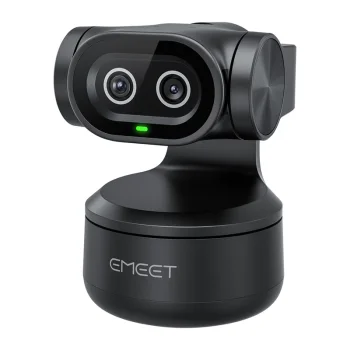
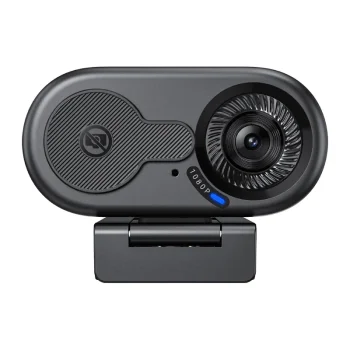
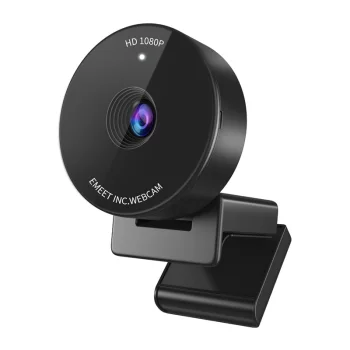
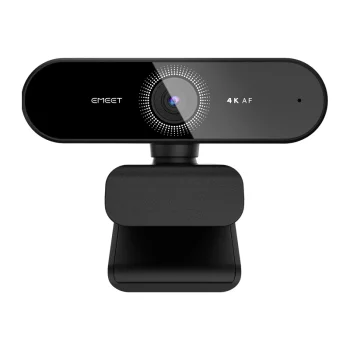
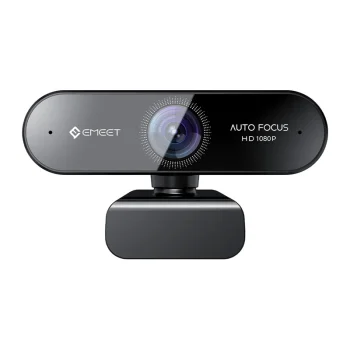
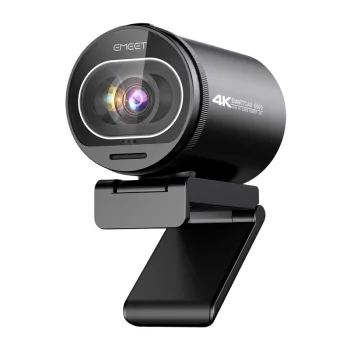
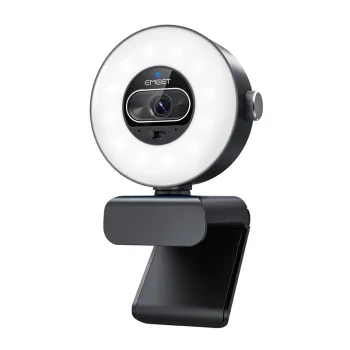
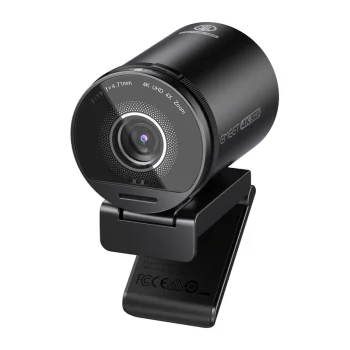
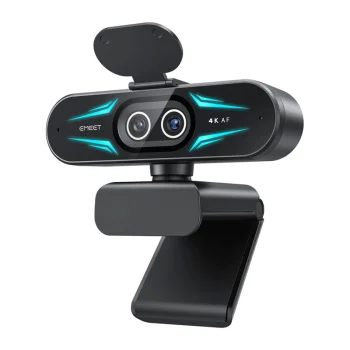
EMEET SmartCam C960 Full HD 1080p 30fps 90° USB-A Webcam
Delivery in 5–12 business days
26.50 €
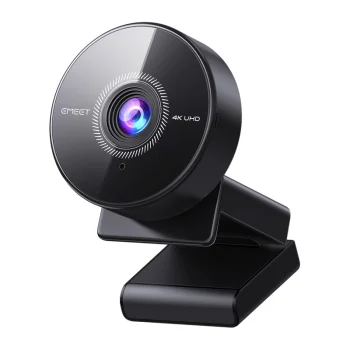
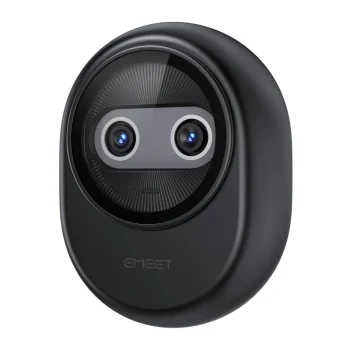
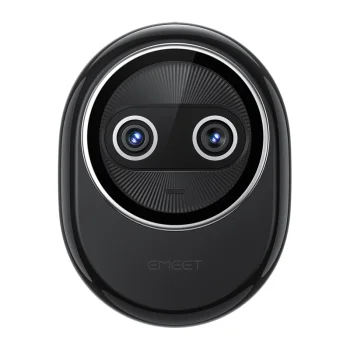
Webcams for computers include HD, Full HD and 4K models, conference cameras and privacy sliders, with brands including Emeet, Obsbot, Kandao, Insta360, Nanors and Ugreen. They suit individual video calls, remote lessons and group meetings. Choose according to the image resolution, field of view, connection and microphone features needed for your desk or meeting space.
Webcams for computers cover individual video calls, remote learning and meetings with several participants. The range includes HD, Full HD and 4K webcams, Kandao conference cameras and sliding privacy covers. Brands include Emeet, Obsbot, Kandao, Insta360, Nanors and Ugreen. A useful starting point is whether the camera needs to frame one person at a desk or several people around a meeting space.
Compare resolution and field of view alongside the audio features needed for your calls. Resolution describes image detail, while field of view determines how much of the surrounding area appears in the frame. Check the chosen webcam's connection and software requirements against your computer. If you already use a separate microphone, consider how the camera fits into that setup.
For a personal workstation, focus on framing, resolution and microphone needs. For shared meeting spaces, camera coverage becomes especially important. Privacy covers offer a separate physical way to cover the lens when video is not needed.
HD, Full HD and 4K webcams differ in image resolution. Full HD corresponds to 1080p, while 4K offers greater image detail; video-call settings also affect the resulting picture.
Some webcams have built-in microphones. Selected conference cameras also include speakers, so compare the audio features listed for each model.
A conference camera's field of view should match the participants' seating arrangement. Kandao conference camera options include 180° and 360° coverage for different meeting layouts.
A webcam privacy slider physically covers the lens when the camera is not needed. The cover's dimensions should suit the available space around the camera.
+371 20408041
info@motivs.lv
Duntes 56, Rīga, LV-1005, Latvija
Monday: 10:00 - 19:00
Tuesday: 10:00 - 19:00
Wednesday: 10:00 - 19:00
Thursday: 10:00 - 19:00
Friday: 10:00 - 19:00
Saturday: Closed
Sunday: Closed
 Gudri pirkumi vienuviet
