
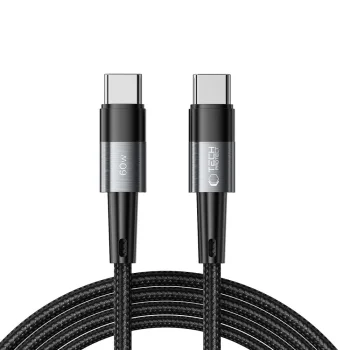
Bestseller
USB Type C to USB Type C Charging and Data Cables
202 products
USB Type C to USB Type C cables include charging and data cables from Tech-Protect, Joyroom, Baseus and other brands, with USB Type C connectors at both ends. They suit users connecting devices with matching ports at a desk, beside a bed or while travelling. Compare the stated power rating, cable length and connector shape to find a suitable option for your setup.
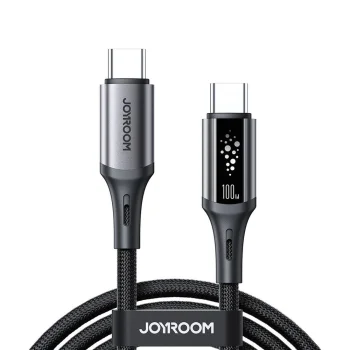
New

Bestseller
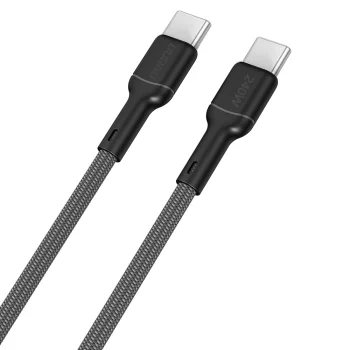
New
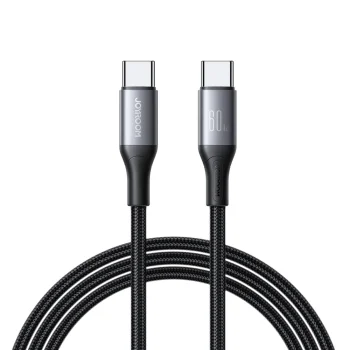
New

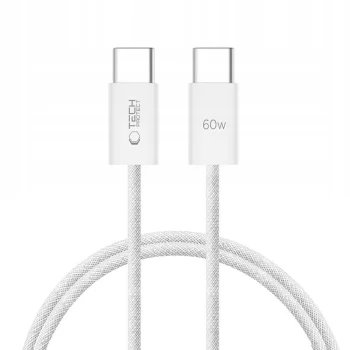
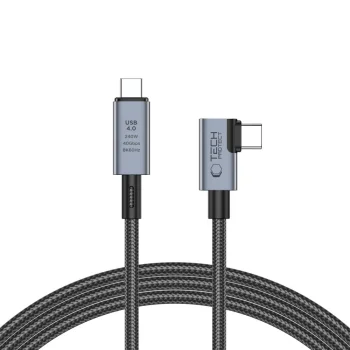
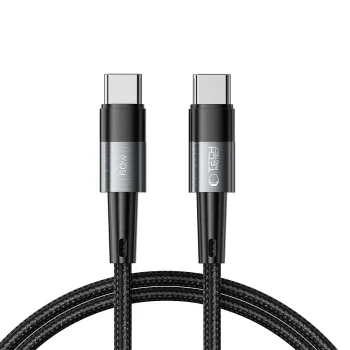
-13%
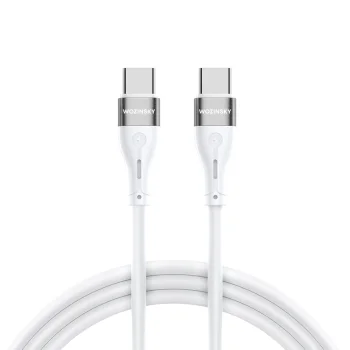
New


New
Samsung
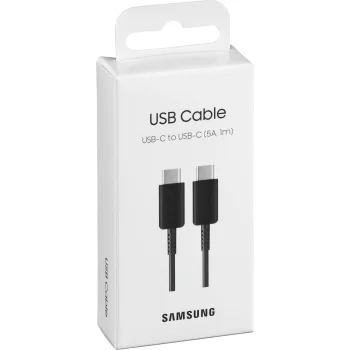
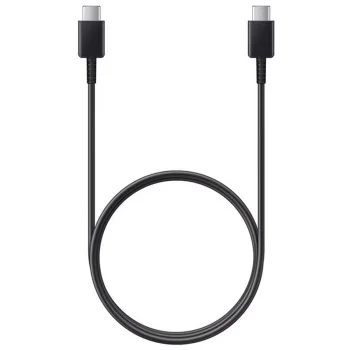
Samsung EP-DN975BBEGWW USB-C to USB-C cable, 100 W, 1 m, black
Delivery in 5–12 business days
15.90 €

-14%
New
Tech-Protect
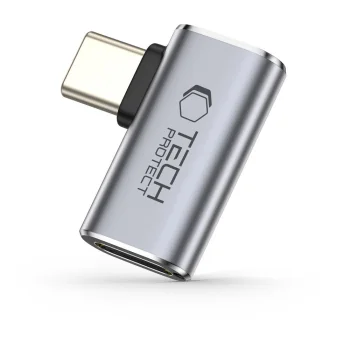
Tech-Protect Ultraboost AA01 Angled USB-C Adapter - Gray
Delivery in 5–12 business days
7.80 €
New
New
New
New
Samsung
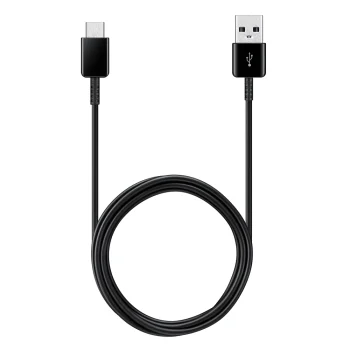
Samsung EP-DA905BBE USB-C to USB-C 3A Cable 1m - Black (Bulk)
Delivery in 5–12 business days
7.60 €
New
-9%
New
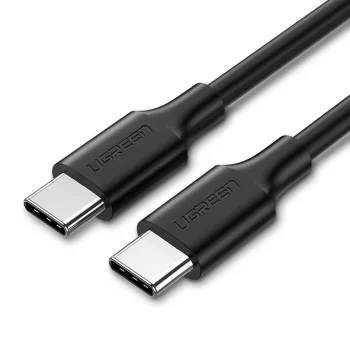
New

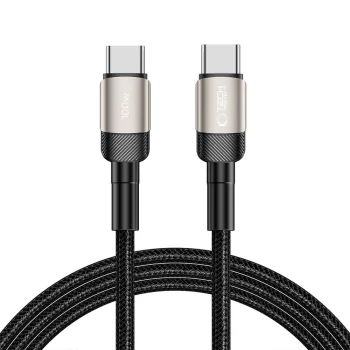
Tech-Protect
Tech-Protect UltraBoost Evo USB-C to USB-C Cable 100W 5A 2m - Titanium
Delivery in 5–12 business days
10.40 €
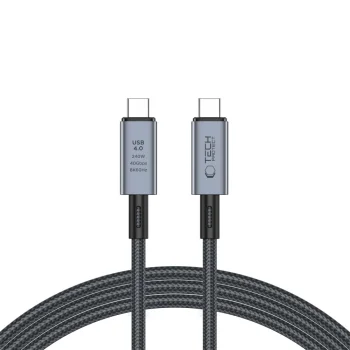
Tech-Protect
Tech-Protect UltraBoost Max USB-C cable, 240 W, 40 Gbps, 2 m, grey
Delivery in 5–12 business days
15.90 €
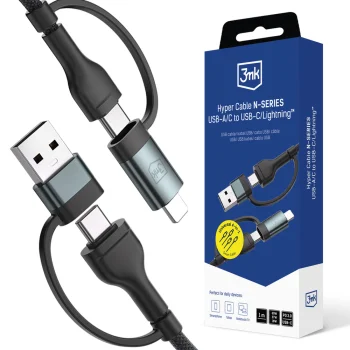
New
3MK
3mk Hyper Cable N-SERIES 2 in 2 USB-A/C to USB-C/Lightning 1.2m 60W - Black
Delivery in 5–12 business days
8.70 €
New
3MK
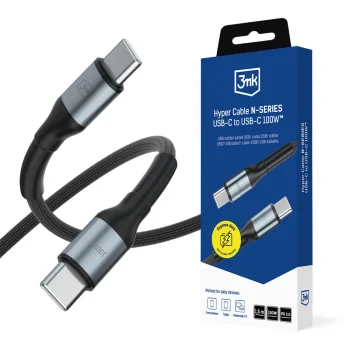
3mk Hyper Cable N-SERIES USB-C / USB-C Cable 1.5m 100W PD 3.0 QC 3.0 - Black
Delivery in 5–12 business days
8.70 €
New
-9%
3MK
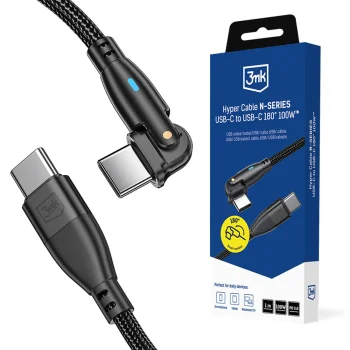
3mk Hyper Cable N-SERIES USB-C / USB-C Cable 1m 100W 180° PD QC 3.0 - Black
Delivery in 5–12 business days
10.30 €11.30 €
New
-9%
3MK
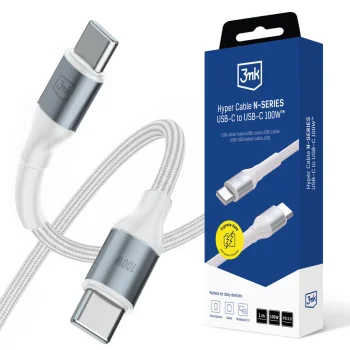
3mk Hyper Cable N-SERIES USB-C to USB-C Cable 100W 1m, White
Delivery in 5–12 business days
9.80 €10.80 €
New
-9%
3MK
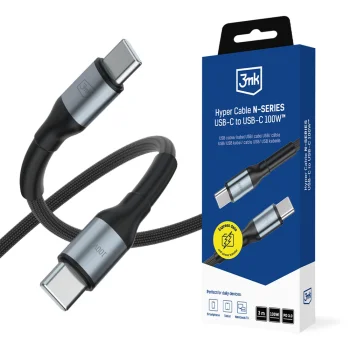
3mk Hyper Cable N-SERIES USB-C to USB-C Cable 100W 3m - Black
Delivery in 5–12 business days
10.70 €11.80 €
New
3MK
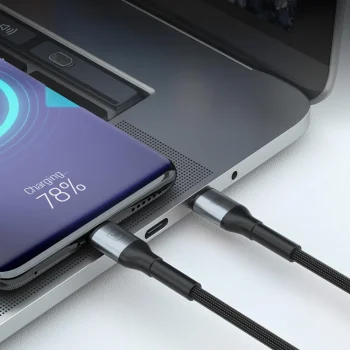
3mk Hyper Cable N-SERIES USB-C to USB-C Cable 1m 100W, Black
Delivery in 5–12 business days
8.20 €
New
-9%
3MK
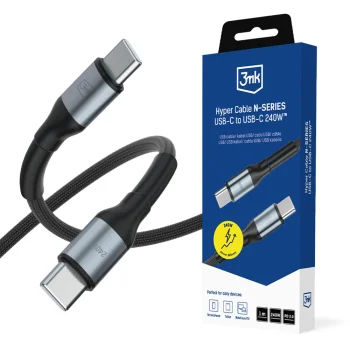
3mk Hyper Cable N-SERIES USB-C to USB-C Cable 1m 240W - Black
Delivery in 5–12 business days
9.80 €10.80 €
New
3MK
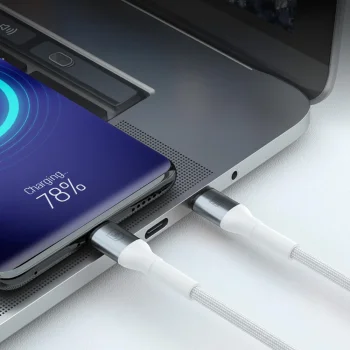
3mk Hyper Cable N-SERIES USB-C to USB-C Cable 1m 60W, White
Delivery in 5–12 business days
7.70 €
New
-9%
3MK
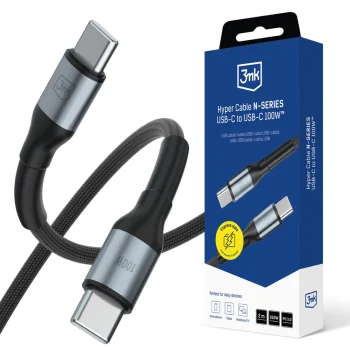
3mk Hyper Cable N-SERIES USB-C to USB-C Cable 2m 100W - Black
Delivery in 5–12 business days
9.80 €10.80 €
New
-9%
3MK
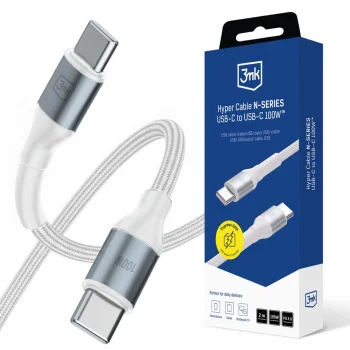
3mk Hyper Cable N-SERIES USB-C to USB-C Cable 2m 100W PD 3.0 QC 3.0 - White
Delivery in 5–12 business days
9.80 €10.80 €
New
-9%
3MK
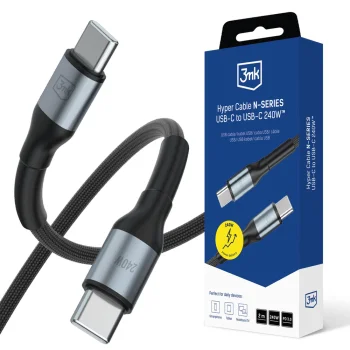
3mk Hyper Cable N-SERIES USB-C to USB-C Cable 2m 240W 48V/5A, Black
Delivery in 5–12 business days
10.70 €11.80 €
USB Type C to USB Type C charging and data cables connect equipment through USB Type C ports at both ends. Brands include Tech-Protect, Joyroom, Baseus, Dudao, Newell, 3MK, Orico, Samsung and Spigen. Options include cables rated at 60 W or 100 W, models listing PD support, nylon-covered cables and angled connectors. These features vary by product rather than applying to every cable.
How to choose USB Type C to USB Type C cables
Check compatibility with your exact device model and charger first. Then compare the cable's stated power rating, length and data transfer specifications. Charging performance depends on the device, charger and cable working together. A power rating alone does not establish file transfer speed. Measure the distance between ports and consider how the cable will run across a desk or beside furniture.
- Power rating: Options include cables labelled 60 W and 100 W. Match the stated rating to your charging requirements and the capabilities of the connected equipment.
- Cable length: A shorter cable can reduce excess cable between nearby ports. A longer cable provides more reach when the connection points are farther apart.
- Angled connectors: Joyroom offers an angled cable option. Consider the direction the cable needs to take immediately beside the device port.
- Cable covering: Some Baseus cables specify a nylon covering. Check the individual description when comparing cable materials.
- Data transfer: Charging and data cables can serve file transfer needs as well as charging. Compare the listed data specifications separately if transfer speed matters.
Choose USB Type C to USB Type C cables around everyday uses such as a desk charging setup, bedside charging or carrying a cable in a bag. Length, connector shape and the stated charging and data capabilities provide practical points of comparison.
Frequently Asked Questions
Which connectors does a USB Type C to USB Type C cable have?
A USB Type C to USB Type C cable has a USB Type C connector at each end. Check the ports and supported charging specifications of your exact device model and charger.
What is the difference between 60 W and 100 W USB C cables?
The 60 W and 100 W labels indicate different supported charging power ratings for USB C cables. Actual charging power also depends on the connected device and charger.
Can USB Type C to USB Type C cables transfer files?
The range includes USB Type C to USB Type C charging and data cables. Check the individual cable description for its data transfer capabilities and any stated transfer speed.
When should I choose an angled USB C cable?
An angled USB C cable changes the direction in which the cable leaves the connector. This option is worth considering when the device position or space beside the port affects cable routing.
What are the most popular 2026 products in category - USB Type C to USB Type C Charging and Data Cables
- Baseus Cafule Cable USB Type C to USB Type C (PD-2.0 QC-3.0) 60W 2m, Black / Red
- UGREEN USB Type C Data Charging Cable to 0.5m, Black
- Baseus Cafule Nylon USB Type C to USB Type C Data Charging Cable 100W, 2m, Black
- Baseus Cafule Cable USB Type C to USB Type C (PD-2.0 QC-3.0) 60W 1m, Black
- XO NB-Q190A USB Type C to USB Type C Data Charging Cable 60W, 1m, White
What are the newest products in category - USB Type C to USB Type C Charging and Data Cables
- Tech-Protect Ultraboost Lite USB-C to USB-C cable, 60 W, 50 cm, white
- Tech-Protect Ultraboost Lite USB-C to USB-C cable, 60 W, 150 cm, white
- Newell USB-C to USB-C 4.0 cable, 1 m, 100 W, graphite
- Newell USB-C to USB-C silicone cable, 100 W, 2 m, grey
- USB-C to USB-C Cable Maclean MCE492, 100W, PD, 10 Gbps, 5A, 2m, Black
 Gudri pirkumi vienuviet