
Bestseller
USB and USB Type C Charging and Data Cables
143 products
USB and USB Type C cables include charging and data cables from Baseus, Dudao, Ugreen and Samsung, alongside Baseus cables with multiple connectors. They suit phone users connecting a device to a charger or computer. Choose by the connectors at both ends, the length needed for your setup and the stated current or power rating.
-24%
Tech-Protect
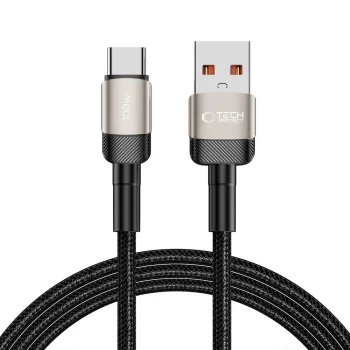
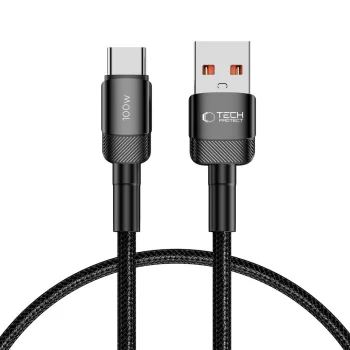
Tech-Protect UltraBoost Evo USB-C / USB-A Cable 100W 5A 0.5m, Black
In stock
6.20 €8.20 €
New

New
New
-27%
New
Joyroom
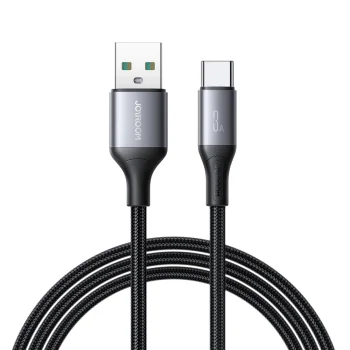
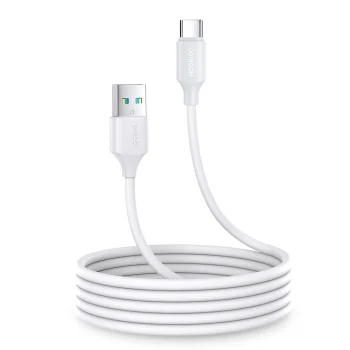
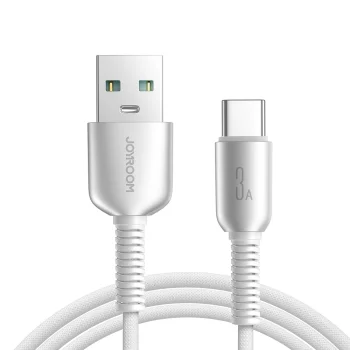
Joyroom S-A51 Cutting-Edge Series USB-A to USB-C Cable, 3A, 1.2m, Light Gray
Delivery in 5–12 business days
6.40 €

Joyroom
Joyroom S-A53 USB-C to Lightning Cable with Fluorescent Tip 1.2m - Beige
Delivery in 5–12 business days
6.90 €
New
-9%

Samsung
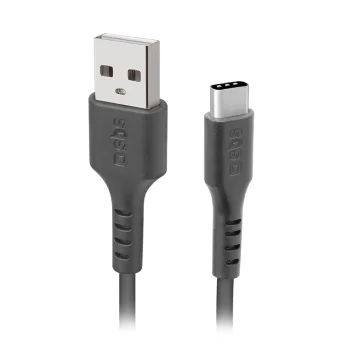
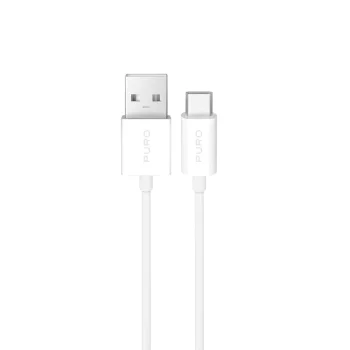
Samsung EP-DG930 USB-A to USB-C data cable, 1.5 m, black
Delivery in 5–12 business days
11.70 €
New

-11%
Maxlife
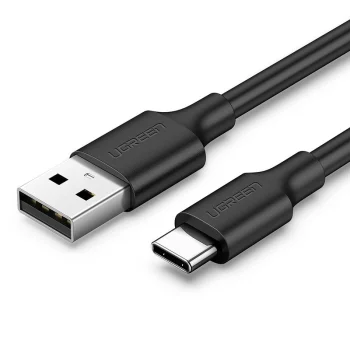
Maxlife MXUC-03 Magnetic Cable 3-in-1 USB to Lightning / USB-C / microUSB 1m 3A, Black
Delivery in 7–15 business days
10.60 €11.90 €
Orico
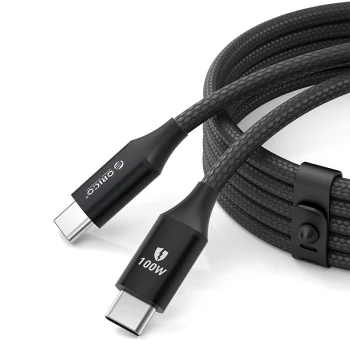
Orico CDX 100W 5A Power Delivery USB-C to USB-C Cable 1m, Black
Delivery in 5–12 business days
8.70 €
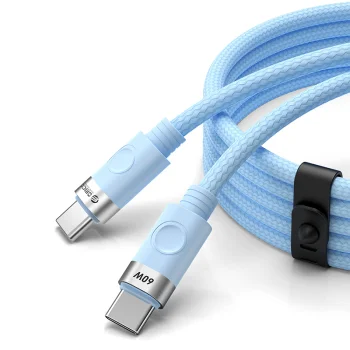
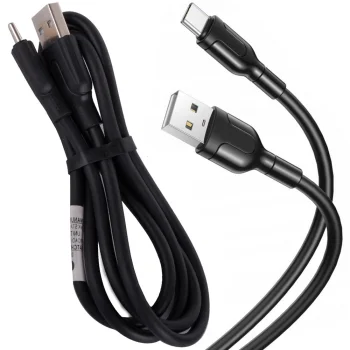
USB-A to USB-C charging and data cable, 100 cm, 2.1 A
Delivery in 5–12 business days
5.10 €
New
3MK
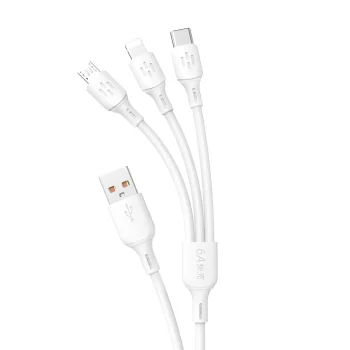
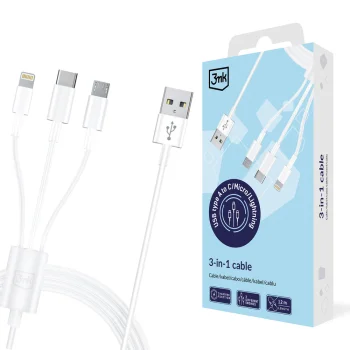
3mk 3in1 Cable USB-A to micro USB / Lightning / USB-C 1.2m 15W - White
Delivery in 5–12 business days
8.20 €
New
3MK
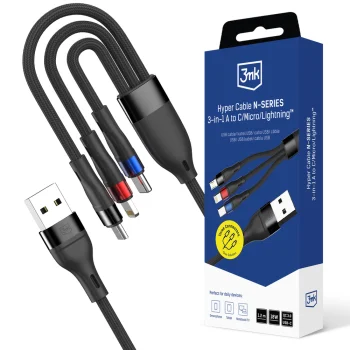
3mk Hyper Cable N-SERIES 3-in-1 USB-A to USB-C / Lightning / Micro USB 1.2m 18W - Black
Delivery in 5–12 business days
8.70 €
New
-9%
3MK
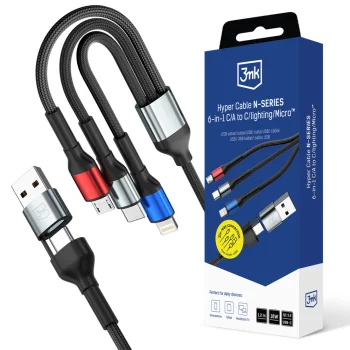
3mk Hyper Cable N-SERIES 6 in 1 USB-C USB-A to USB-C Lightning Micro 1.2m 18W Black
Delivery in 5–12 business days
9.80 €10.80 €
New
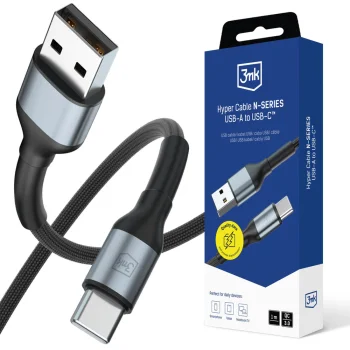
3MK
3mk Hyper Cable N-SERIES USB-A to USB-C Cable 1m 18W QC 3.0, Black
Delivery in 5–12 business days
7.70 €
New
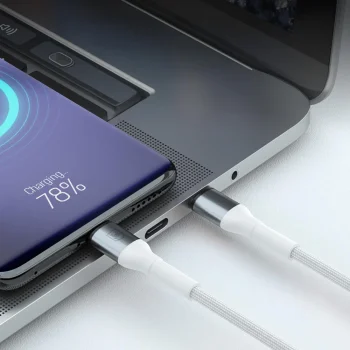
3MK
3mk Hyper Cable N-SERIES USB-A to USB-C Cable 1m 18W, White
Delivery in 5–12 business days
7.70 €
New
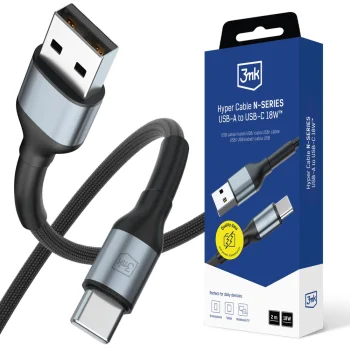
3MK
3mk Hyper Cable N-SERIES USB-A to USB-C Cable 2m 18W, Black
Delivery in 5–12 business days
8.20 €
New
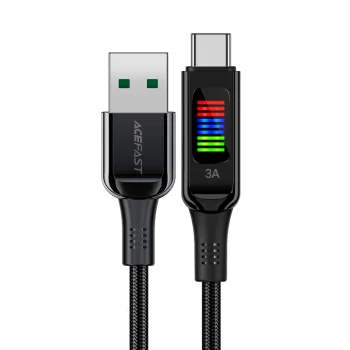
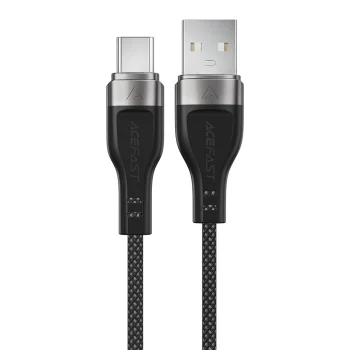
New
Acefast
Acefast C7-04 USB-A to USB-C Cable with Display 60W 1.2m Black
Delivery in 5–12 business days
7.70 €
New
New
-9%
Akeeyo
AKEEYO USB-A to USB-C Cable with GPS Module - Black
Delivery in 5–12 business days
16.90 €18.60 €

-8%
Baseus
Baseus Free2Pull USB-C to USB-C 100W Charging Cable Bayern Edition, Black
Delivery in 5–12 business days
13.10 €14.20 €
New
New
New
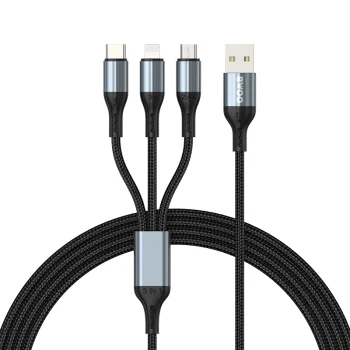
Bwoo
BWOO X274 3-in-1 USB to USB-C, Lightning and Micro USB cable, black
Delivery in 7–15 business days
8.00 €
New
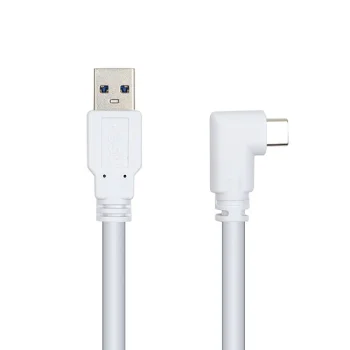
Cable for VR Oculus Quest 2, USB to USB-C, 5m, White
Delivery in 5–10 business days
27.10 €
New
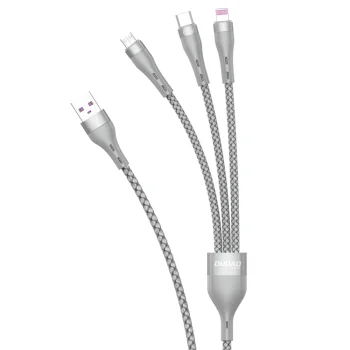
New
Dudao
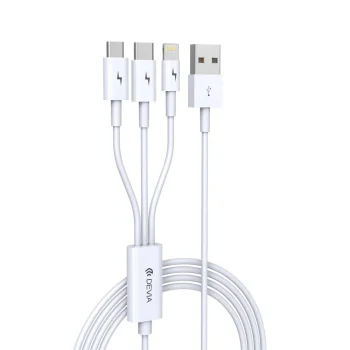
Dudao L20X 3-in-1 USB Cable to Lightning / Micro USB / USB-C 65W, 1.2m, Gray
Delivery in 5–12 business days
7.90 €
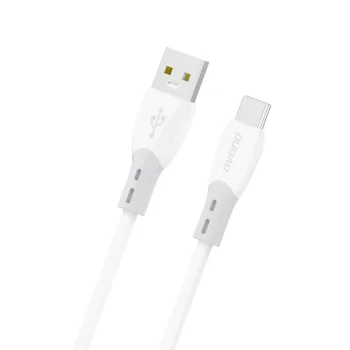
New
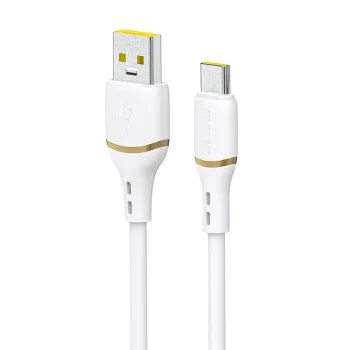
New
USB and USB Type C charging and data cables connect devices to a charger or computer. The range includes Baseus, Dudao, Ugreen and Samsung cables, alongside other represented brands. Baseus cables with multiple connectors offer another option when several devices use different charging ports.
How to choose USB and USB Type C cables
Check the ports on your exact device model and charger first, so each cable end matches its intended connection. Next, consider the distance between the device and power source. If you also need to move files to a computer, look for an explicit data transfer description. Assess charging ratings together with the capabilities of the charger and device, rather than treating the cable rating as a guaranteed charging speed.
- Connector type: USB-A and USB Type C are different connector formats. Read the description of both cable ends to identify the connection you need.
- Cable length: A shorter cable suits a device placed close to its charger. A longer cable gives more flexibility when positioning a phone on a desk or away from a power socket.
- Charging rating: Compare the stated current in amps or power in watts where provided. Actual charging performance also depends on the connected equipment.
- Data transfer: Charging and data cables support file transfer as well as charging. Refer to the individual cable description for any stated transfer speed.
- Multiple connectors: Baseus options include cables with USB Type C, Lightning and micro USB connectors. These suit setups with devices using different ports.
A cable for a fixed charging spot, a computer connection and a travel bag may need different lengths. The practical choice depends on where the cable will be used and whether file transfer is part of the task.
Frequently Asked Questions
How do I choose the right USB cable connectors?
A USB and USB Type C cable needs to match the charger or computer port at one end and the device port at the other. USB-A and USB Type C are different connector formats.
Can a USB Type C cable transfer files?
A USB Type C cable described as a charging and data cable supports file transfer. Check the individual description for the stated data function and any transfer speed information.
Does a higher current rating guarantee faster charging?
A USB Type C cable's current rating alone does not determine charging speed. The charger and connected device must also support the relevant charging capabilities.
When is a cable with multiple connectors useful?
A cable with multiple connectors is useful when your devices have different charging ports. Baseus options include USB Type C, Lightning and micro USB connectors.
What are the most popular 2026 products in category - USB and USB Type C Charging and Data Cables
- Baseus 50cm 3A USB-C / Type C to USB Data Charging Cable (Black) for Samsung Huawei Xiaomi
- USB-C to 3.5mm Audio and USB-C Charging Adapter, Silver
- Ugreen US287 USB-A / USB-C Charging and Data Cable 2A 1m, Black
- Dudao USB / USB Type C Fast Charging Data Cable 6A 1m, White
- Baseus Cafule USB to USB Type C Data Charging Cable 3A 1m, Gray+Black
What are the newest products in category - USB and USB Type C Charging and Data Cables
- Forever retractable 3-in-1 USB cable, Lightning and 2 USB-C, 1.2 m, 100 W, black
- Maclean MCE475 Magnetic Angled USB-A to USB-C Cable, 2m, Black
- PGYTECH USB-A to USB-C Cable for DJI Devices 35 cm (P-GM-124)
- Joyroom Light-Speed S-A25 USB-A to USB-C Cable 100W 1.2m, Black
- OPPO DL129 USB-A to USB-C cable, 8 A, 1 m, white
 Gudri pirkumi vienuviet