
Tablets
Tablets offer a versatile balance between the portability of a smartphone and the productivity of a computer. Whether you need a device for studying, handling daily work tasks, reading, or streaming media, modern tablets provide responsive touchscreens and dependable performance to keep you productive and entertained anywhere.
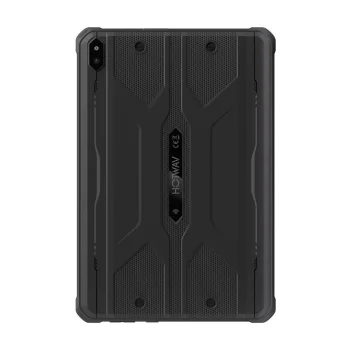
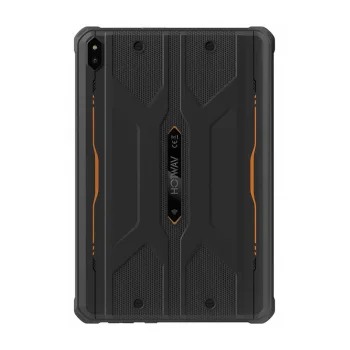
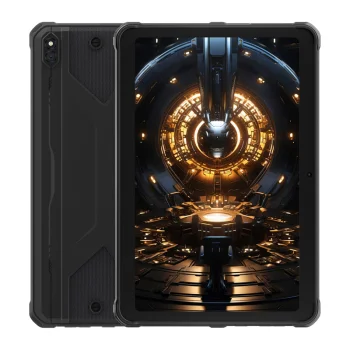
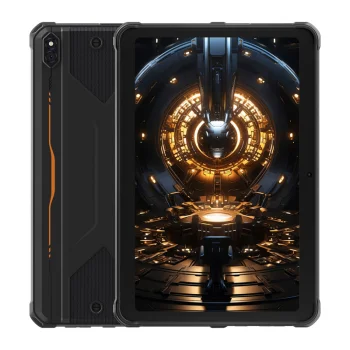
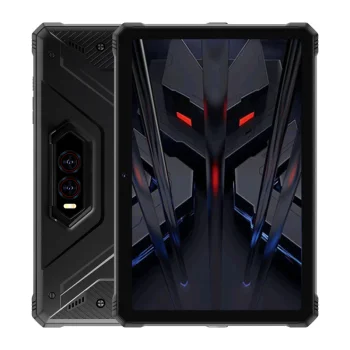
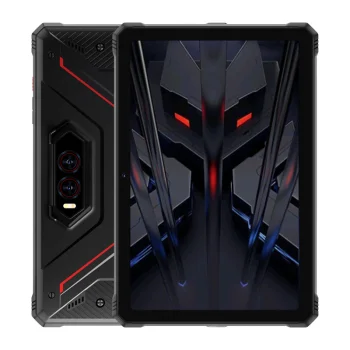
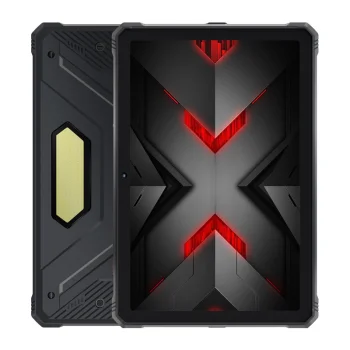
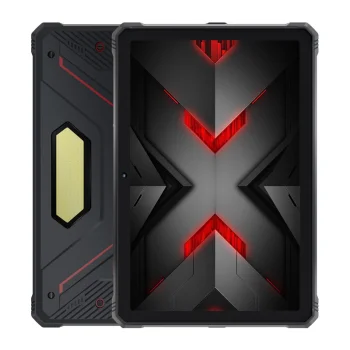
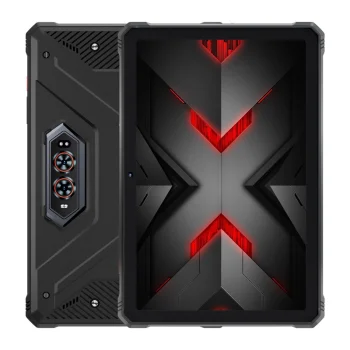
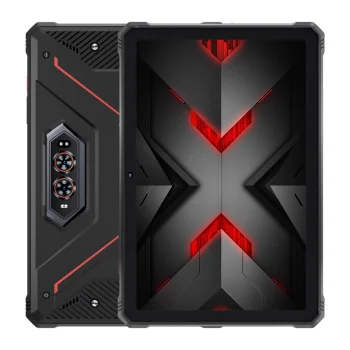
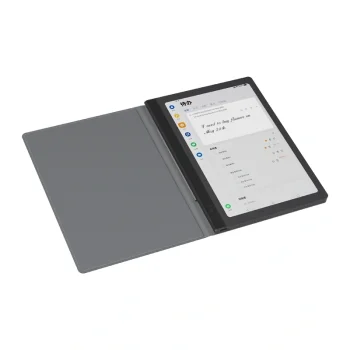
Versatile Tablets for Work, Study, and Entertainment
Tablets have become an essential tool for everyday digital tasks. With their slim design, intuitive touch interfaces, and long-lasting battery life, these devices make it easy to browse the web, create content, take notes, and enjoy multimedia both at home and on the move.
How to Choose the Right Tablet
To find the device that best fits your daily routine, consider the following key specifications:
- Display Size and Resolution: Compact 8-inch screens are lightweight and easy to hold for reading, while 10 to 12-inch displays offer more workspace for multitasking, drawing, and watching high-definition video.
- Processor and RAM: Higher RAM capacity and a capable processor ensure smooth app switching, faster loading times, and responsive system performance.
- Internal Storage: Ensure sufficient built-in storage for your applications, offline files, and photos, checking if memory expansion via card slots is supported.
- Connectivity Options: Standard Wi-Fi models are great for home and office use, while cellular-enabled models provide seamless internet access wherever mobile networks reach.
- Battery Life: Look for a large battery capacity that supports a full day of typical use without constant recharging.
Browse through the available tablet options to find a reliable model that matches your functional requirements and personal preferences.
Frequently Asked Questions
What tablet screen size is best for daily use?
A screen size between 10 and 11 inches is generally considered the most versatile for browsing, reading, productivity apps, and media streaming.
What is the difference between Wi-Fi and cellular tablets?
Wi-Fi models connect to the internet through wireless networks, while cellular models can use a SIM card to access mobile data anywhere.
Can I connect accessories like keyboards to a tablet?
Yes, most tablets support external Bluetooth keyboards, mice, and stylus pens for enhanced productivity.


