
- Gifts & Party Decorations
- Phone Accessories
- Photo & Video
- Computers & Electronics
- Sports & Fitness
- Beauty & Health
- Car & Motorcycle Accessories
- Bicycle Accessories
- Home & Living
- Garden & Outdoor
- Baby & Kids Products
- Games, Hobbies & Leisure
- Travel & Outdoor Activities
- Pet Supplies
- Discounted Items & Products with Defects
Laptop Replacement Batteries
Laptop replacement batteries include original Dell, Lenovo, HP and ASUS batteries alongside Extra Digital replacements for specified laptops. These batteries suit users replacing a worn battery in a laptop used for work, study or everyday tasks. The main selection criteria are the battery reference, stated compatibility, voltage and capacity, rather than the laptop brand alone.
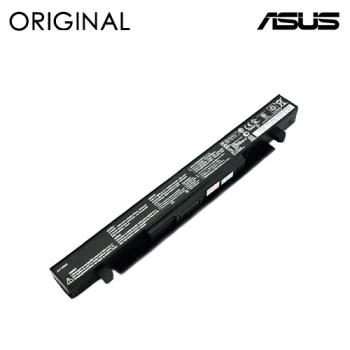
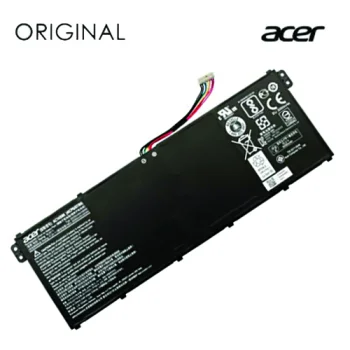
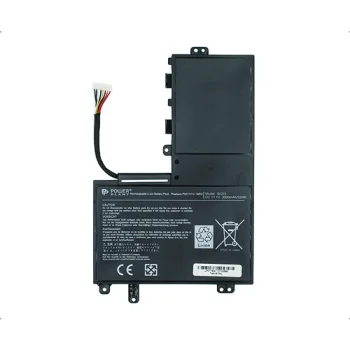
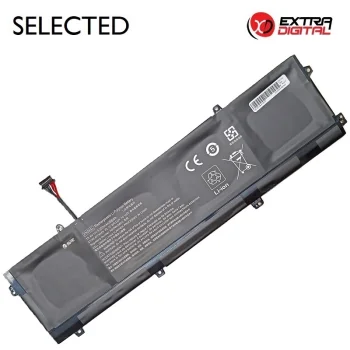
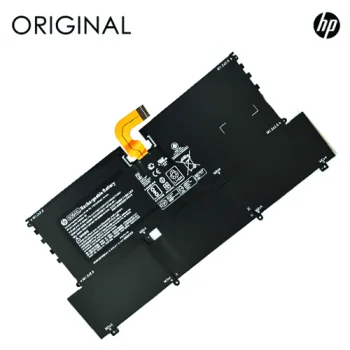
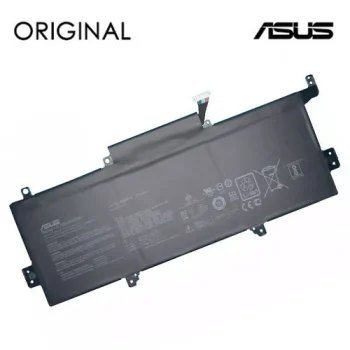
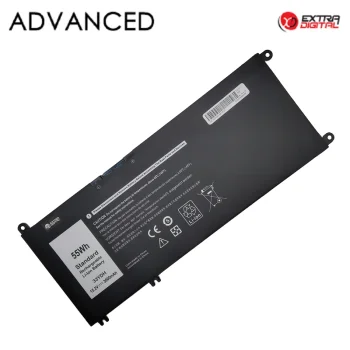
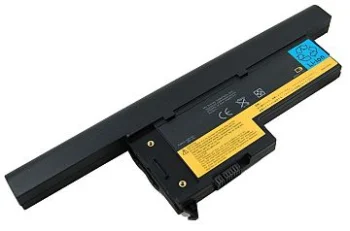
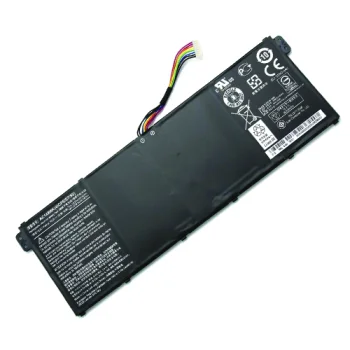
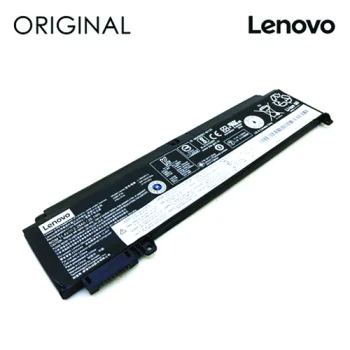
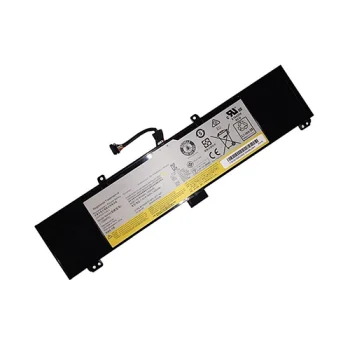
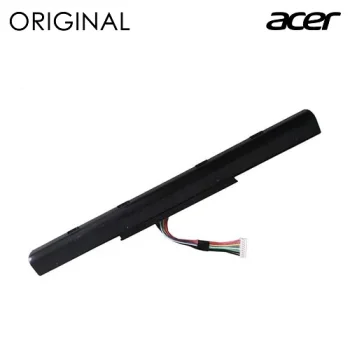
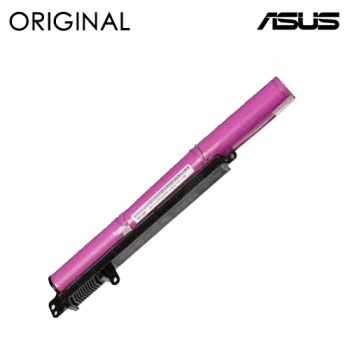
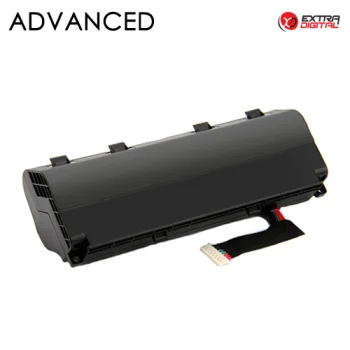
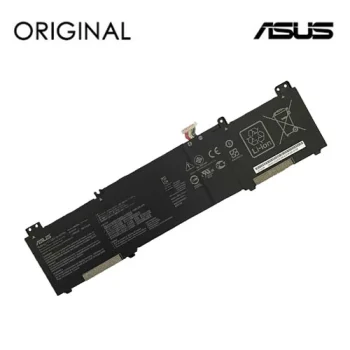

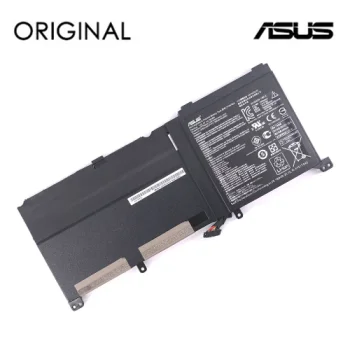
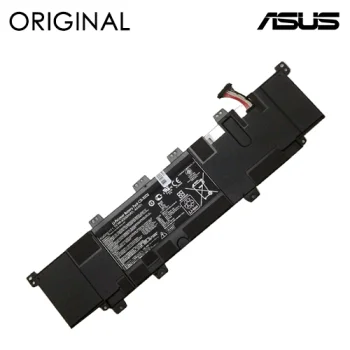
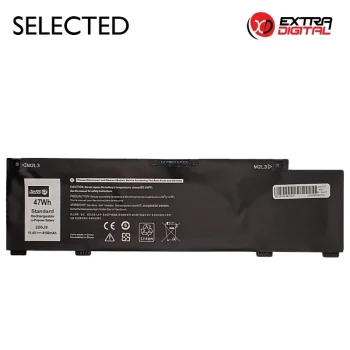
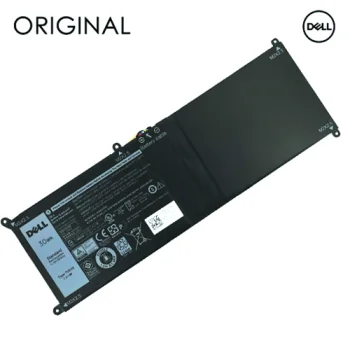
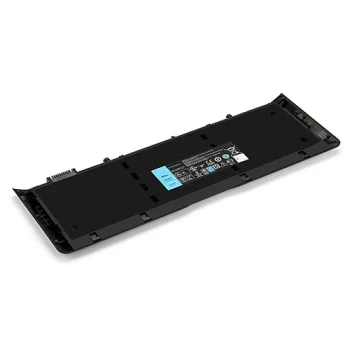
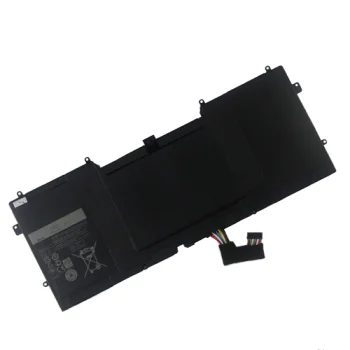
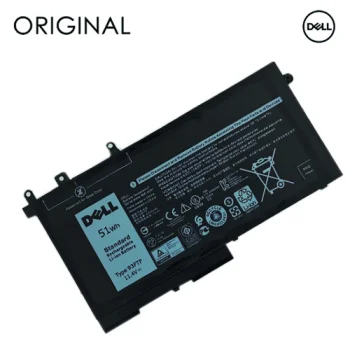
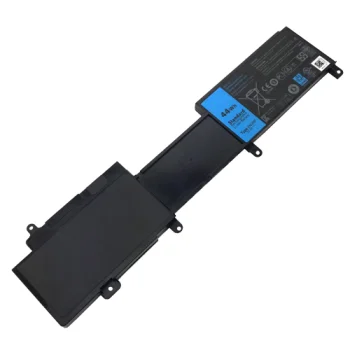
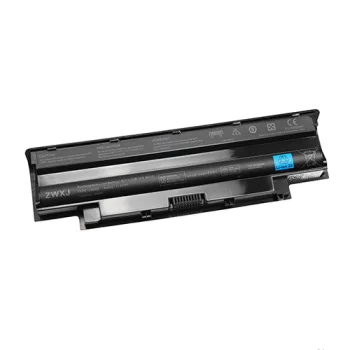
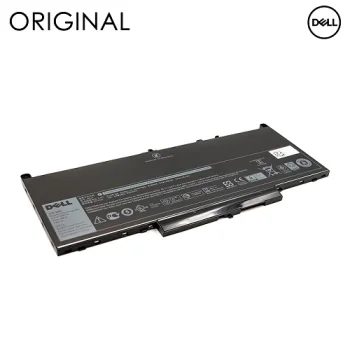
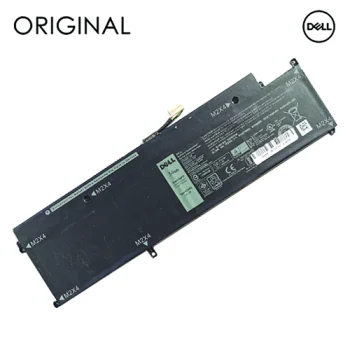
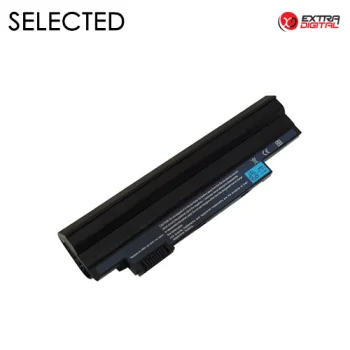
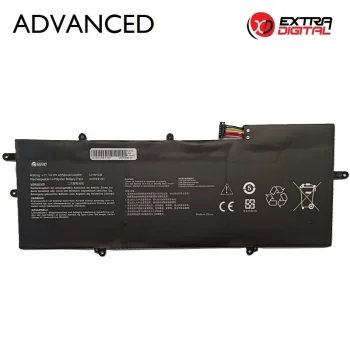
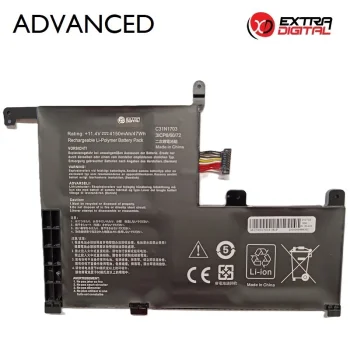
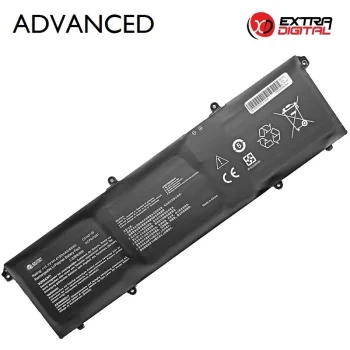
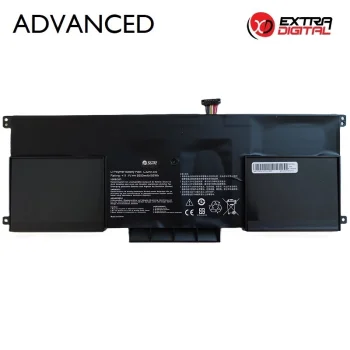
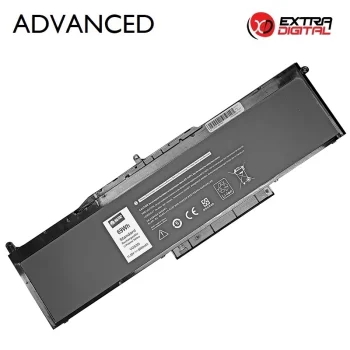
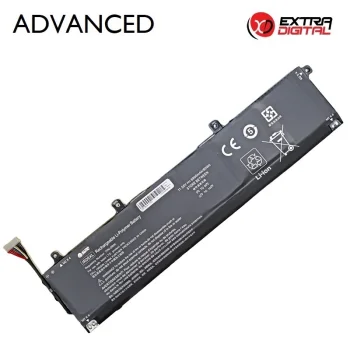
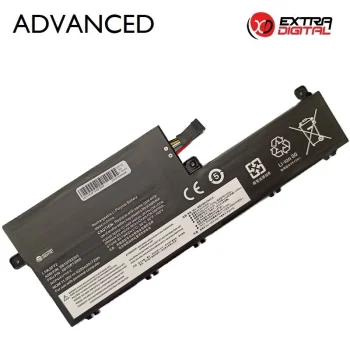
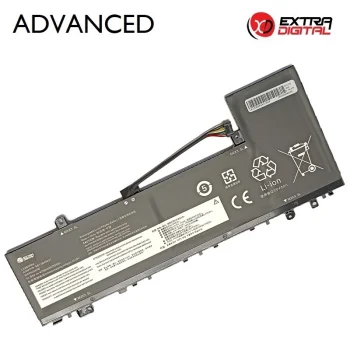
Laptop replacement batteries provide replacements for an existing notebook battery. The range includes original Dell, Lenovo, HP and ASUS batteries, plus Extra Digital batteries for specified Apple and Lenovo laptops. Power Plant and Newell are also represented. Battery references, capacities and voltages vary between products, so the label on the existing battery is a useful starting point.
How to choose laptop replacement batteries
Check the exact laptop model and compare the existing battery reference with the product description. Laptops from the same manufacturer can require different batteries. Next, compare voltage, capacity and physical configuration. Keep a photograph of the existing battery label to make the reference and electrical ratings easier to read during comparison.
- Original batteries: Dell, Lenovo, HP and ASUS batteries are available with original designation. Consider the manufacturer name together with the battery reference.
- Extra Digital replacements: Options include batteries intended for specified Apple and Lenovo laptops. Use the compatibility information attached to each battery when comparing options.
- Battery reference: The combination of letters and numbers distinguishes batteries with similar names. Compare the complete reference rather than its first few characters.
- Capacity: Product names include capacities expressed in mAh or Wh. A higher mAh figure alone does not establish longer runtime across different laptops.
- Voltage and fit: Compare the voltage rating, battery shape and connector position. Physical resemblance alone is not enough to establish suitability.
A replacement battery is relevant for a laptop used in meetings, lessons or other situations away from a permanent power connection. Compare suitable options by battery manufacturer, reference and electrical ratings together, rather than choosing by capacity alone.
Frequently Asked Questions
How do I identify a suitable laptop replacement battery?
A laptop replacement battery should match the existing battery reference and the compatibility information in the product description. Voltage and physical configuration also matter.
Are original laptop batteries included?
The laptop battery range includes Dell, Lenovo, HP and ASUS batteries described as original. Extra Digital replacement batteries are also represented.
What is the difference between mAh and Wh?
For laptop batteries, mAh expresses electrical charge capacity, while Wh expresses energy capacity. Voltage must also be considered when comparing mAh figures.
Does a higher battery capacity guarantee longer laptop runtime?
Laptop runtime depends on the battery's energy capacity and the laptop's power consumption. An mAh figure alone cannot establish how long a laptop will run.
What are the most popular 2026 products in category - Laptop Replacement Batteries
What are the newest products in category - Laptop Replacement Batteries
- Laptop Battery Lenovo L14S4P22, Extra Digital Advanced, 4750mAh, 15.4V
- Laptop Battery for Dell D2VF9, Power Plant, 3840mAh, 11.1V, 43Wh
- Notebook Battery Lenovo 01AV421, Extra Digital, 1950mAh, 11.4V
- Laptop Battery Extra Digital Lenovo L18M3P73, 4200mAh, 11.55V
- Laptop Battery Lenovo L15L3PB1 Extra Digital, 3600mAh, 11.1V


