
- Gifts & Party Decorations
- Phone Accessories
- Photo & Video
- Computers & Electronics
- Sports & Fitness
- Beauty & Health
- Car & Motorcycle Accessories
- Bicycle Accessories
- Home & Living
- Garden & Outdoor
- Baby & Kids Products
- Games, Hobbies & Leisure
- Travel & Outdoor Activities
- Pet Supplies
- Discounted Items & Products with Defects
Other computer cables and adapters
VGA and DisplayPort cables and adapters include Mini DisplayPort, DisplayPort and HDMI converters, USB video capture devices, printer cables and USB network adapters. The category includes products from Ugreen, Orico and Wozinsky. These accessories suit screen connections, VHS digitisation and other device connections. Check the ports at both ends and the direction of the connection before choosing an adapter.
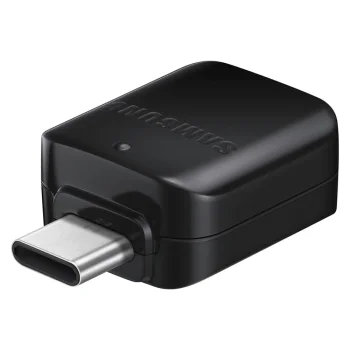
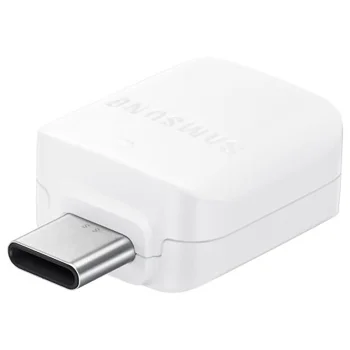
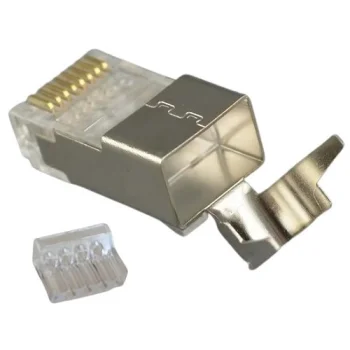
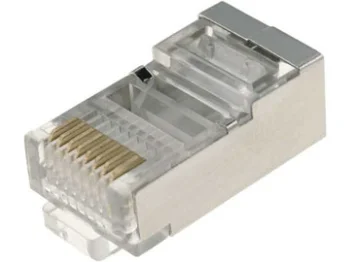
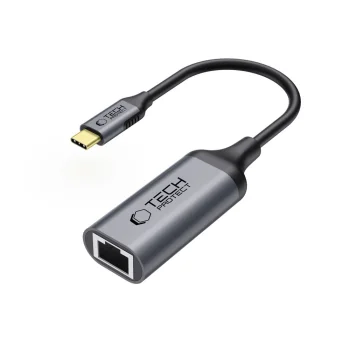
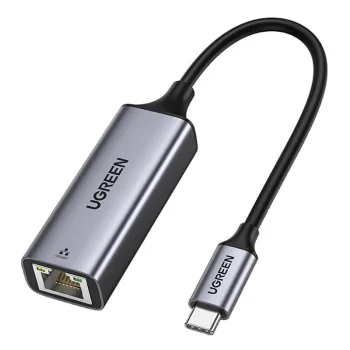
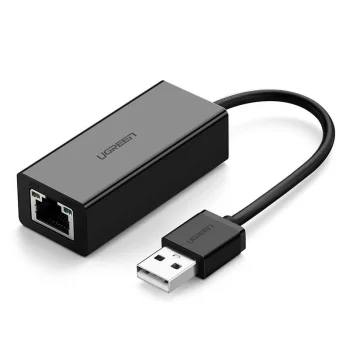
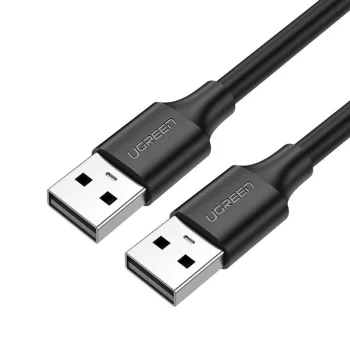
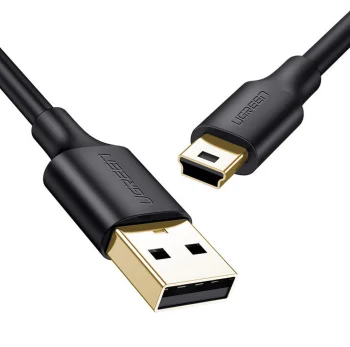
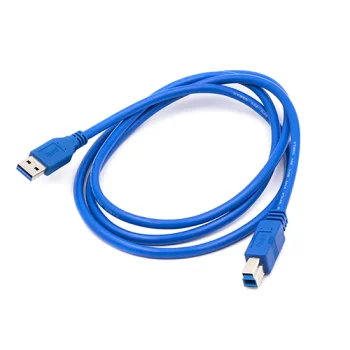
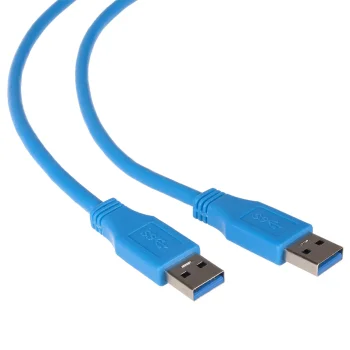
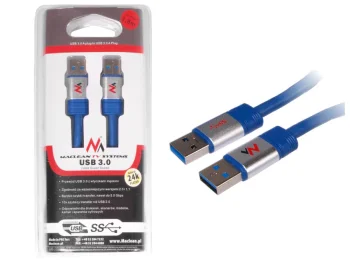
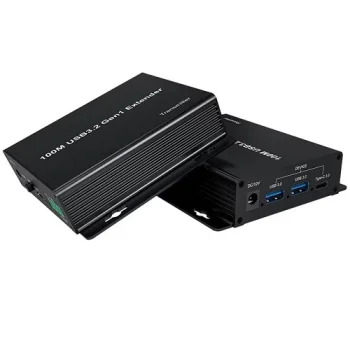
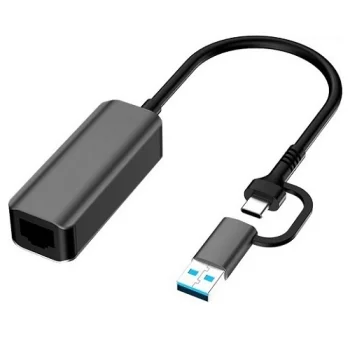
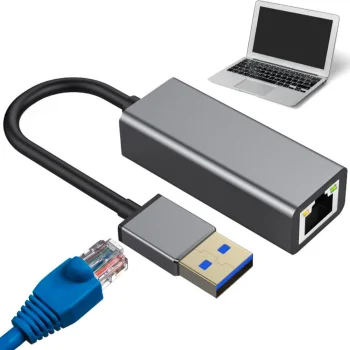
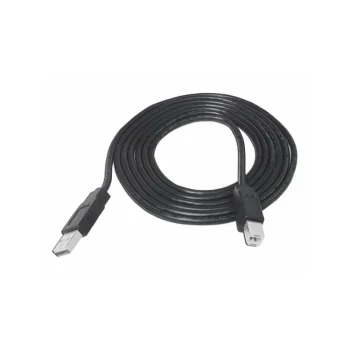
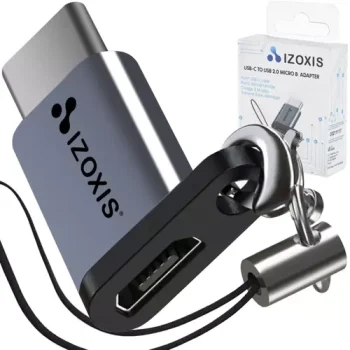
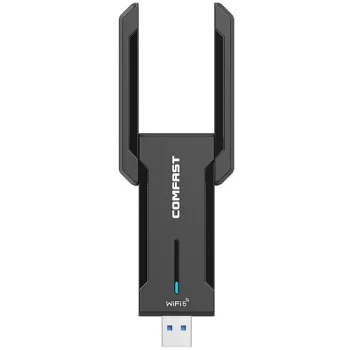
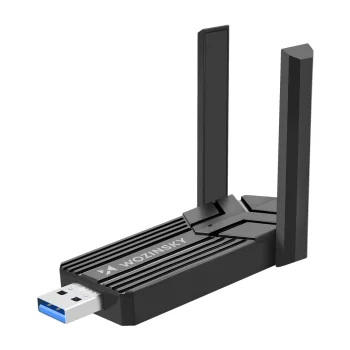
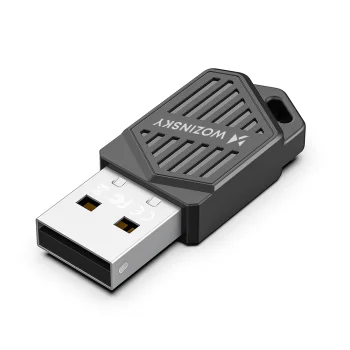
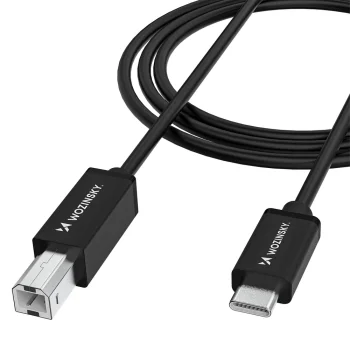
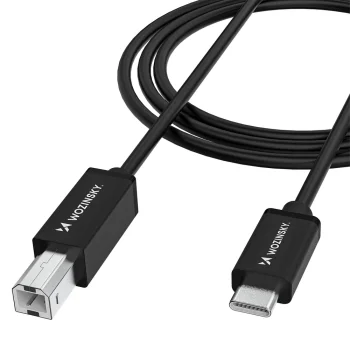
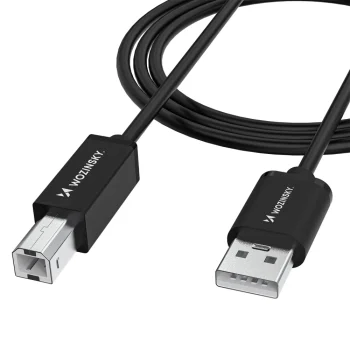
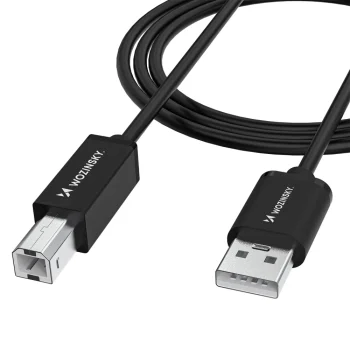
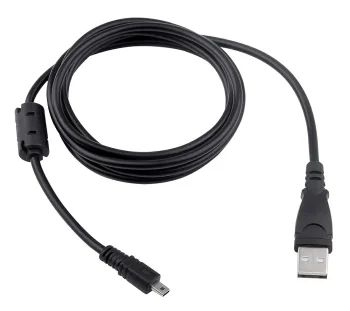
VGA and DisplayPort cables and adapters cover several ways to connect computers and other electronics. Products include Mini DisplayPort to HDMI, DisplayPort to HDMI and HDMI to VGA adapters, plus a USB video capture device for transferring footage from VHS tapes. The category also contains USB-A to USB-B printer cables, USB to RJ45 network adapters, audio cables and a USB cable listed for certain cameras. Ugreen, Orico and Wozinsky are among the brands represented. Because these products serve different purposes, the connector names in each product description matter more than the general term “adapter”.
How to choose VGA and DisplayPort cables and adapters
Start with the output on the source device and the input on the display or other destination. A DisplayPort to HDMI adapter is not the same connection as an HDMI to VGA adapter; check the stated direction rather than matching connector names alone. For a printer cable, confirm the USB-A and USB-B ends and the required length. For a USB network adapter, check the computer’s USB port and the RJ45 connection. A VHS transfer calls for a video capture device with connections that match the AV source. The PS2 to HDMI adapter shown in this category is for a PlayStation 2 console, not a computer PS/2 port.
- DisplayPort to HDMI adapters: Match the DisplayPort output on the source with an HDMI input on the destination device.
- Mini DisplayPort to HDMI adapters: Mini DisplayPort uses a different connector from standard DisplayPort. Check the actual port before selecting an adapter.
- HDMI to VGA adapters: The Ugreen 40248 listing includes micro USB and a 3.5 mm audio connection. Check which connections your setup requires.
- USB video capture devices: An AV capture device is intended for bringing video from an analogue source, such as a VHS player, into a computer.
- Printer cables and network adapters: Printer cables require matching USB-A and USB-B ports; USB to RJ45 adapters address a different, network connection.
VGA and DisplayPort cables and adapters sit alongside accessories for printers, networks, audio equipment and video capture. Choose a video adapter for the exact source and display ports, or identify the relevant USB connection for another device. For a camera USB cable, check the model designation as well as the connector.
Frequently Asked Questions
Can I use a DisplayPort to HDMI adapter in the opposite direction?
A DisplayPort to HDMI adapter names a specific source-to-display connection. Check the stated direction of an adapter before using it for a different setup.
Are Mini DisplayPort and DisplayPort adapters interchangeable?
Mini DisplayPort and standard DisplayPort have different connector shapes. Match the adapter to the port on your device.
Which device is relevant for transferring VHS footage to a computer?
A USB video capture device takes video from an analogue AV source for transfer to a computer. Check that its connections match the video source.
What should I check when selecting a printer cable?
For a USB-A to USB-B printer cable, check both device ports and the cable length needed for the setup.
What are the most popular 2026 products in category - Other computer cables and adapters
What are the newest products in category - Other computer cables and adapters
- Ugreen US241 USB-C to USB-B Printer Cable 1 m - Black
- Ugreen USB 2.0 USB-A to USB-A Cable (US128), 1 m, Black
- Ugreen CM199 USB-C to RJ45 Gigabit Ethernet Network Adapter 1000 Mbps, Gray
- Network Adapter Ugreen 30985 for Chromecast micro USB / USB-A 100Mb/s 1m - Black
- Orico USB4 Cable Compatible with Thunderbolt 5 80Gbps 240W USB-C to USB-C 1m - Black


