
- Gifts & Party Decorations
- Phone Accessories
- Photo & Video
- Computers & Electronics
- Sports & Fitness
- Beauty & Health
- Car & Motorcycle Accessories
- Bicycle Accessories
- Home & Living
- Garden & Outdoor
- Baby & Kids Products
- Games, Hobbies & Leisure
- Travel & Outdoor Activities
- Pet Supplies
- Discounted Items & Products with Defects
Laptops and Accessories
Laptops and accessories include computers, bags, sleeves, stands, cooling pads, chargers, screen protection and replacement parts, with brands such as Extra Digital, Tech-Protect, HP and Dell. The range supports study, desk work, carrying a laptop and repairs. Choose by the task first, then compare device dimensions, accessory features and the technical requirements of the computer.
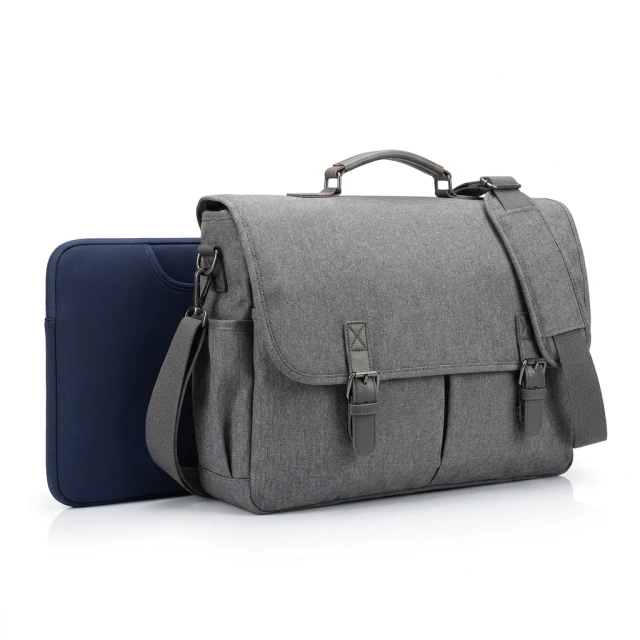
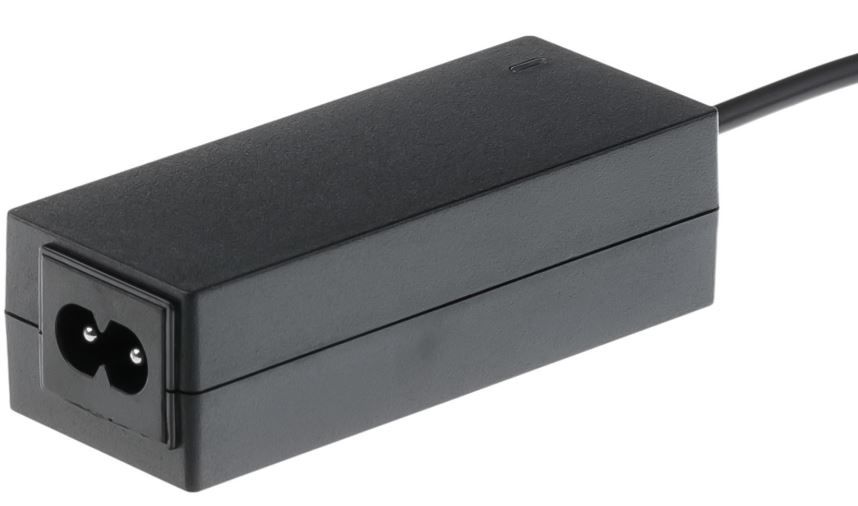
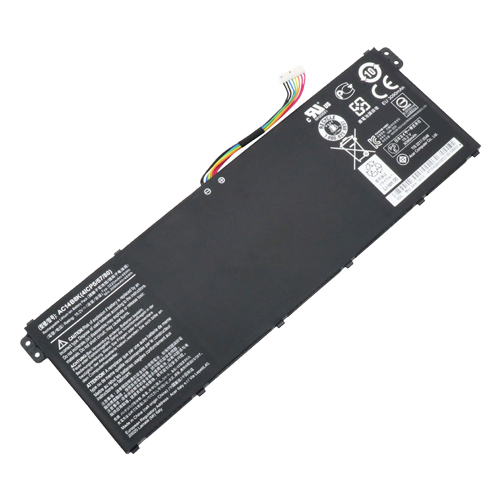
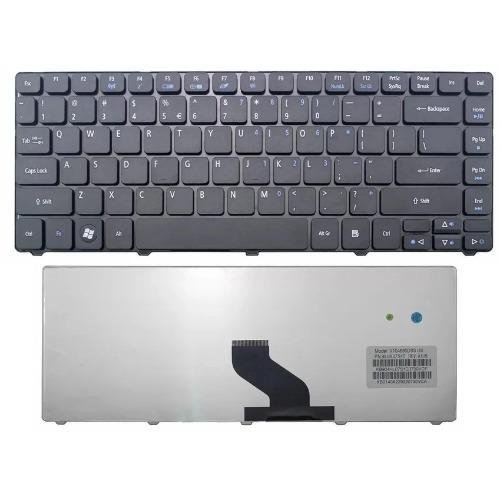
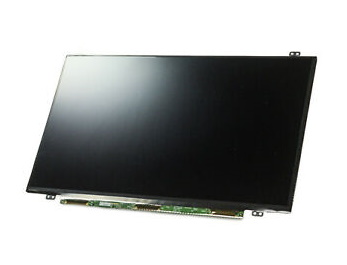
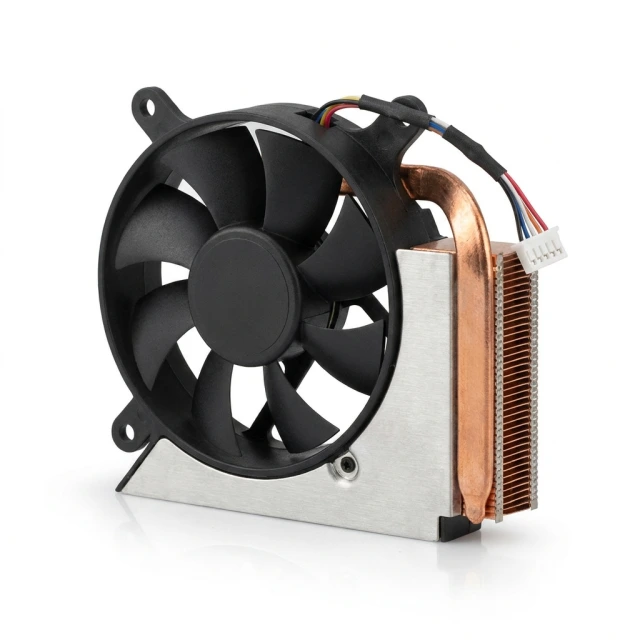
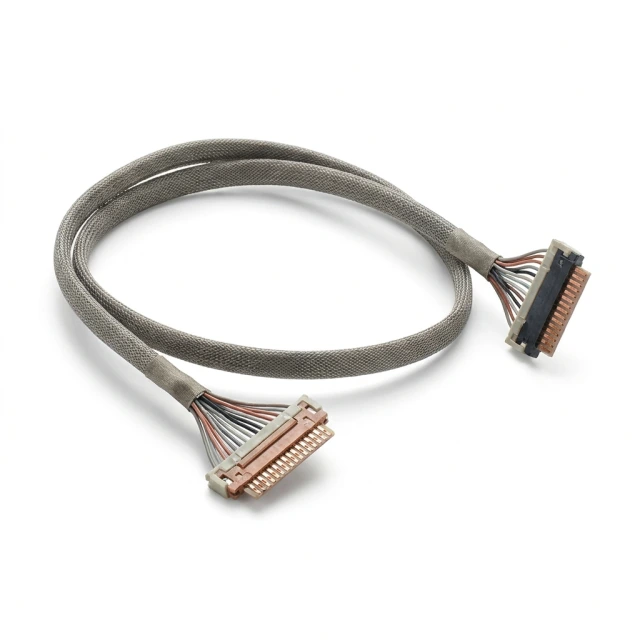
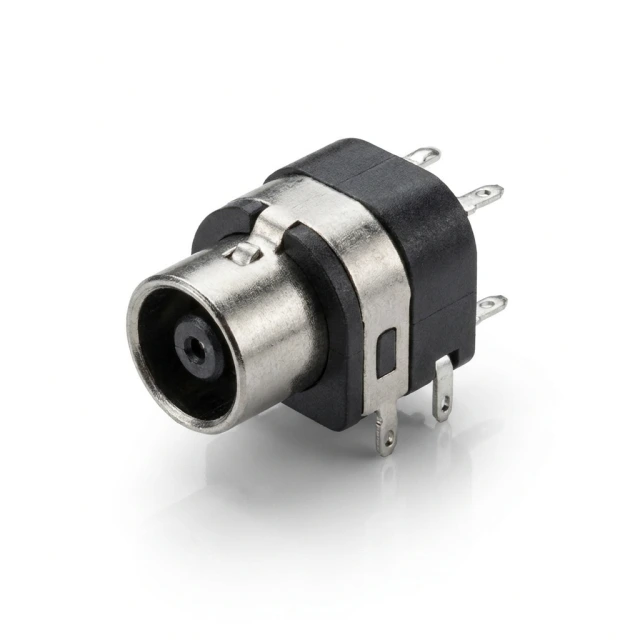
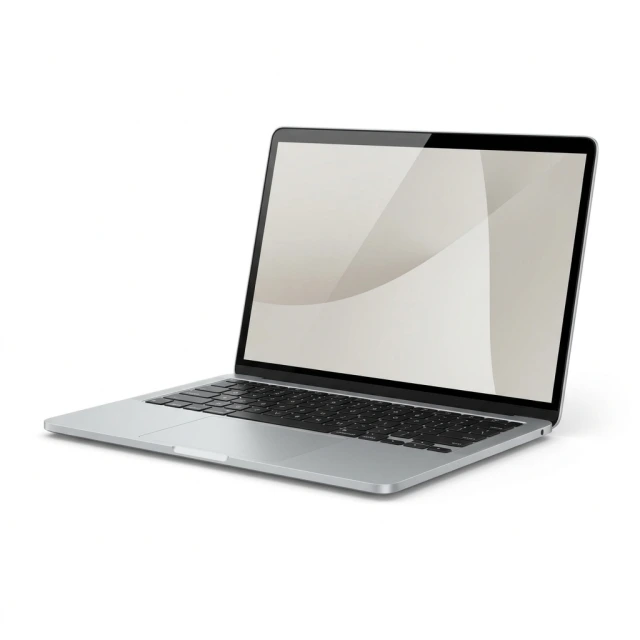
Laptops and accessories cover computers and equipment for carrying, positioning, powering and repairing a laptop. Product groups include bags, sleeves, backpacks, stands, cooling pads, screen protectors, privacy filters and webcam covers. Represented brands include Extra Digital, Tech-Protect, HP, Guess, Dell, Tomtoc, Lenovo and Acer. Dedicated subcategories also cover MacBook accessories and replacement components.
How to choose laptop accessories
Start with the task: setting up a desk, taking a computer to class, replacing a charger or repairing a component. Dimensions matter for bags and support surfaces, while electrical specifications matter for power accessories. Check compatibility with the exact laptop model before choosing. Consider how the accessory will be used, including whether a stand needs to fold away or a carrying solution needs to fit inside another bag.
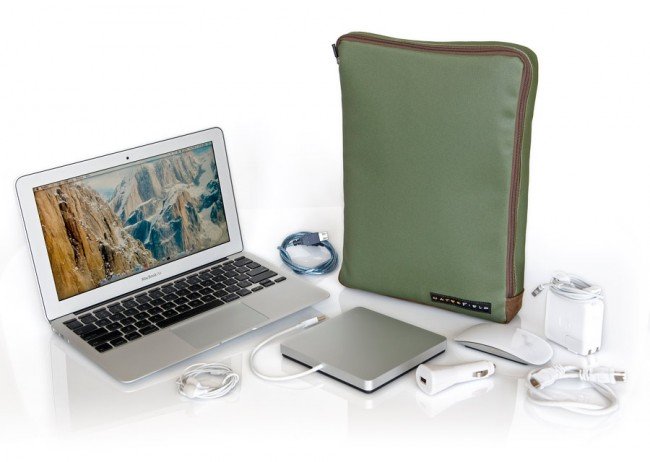
- Bags, sleeves and backpacks: compare the laptop compartment dimensions with the computer's outer dimensions. Screen diagonal alone does not describe the full size of a laptop.
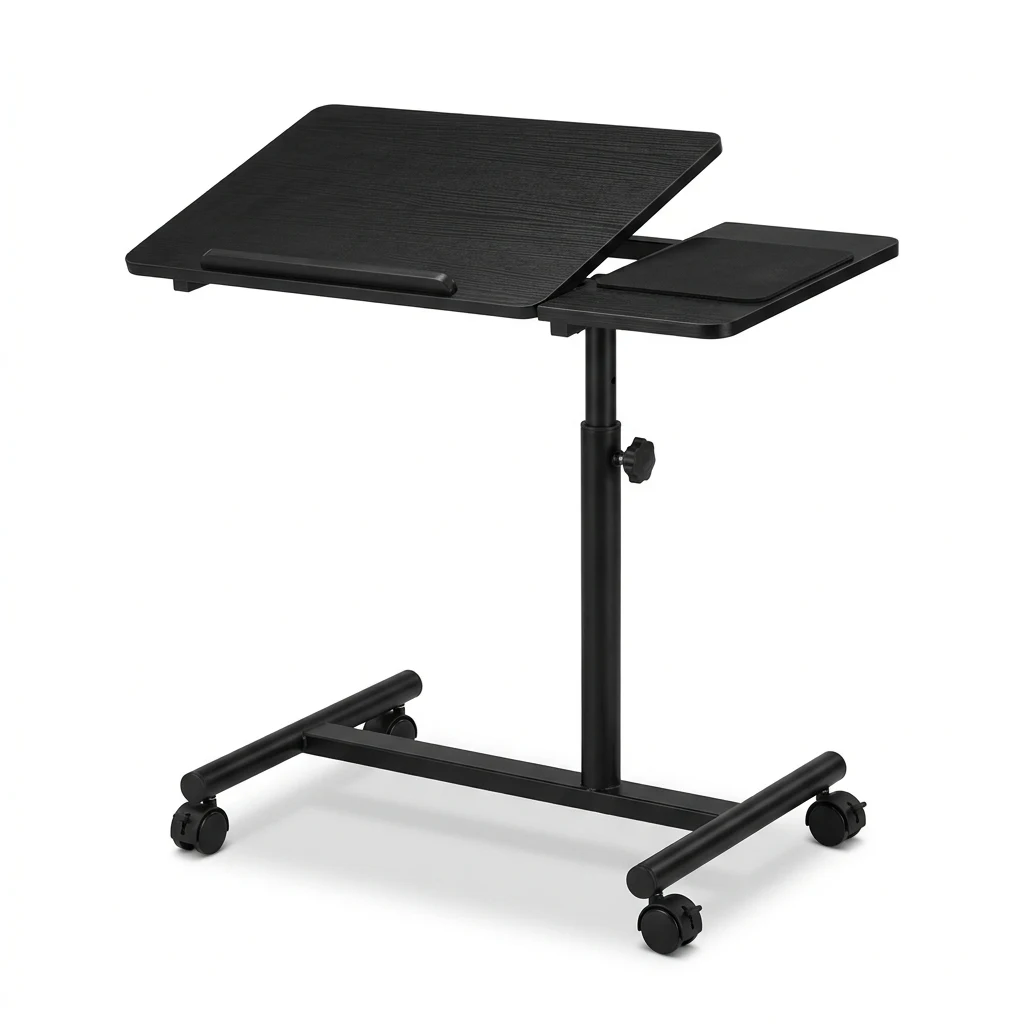
- Stands, tables and cooling pads: options include folding tables, adjustable supports and cooling pads. Compare the support surface, adjustment options and space needed at the workstation.
- Chargers and replacement batteries: match a charger's output voltage, power and connector to the computer's requirements. Battery selection also depends on the replacement part reference.
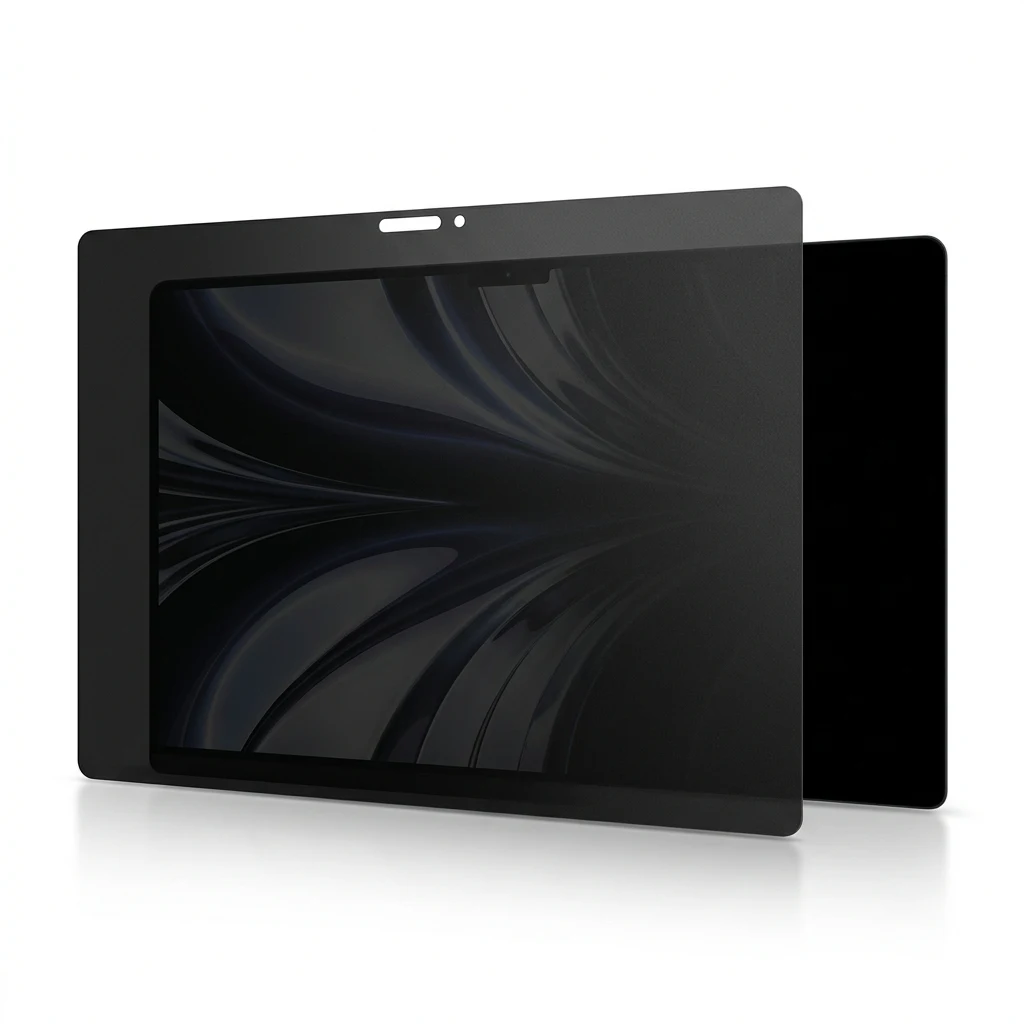
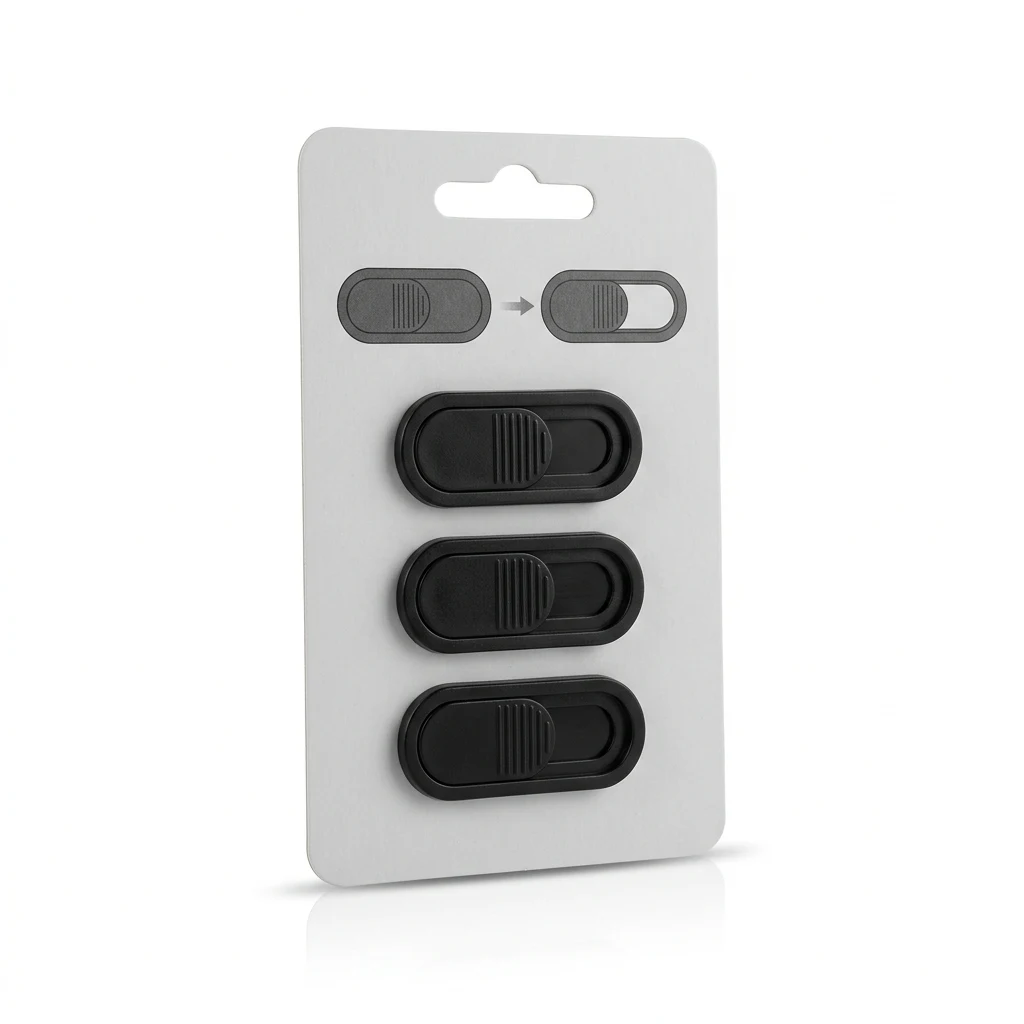
- Screen protection and webcam covers: screen protectors, privacy filters and camera covers serve different purposes. A privacy filter limits side viewing, while a webcam cover physically covers the camera.
- Replacement components: keyboards, LCD screens, fans, screen cables and power jacks support repairs to specific parts of a laptop. Compare component references, mounting points and connections.
For desk use, explore stands and cooling pads; for carrying a computer, use the bags, sleeves and backpacks subcategory. Chargers, batteries and repair components are grouped by function. MacBook accessories and laptop computers have their own dedicated subcategories.
Frequently Asked Questions
How do I choose the right laptop bag size?
A laptop bag's compartment dimensions should accommodate the computer's outer dimensions. Screen size is a useful starting point, but laptops with the same screen diagonal can have different body dimensions.
What is the difference between a laptop stand and a cooling pad?
A laptop stand supports and raises the computer. A laptop cooling pad is also intended to support cooling; check the individual product description for its features.
Will a universal laptop charger work with every laptop?
A universal laptop charger must match the computer's required output voltage, power and connector. The term universal does not establish compatibility with every laptop.
How does a privacy filter differ from a webcam cover?
A laptop privacy filter limits how easily the screen can be viewed from the side. A webcam cover physically covers the camera lens.


