0

Laptop Power Jacks

93 products

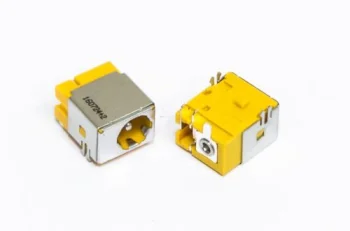
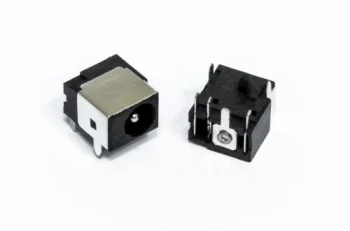
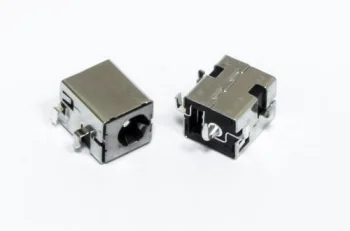
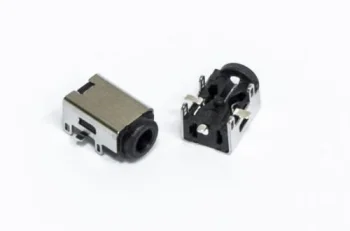
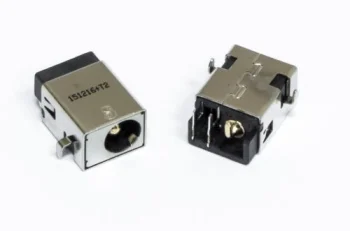
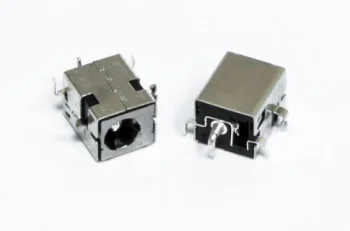
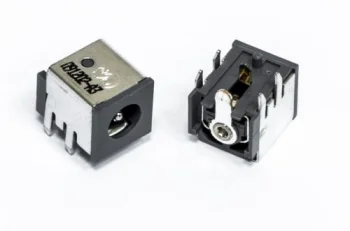
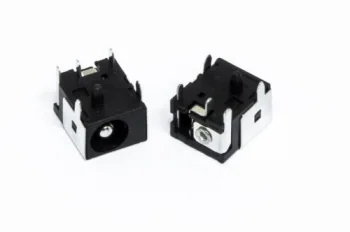
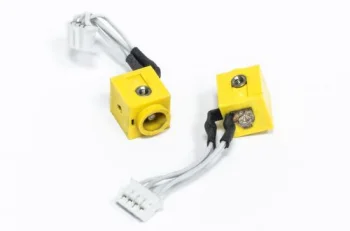
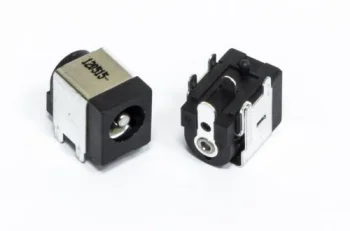
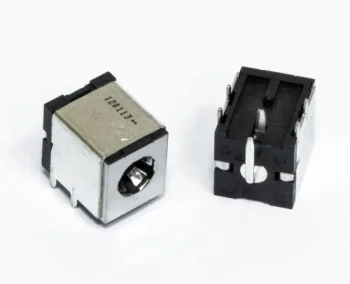
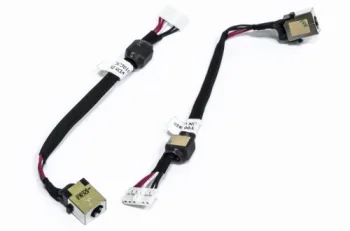
Laptop power jacks (DC-in ports) are essential replacement components that ensure stable electricity transfer from the charger to the motherboard and battery. When physical wear, loose connections, or accidental damage occur, replacing the power jack restores reliable charging and prevents unexpected system shutdowns. Explore our selection of laptop DC power jacks designed to provide secure fit and dependable performance across various laptop models.
New
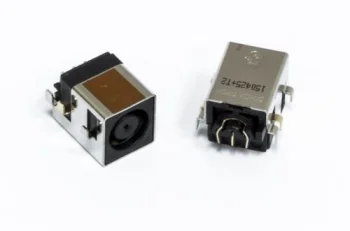
DC Power Jack for ACER Aspire 2350, 3690, 5100
Extra Digital
New
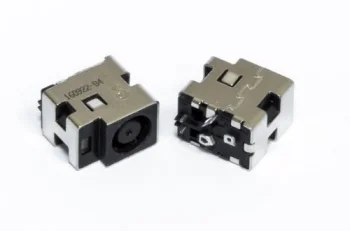
DC Power Jack for ACER Aspire 8920, 8920G, 8930, 8930G
Extra Digital
New
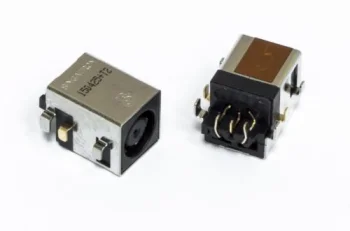
DC Power Jack for ACER Travelmate 2480, Aspire 5050 (5.5 x 1.65 mm)
Extra Digital
New
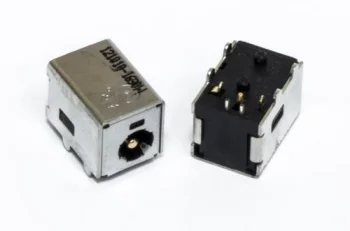
DC Power Jack for Acer TravelMate, Extensa, Aspire
Extra Digital
New
DC Power Jack for ASUS A43, A52, A53, A72, K42
Extra Digital
New
DC Power Jack for ASUS Eee PC 1001, 1005, 1101 Series
Extra Digital
New
DC Power Jack for ASUS G53 Series Laptops
Extra Digital
New
DC Power Jack for Asus, Fujitsu, IBM (5.5 x 2.5 mm)
Extra Digital
New
DC Power Jack for COMPAQ Presario 900AP, 5.5 x 1.65 mm
Extra Digital
New
DC Power Jack for COMPAQ Presario M2000, HP, ASUS (5.5 x 1.65 mm)
Extra Digital
New
DC Power Jack for HP Compaq, HP, Dell Laptops 5.5 x 1.65 mm
Extra Digital
New
DC Power Jack for HP DV4, DV5, DV7, G50, Compaq CQ50, CQ60
Extra Digital
New
DC Power Jack for HP NC8430, NW8440, NW9440, NX7400, Dell
Extra Digital
New
DC Power Jack for HP Pavilion DV6000, DV9000, COMPAQ Presario
Extra Digital
New
DC Power Jack for HP Pavilion DV6000, DV9000, Compaq Presario V6000
Extra Digital
New
DC Power Jack for HP Pavilion ZD, ZX, ZV Series and Acer
Extra Digital
New
DC Power Jack for HP Pavilion ZE4900, Compaq, Acer Laptops
Extra Digital
New
DC Power Jack for Lenovo Ideapad 3000 V100, V200
Extra Digital
New
DC Power Jack for Lenovo ThinkPad T40, T41, T42, T43, R50
Extra Digital
New
DC Power Jack for TOSHIBA Satellite 1105, HP Pavilion N Series
Extra Digital
New
DC Power Jack for TOSHIBA Satellite P10 Series, Gateway
Extra Digital
New
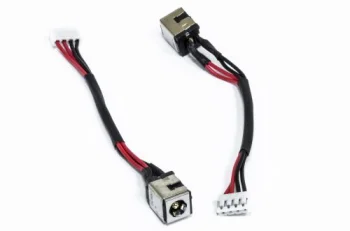
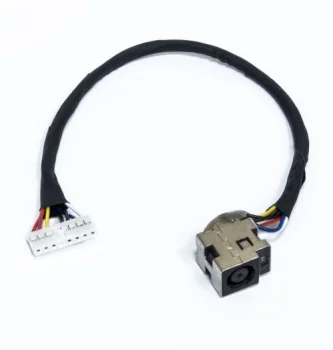
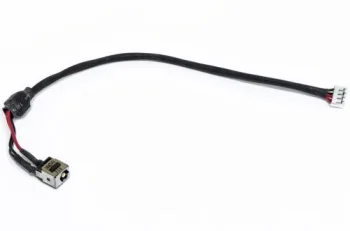
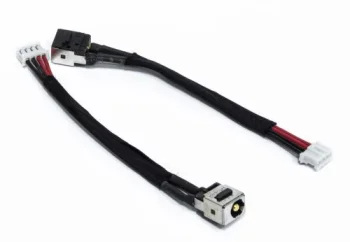
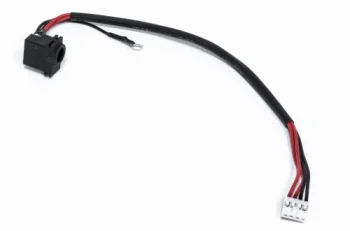
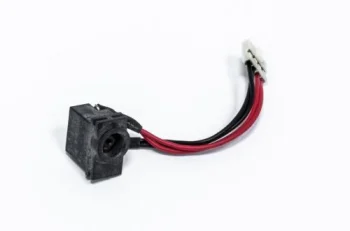
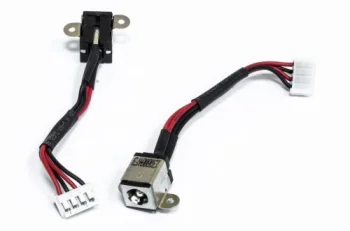
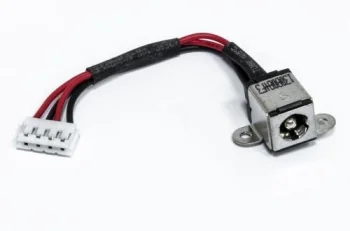
DC Power Jack with Cable for ACER Aspire 5534 Series
Extra Digital
New
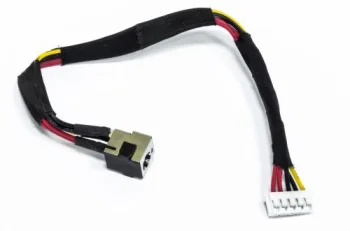
DC Power Jack with Cable for ASUS K50, P50, X5DC Series
Extra Digital
New
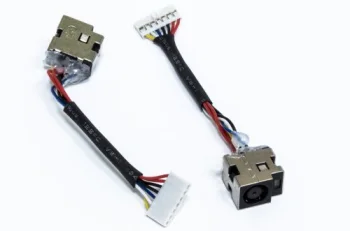
DC Power Jack with Cable for COMPAQ Presario C700, HP DV2000
Extra Digital
New
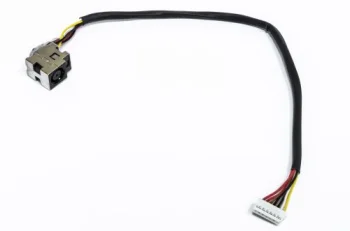
DC Power Jack with Cable for HP CQ62
Extra Digital
New
DC Power Jack with Cable for HP DV5-2000
Extra Digital
New
DC Power Jack with Cable for HP G62, COMPAQ CQ62, CJA19
Extra Digital
New
DC Power Jack with Cable for Lenovo G550, G555, G560
Extra Digital
New
DC Power Jack with Cable for Lenovo Ideapad Y450
Extra Digital
New
DC Power Jack with Cable for Samsung NP-N130, NP-N135, NP-N150
Extra Digital
New
DC Power Jack with Cable for Samsung NP-N310, N310
Extra Digital
New
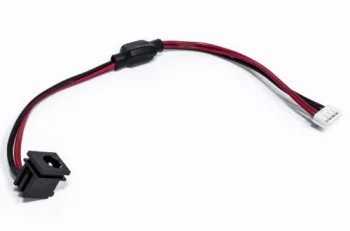
DC Power Jack with Cable for Toshiba Satellite L40, L45 Series
Extra Digital
New
DC Power Jack with Cable for Toshiba Satellite L45, IdeaPad Y510, Y530
Extra Digital
New
DC Power Jack with Cable for TOSHIBA Satellite M50, M55
Extra Digital
New
Laptop DC Power Jack 5.5 x 2.5 mm
Extra Digital
New
Power Jack for ACER Aspire 3050, 3680, 5050 (1.65mm Pin)
Extra Digital


Reliable Laptop DC Power Jacks

A laptop power jack experiences frequent mechanical stress from everyday plug insertion and removal. Over time, internal pins can loosen, crack, or overheat, leading to intermittent power delivery. Timely replacement of a damaged DC jack protects delicate motherboard circuitry from short circuits and ensures consistent power during daily operation.

How to Choose the Correct Power Jack

To find the right replacement part for your laptop, consider the following technical factors:

  • Connection type: modular DC jacks with attached wire harness connectors versus direct soldered board-mount jacks.
  • Port dimensions: outer and inner diameter matching the adapter tip, including center pin presence.
  • Pin configuration: exact number and arrangement of mounting pins for soldered connectors.
  • Cable length: appropriate wire length and routing orientation for harness-based power jacks.
  • Model compatibility: direct match with your laptop series and manufacturer specifications.

Choosing the correct DC power jack ensures smooth charging performance, preserving the health of your battery and overall system reliability.

Frequently Asked Questions

What are the signs of a failing laptop power jack?

Common symptoms include intermittent charging, excessive heat around the port, a loose charger fit, or needing to hold the cable at an angle to charge.

What is the difference between soldered and cabled DC jacks?

Soldered jacks are attached directly to the mainboard pins, while cabled harness jacks snap into the chassis and connect to the board via a multi-pin plug.

How do I ensure the replacement DC jack is compatible?

Check your specific laptop model number, connection style (cable or solder), pin layout, and matching charger connector dimensions.