
- Gifts & Party Decorations
- Phone Accessories
- Photo & Video
- Computers & Electronics
- Sports & Fitness
- Beauty & Health
- Car & Motorcycle Accessories
- Bicycle Accessories
- Home & Living
- Garden & Outdoor
- Baby & Kids Products
- Games, Hobbies & Leisure
- Travel & Outdoor Activities
- Pet Supplies
- Discounted Items & Products with Defects
Apple iPad Air 4 (2020) (A2324 A2072) cases and screen protectors
Apple iPad Air 4 (2020) (A2324 A2072) cases and screen protectors include Spigen and ESR folio cases, ESR and 3MK screen protectors, and a matte screen film. They suit shoppers looking to cover the tablet body, protect its screen, or prop it up with a compatible stand case. Check the exact iPad model first, then choose between a case, glass protector, and film.
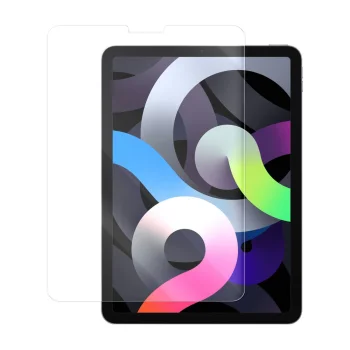

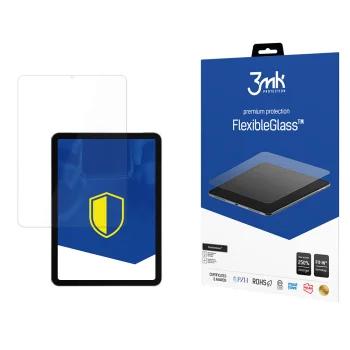
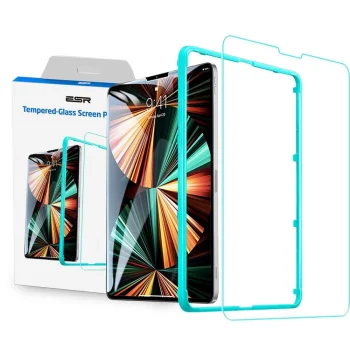
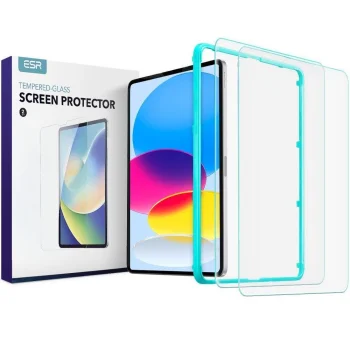
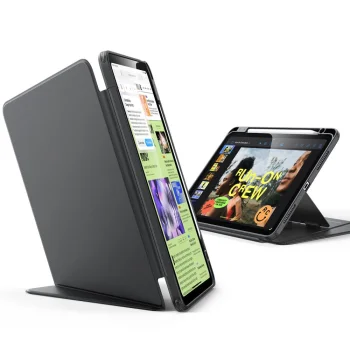
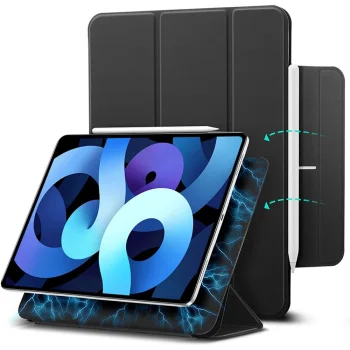
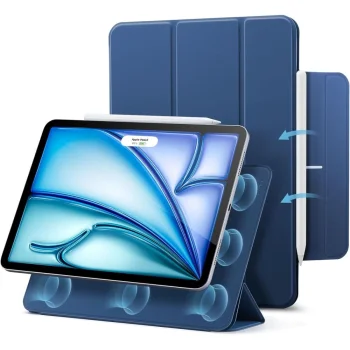
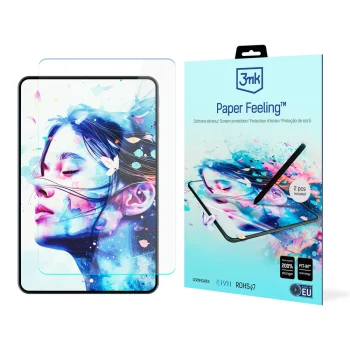
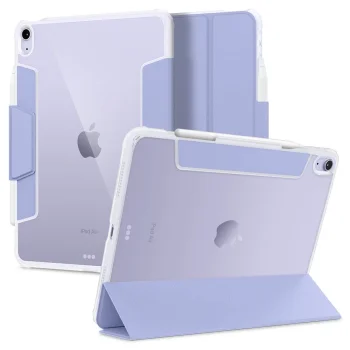
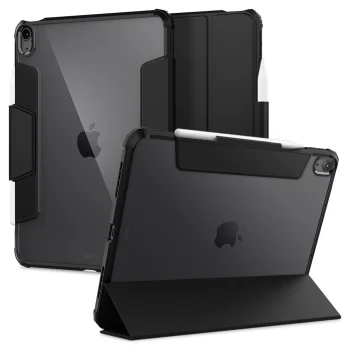
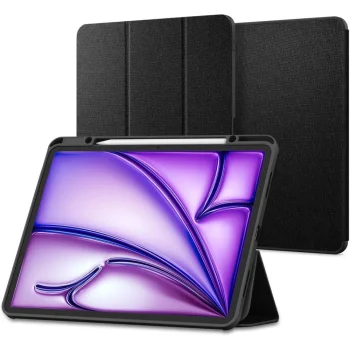
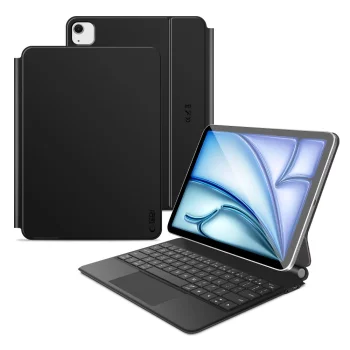
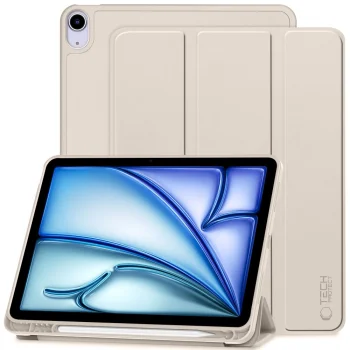
Apple iPad Air 4 (2020) (A2324 A2072) cases and screen protectors cover two separate parts of the tablet: its body and its display. The case options include folio styles such as ESR Rebound Magnetic and Spigen Ultra Hybrid Pro, along with cases described as having a stand. Screen options include ESR, 3MK and Dux Ducis protectors, plus a matte Paperfeel film. These product types serve different purposes, so it helps to decide whether you need a case, a screen covering, or both.
How to choose iPad Air 4 cases and screen protectors
Start with the device name and model identifier. Look for Apple iPad Air 4 (2020) and check whether the individual product lists A2324 or A2072 as compatible. Some product names also mention iPad Air 2022, iPad Pro 11, or more than one screen size; do not assume that every similarly sized tablet uses the same accessory. For a case, compare the folio design, stated stand feature, and colour. For a screen protector, distinguish glass from film and check how the product describes its coverage.
- Folio case: A closing cover goes over the front of the tablet. ESR and Spigen have folio-style options in this category.
- Stand case: Useful when you want to set the tablet on a table. A stand is specified for certain Stand Tablet Case and DUX DUCIS Domo products.
- Glass screen protector: Covers the display rather than the tablet body. Check the fit and stated coverage of individual ESR, Dux Ducis, or 3MK products.
- Matte screen film: Paperfeel is a film option for shoppers who prefer a matte screen surface instead of glass.
- Model identifier: A2324 and A2072 help narrow down which iPad Air 4 version an accessory is listed for.
A stand case may suit desk use, while glass and film provide two ways to cover the display. When comparing iPad cases and screen protectors, use the compatibility details of the specific item rather than screen size alone.
Frequently Asked Questions
How do I check whether a case fits my iPad Air 4?
For an iPad Air 4 case, compare the product's compatibility listing with your tablet's A2324 or A2072 model identifier. Screen size alone does not confirm that a case fits.
What is the difference between iPad Air 4 glass and Paperfeel film?
An iPad Air 4 glass screen protector is a glass covering for the display, while Paperfeel is a matte screen film. Check the listed compatibility before choosing either type.
Do all iPad Air 4 folio cases work as stands?
A stand is specified for some iPad Air 4 cases, including certain Stand Tablet Case and DUX DUCIS Domo models. Check the individual case description rather than assuming every folio has a stand.
Does a protector listed for iPad Air 2020/2022 fit iPad Air 4?
Some iPad Air screen protectors list both 2020 and 2022 models. Confirm that the individual protector lists your iPad Air 4 before choosing it.
What are the most popular 2026 products in category - Apple iPad Air 4 (2020) (A2324 A2072) cases and screen protectors
- Apple iPad Air 4 (2020) 10.9" (A2324 A2072) Tempered Glass Screen Protector Full Coveraged,...
- Wozinsky 9H Tempered Glass for iPad Air 10.9" (2020/2022)
- Apple iPad Air 4 (2020) (A2324 A2072) Stand Tablet Case Cover with Kickstand, Blue
- Stand Tablet Case Smart Cover for iPad Air 2020 / 2022, Green
- Apple iPad Air 4 (2020) 10.9" (A2324 A2072) DUX DUCIS Domo Tablet Cover Case with Multi-angle...
What are the newest products in category - Apple iPad Air 4 (2020) (A2324 A2072) cases and screen protectors
- ESR Rebound Magnetic Tablet Case for iPad Air 10.9" / 11", Navy Blue
- Uniq Venno Pro Magnetic Smart Case with Keyboard for iPad Air 10.9" & Pro/Air 11" - White
- Uniq Venno Pro Magnetic Smart Case with Keyboard for iPad Air 10.9" and Pro 11" - Black
- Tech-Protect Smartcase Magnetic Keyboard Case for iPad Air 10.9 / 11, Black
- ESR Flip Hybrid Folio Case for iPad Air 10.9" / 11", Stand, Sky Blue