
Tech-Protect SC Pen Case for Samsung Galaxy Tab S11 11.0 X730 / X736B with Keyboard, Black

Delivery options to:
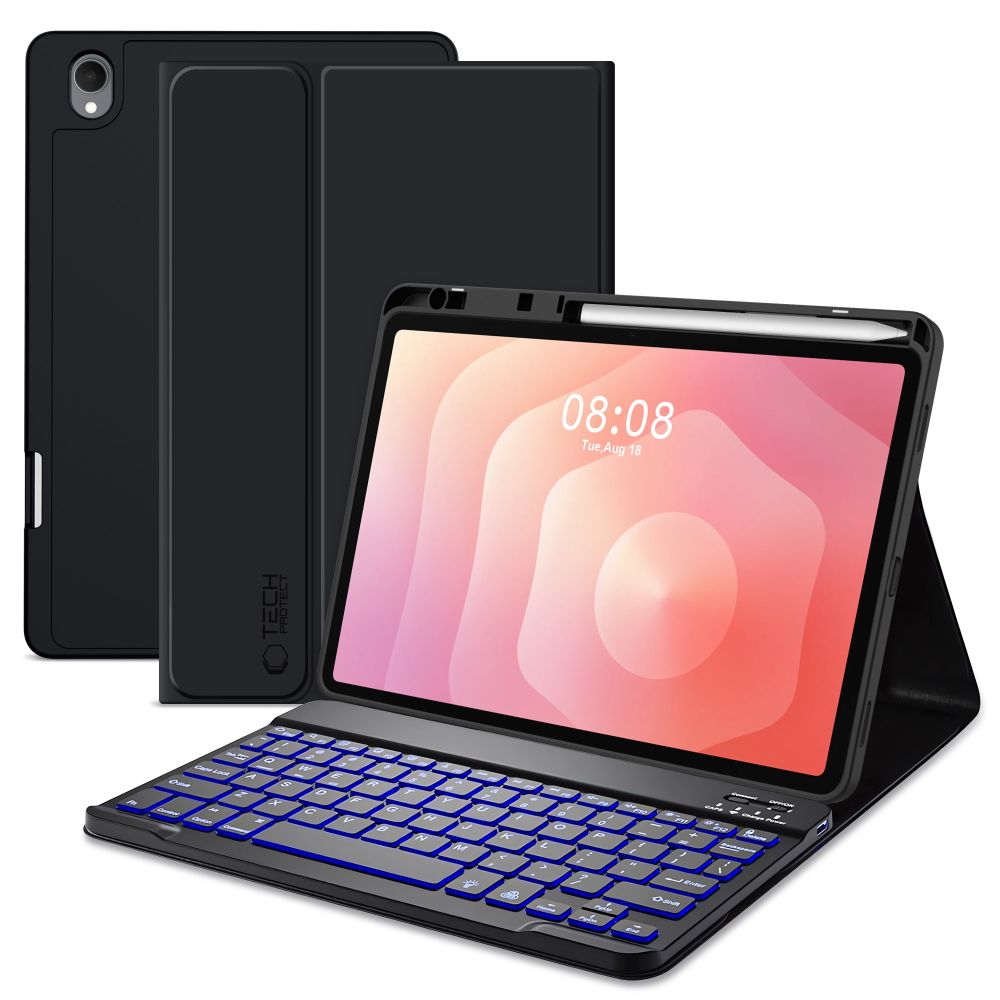
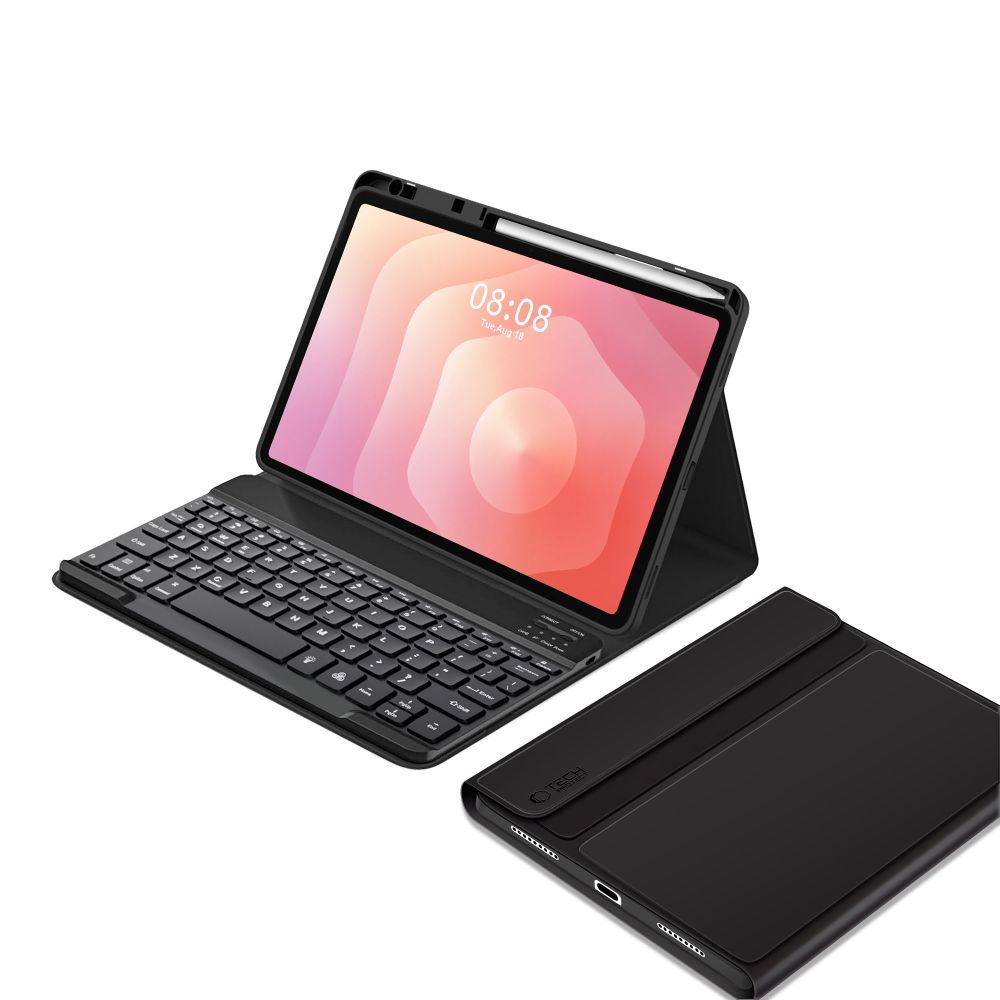
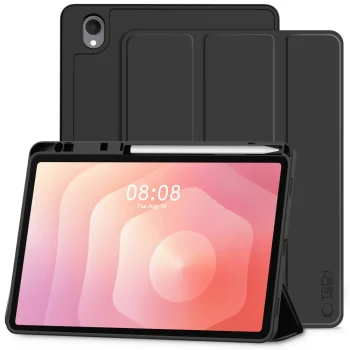
Choose countryThe Tech-Protect SC Pen case protects your Samsung Galaxy Tab S11 11.0 (X730 / X736B) from scratches and daily damage. It features a lightweight construction made of flexible TPU with a smooth matte finish, along with precise cutouts for the camera, speakers, and ports.
Practical Daily Functionality
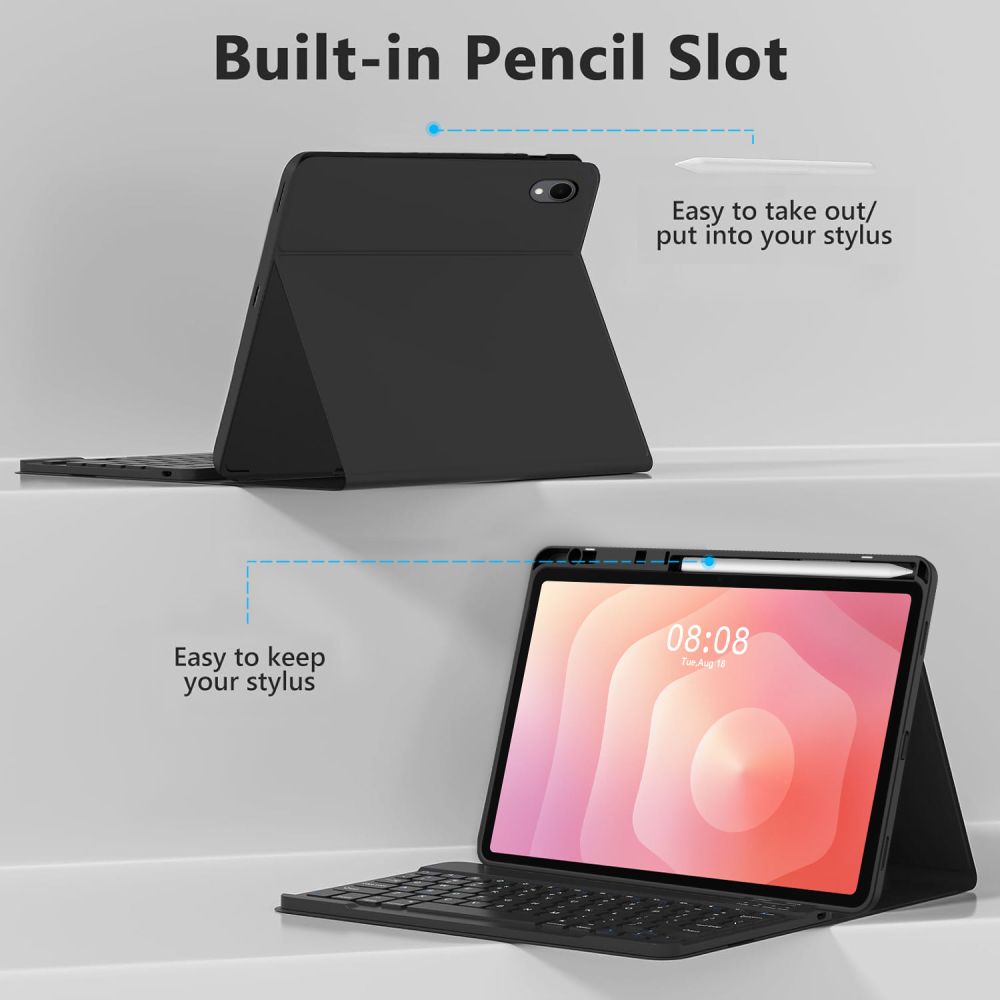
A built-in stylus holder keeps your pen securely in place to prevent loss. The folding cover doubles as a convenient viewing stand, while the automatic wake and sleep feature helps conserve tablet battery life when closed.
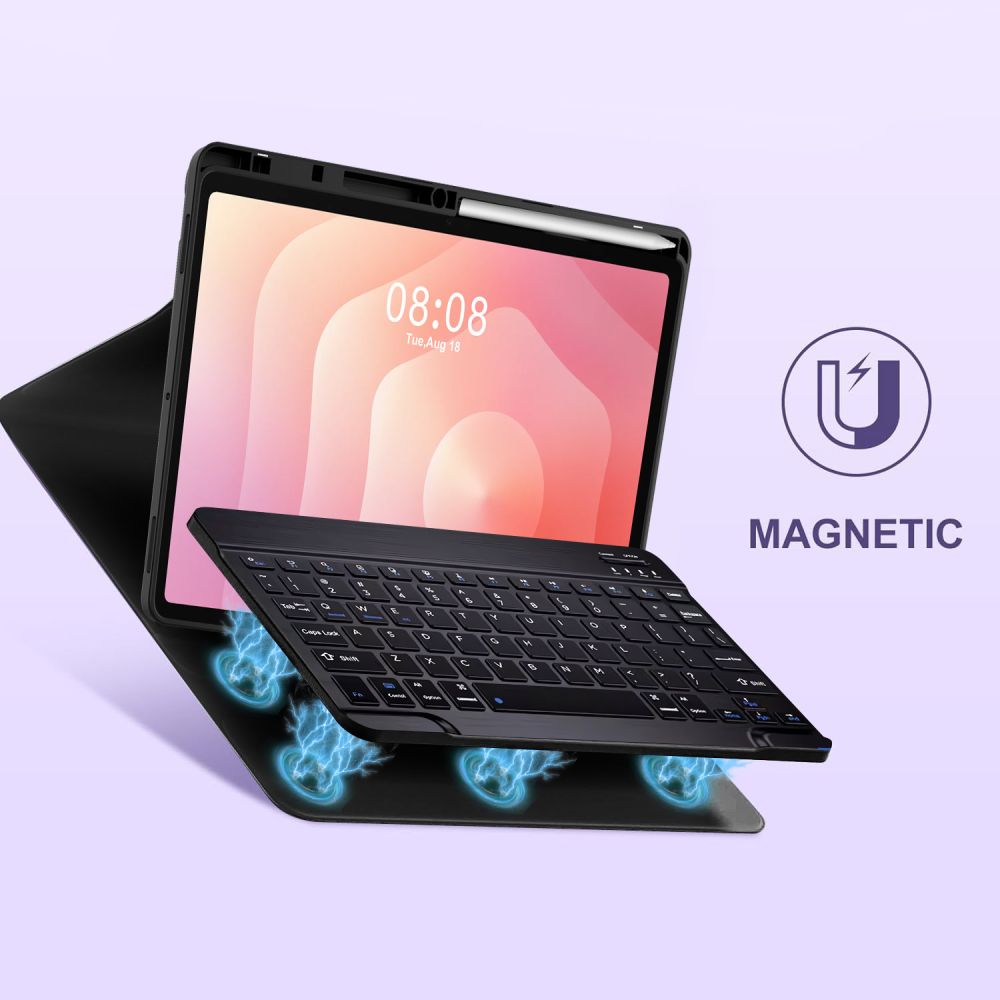
Magnetic Wireless Bluetooth Keyboard
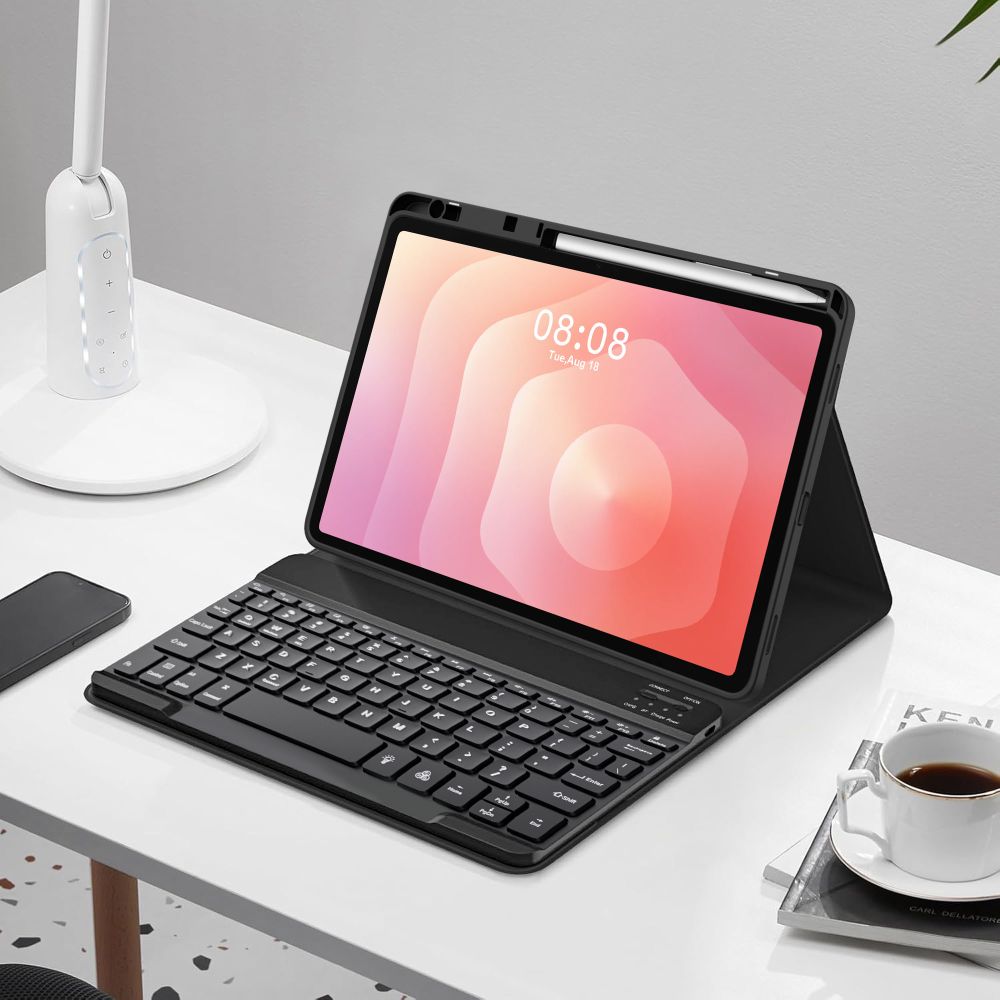
The case includes a detachable magnetic Bluetooth keyboard with backlit keys, an operating range of up to 10 m, and up to 140 hours of continuous battery life. Quick-access shortcuts allow seamless switching between operating systems: Fn+Q for iOS, Fn+W for Android, and FN+E for Windows.
| Compatibility | Samsung Galaxy Tab S11 11.0 (X730 / X736B) |
|---|---|
| Material | TPU |
| Color | Black |
| Connectivity | Bluetooth |
| Operating Range | Up to 10 m |
| Battery Life | Up to 140 h |
| Backlit Keyboard | Yes |
| Stylus Slot | Yes |
| Stand Function | Yes |
| Auto Wake / Sleep | Yes |
| EAN | 5906302332663 |
|---|
What is included in the package?
The set includes 1 x Tech-Protect SC Pen Case, 1 x Black keyboard, and 1 x USB-A to USB-C cable (18 cm).
How do you switch between operating systems on the keyboard?
After connecting your device, press Fn+Q for iOS, Fn+W for Android, or FN+E for Windows.
 Gudri pirkumi vienuviet
