0

Docking stations

47 products

Docking stations and hubs extend your laptop or tablet connectivity: USB‑C/Thunderbolt docks, HDMI/DisplayPort outputs, Ethernet and extra USB ports. Perfect for home office, presentations or travel — plug one cable to get monitors, network and power at once. Browse compact portable adapters and full-featured desktop docks to find the right match for your device.

-56%

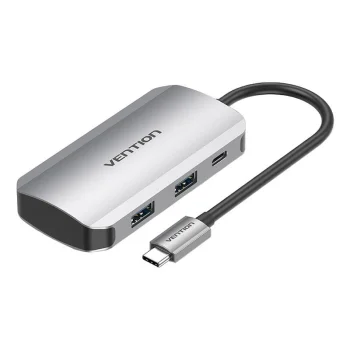
USB-C Docking Station to 4x USB3.0, PD 0.15m Vention TNBHB (gray)
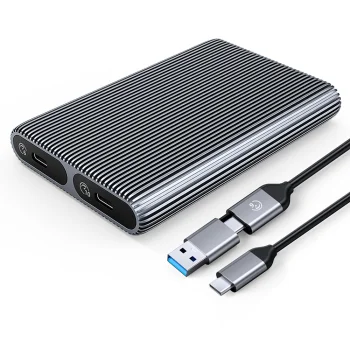
Orico AM2C3-2N Dual M.2 NVMe SSD Enclosure USB-C 3.2 10Gb/s, Gray
Orico
Orico AXM2F M.2 SATA SSD USB-C 3.2 Disk Case, Gray
Orico
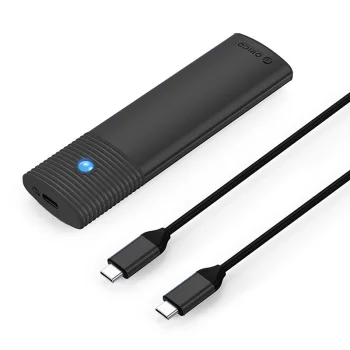
Orico TCM2-C3 M.2 NVMe to USB-C 10Gb/s External SSD Enclosure, Black
Orico

-10%

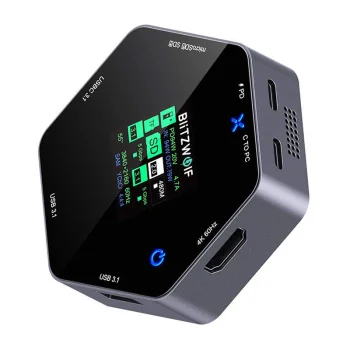
Blitzwolf BW-TH16 8-in-1 Docking Station with LCD Display & 100W PD
Blitzwolf

-14%

Blitzwolf BW-TH5 10in1 USB-C Docking Station, Silver
Blitzwolf
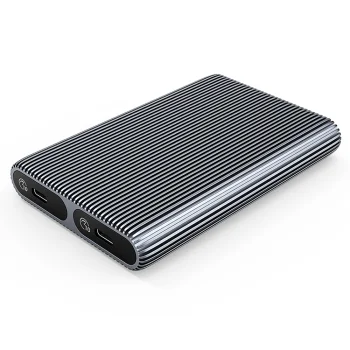
Disk Pocket 2x M.2 SATA+NVME USB-C 3.2 6Gbps/10Gbps - grey
Orico
New

-4%

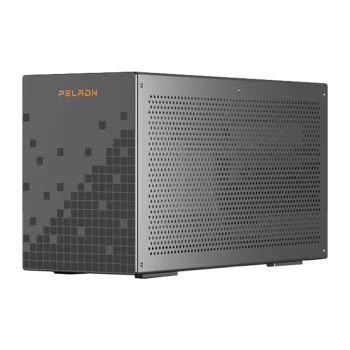
Minis Forum DEG1 Oculink Docking Station
Minis Forum
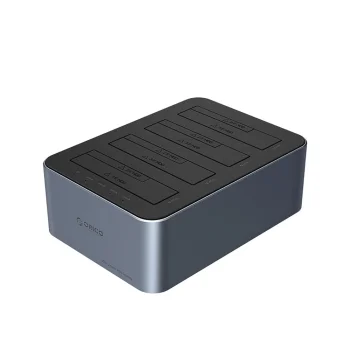
Orico 6656C3-C 5-Bay Docking Station 2.5"/3.5" SATA HDD/SSD with Offline Clone, Gray
Orico

-14%

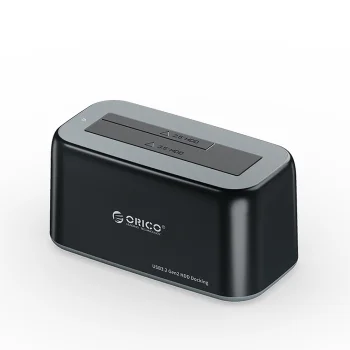
Orico 6819C3 Docking Station for 2.5"/3.5" SATA HDD/SSD, Black
Orico

-15%

Orico AM2C3-G2 M.2 NVMe SSD External Enclosure, Gray
Orico

-14%

Orico AP30-G2 M.2 NVME Magnetic Drive Bay MagSafe USB-C 3.2, Black
Orico
Orico AXM2-G2 M.2 NVMe USB-C 10Gb/s External Drive Enclosure - Gray
Orico

-15%

Orico AXM2-G2-V1 M.2 NVMe External Drive Case, Gray
Orico
Orico AXM2F-V1 M.2 SATA NGFF USB-C External Drive Case, Gray
Orico

-15%

Orico AXM2S-G2 M.2 NVMe / NGFF SSD External Case, Gray
Orico

-15%

Orico AXM2S-G2-V1 M.2 NVME/NGFF SSD External Case, Gray
Orico
Orico CNM2-G20 M.2 NVMe SSD External Enclosure USB-C 3.2 20Gb/s, Gray
Orico
Orico DDM2-C3-G2 M.2 NVMe SSD External Enclosure, USB-C 3.2, Gray
Orico
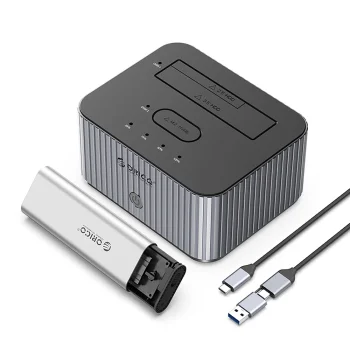
Orico IT18C3 Docking Station for M.2 NVMe/SATA Drive, Gray
Orico
Orico IT28E-C 2-Bay Docking Station for M.2 NVME & SATA HDD/SSD, Gray
Orico
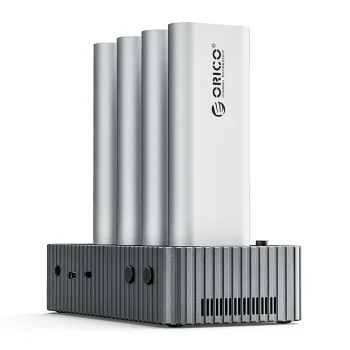
Orico IT48N-C 4-Disk Docking Station with M.2 NVME Clone Function, Gray
Orico

-14%

Orico M2PV-C3 M.2 NVMe SSD External Enclosure USB-C 10Gb/s, Black
Orico
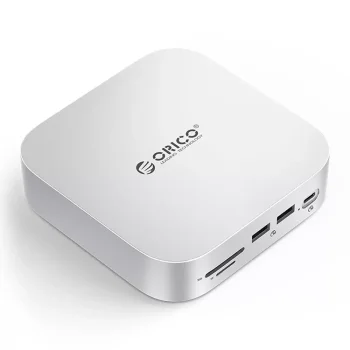
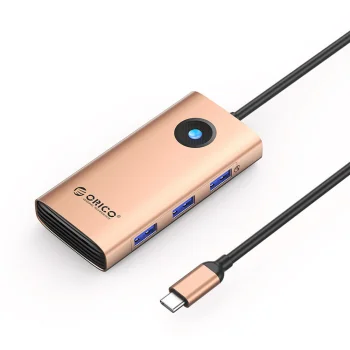
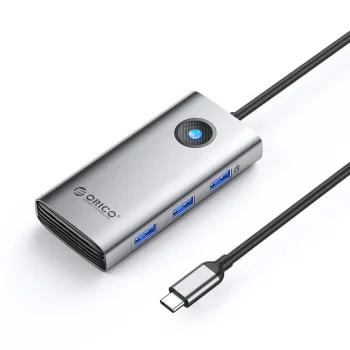
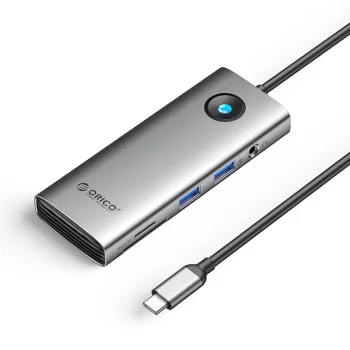
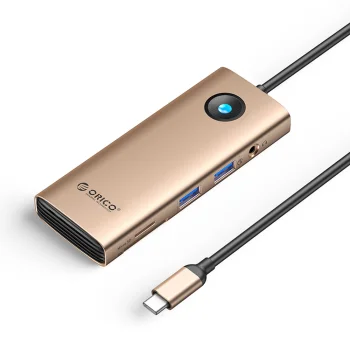
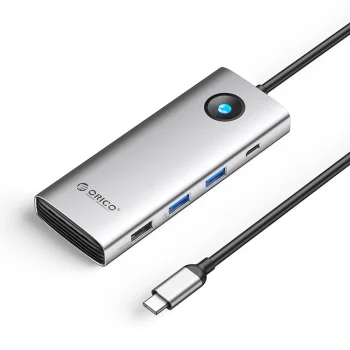
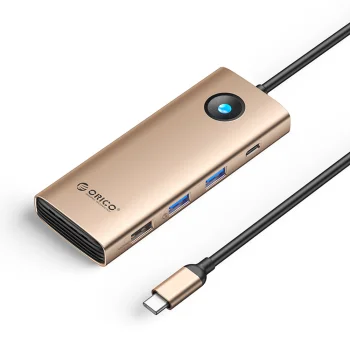
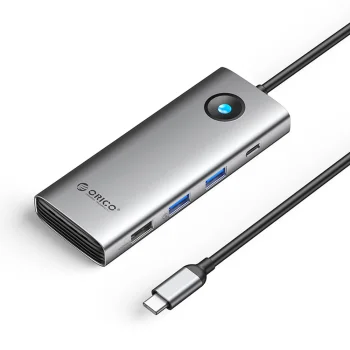
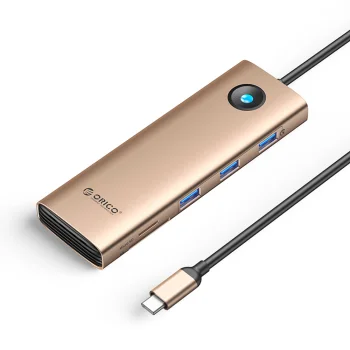
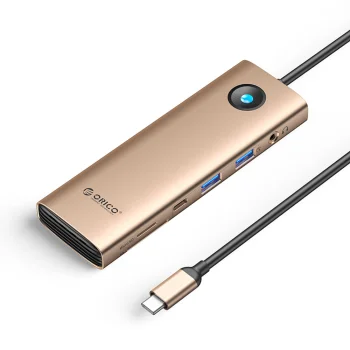
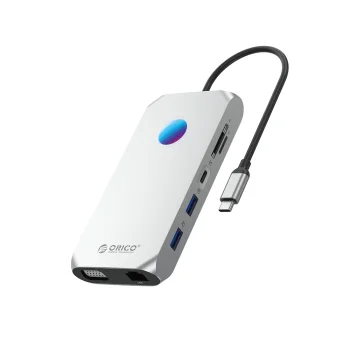
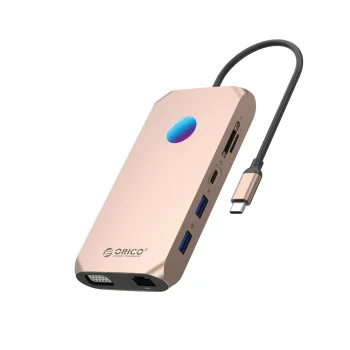
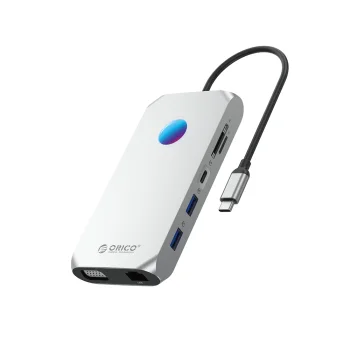
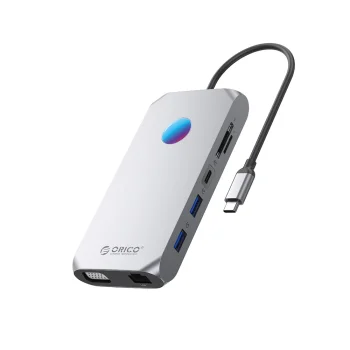
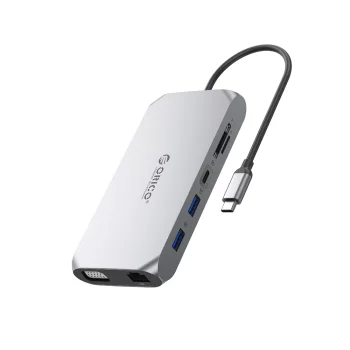
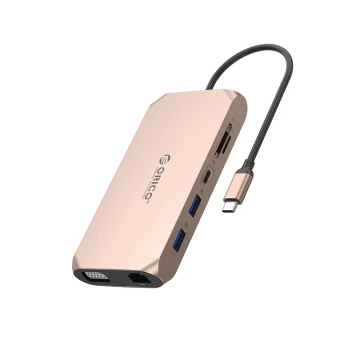
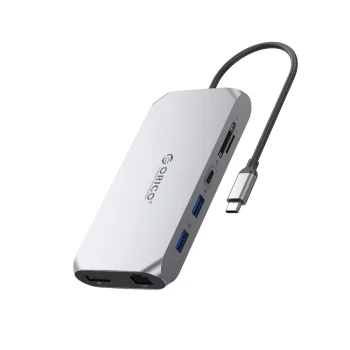
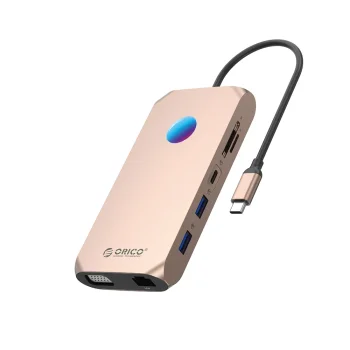
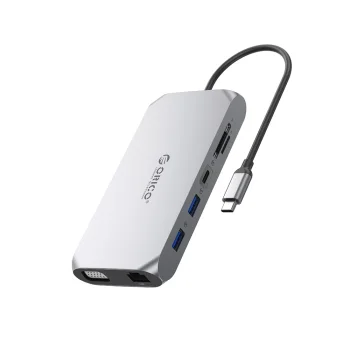
Orico MiniLink 9-in-1 Docking Station, Silver
Orico
Orico OM28PR-G2 USB-C Docking Station with M.2 Slot and HDMI, Black
Orico
Orico OUM2-G20 M.2 NVME SSD Enclosure USB-C 3.2 20Gb/s, Silver
Orico
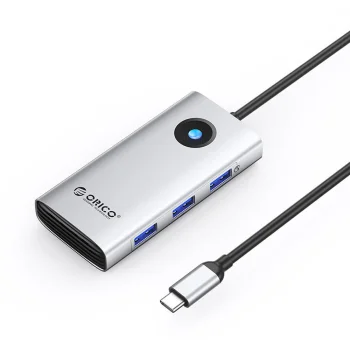
Orico PW11-5P USB-C Hub 5-in-1 HDMI 4K PD 60W, Gray
Orico

-5%

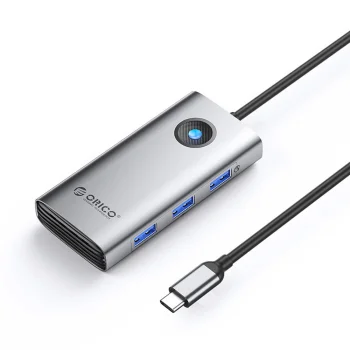
Orico PW11-6P 6-in-1 USB-C Hub (3x USB-A, 1x USB-C, PD, HDMI) - Gray
Orico

-24%

Orico PWM2 M.2 NGFF SATA SSD External Enclosure, Black
Orico

-10%

Orico PWM2-G2 M.2 NVMe SSD External Enclosure USB-C 10Gb/s, Black
Orico

-17%

Orico TC10-MS mSATA USB-C 3.2 5Gb/s Disk Enclosure - Transparent
Orico
Orico TC20-M2-10G M.2 NVMe SSD External Case, Transparent
Orico
Orico TCM2-C3 M.2 NVME to USB-C 10Gb/s SSD Enclosure, Red
Orico
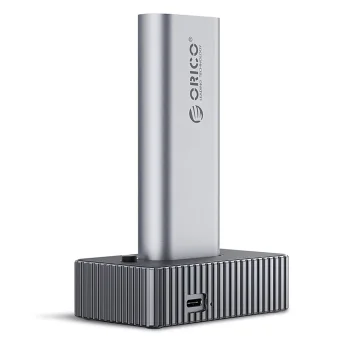
Orico TCM2-C3 M.2 NVMe to USB-C 10Gbps External SSD Enclosure, Gray
Orico
Orico TCM2-C3 M.2 NVMe to USB-C External Drive Enclosure, Blue
Orico


This category includes a wide range of docking solutions, from compact USB‑C adapters to full Thunderbolt docking stations with multiple video outputs. Common features include USB‑C or Thunderbolt inputs, HDMI or DisplayPort for external displays, Ethernet for wired networking, SD card readers, and additional USB‑A or USB‑C ports for peripherals. Options vary between bus‑powered hubs and mains‑powered docks that offer higher power delivery.

Typical use cases: home office setups where a laptop becomes a multi‑monitor workstation; meetings and presentations where quick connection to a projector or screen is needed; travel, where small, portable hubs save space; and professional creative work that requires 4K output and fast data transfer. Docking stations serve both casual users and professionals who need a reliable, tidy workspace.

Key benefits and features include increased connectivity, single‑cable convenience for data, video and power, support for Power Delivery (PD), high‑speed data transfer (USB 3.x), and reliable wired Ethernet. Materials range from lightweight plastic to anodized aluminum offering better heat dissipation and a premium look. Sizes vary from pocketable dongles to larger desktop docks with multiple monitor outputs and substantial power bricks.

What to consider when choosing a dock:

- Check your laptop’s ports (USB‑C, Thunderbolt 3/4, USB‑A) and choose a dock with compatible input.
- If you plan to use multiple monitors or 4K displays, verify the dock’s video output types and supported resolutions.
- For laptop charging, make sure the dock’s Power Delivery wattage (e.g., 45W, 60W, 85W, 100W) meets your device’s requirements.
- For heavy data tasks or streaming, opt for USB 3.1/3.2 ports and gigabit Ethernet.
- Consider portability, cable length, and whether you need a driver‑free plug‑and‑play device or a model that requires drivers for advanced features.

  • Expand ports: USB, HDMI/DisplayPort, Ethernet
  • Power Delivery support for charging laptops
  • Support for multiple monitors and up to 4K resolutions
  • Portable (bus‑powered) and desktop (powered) options
  • Different materials: plastic or aluminum bodies
  • High‑speed USB and gigabit Ethernet for reliable networking
  • Some models require drivers for full functionality

Frequently Asked Questions

Check your laptop's ports (USB‑C, Thunderbolt, USB‑A) and OS compatibility. Many docks are universal, but features like multiple external displays or high PD wattage may require Thunderbolt or specific drivers.
If the dock supports Power Delivery (PD) and offers sufficient wattage, it can charge your laptop. Verify the PD rating (for example, 45W, 60W, 85W, 100W) to match your device's needs.
Unplug the dock before cleaning. Use a soft, dry or slightly damp microfiber cloth, avoid harsh chemicals, and keep liquids away from ports. Remove dust from connectors periodically to ensure reliable connections.
Yes — there are compact, lightweight hubs ideal for travel. Choose bus‑powered or small docks that don't require a bulky power brick, and store them in a protective case to avoid damage.