
New
Computer docking stations
6 products
Computer docking stations include Orico and Vention USB-C docks for adding ports, Orico HDD and SSD docking stations, and Peladn external graphics card docks. These products suit desk setups, connections to storage drives and external graphics configurations. Choose according to the task, the computer connection and the specific ports required, rather than the total number of connectors alone.

New
-18%
Peladn
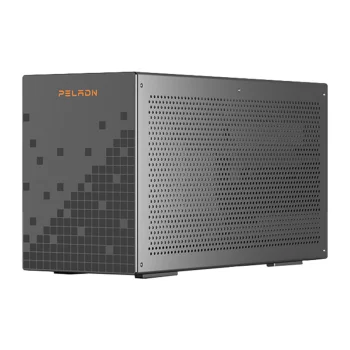
Peladn G2E Thunderbolt 5 Docking Station, 140W PD, 13 Ports, Silver
Delivery in 5–12 business days
278.30 €337.90 €
New
-17%
Peladn
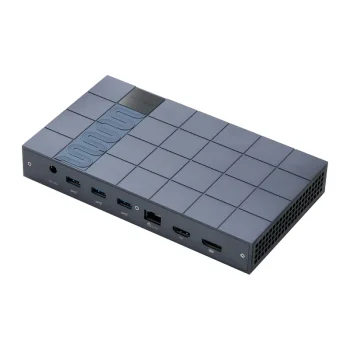
Peladn G2E Thunderbolt 5 Docking Station, 140W, Gray
Delivery in 5–12 business days
279.00 €337.90 €
New
-4%
Peladn
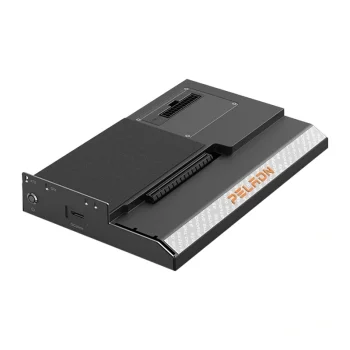
Peladn Link S-2 Oculink eGPU External Graphics Card Docking Station
Delivery in 5–12 business days
96.10 €99.90 €

New

New
-4%
Peladn
Peladn S-3 Thunderbolt 5 eGPU Docking Station, 80 Gbps, 140W PD
Delivery in 5–12 business days
302.80 €315.10 €
Computer docking stations support several different tasks, from connecting desktop peripherals and monitors to accessing storage drives or adding an external graphics card. Orico and Vention offer USB-C docks for expanding connections. Orico drive docking stations connect SATA HDDs and SSDs, while Peladn eGPU docks use Thunderbolt 3 for external graphics configurations.
How to choose computer docking stations
Start with the equipment that needs to stay connected: a keyboard, mouse, monitor, network cable, memory card or storage drive. Check the exact docking station model for compatibility with the computer and required functions. A USB-C connector alone does not establish support for video output, charging or Thunderbolt. Compare the mix of ports as well as the total number available.
- USB-C docking stations: Orico and Vention docks add connections for computer peripherals. The number of USB ports matters when several accessories need to be used at the same time.
- Monitor connections: Available docks include models with HDMI, DisplayPort or VGA. Match the video connection to the monitor and consider the required resolution and refresh rate.
- Power and networking: Selected USB-C docks include PD power connections and RJ45 Ethernet. These features suit a desk setup that needs wired networking and power routed through the dock.
- HDD and SSD docking stations: Orico offers docks for SATA drives. Drive interface and supported 2.5-inch or 3.5-inch format are separate selection criteria.
- eGPU docking stations: Peladn docks are designed for connecting an external graphics card. Thunderbolt 3 connectivity is central to this use, rather than the number of standard USB ports.
A desk dock brings together the connections needed for everyday peripherals and displays. Drive docks serve data-transfer tasks involving SATA storage, while eGPU docks serve external graphics setups.
Frequently Asked Questions
What is the difference between a USB-C dock and a drive dock?
A USB-C docking station adds connections for peripherals, displays or networking, depending on its features. A drive docking station connects an HDD or SSD to a computer.
Can a docking station connect more than one monitor?
The range includes docking stations with multiple video connectors, including HDMI, DisplayPort or VGA. The number of simultaneous displays and available display modes depend on the dock and the computer.
Which drives do Orico drive docking stations support?
Orico drive docking stations include options for 2.5-inch and 3.5-inch SATA HDDs and SSDs. The drive interface and physical format are separate factors when choosing a dock.
What is an eGPU docking station used for?
An eGPU docking station connects an external graphics card to a computer. Peladn offers an eGPU dock with a Thunderbolt 3 connection.
 Gudri pirkumi vienuviet