
FNIRSI FD10 OBD2 diagnostic adapter with Bluetooth 5.1
-9%


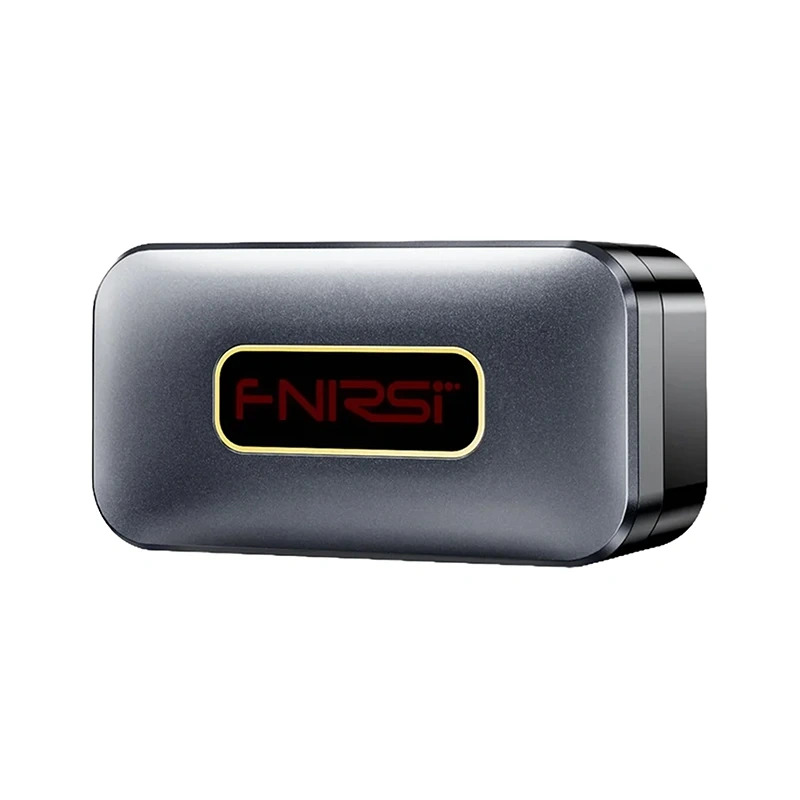
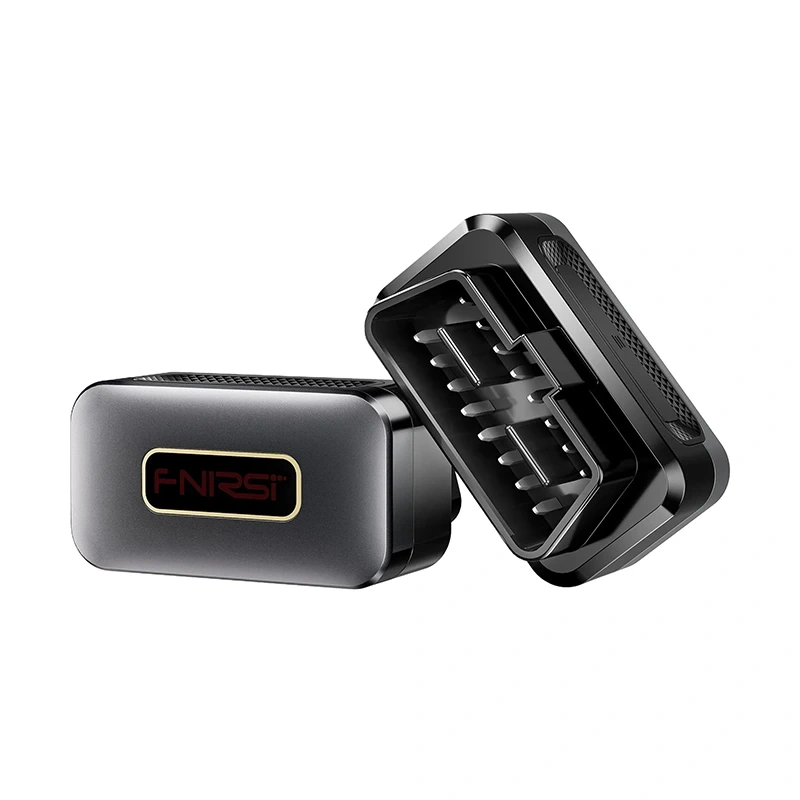
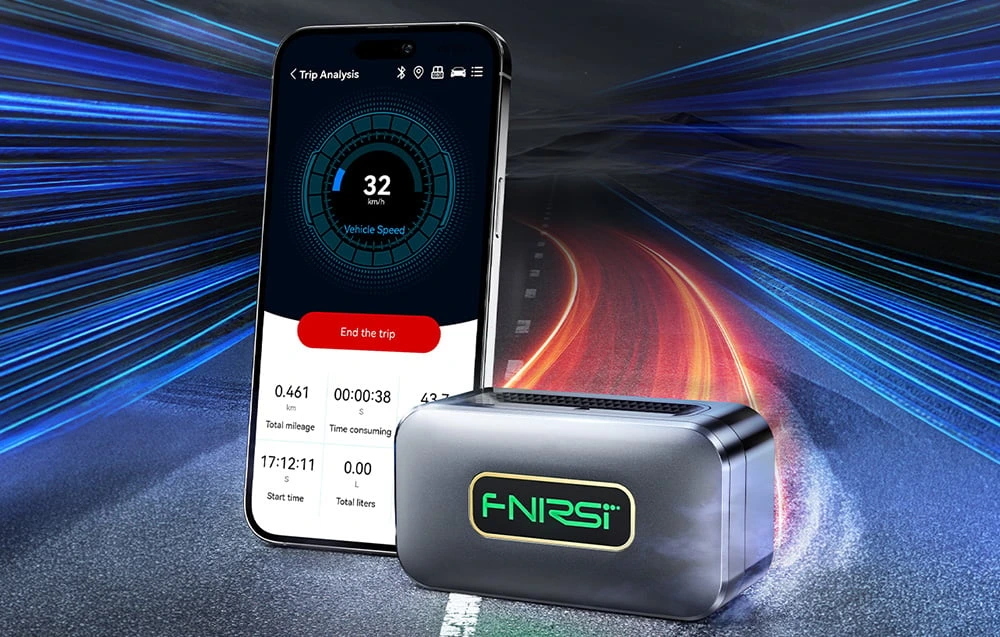

The FNIRSI FD10 is a compact OBD2 diagnostic adapter for reading fault codes and viewing vehicle operating data on your smartphone. It supports OBD2-compliant petrol cars manufactured from 2006 onwards and works with the YMOBD app on iOS and Android.
Fault checks and live data
The adapter offers 12 diagnostic functions, including vehicle scanning, reading and clearing fault codes, checking diagnostic system status and resetting the check engine light. Live readings include vehicle speed, engine RPM, coolant temperature, battery voltage and fuel consumption.
- Trip analysis: record trip data and analyse routes and fuel consumption.
- Additional checks: performance testing, data stream reading and throttle body carbon deposit detection.
- System scanning: full 360° scanning helps detect issues related to ignition, fuel injectors, valves and excessive fuel consumption.
Connect through the OBD2 port
Plug the adapter into the car’s OBD2 port and open YMOBD. The app detects the device automatically and connects through Bluetooth 5.1 without manual pairing. The housing measures 49 × 33 × 26 mm.
| Manufacturer | FNIRSI |
|---|---|
| Model | FD10 |
| Interface | OBD II |
| Supported buses | CAN_BUS / K_LINE / L_LINE |
| Connectivity | Bluetooth 5.1 |
| App | YMOBD |
| Power consumption | ≤1 W |
| Operating voltage | 8–28 V |
| Operating temperature | From -40 °C to +85 °C |
| Dimensions | 49 × 33 × 26 mm |
| Compatibility | iOS / Android |
| Supported vehicles | OBD2-compliant petrol cars manufactured from 2006 onwards |
| Supported protocols | SAE J1850: PWM (41.6 Kbaud), VPW (10.4 Kbaud); ISO9141-2 (5 baud init, 10.4 Kbaud); ISO14230-4 KWP (5 baud init / fast init, 10.4 Kbaud); ISO15765-4 CAN (11-bit ID / 29-bit ID, each at 500 Kbaud / 250 Kbaud) |
| Language support | 24 languages, including Polish |
| EAN | 5905156102460 |
|---|
Which cars does the adapter support?
It supports OBD2-compliant petrol cars manufactured from 2006 onwards.
How does it connect to a smartphone?
Plug the adapter into the vehicle’s OBD2 port and open YMOBD on an iOS or Android smartphone. The app automatically detects the adapter and connects through Bluetooth 5.1 without manual pairing.







 Gudri pirkumi vienuviet