
- Gifts & Party Decorations
- Phone Accessories
- Photo & Video
- Computers & Electronics
- Sports & Fitness
- Beauty & Health
- Car & Motorcycle Accessories
- Bicycle Accessories
- Home & Living
- Garden & Outdoor
- Baby & Kids Products
- Games, Hobbies & Leisure
- Travel & Outdoor Activities
- Pet Supplies
- Discounted Items & Products with Defects
Computer mice for PC and laptop use
This category includes computer mice for everyday work, study, and home use, including wireless USB and optical models. A good mouse helps with documents, web browsing, remote work, and more comfortable laptop control. You can compare connection type, sensitivity, and overall design to find a practical option for daily tasks, whether you need a simple mouse for basic use or a compact model for flexible setup.
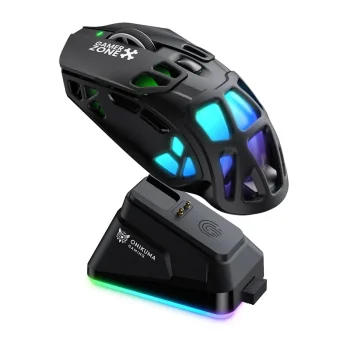
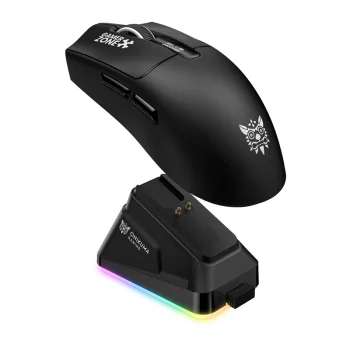
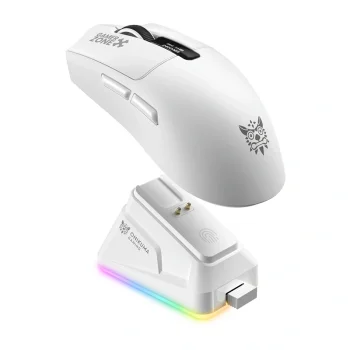
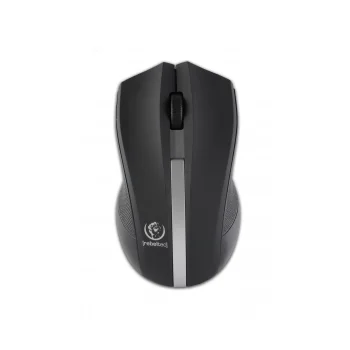
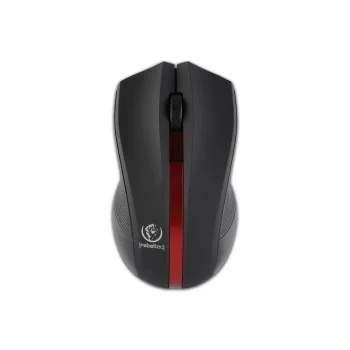
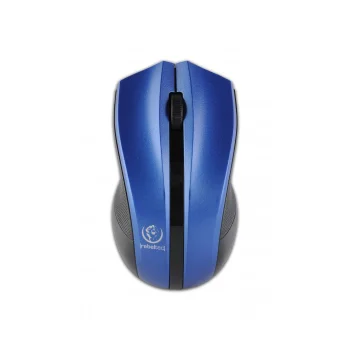
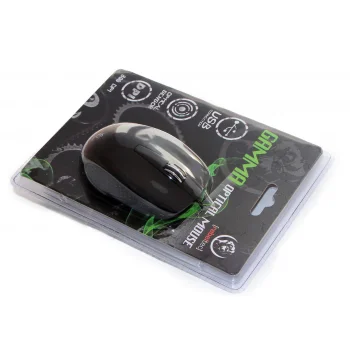
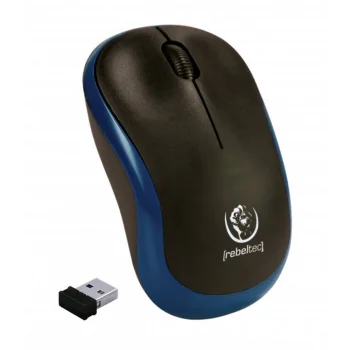
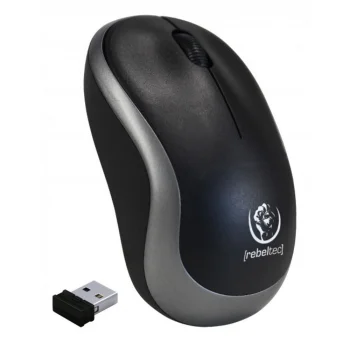
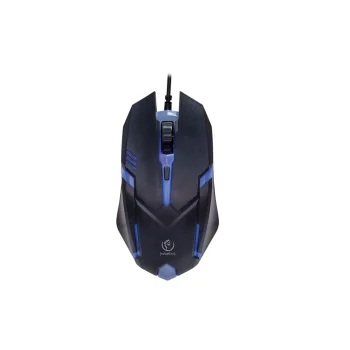
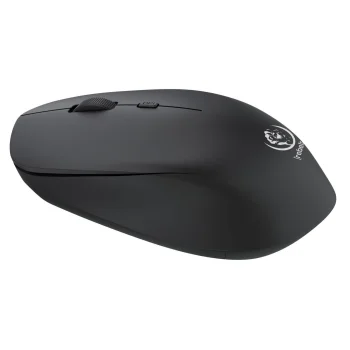
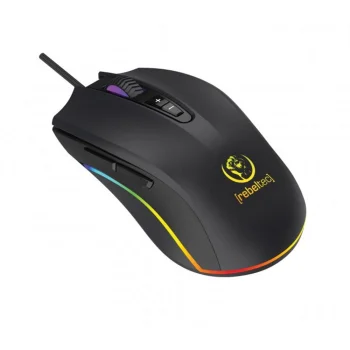
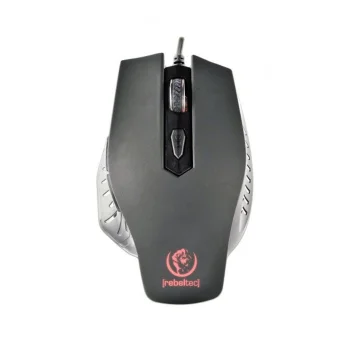
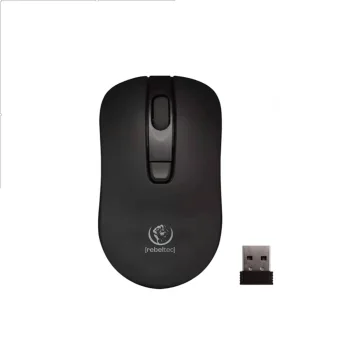
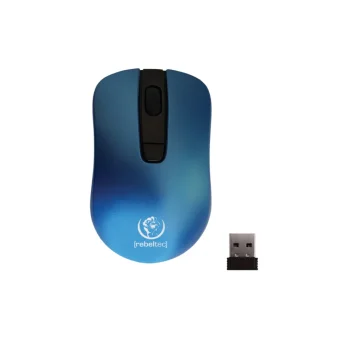
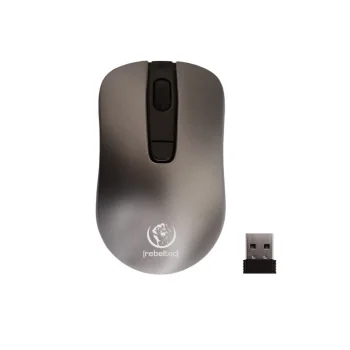
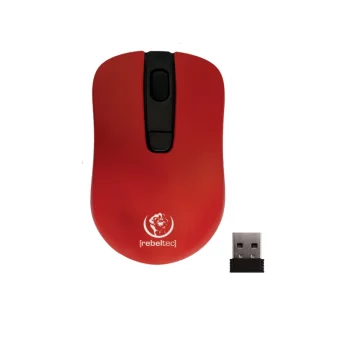
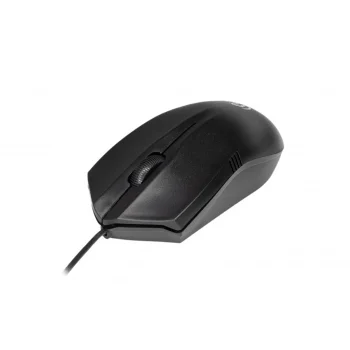
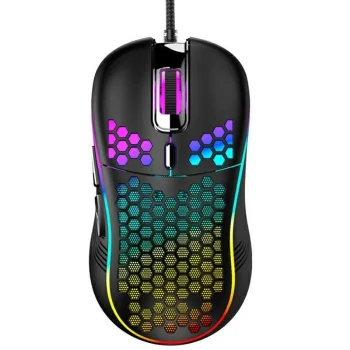
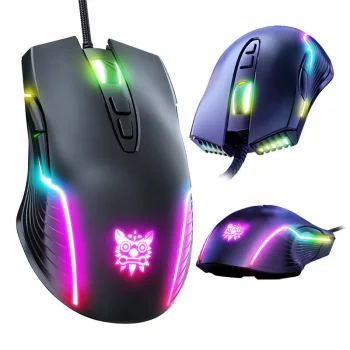
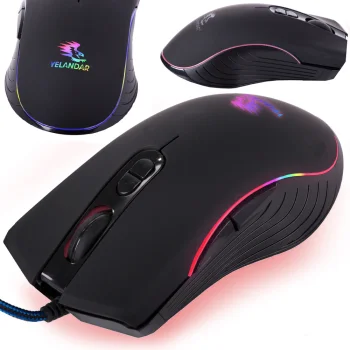
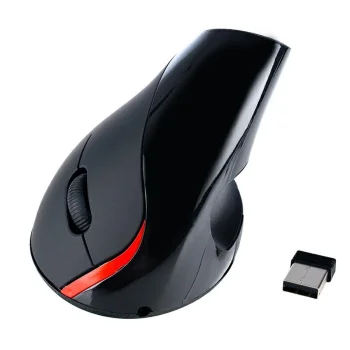
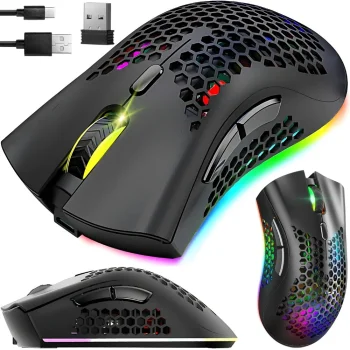
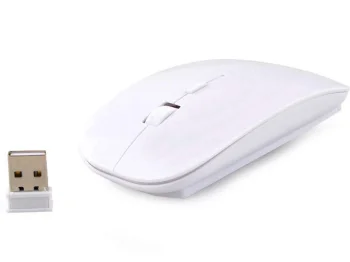
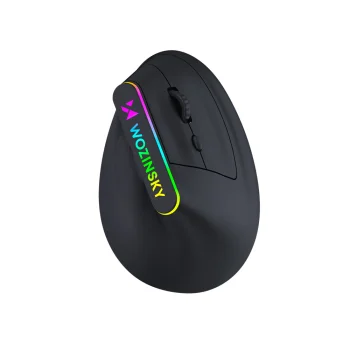
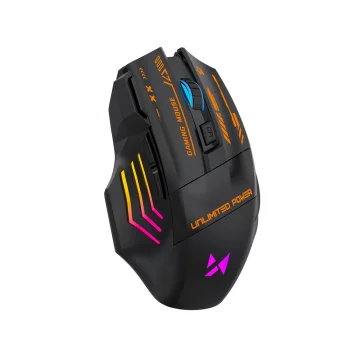
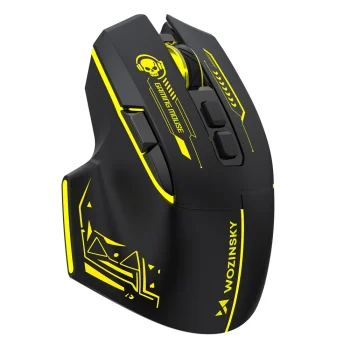
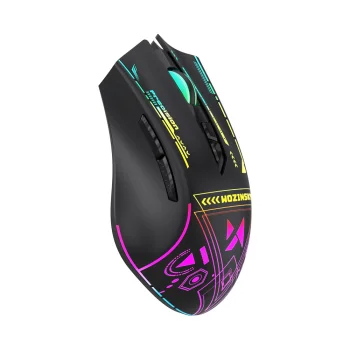
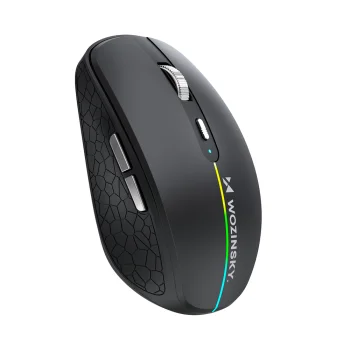
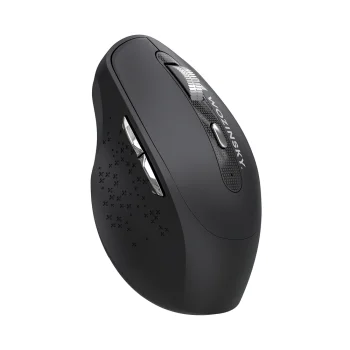
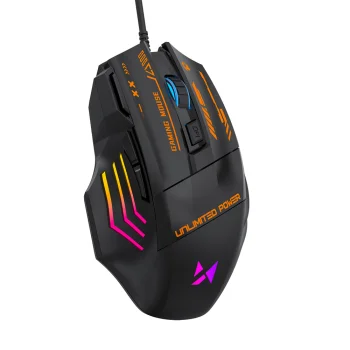
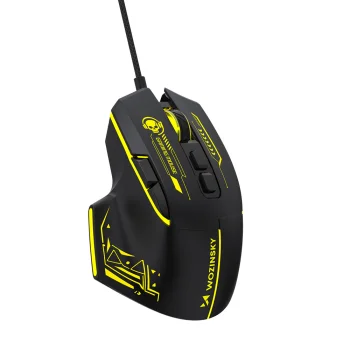
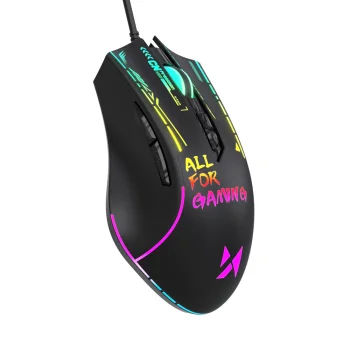
Computer mice are essential accessories for comfortable daily use with a desktop computer or laptop. In this category, you will find computer mice for work, study, and general home use, including wireless USB mice and optical models. They are suitable for writing and editing documents, browsing the web, working remotely, and making laptop use more convenient. Depending on your needs, you can choose a simple everyday mouse or a model with higher sensitivity for more precise cursor control.
How to choose the right computer mouse
When selecting a computer mouse, it is useful to consider the connection type, comfort, and cursor sensitivity. A wireless mouse helps keep your desk cleaner and is especially convenient for laptop users. USB-based connection offers quick and simple setup for everyday use. If precision matters, check the DPI level to understand how responsive the mouse may feel. It is also worth comparing size and shape so the mouse feels comfortable during both short tasks and longer sessions.
- Connection type: choose a wireless or other setup that fits your workspace.
- Sensitivity: higher DPI can provide faster and more precise cursor movement.
- Use case: a basic model works well for everyday tasks, while a compact mouse is handy for laptop use.
- Compatibility: make sure the mouse suits your computer or laptop setup.
- Design: color and shape can make a difference if you use the mouse every day.
Browse the available computer mice and compare different models to find the right balance of convenience, sensitivity, and everyday practicality for your workspace.
Frequently Asked Questions
What is the difference between a wireless and a wired mouse?
A wireless mouse works without a cable, while a wired mouse connects directly to the computer with a cord.
What does DPI mean on a computer mouse?
DPI indicates cursor sensitivity. A higher DPI usually means faster cursor movement on screen.
Is a USB wireless mouse suitable for a laptop?
Yes, a USB wireless mouse is a practical choice for laptop use at home, at work, or on the go.
Is an optical mouse good for everyday use?
Yes, an optical mouse is a common and practical option for everyday work, study, and browsing.
What are the most popular 2026 products in category - Computer mice for PC and laptop use
What are the newest products in category - Computer mice for PC and laptop use
- ONIKUMA DM10 Wireless Gaming Mouse, 24,000 DPI, White
- ONIKUMA DM09 Wireless Gaming Mouse, 24,000 DPI, 2.4 GHz / BT / USB-C, Black
- ONIKUMA DM10 Wireless Gaming Mouse with Charging Dock, Black
- ONIKUMA DM08 Wireless Gaming Mouse with Charging Dock, Black
- ONIKUMA DM06 Wireless Gaming Mouse, 2.4 GHz / Bluetooth / USB-C, 12 800 DPI, RGB


