
ICY BOX IB-CR404-C31 CFexpress Type-B card reader, USB 3.2 Gen 2

Delivery options to:
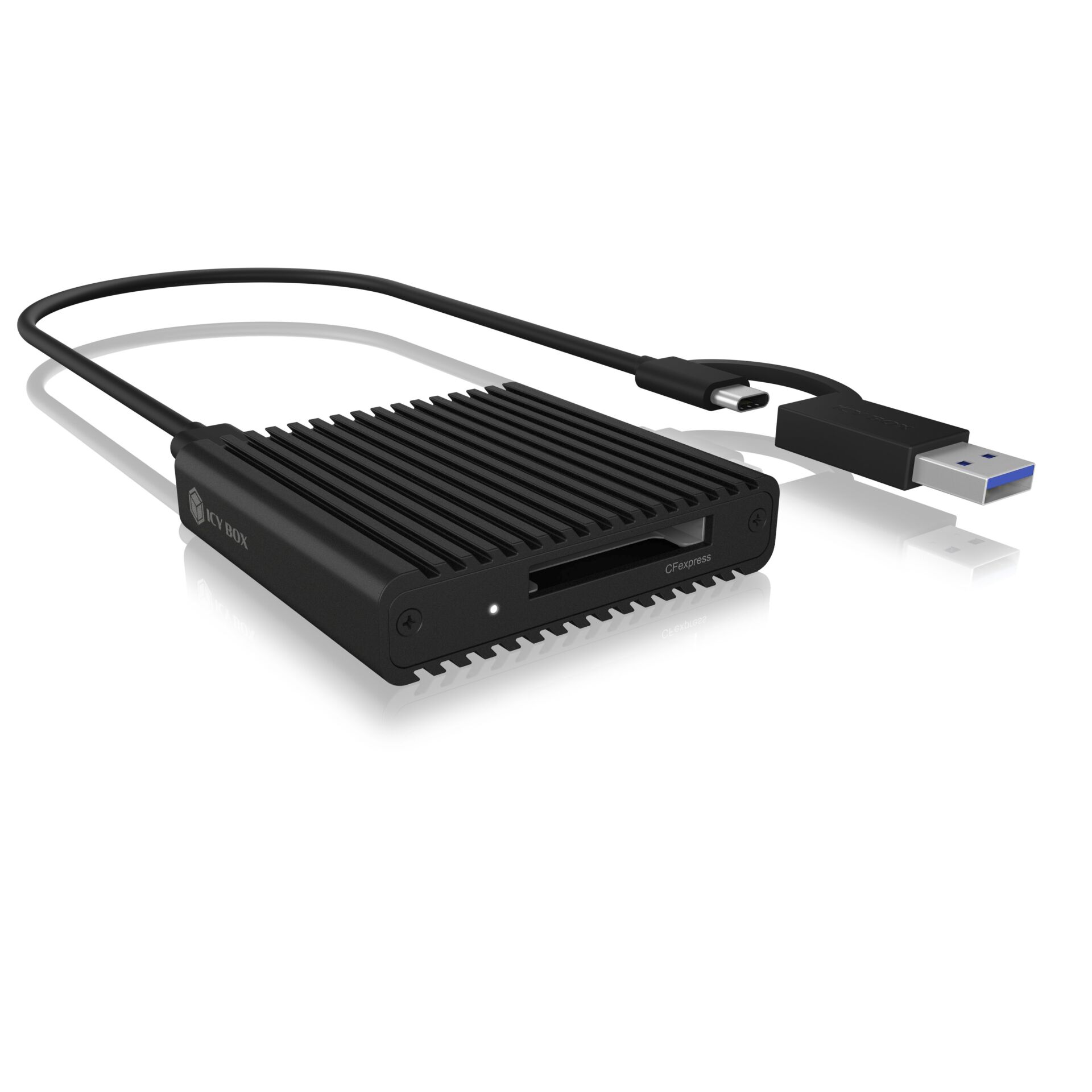
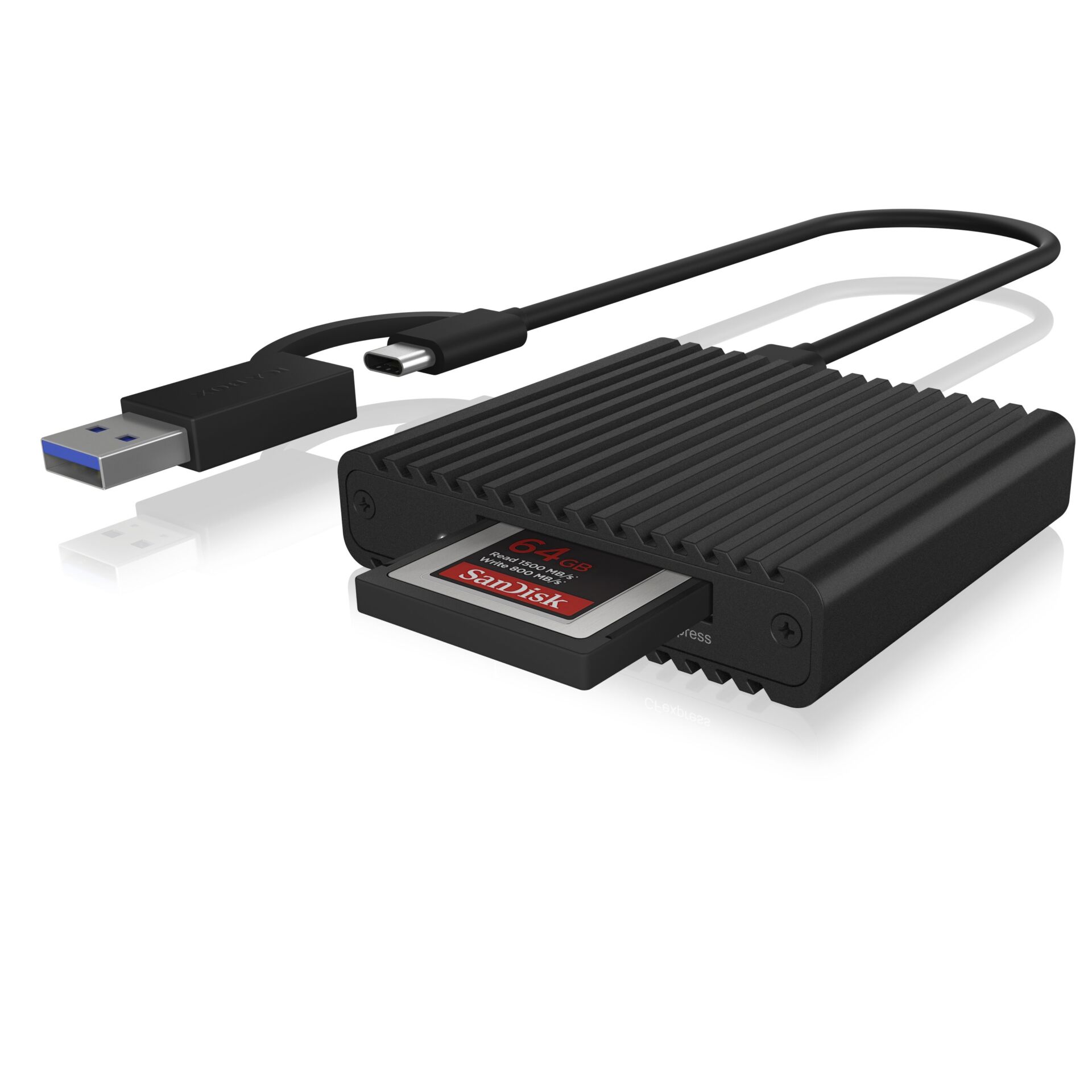
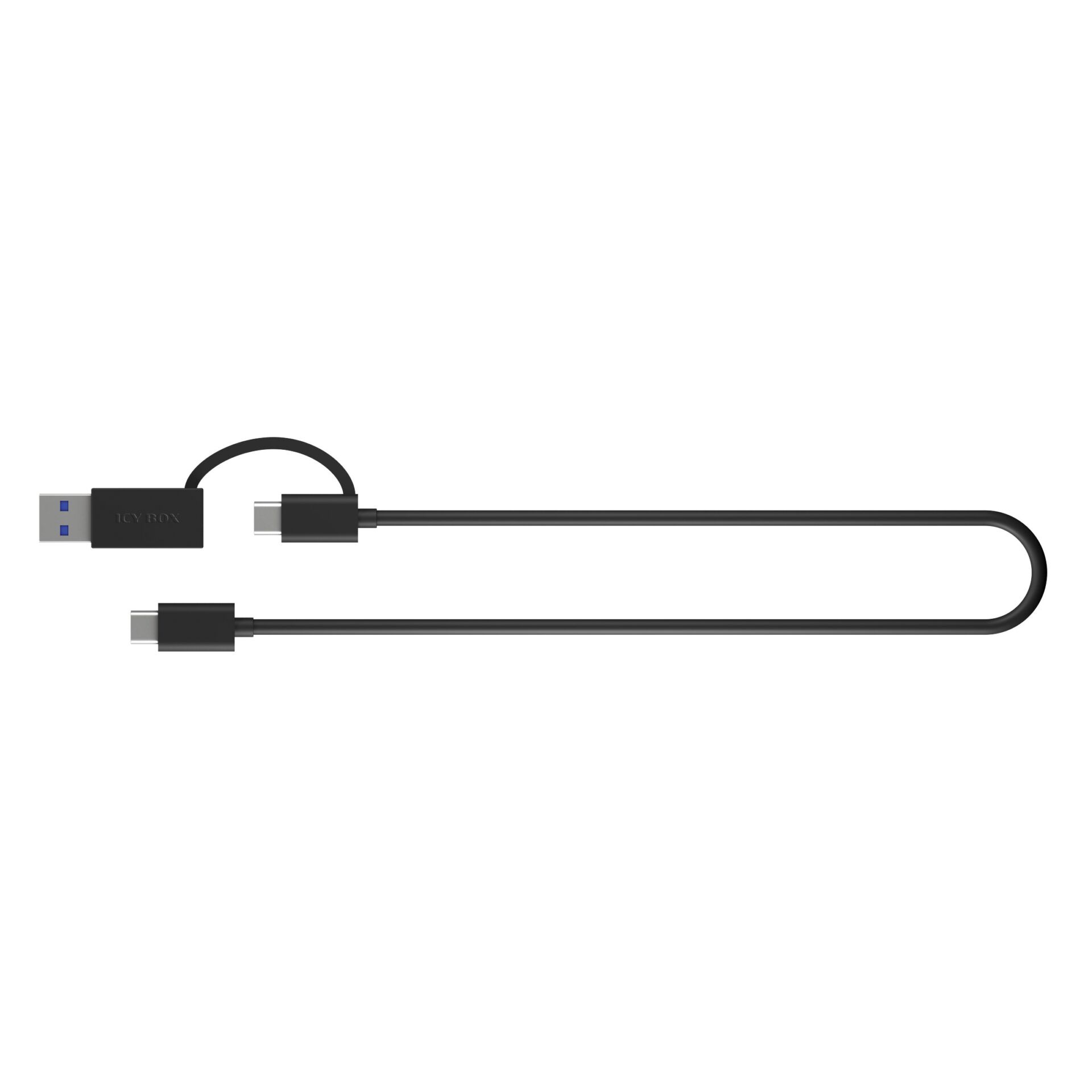
Choose countryThe ICY BOX IB-CR404-C31 reads CFexpress Type-B memory cards for transferring photos and other files to a computer. Its included combination cable connects to either USB-C or USB-A ports.
Data transfer and connection
The USB 3.2 Gen 2 interface supports data transfer rates of up to 10 Gbit/s, paired with the NVMe protocol used by CFexpress Type-B cards. The stated file copying speed is 1 GB per second.
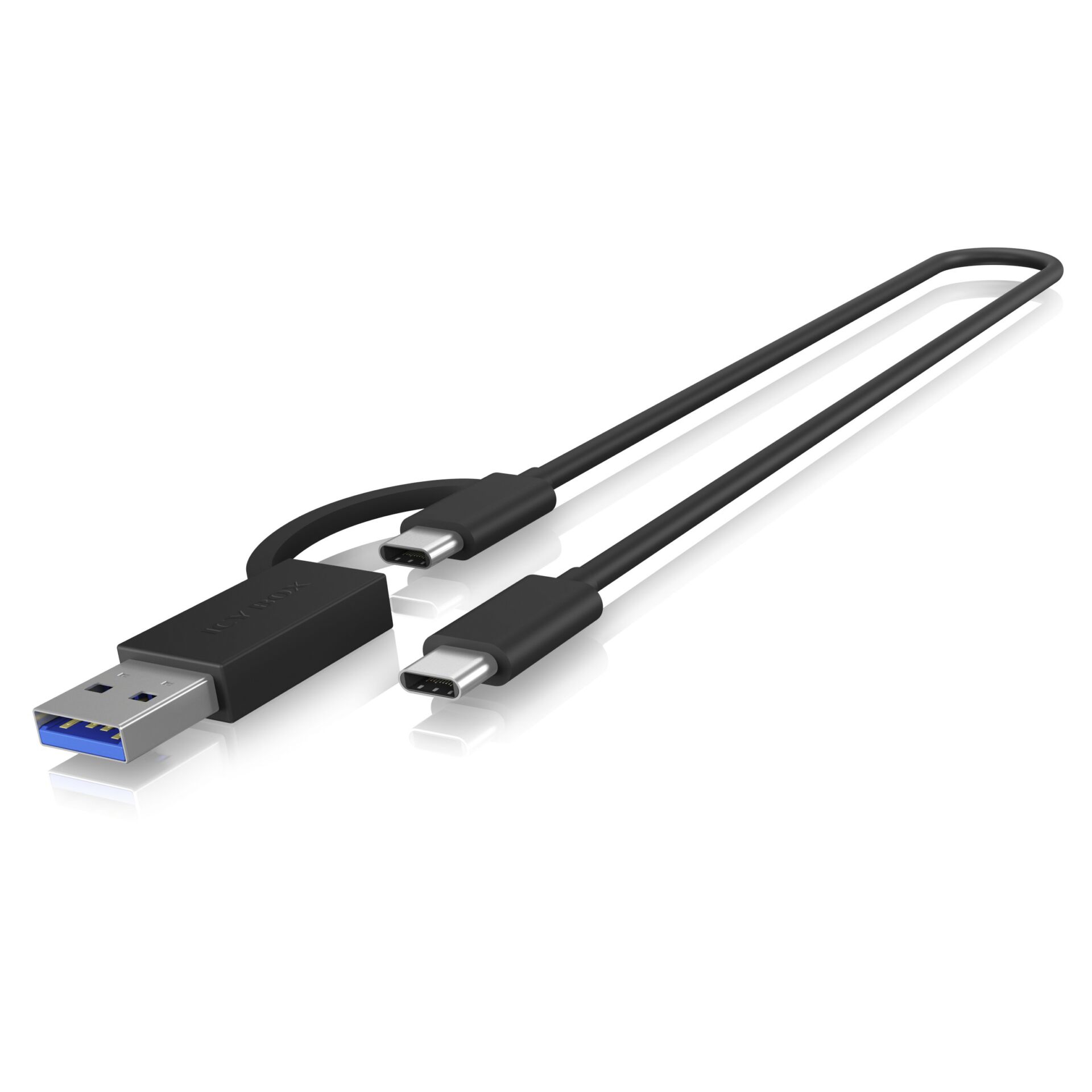
- Connection: USB-C to USB-C cable with a USB-A adapter.
- Setup: Plug & Play operation without driver installation.
- Compatibility: Windows, macOS and Chrome OS.
- Power: supplied via USB.
Aluminium housing with cooling fins
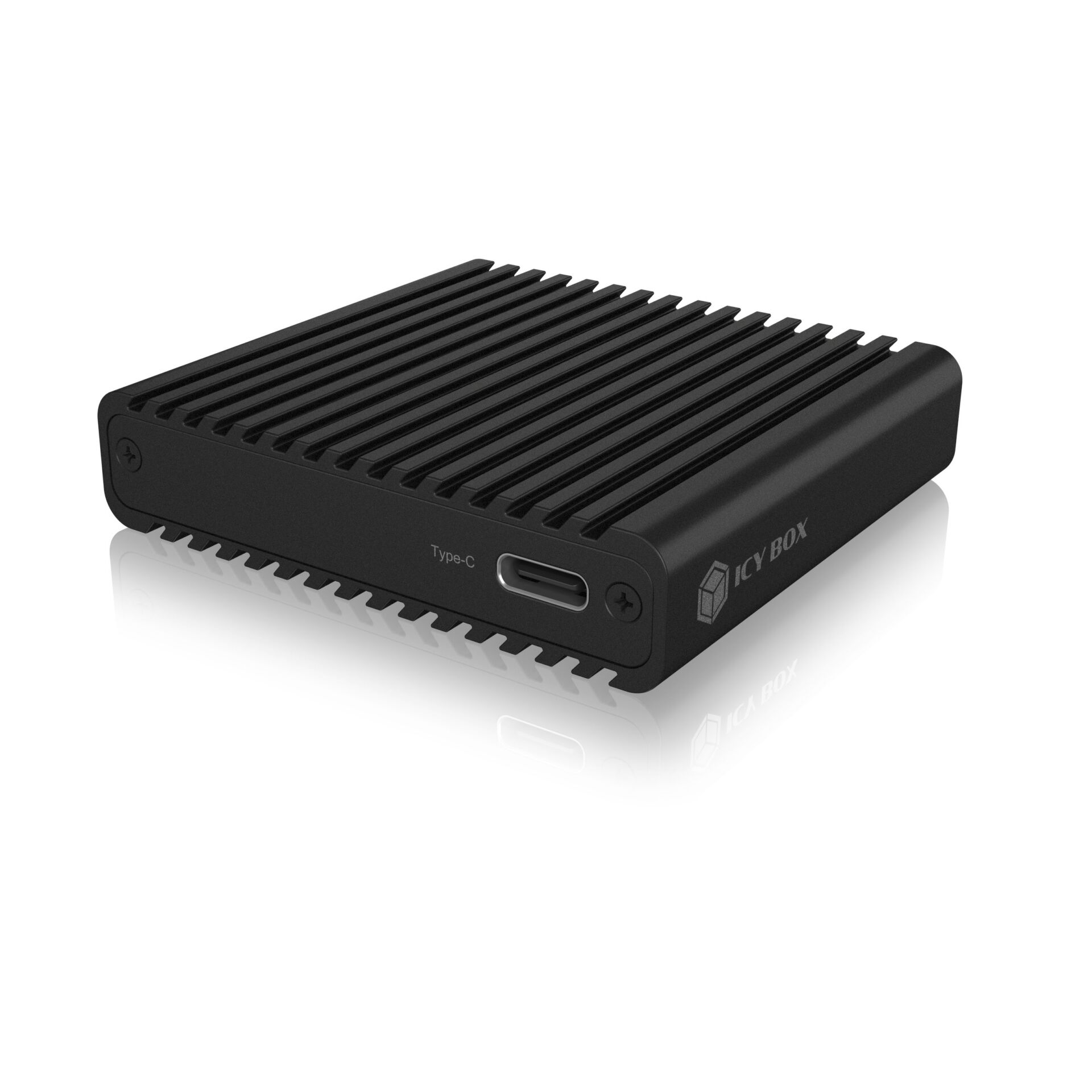
The black aluminium enclosure has cooling fins to help dissipate operating heat. This matters because CFexpress cards can become very warm under high load. The reader measures 64 × 59 × 15 mm and weighs 70 g.
| Height | 15 mm |
|---|---|
| Weight | 70 g |
| Colour | Black |
| Depth | 59 mm |
| Width | 64 mm |
| UPnP (Universal Plug and Play) | Yes |
| Maximum data transfer rate | 10000 Mbit/s |
| Card reader | Yes |
| Power supply | Via USB |
| Supported card format | CFexpress |
| USB ports | 1 × USB-A 3.0 / 1 × USB-C 3.2 (Gen. 2) |
| Supported CFexpress type | Type-B |
| Included cable | USB-C to USB-C cable with USB-A adapter |
| Housing | Aluminium with cooling fins |
| Driver installation | Not required; Plug & Play |
| Compatible operating systems | Windows, macOS, Chrome OS |
| File copying speed | 1 GB/s |
| Memory card protocol | NVMe |
| EAN | 4250078172604 |
|---|
Which memory cards does this reader support?
It is designed for CFexpress Type-B memory cards.
Can I connect it to a USB-A port?
Yes. The included USB-C to USB-C cable comes with a USB-A adapter. The reader is powered via USB and requires no driver installation.
 Gudri pirkumi vienuviet