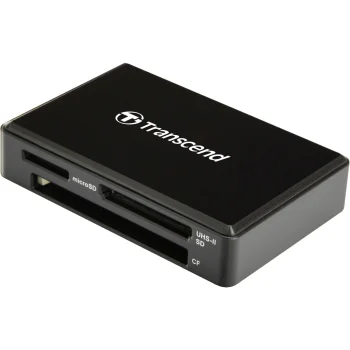
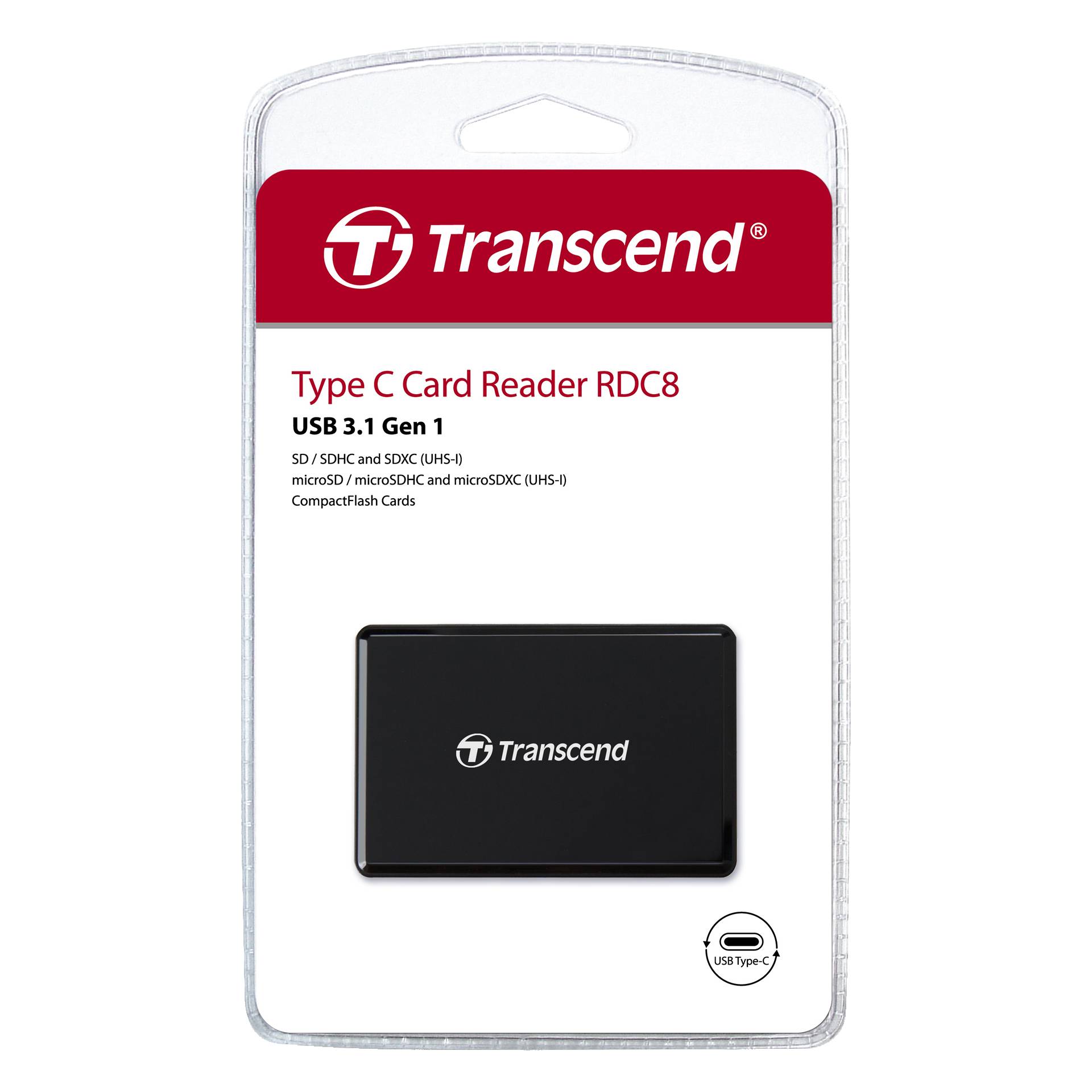
Transcend RDC8 USB-C card reader for SD, microSD and CF, black
23.00 €

Products ID: 157267
In supplier warehouse
Available to order: 10+ pcs.
Delivery Time 7–15 business days
Delivery options to:
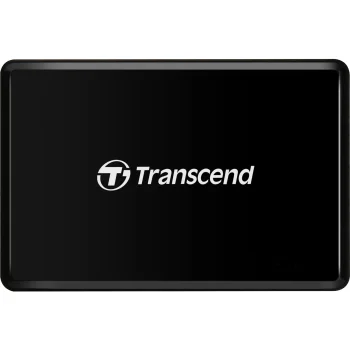
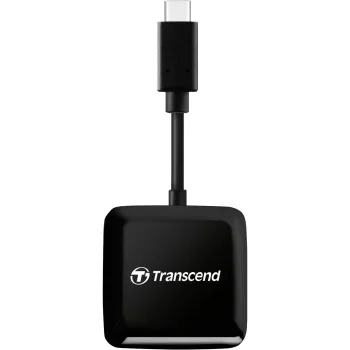
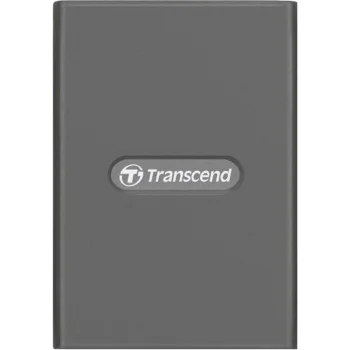
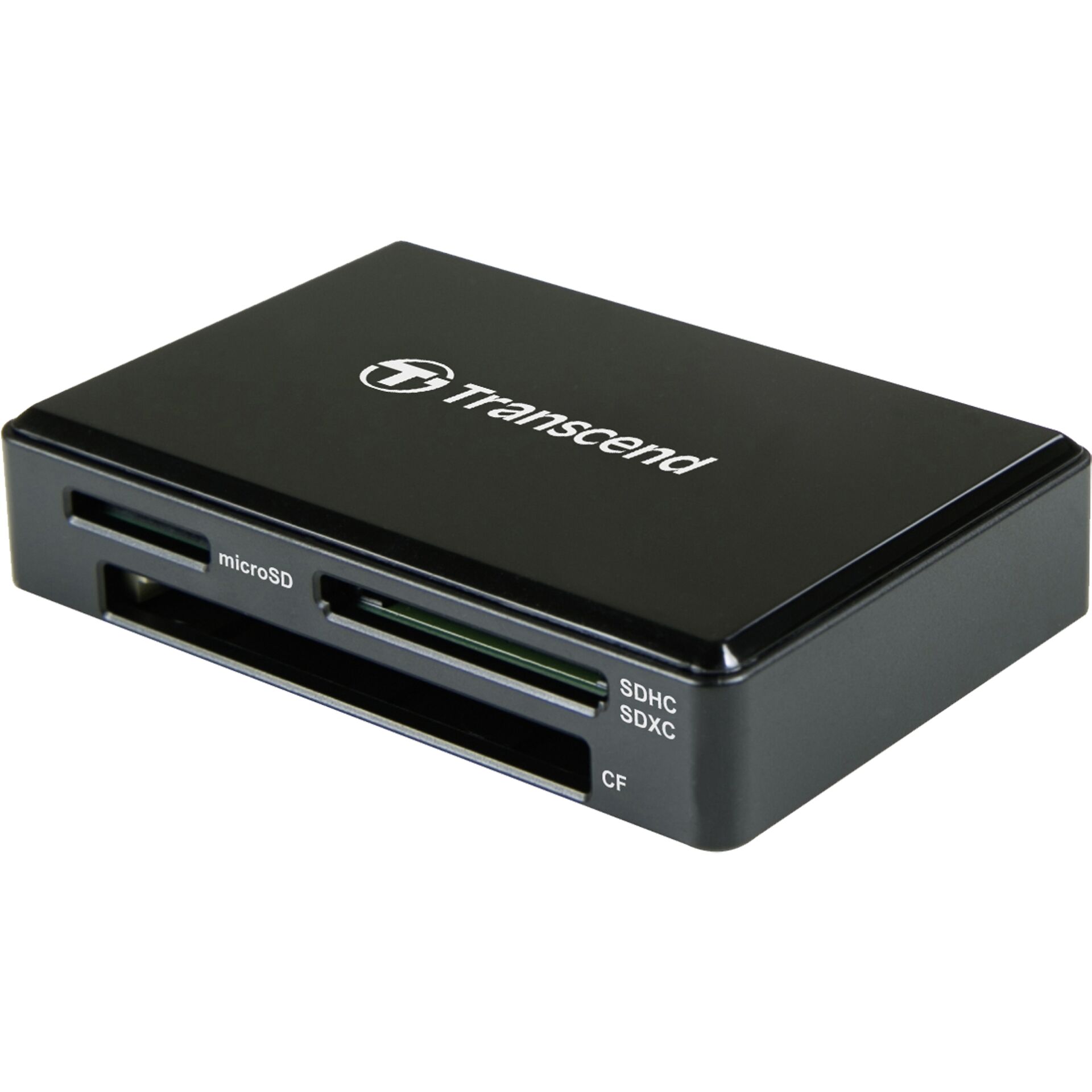
Choose countryThe Transcend RDC8 transfers data from memory cards to a computer with a USB-C port. Its 3 slots accommodate SD, microSD and CompactFlash cards, letting you use one reader for different card formats.
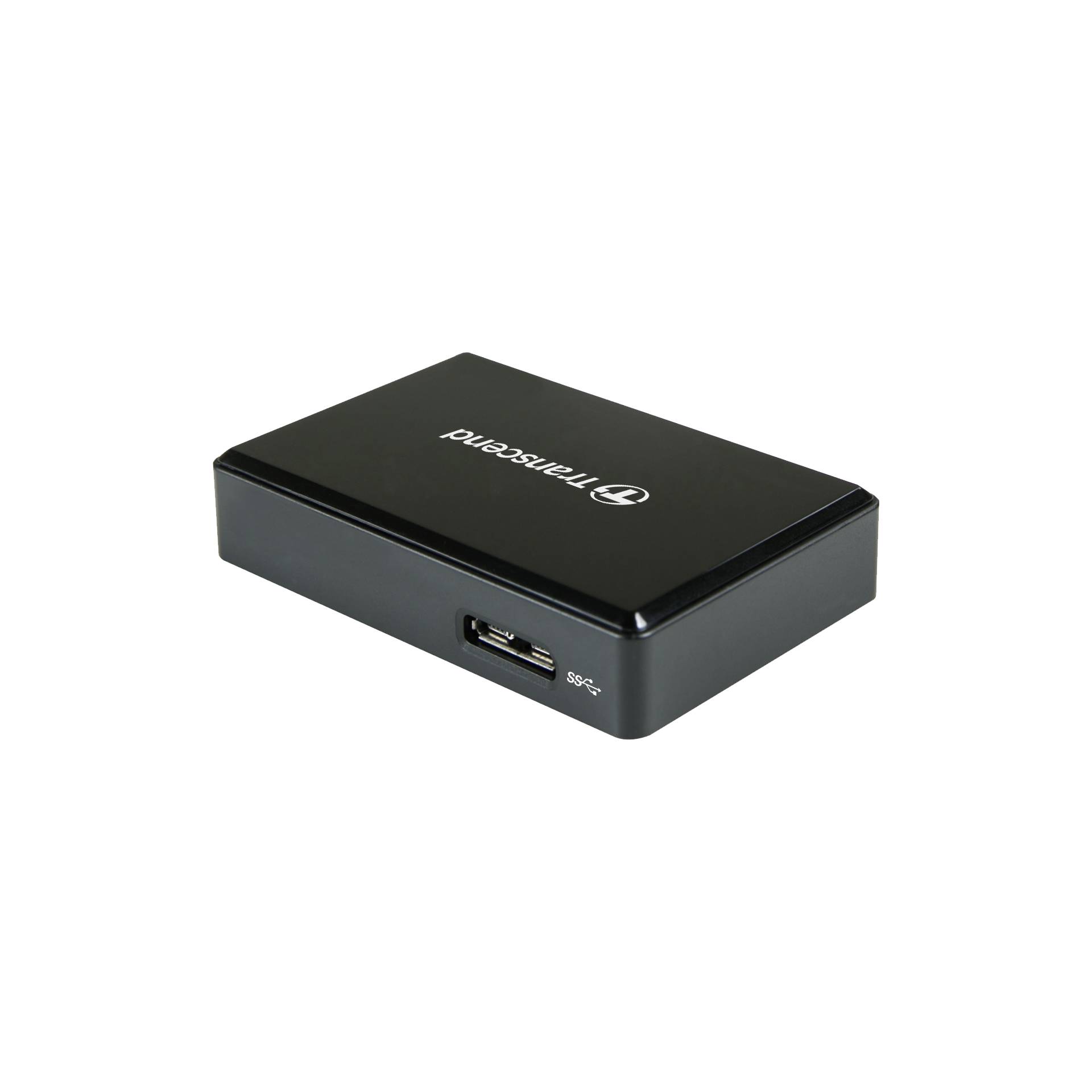
The reader connects through a USB 3.1 Gen 1 interface and draws power from USB. An LED indicator shows whether a card is inserted and whether data is being transferred.
Compatibility limits: SD and microSD cards cannot be inserted simultaneously. OTG functionality is not supported.
| MemoryStick support | No |
|---|---|
| expressP2 support | No |
| CFast support | No |
| XQD support | No |
| SD support | Yes |
| microSDHC support | Yes |
| xD support | No |
| microSD support | Yes |
| SxS PRO+ support | No |
| CFII support | Yes |
| P2 Card support | No |
| microP2 support | No |
| SxS-1 support | No |
| CFI support | Yes |
| SDXC support | Yes |
| RS-MMC / MMC mobile support | No |
| SDHC support | Yes |
| microSDXC support | Yes |
| Thunderbolt 2 | No |
| USB connection | 1 × USB-C 3.1 Gen 1 (5 Gbit/s) |
| USB-C with Thunderbolt 3 | No |
| Weight | 32 g |
| Depth | 15.2 mm |
| Width | 67.6 mm |
| Colour | Black |
| Height | 45 mm |
| Card reader | Yes |
| Power supply | Via USB |
| Maximum data transfer rate | 260 Mbit/s |
| OTG function (On-The-Go) | No |
| EAN | 0760557842668 |
|---|
Can SD and microSD cards be inserted at the same time?
No. Although the reader has separate SD and microSD slots, simultaneous insertion of these cards is not supported.
How does the reader connect and receive power?
It connects to a computer's USB-C port and receives power via USB. OTG functionality is not supported.