
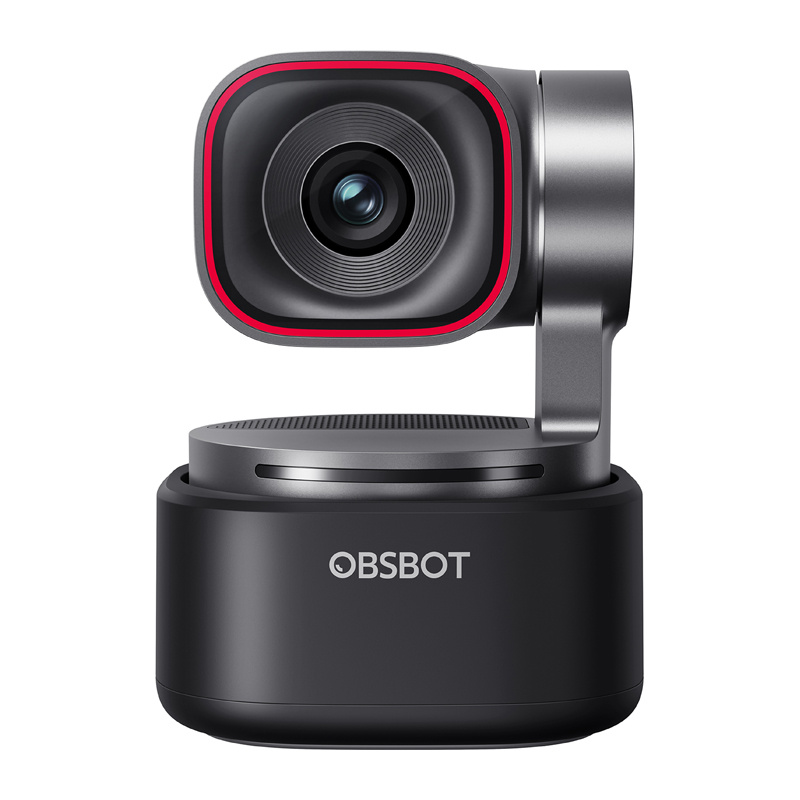
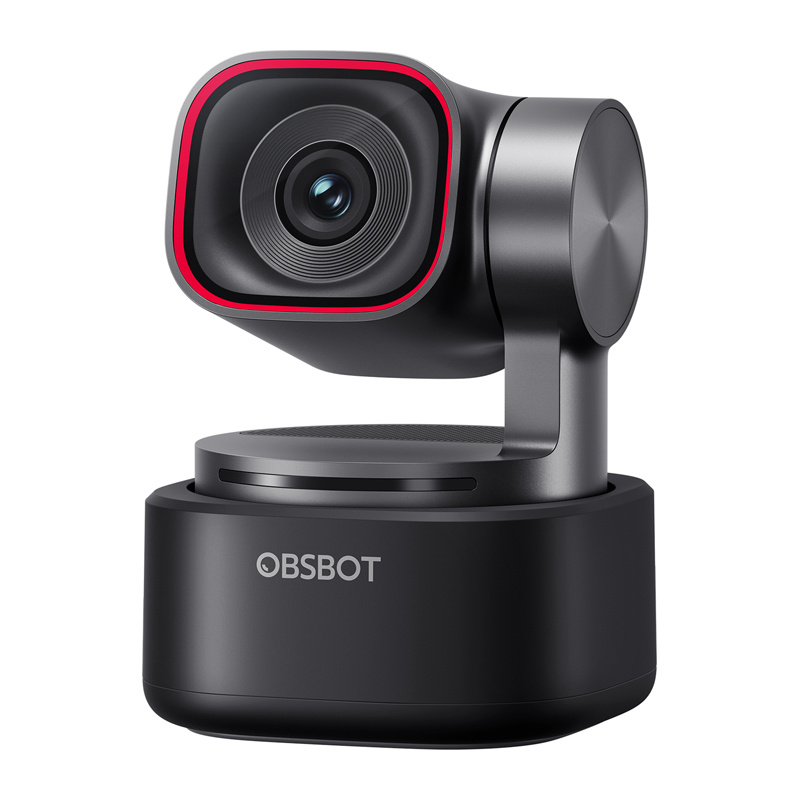
OBSBOT Tiny 3 4K webcam with AI tracking and 2-axis gimbal

Delivery options to:
Choose countryOBSBOT Tiny 3 is a compact webcam for streaming, online meetings and presentations. It records at 4K 30 fps or 1080p 120 fps, while its integrated 2-axis gimbal follows the user rather than keeping a fixed view.
Image and framing control
A 1/1.28" CMOS sensor, DCG HDR and Dual All-Pixel PDAF autofocus help capture detail and focus on objects shown close to the lens. AI Tracking 2.0 includes Only Me mode to limit unwanted switching to other people. Auto Zoom offers close-up, upper-body and full-body framing.
- Composition: Composition Lines and Face Framing adjust the shot, while Zone Tracking and Non-Tracking Areas define where tracking is active or excluded.
- Hands-free control: voice commands and gestures control tracking and zoom. Save gimbal positions and framing settings for quick recall.
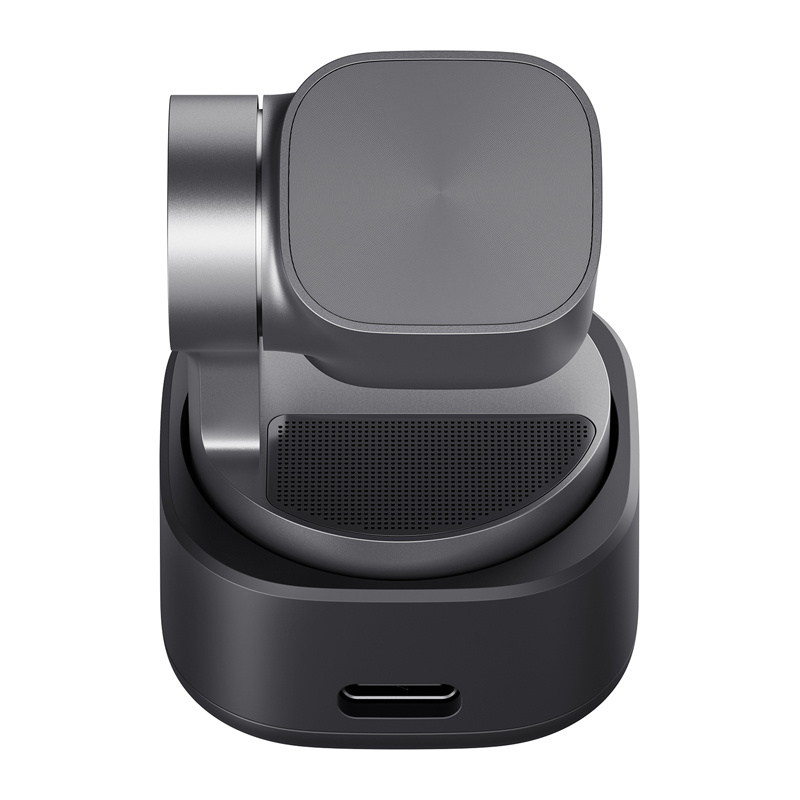
- Audio: 3 Silicon MEMS microphones provide 24-bit sampling, a 69 dB signal-to-noise ratio and a 50 Hz–20 kHz frequency range. An external OBSBOT Vox SE microphone is supported.
Connection and customisation
Plug-and-play operation on Windows and macOS requires no additional drivers. OBSBOT software provides gamma and colour adjustment, PiP, a teleprompter and RTC mode. Support also includes NVIDIA Maxine Eye Contact and Green Screen Enhancement, Elgato Stream Deck, SDK and OSC.
At 1080p 120 fps, only Smart Omni audio mode is available. Check the recommended computer configuration for demanding video modes. The package includes the webcam, adjustable mount, USB-C to USB-C cable, USB-C to USB-A adapter and storage case.
| Manufacturer | OBSBOT |
|---|---|
| Model | Tiny 3 |
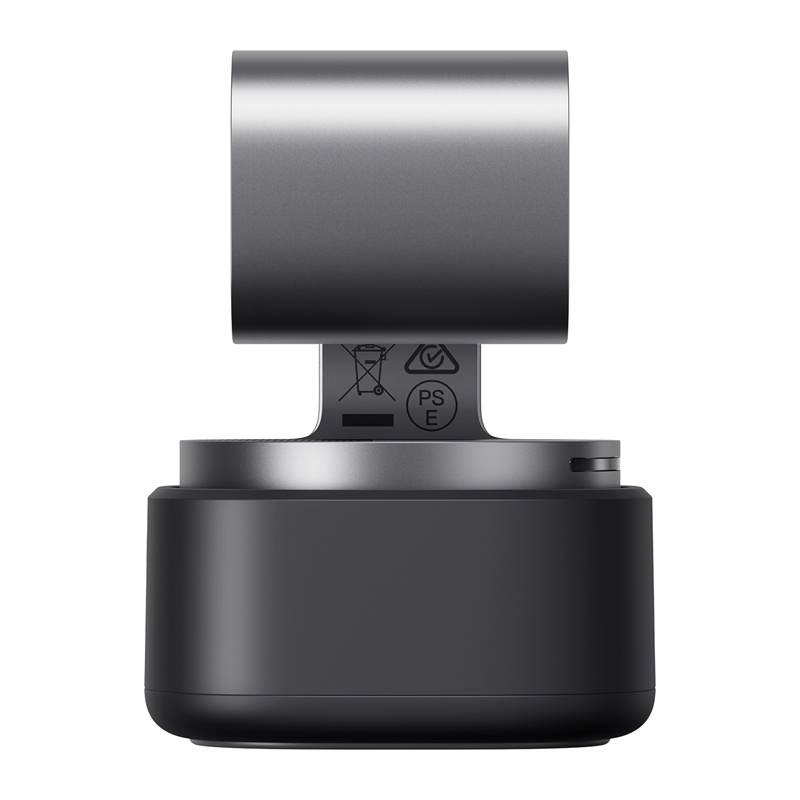
| Dimensions | 37 × 37 × 49 mm |
| Weight | 63 g |
| Sensor | 1/1.28" CMOS |
| Effective pixels | 50 MP |
| Aperture | f/1.8 |
| Maximum video resolution | 4K at 30 fps; 1080p at 120 fps |
| Resolution and frame rate | MJPEG: 3840×2160, 1920×1440, 1280×960: 30/29.97/25/24/20/15 fps; 1920×1080, 1280×720: 120/60/59.94/50/30/29.97/25/24/20/15 fps. YUV: 640×480, 640×360: 30/25/24/20/15 fps |
| Zoom range | 4× digital zoom |
| Diagonal field of view | 82.4° (4:3); 74° (16:9) |
| Horizontal field of view | 70° |
| Equivalent focal length | 24 mm |
| Focus type | AF (PDAF) / MF |
| Focus range | 14 cm – ∞ |
| HDR | Yes, up to 60 fps |
| Exposure compensation | ±3 EV |
| ISO | 100–12 800; maximum ISO 6400 with HDR enabled |
| Electronic shutter | 1/12 800 – 1/30 s |
| White balance | Auto |
| Auto white balance correction | Horizontal (left–right): B–A, 0.25 steps, range 0–7; vertical (top–bottom): G–M, 0.25 steps, range 0–7 |
| Colour temperature | 2000–10 000 K |
| Colour gain | Red Gain: 0–255; Blue Gain: 0–255 |
| Interface | USB |
| USB standard | USB 2.0 |
| Video standard | UVC |
| Gimbal design | 2-axis gimbal |
| Gimbal mount | Non-replaceable |
| Control range | Pan: ±130°; tilt: +32° to −60° |
| Mechanical range | Pan: ±150°; tilt: ±90° |
| Maximum control speed | 120°/s |
| Built-in microphone | Yes |
| Audio system | Smart directional microphone system: 1 omnidirectional + 2 directional microphones |
| Audio modes | Pure Audio: raw L/R; Spatial Audio: L/R, AI spatial enhancement; Smart Omni: all directions; Directional: front; Dual-Directional: front/rear, side-noise filtering. All except Pure Audio: automatic AI gain and noise reduction. At 1080p 120 fps: Smart Omni only. |
| External audio devices | Supports connection with Vox SE |
| Voice control | Hi Tiny / Sleep Tiny; Track me / Unlock me; Zoom in / Zoom out; Position 1 / 2 / 3 |
| Gesture control | Target selection; zoom with custom multiplier and dynamic zoom in/out |
| Power | 5 V / 0.6 A |
| Windows requirements | Windows 10 (64-bit) or later |
| macOS requirements | macOS 11.0 or later |
| Recommended computer for 1080p 120 fps or 4K | Apple: MacBook Pro, MacBook Air, Mac mini (2020, M1 or newer); iMac (2021, M1 or newer). PC: Intel Core i5 10th generation or newer, 8 GB RAM |
| Camera operating temperature | 0 °C to 40 °C |
| EAN | 6971889231141 |
|---|
Does the webcam need additional drivers?
No. It supports plug-and-play use on Windows 10 (64-bit) or later and macOS 11.0 or later. OBSBOT software provides access to advanced settings.
Are all audio modes available at 1080p 120 fps?
No. Only Smart Omni Mode is available with this video setting.





 Gudri pirkumi vienuviet