
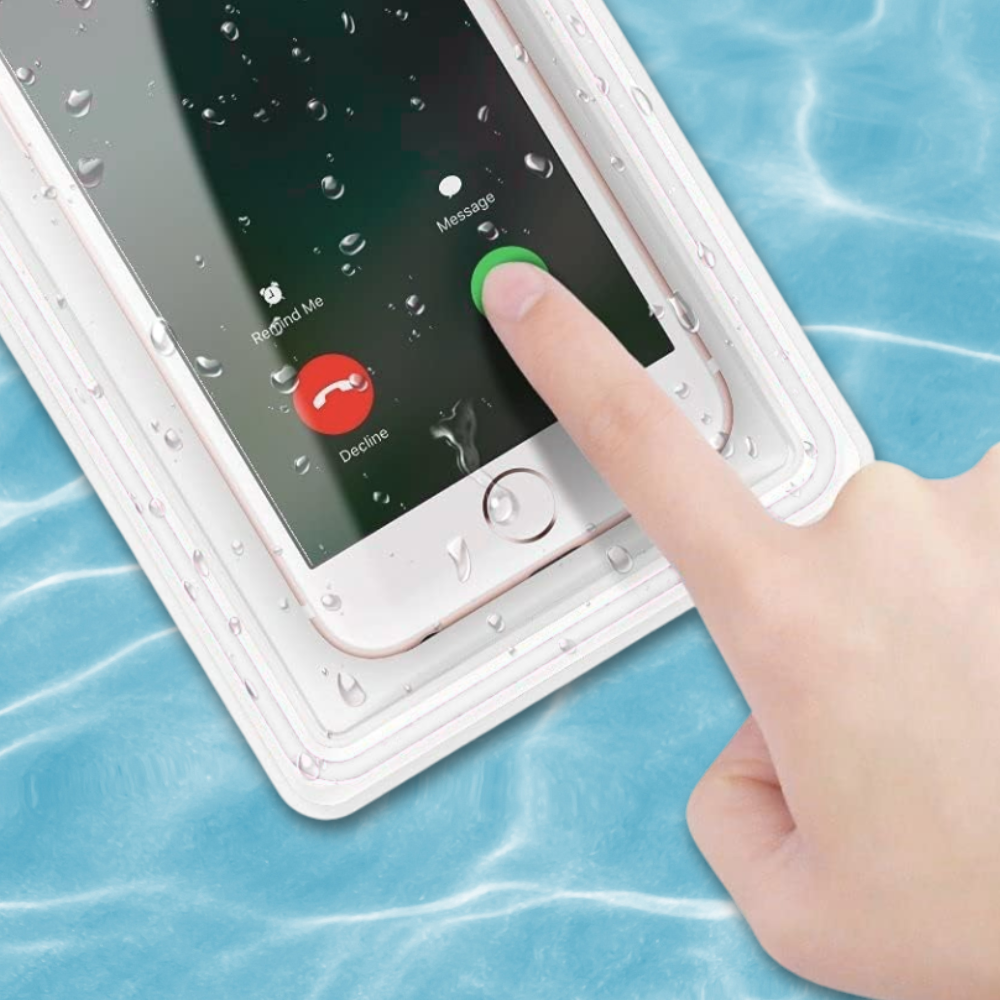
Waterproof phone pouch for screens under 6.85", white, IPX8
In your cart: 0
Delivery options to:
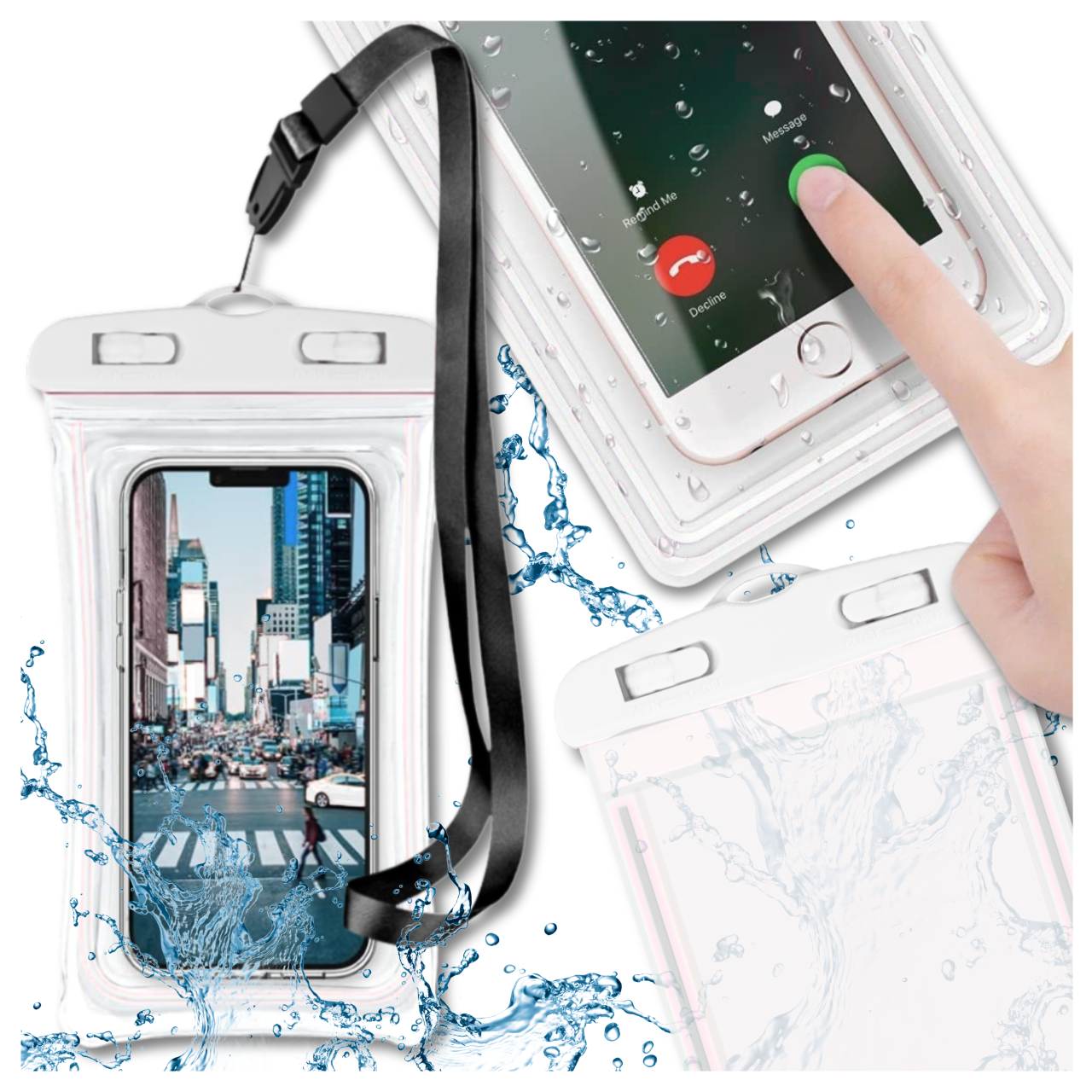
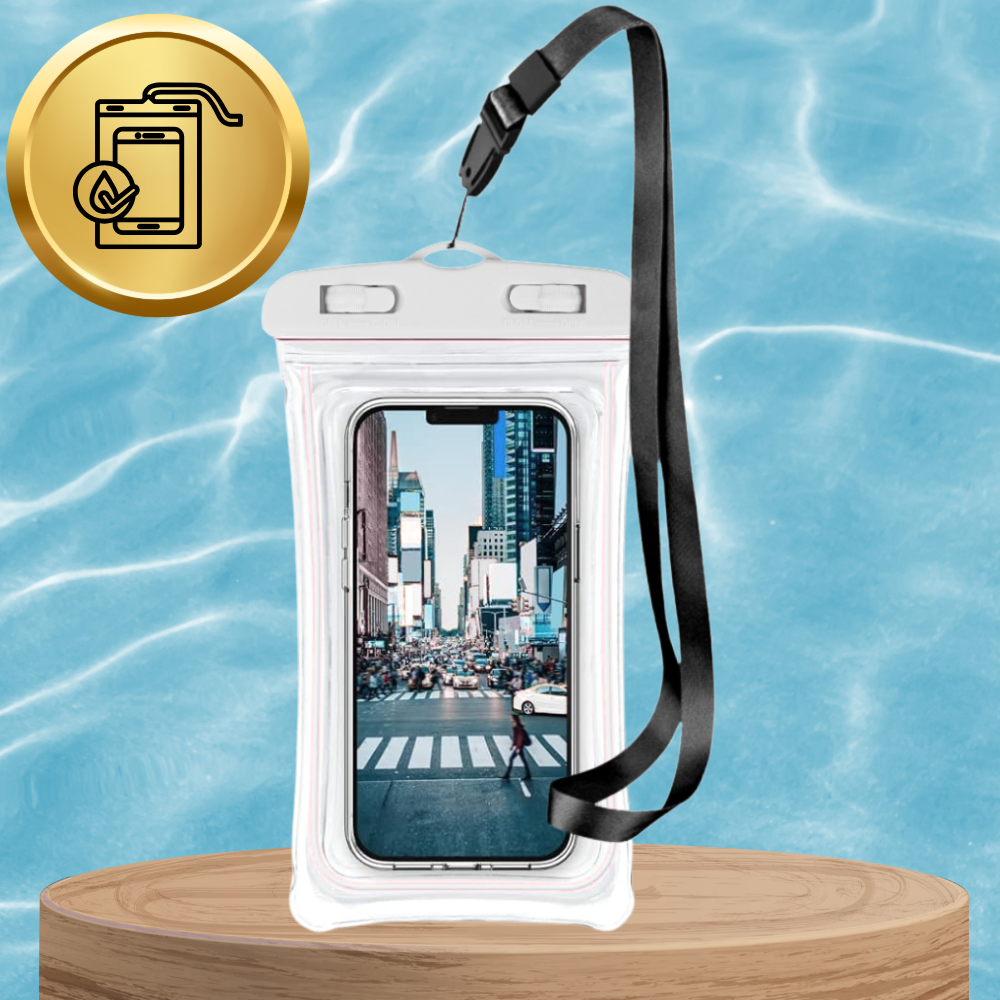
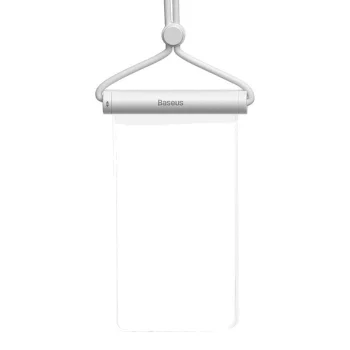
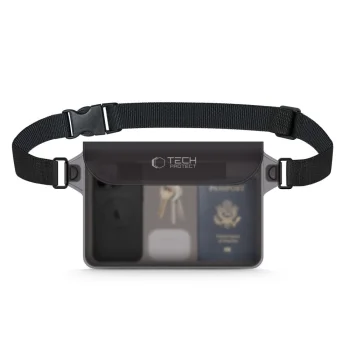
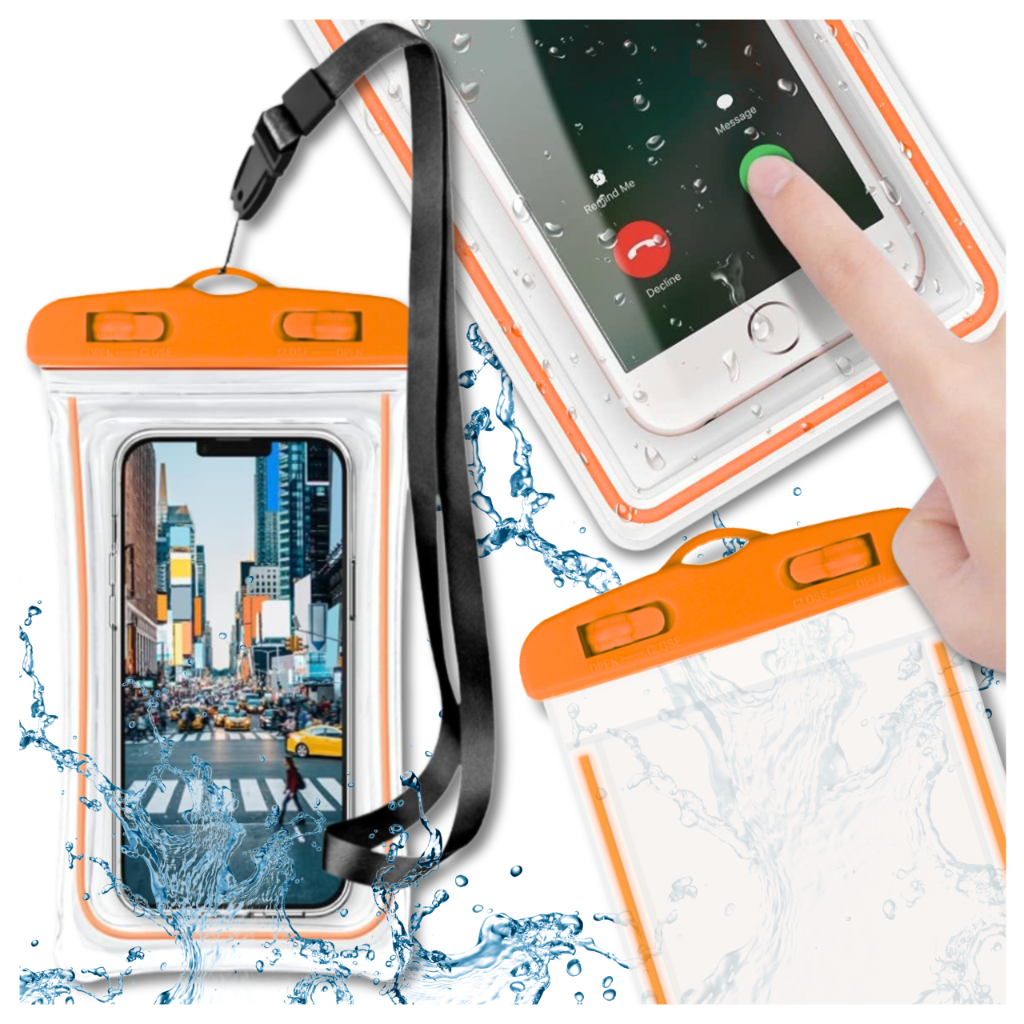
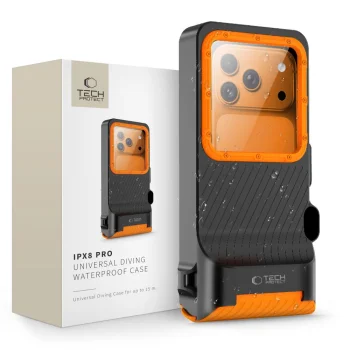
Choose countryThis waterproof phone pouch fits smartphones with screen diagonals under 6.85 inches. The white pouch has an IPX8 protection rating and a fluorescent rim that helps you find it in the dark. It can also hold documents or money.
Protection and everyday handling
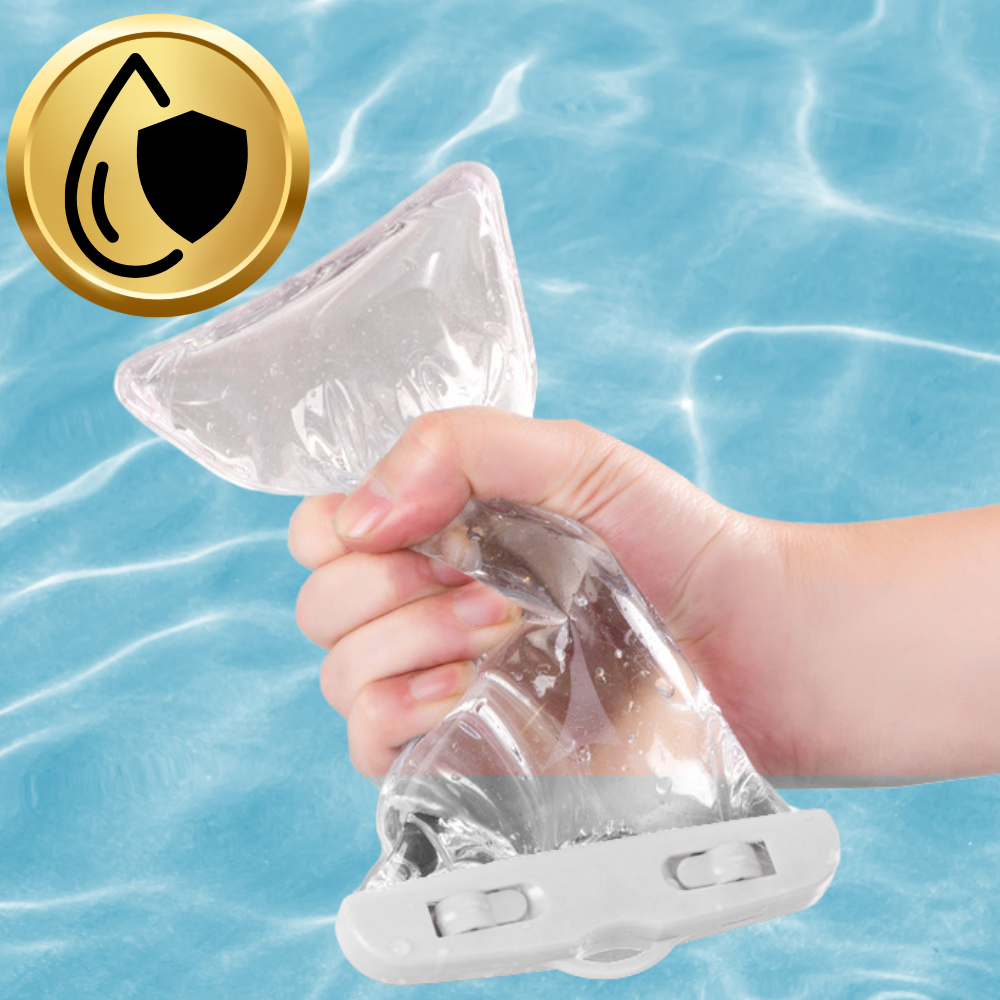
Made from durable, flexible plastic, the pouch protects its contents from water, snow, sand, dust and scratches. It is suitable for trips to the beach, lake, river, swimming pool or water park, as well as kayaking, sailing, surfing and skiing.
- Phone controls: you can use the phone inside the pouch, but fingerprint recognition does not work through it.
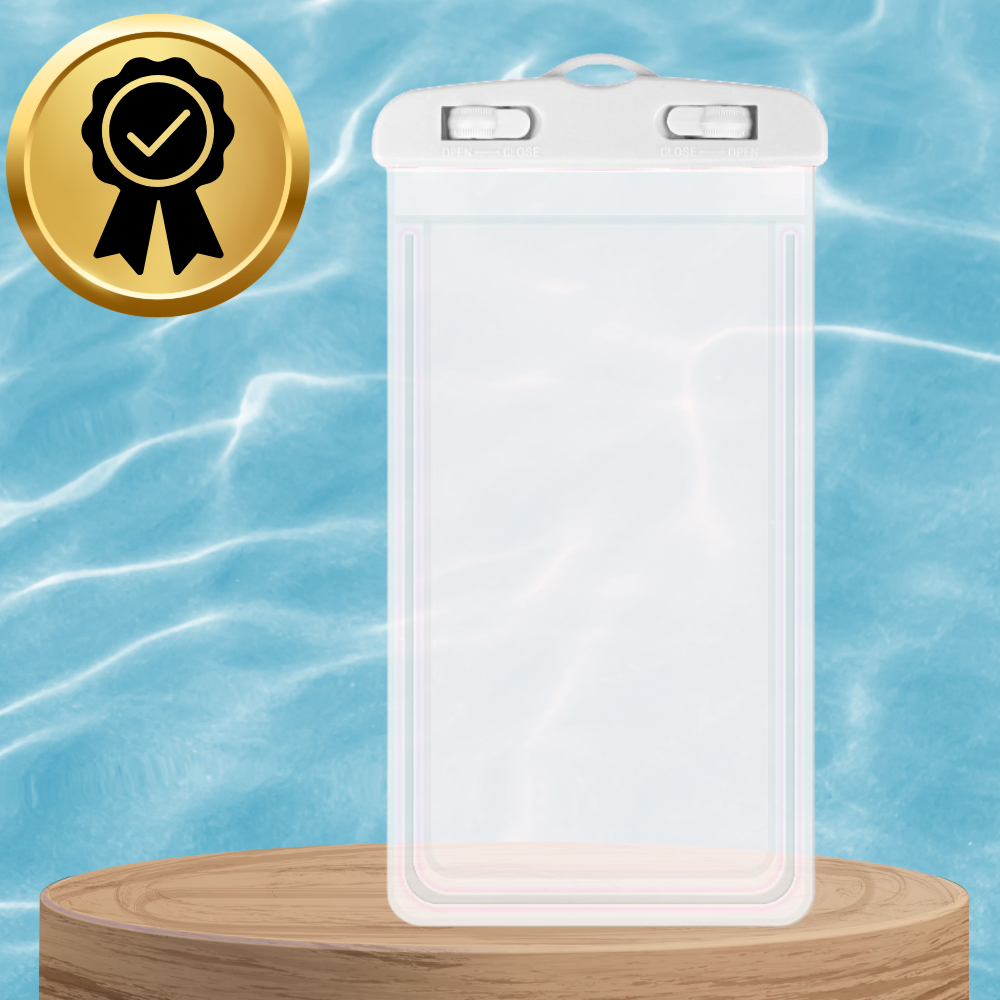
- Closure: turn the clips to open the pouch; after inserting the phone, press the closure together and turn the clips back to lock it.
- Carrying: the neck strap lets you wear the pouch around your neck.
Check before use in water
Before use, test the seal by placing a paper tissue inside, closing the pouch and immersing it in water for 30 minutes. If the tissue becomes wet, do not use the pouch underwater. Check the strap and safety clasp after each use. Avoid strong impacts and contact with sharp objects.
Water pressure can affect touchscreen operation underwater. If this happens, use the volume button to take a photo.
| Colour | White |
|---|---|
| Phone screen diagonal | Under 6.85 inches |
| Protection rating | IPX8 |
| Material | Durable, flexible plastic |
| Rim | Fluorescent |
| Protection | Against water, snow, moisture, sand, dust and scratches |
| Phone use inside the pouch | Supported; water pressure can affect touchscreen operation |
| Fingerprint recognition | Does not work through the pouch |
| Closure | Locking system with rotating clips |
| Carrying | Neck strap |
| Items it can hold | Phone, documents, money |
| EAN | 5904158318183 |
|---|
Can I use my phone without taking it out of the pouch?
Yes, you can use the phone inside, but fingerprint recognition does not work through the pouch. Water pressure can affect the touchscreen underwater; if this happens, use the volume button to take a photo.
How do I check the pouch before using it in water?
Place a paper tissue inside, close the pouch and immerse it in water for 30 minutes. If the tissue becomes wet, do not use the pouch underwater.
 Gudri pirkumi vienuviet