
Bakalu Universal Waterproof Phone Case up to 6.85", White
Bestseller
-10%
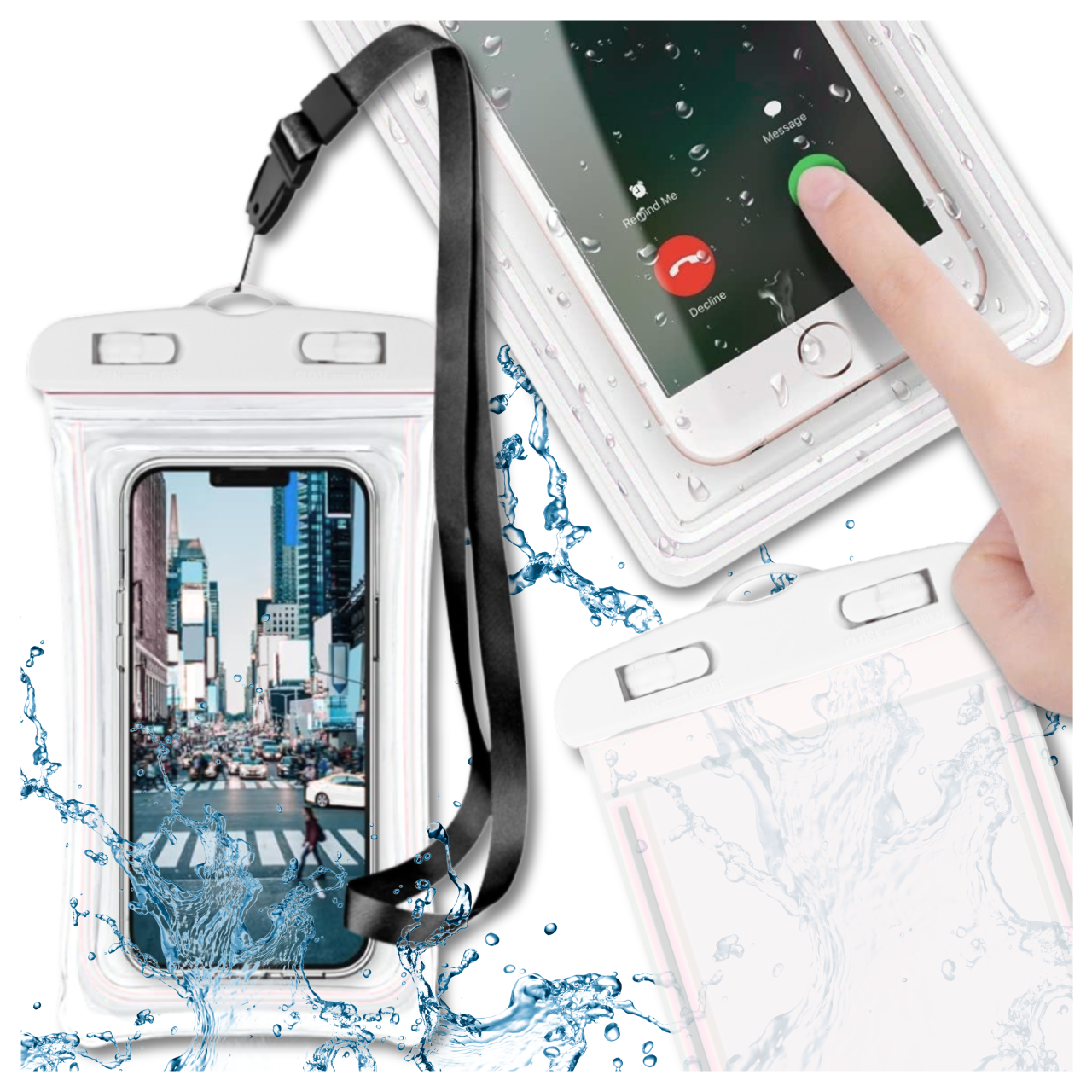
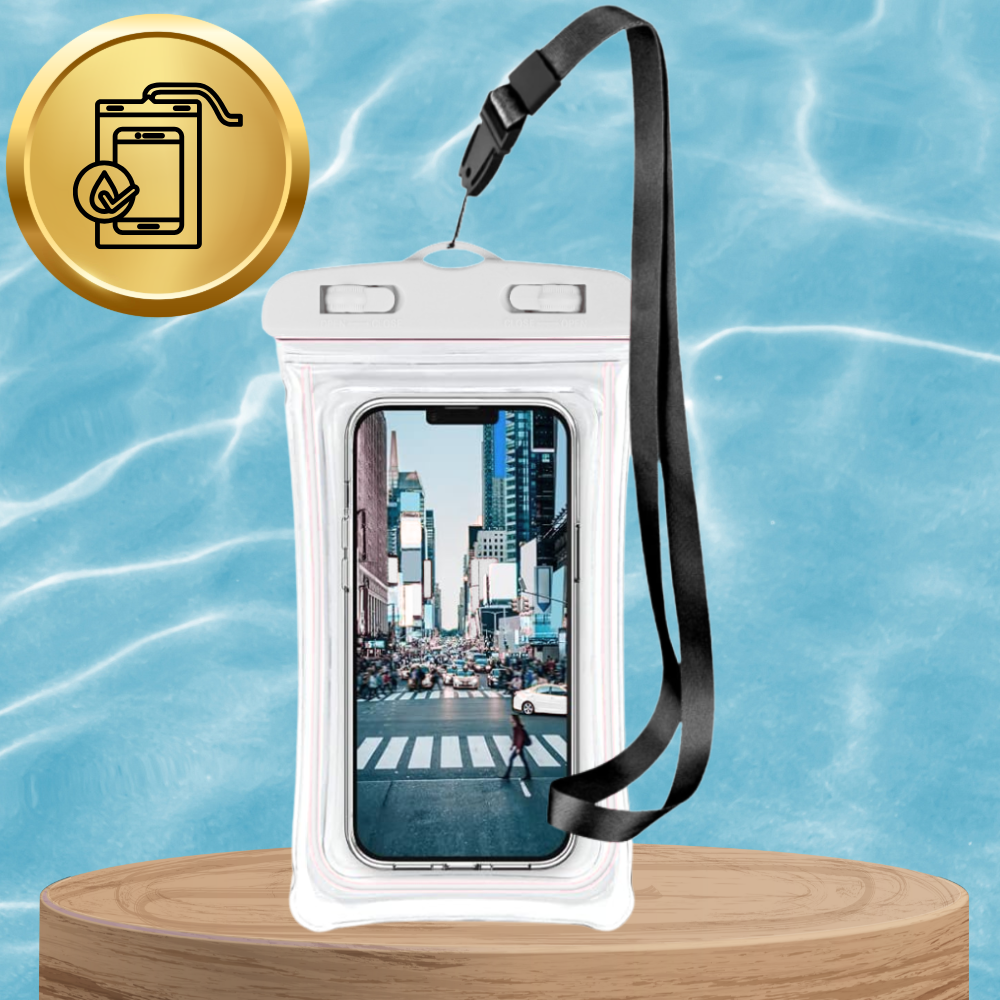
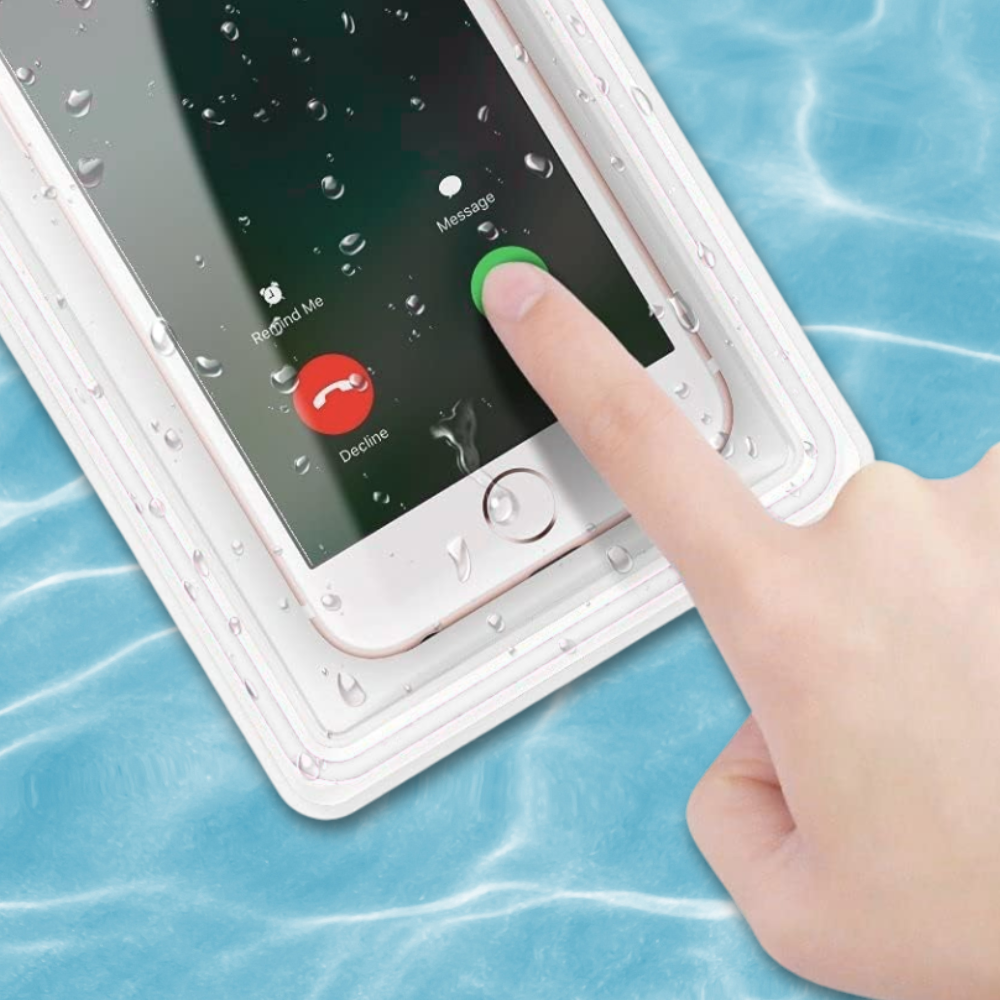
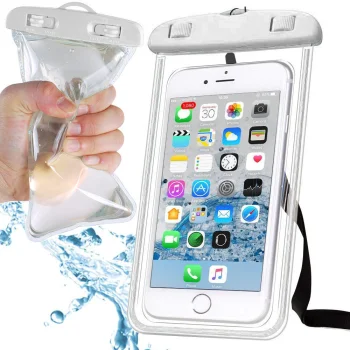
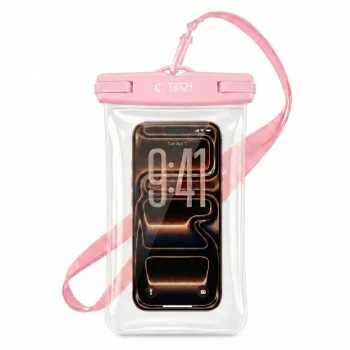
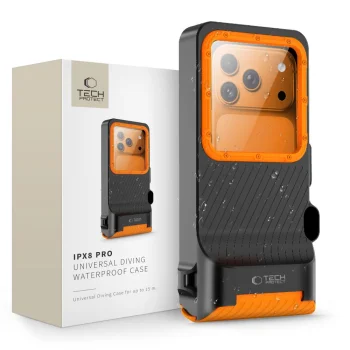
The Bakalu universal waterproof case is the perfect solution for protecting your smartphone, documents, or cash during water activities or winter sports.
Who is it for
This case is designed for anyone who needs to keep their device safe from water, sand, and dirt while maintaining the ability to use the touchscreen. It fits almost any smartphone with a screen size up to 6.85 inches.
Key Features
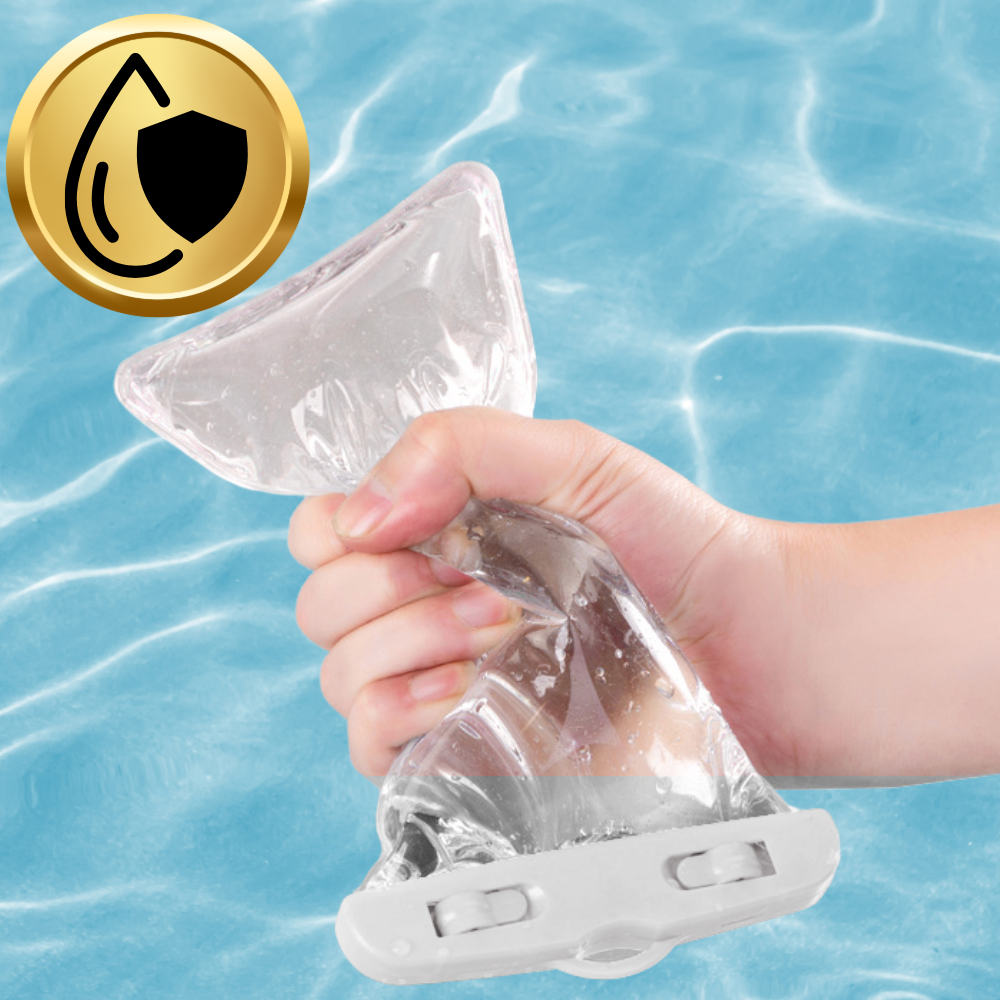
- IPX8 Waterproofing: Provides complete protection against water even in extreme conditions.
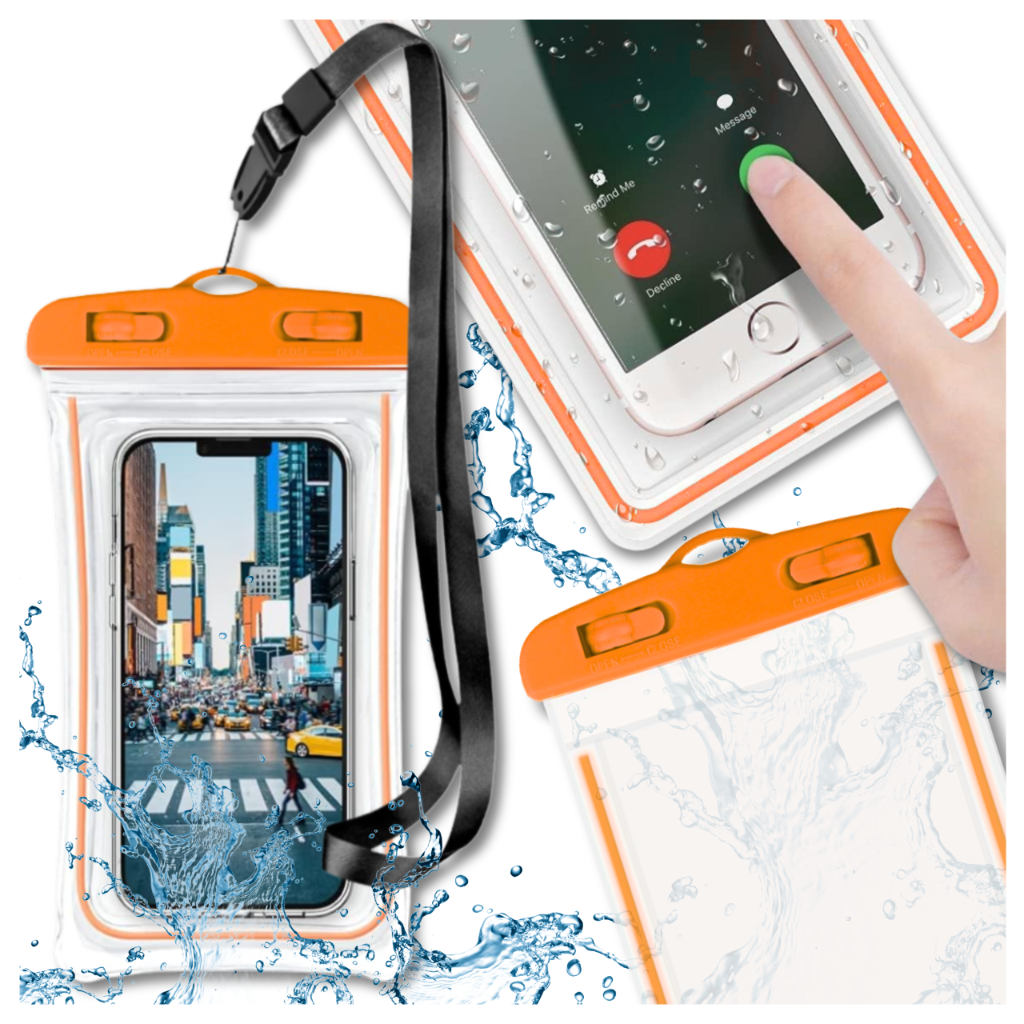
- Fluorescent Border: The case glows in the dark, making it easy to find in low-light environments.
- Touchscreen Compatible: Allows you to operate your phone while inside the case (does not support fingerprint recognition).
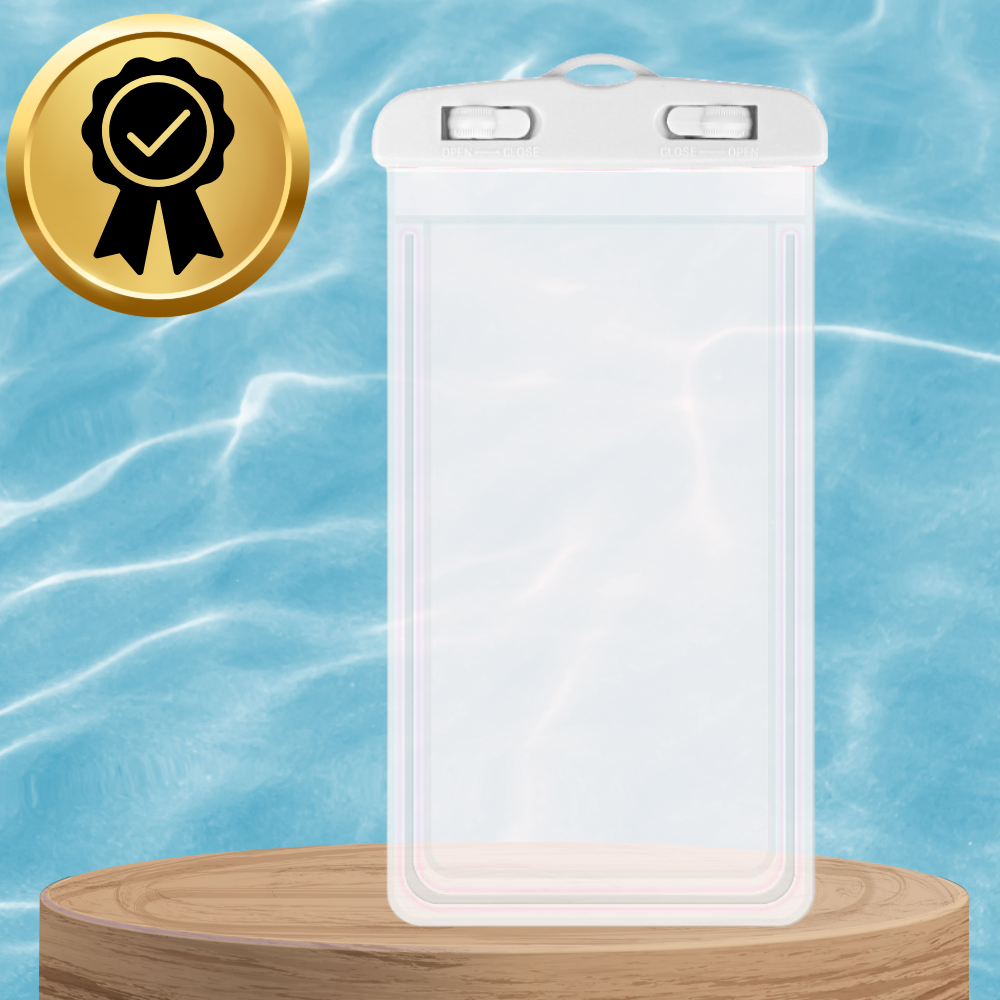
- Secure Locking System: Simple and reliable clips protect your belongings from moisture, sand, and dust.
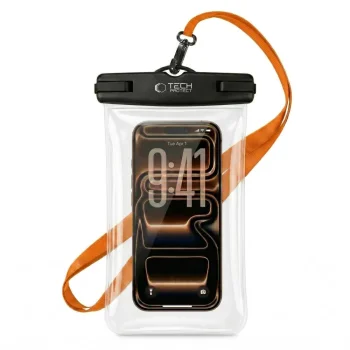
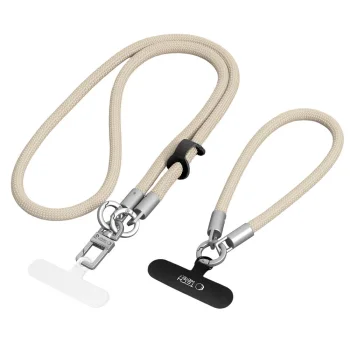
- Practical Lanyard: Includes a neck strap for convenient hands-free carrying.
- Versatile Use: Ideal for the beach, pool, kayaking, skiing, and other outdoor adventures.
Technical Details
| Brand | Bakalu |
|---|---|
| Model Code | KZ000011 |
| Compatibility | Smartphones up to 6.85" |
| Protection Rating | IPX8 |
| Color | White (Fluorescent) |
Frequently Asked Questions
Can I use my phone's touchscreen through the case?
Yes, the material is touchscreen-friendly, though please note that fingerprint sensors will not work through the plastic.
How should I test the case before use?
Place a dry tissue inside, seal it tightly, and submerge it in water for 30 minutes. If the tissue remains dry, the case is safe to use with your phone.
Which phone models are compatible?
The case is universal and fits all models up to 6.85 inches, including iPhone 13 Pro Max, Samsung Galaxy S22 Ultra, and many others.
What if the touchscreen is unresponsive underwater?
Water pressure can sometimes affect touchscreen sensitivity. In such cases, we recommend using the phone's volume buttons to take photos.
| EAN | 5904158318183 |
|---|
 Gudri pirkumi vienuviet
