
- Gifts & Party Decorations
- Phone Accessories
- Photo & Video
- Computers & Electronics
- Sports & Fitness
- Beauty & Health
- Car & Motorcycle Accessories
- Bicycle Accessories
- Home & Living
- Garden & Outdoor
- Baby & Kids Products
- Games, Hobbies & Leisure
- Travel & Outdoor Activities
- Pet Supplies
- Discounted Items & Products with Defects
Video recording equipment and accessories
Video recording equipment and accessories include microphones, monitors, shoulder mounts, video lights, video transmitters and follow focus systems, with products from Boya, Maono, Puluz, Nanlite and other brands. These tools suit interviews, streaming and video production at a desk or on location. Choose according to your audio setup, lighting needs, mounting arrangement and recording device connections.
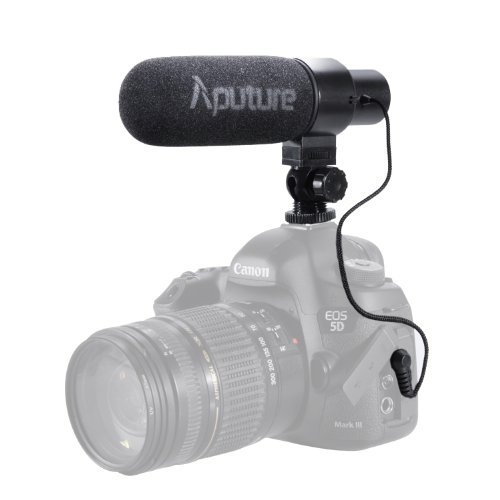
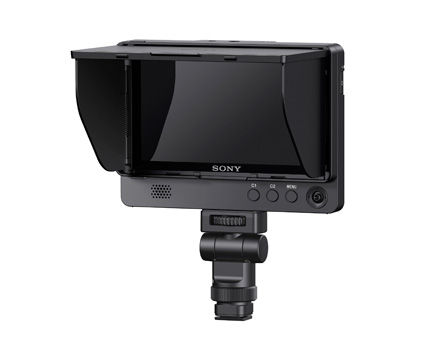
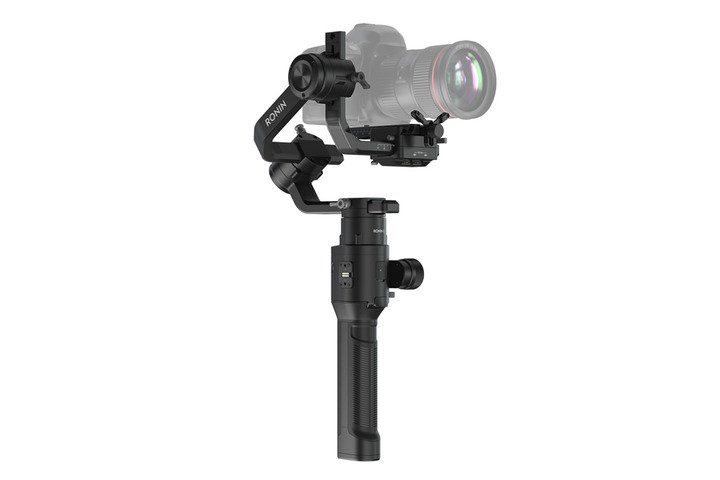
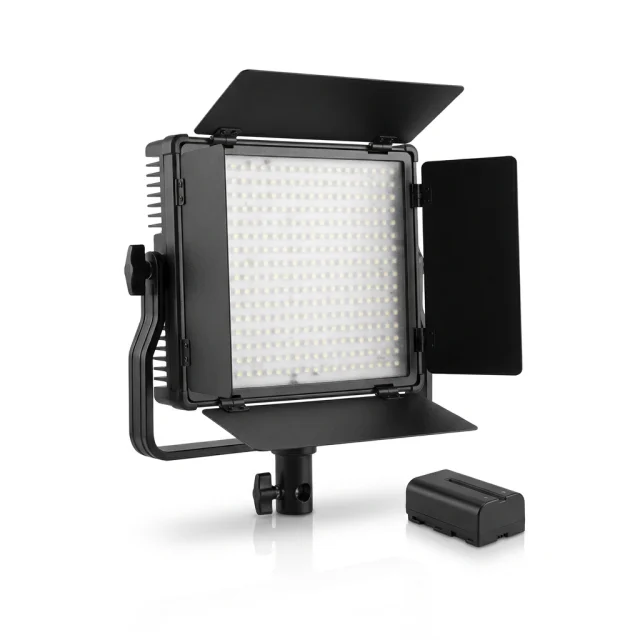
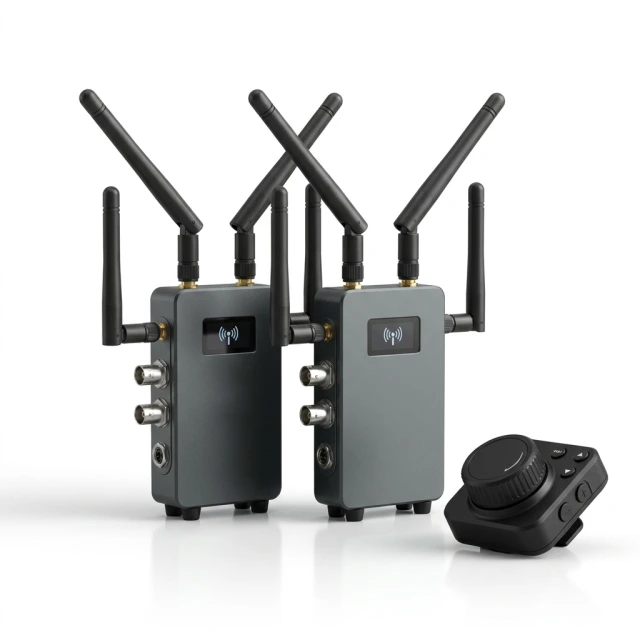
Video recording equipment and accessories cover sound recording, lighting, image monitoring and camera support. The range includes microphones, monitors, shoulder mounts and Steadycam equipment, video lights, video transmission equipment and follow focus systems. Brands include Boya, Newell, Nanlite, Ulanzi, Yongnuo, Saramonic, Maono and Puluz. Audio options include lavalier, studio condenser, gaming and desktop conference microphones, alongside microphone holders and desk-mounted boom arms.
How to choose video recording equipment
Start with the recording setup: a seated presentation, an interview and a moving shot place different demands on equipment positioning. Check compatibility with the exact camera, phone or computer model before selecting a device. Compare connections, power requirements, mounting arrangements and included components. For microphones, consider where the speaker will stand or sit; for lighting, consider where the panel can be positioned around the subject.
- Microphones: wired and wireless options support different recording arrangements. With a lavalier microphone, consider the cable or receiver connection as well as placement on clothing.
- Microphone holders and boom arms: help position a microphone at a desk. Compare the mounting method and the components included in the kit.
- Video lights: LED panels include options intended for video, streaming and makeup work. Compare the stated power, power supply and colour temperature adjustment.
- Monitors: provide a view of the image during filming. Connection options and monitor placement are practical selection criteria.
- Shoulder mounts and Steadycam equipment: selection depends on camera positioning and shooting style. Consider the mounting arrangement required by the setup.
- Video transmission and follow focus systems: address image transmission and focus control. Compare the connections and control method described for each device.
For interviews, focus on speech recording; for streaming, plan microphone and light placement together. For moving shots, consider how the camera and accessories will be supported. The dedicated subcategories organise equipment by these practical tasks.
Frequently Asked Questions
What is the difference between a lavalier and a desktop microphone?
A lavalier microphone clips to clothing to record the speaker's voice. A desktop microphone stays at a workstation for seated conversations, conferences or streaming.
What should I consider when choosing a USB-C microphone?
A USB-C microphone needs an audio connection supported by the recording device, not just a matching connector shape. For a wireless microphone, also consider the receiver connection and included components.
Which video light specifications should I compare?
For video lights, compare the stated power, power supply and colour temperature adjustment. The mounting method and panel placement also matter when arranging a filming or makeup workspace.


