
- Gifts & Party Decorations
- Phone Accessories
- Photo & Video
- Computers & Electronics
- Sports & Fitness
- Beauty & Health
- Car & Motorcycle Accessories
- Bicycle Accessories
- Home & Living
- Garden & Outdoor
- Baby & Kids Products
- Games, Hobbies & Leisure
- Travel & Outdoor Activities
- Pet Supplies
- Discounted Items & Products with Defects
USB wall chargers
USB wall chargers include USB-A and USB-C power adapters, multi-port models and chargers supplied with a cable from Baseus, Samsung, Dudao, Acefast and Tech-Protect. They suit people charging a phone at home, at work or while travelling. Choose by matching the adapter port to your cable, then checking the stated power output and your device’s charging requirements.
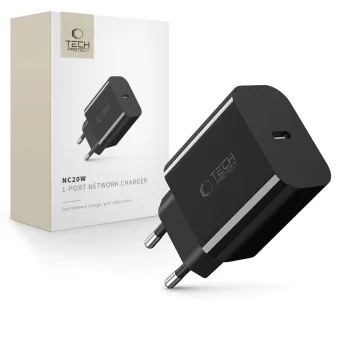
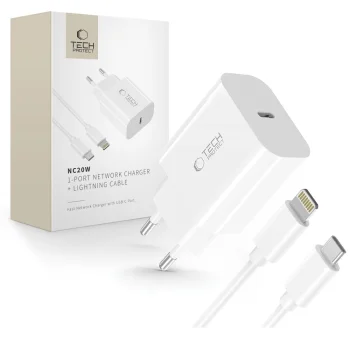
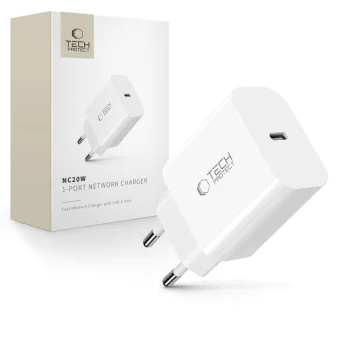
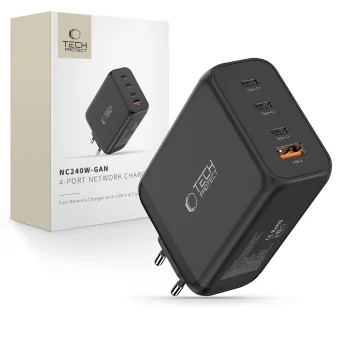
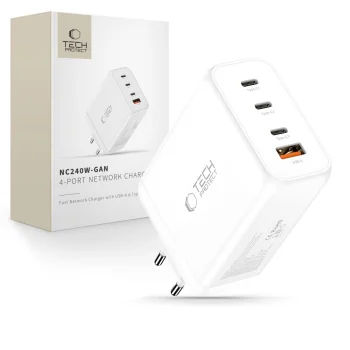
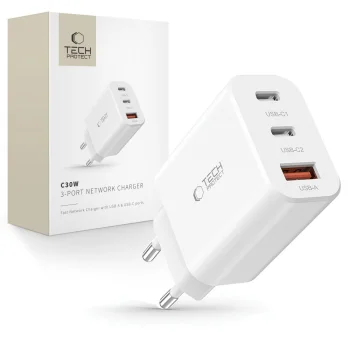
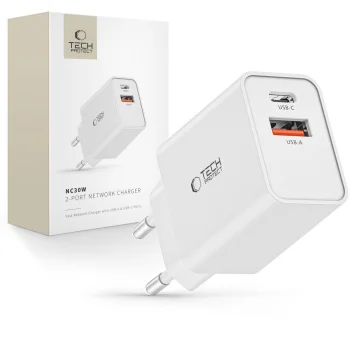
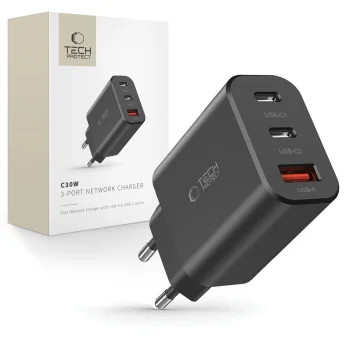
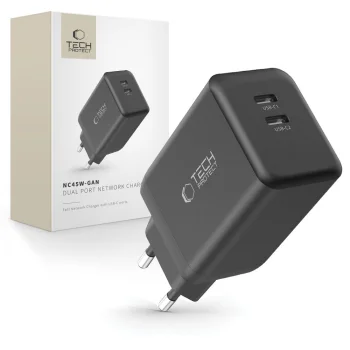
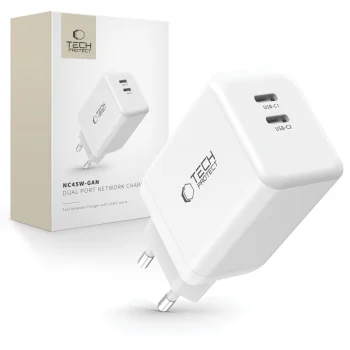
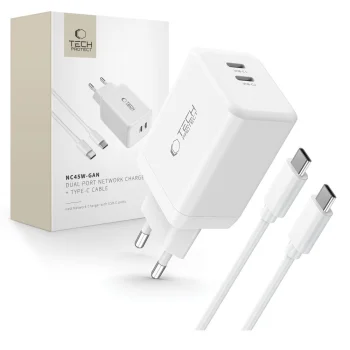
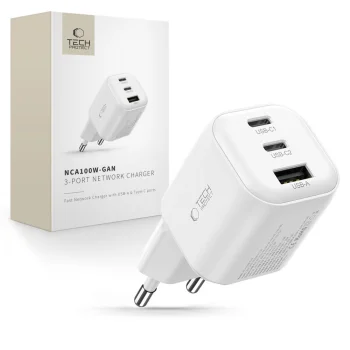
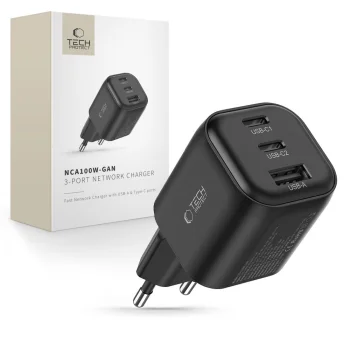
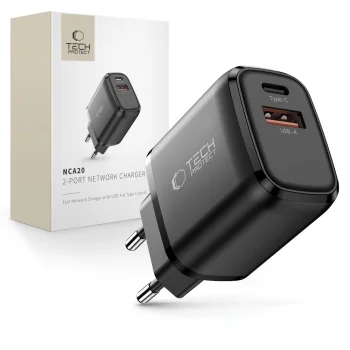
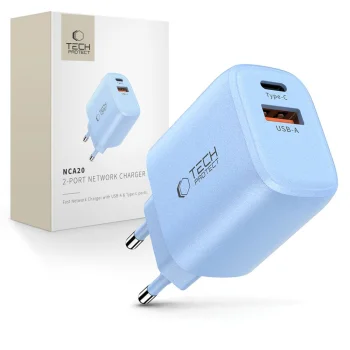
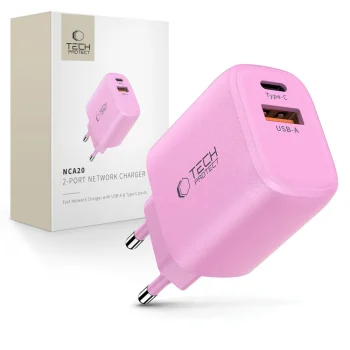
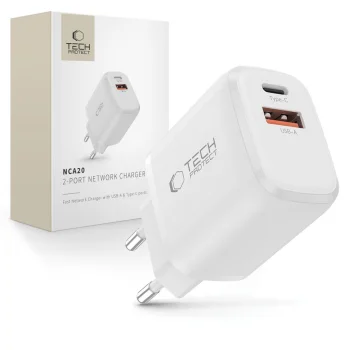
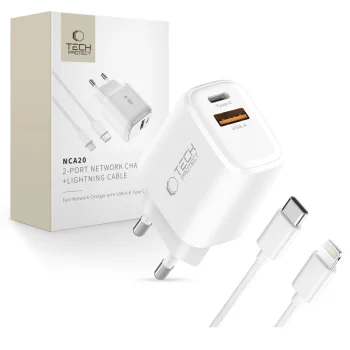
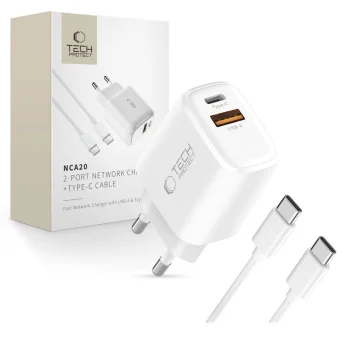
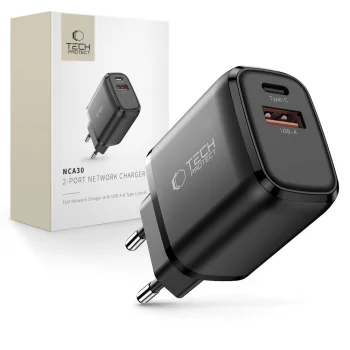
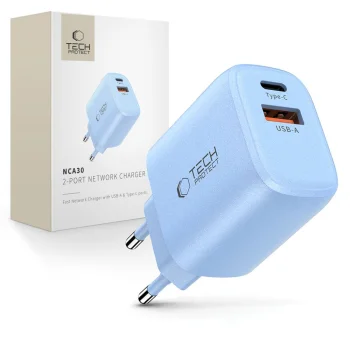
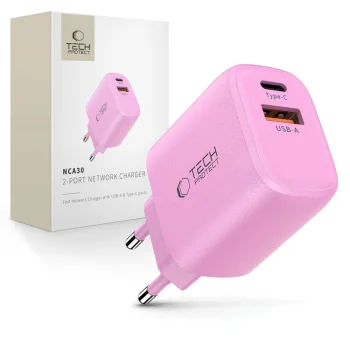
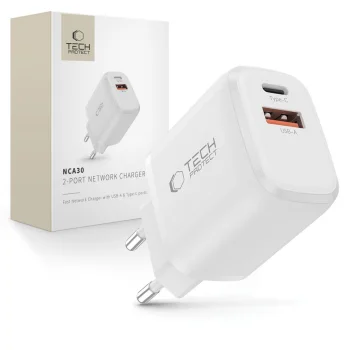
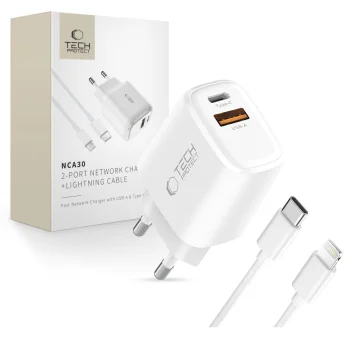
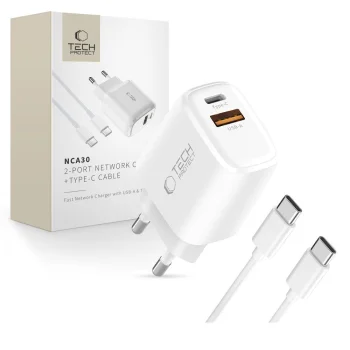
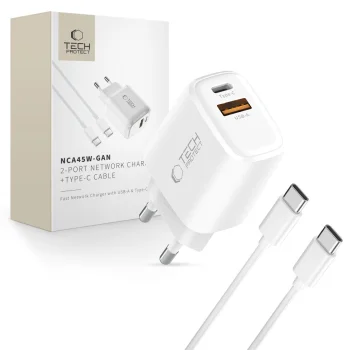
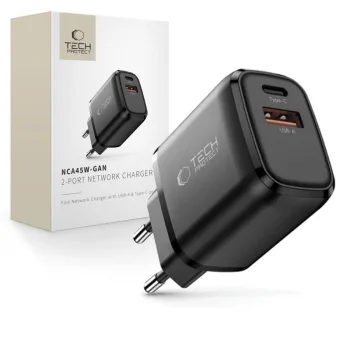
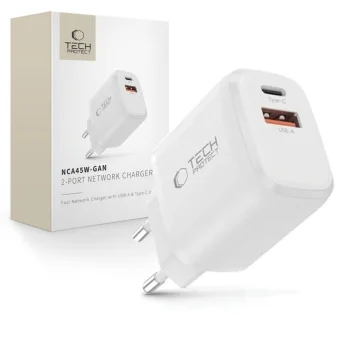
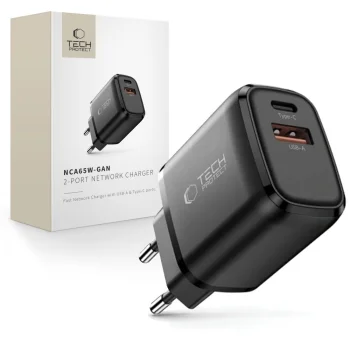
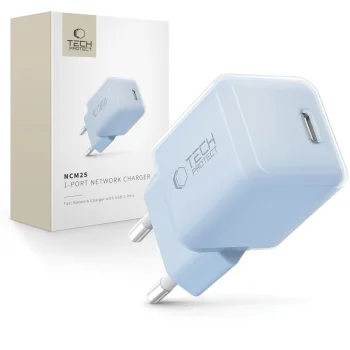
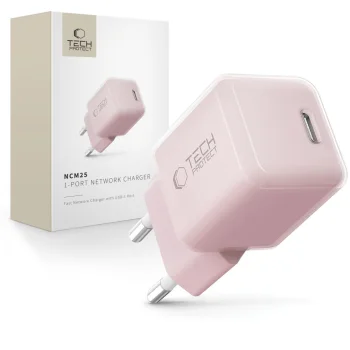
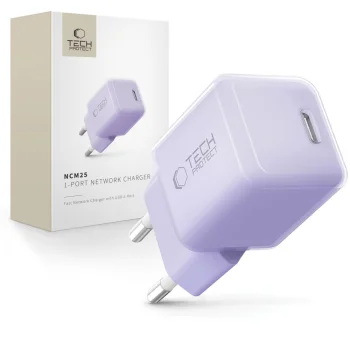
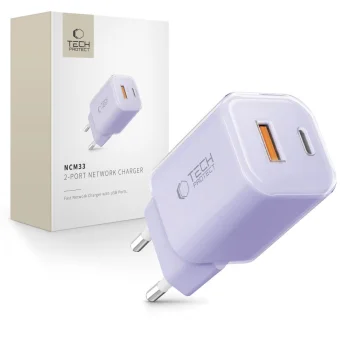
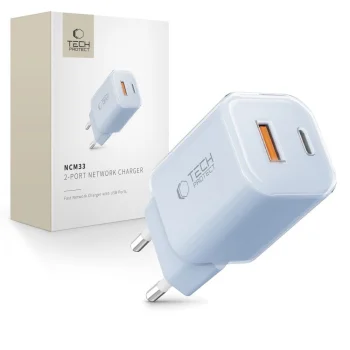
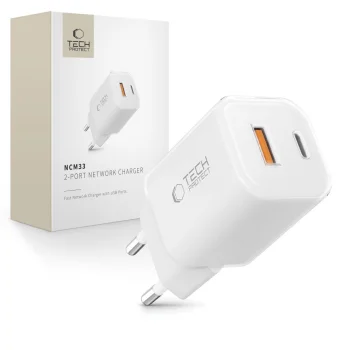
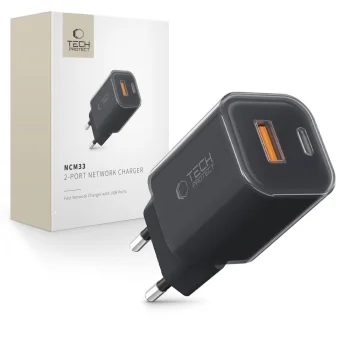
USB wall chargers plug into a wall outlet and connect to a phone or another device through a suitable charging cable. This category includes Baseus, Samsung, Dudao, Acefast and Tech-Protect adapters with USB-A ports, USB-C ports or a combination of both. Options include single-port and multi-port chargers, plus models supplied with a USB-C cable. Some product names specify PD, QC 3.0 or GaN. Those labels are useful points to check against the charging requirements of the device and the details of the particular adapter.
How to choose USB wall chargers
Start with the plug on the adapter end of your cable: a USB-A plug needs a USB-A port, while a USB-C plug needs a USB-C port. Next, compare the charger's stated power with what your device and cable support. Examples in this category include 20 W, 30 W, 45 W and 65 W models. A higher rating on the adapter does not mean every connected phone will charge at that rate. For more than one device, check how many ports the charger has and how the specific model distributes power when ports are used together.
- USB-A ports: these accept a cable with a USB-A plug at the charger end. Check the plug at the device end separately.
- USB-C ports: these take a USB-C plug at the charger end. Some listed chargers also specify PD.
- Multiple ports: examples from Baseus Compact and Samsung Trio combine USB-A and USB-C. Compare the port layout before selecting an adapter.
- Included cable: certain Dudao chargers are listed with a USB-C cable. Check whether both ends suit your intended setup.
- Stated power: compare the charger's rating with the device's requirements, particularly if several ports will be in use.
For charging one phone, a USB wall charger with the right port and cable may be all that is needed. To connect multiple cables to one outlet adapter, compare multi-port USB wall chargers by port types, stated power and whether a cable is included.
Frequently Asked Questions
How do I choose a USB wall charger for my phone?
For a USB wall charger, match its port to the plug on the charger end of your cable. Also check the phone's charging requirements and the cable's suitability.
What is the difference between USB-A and USB-C wall chargers?
USB-A and USB-C wall chargers have different port types for the cable connection. Choose a port that matches the plug at the adapter end of your cable.
Do USB wall chargers include a cable?
Some USB wall chargers, including Dudao A27TCEU, are listed with a USB-C cable. Check the contents of the specific model before choosing.
Can a multi-port USB wall charger charge several devices at once?
A multi-port USB wall charger provides connections for several cables. Check the specific model's power distribution when using ports simultaneously.
What are the most popular 2026 products in category - USB wall chargers
- Baseus Compact Wall Charger Adapter USB / USB Type C PD 20W, White
- Baseus Compact 2xUSB + Type C Portable Wall Charger Adapter 30W, Black
- Baseus Compact 2xUSB + Type C Portable Wall Charger Adapter 30W, White
- Dual Port USB Charger Acefast A78 GaN PD 20W Black
- Dudao A27TCEU PD 30W GaN USB-A USB-C Wall Charger with USB-C Cable - White
What are the newest products in category - USB wall chargers
- Wall Charger 3mk DualCharge 20W USB-C USB-A PD3.0 QC 3.0 PPS - White
- Newell GaN 100 W TFT Mains Charger, 2x USB-C, 1x USB-A - EU
- Newell GaN 65W Wall Charger, 2x USB-C, 1x USB-A, PD / QC
- Oppo VCBAOBEH 100W USB-A Wall Charger with USB-A to USB-C Cable - White
- Oppo VCB8OAEH 80W GaN USB-A + USB-C Wall Charger, White


