
USB Hubs for Computers
135 products
USB hubs include USB 3.0 port expanders, multifunction USB-C adapters with HDMI and PD, and models with individual port switches from Orico, Baseus, Newell and Ugreen. They suit computer setups that need connections for several peripherals or an external display. Choose by the computer connection, required port types and power arrangement.
Orico
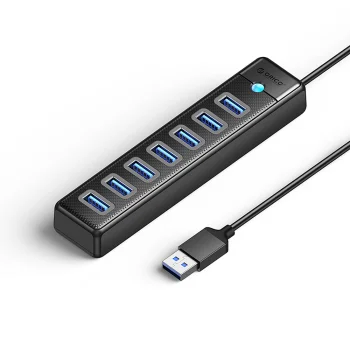
USB Hub Orico PW7U-U3 7x USB-A 3.0 with USB-C 5V/3A Power Port, 1m, Black
Delivery in 5–12 business days
15.80 €
Extra Digital
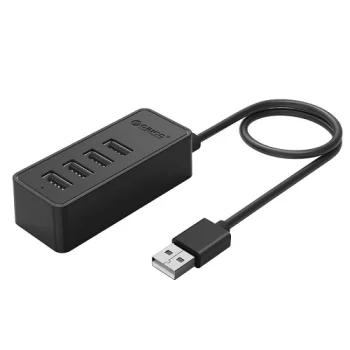
USB Hub ORICO W5P-U3-030 4-Port USB 3.0 with 30 cm Cable, Black
Delivery in 5–10 business days
17.50 €
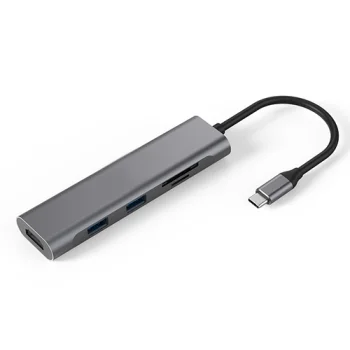
Extra Digital
USB Type-C Adapter - 2x USB 3.0, HDMI 4K, SD, TF, Gray
Delivery in 5–10 business days
33.20 €
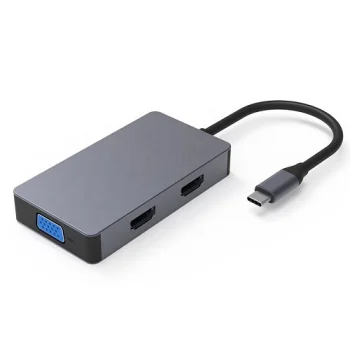
Extra Digital
USB Type-C Adapter to 2x HDMI, VGA, USB 3.0 Type-A, and USB Type-C PD 60W, Space Gray
Delivery in 5–10 business days
39.80 €
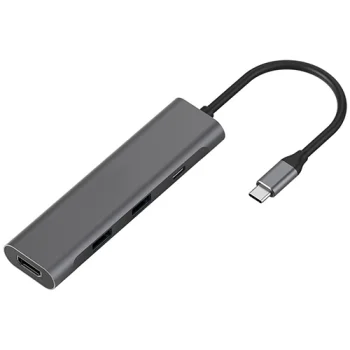
Extra Digital
USB Type-C Adapter to 2x USB 3.0, Type-C PD and HDMI 4K 60Hz
Delivery in 5–10 business days
37.70 €
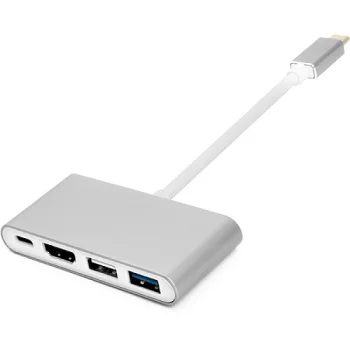
Extra Digital
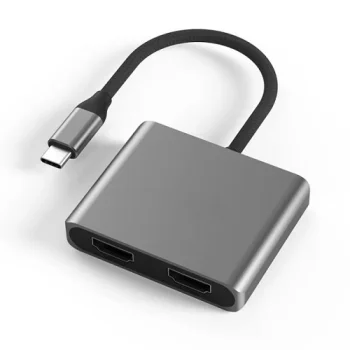
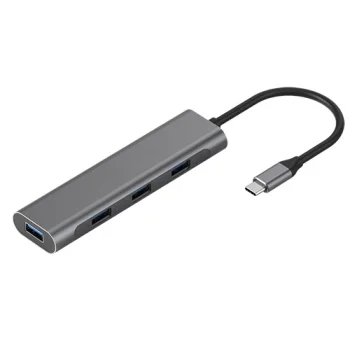
USB Type-C Adapter with HDMI, 4x USB 2.0/3.0, and Type-C, Gray
Delivery in 5–10 business days
34.20 €
Extra Digital
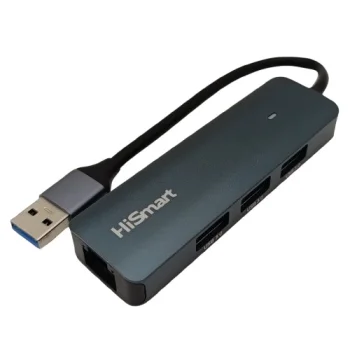
USB-A Hub Adapter with 3x USB 3.0 Ports and RJ45 Ethernet, Gray
Delivery in 5–10 business days
17.50 €
-13%
Orico
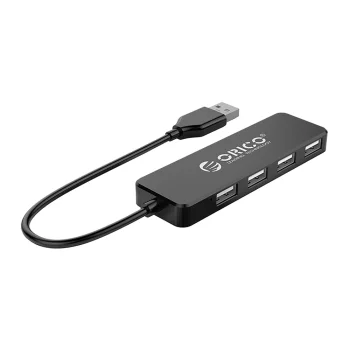
USB-A Hub Orico FL01 4x USB-A 2.0, 30 cm Cable, Black
Delivery in 5–12 business days
7.80 €9.00 €
Extra Digital
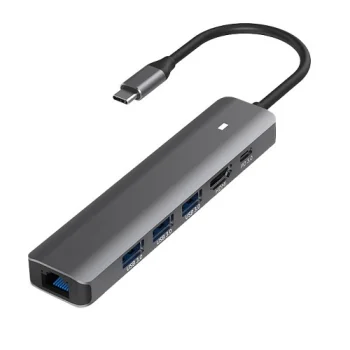
USB-C 6-in-1 Hub Adapter, 4K HDMI, RJ-45 LAN, 3x USB 3.0, USB Type-C PD 100W, Space Gray
Delivery in 5–10 business days
36.90 €
Extra Digital
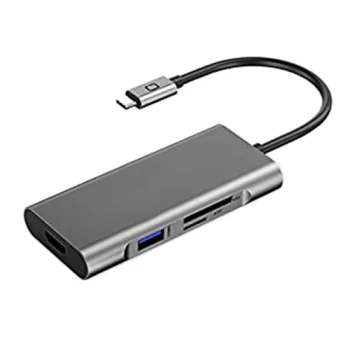
USB-C adapter with 3 USB 3.0, PD 60 W, HDMI and SD/TF, grey
Delivery in 5–10 business days
44.20 €
Extra Digital
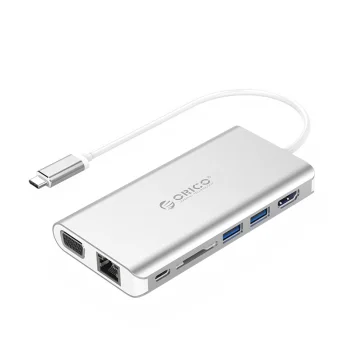
USB-C Docking Station ORICO XC-304-SV-PRO, HDMI, VGA, RJ45, USB 3.0, SD
Delivery in 5–10 business days
89.10 €
Extra Digital
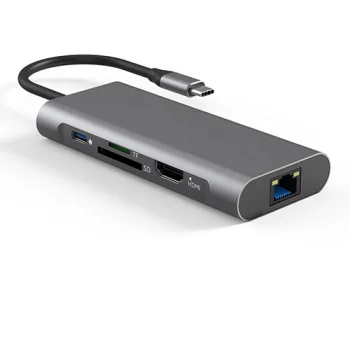
USB-C Hub Adapter – 2x USB 3.0, USB 2.0, Type-C PD 100W, HDMI 4K, SD/TF, RJ45, Gray
Delivery in 5–10 business days
46.40 €
New
-9%
Tech-Protect
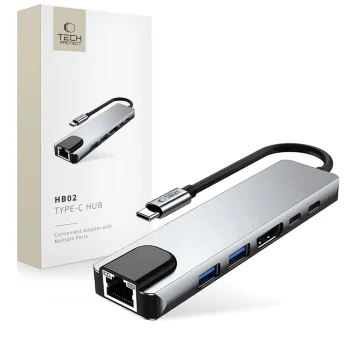
USB-C HUB Adapter Tech-Protect HB02 6in1 HDMI 4K RJ45 PD100W Gray
Delivery in 5–12 business days
16.80 €18.50 €
Extra Digital
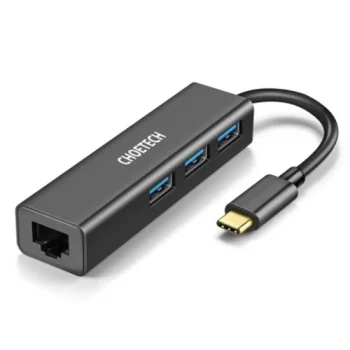
USB-C Hub and Network Adapter Choetech, USB Type-C to 1x RJ-45 and 3x USB 3.0, Black
Delivery in 5–10 business days
32.70 €
New
Neewer
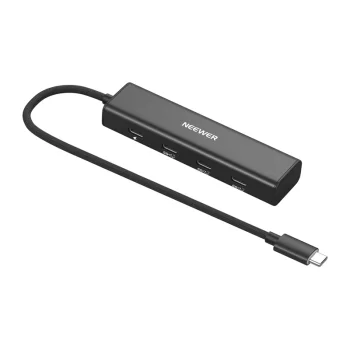
USB-C Hub NEEWER PS020E 4-in-1, 10 Gbps, PD 100W, Black
Delivery in 5–12 business days
54.20 €
Orico
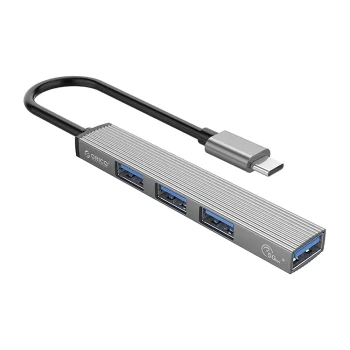
USB-C Hub Orico AH-13 1x USB-A 3.0 + 3x USB-A 2.0 - Gray
Delivery in 5–12 business days
8.10 €
-21%
Tech-Protect
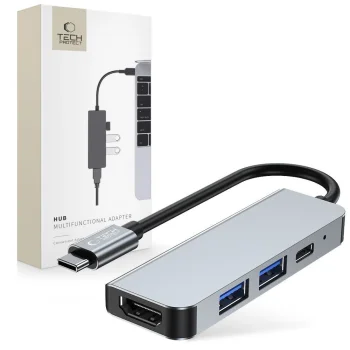
USB-C Hub Tech-Protect V2 4in1 (HDMI, USB 3.0, USB 2.0, USB-C) - Gray
Delivery in 5–12 business days
18.10 €23.00 €
-15%
Tech-Protect
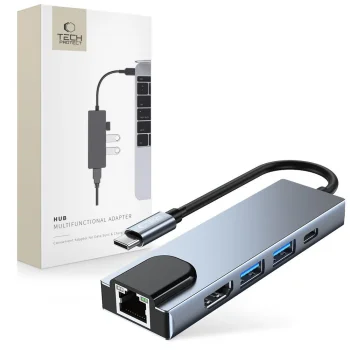
USB-C Hub Tech-Protect V3 5in1, HDMI, RJ45, USB 3.0, Gray
Delivery in 5–12 business days
23.20 €27.40 €
-9%
Wozinsky
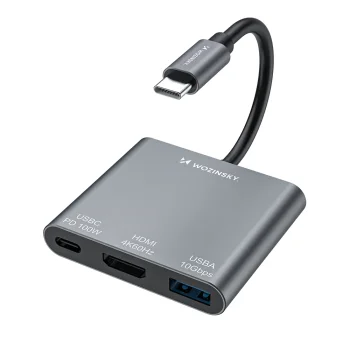
USB-C Hub Wozinsky WHCH-01 PD 100W HDMI 4K@30Hz USB-A 10Gbps, Gray
Delivery in 5–12 business days
10.20 €11.20 €
New
Wozinsky
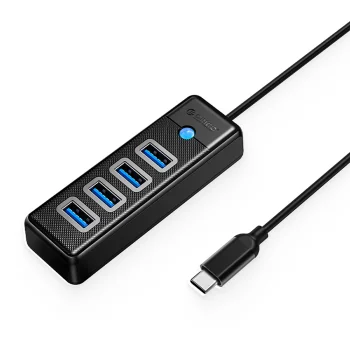
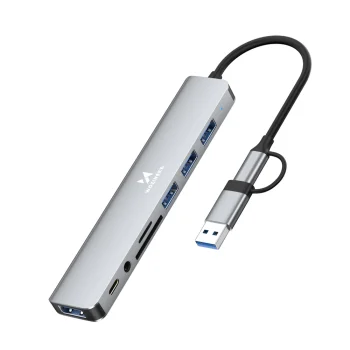
Wozinsky WAH-81 8-in-1 USB-C Hub with USB 3.0 SD MicroSD Reader and 3.5mm Audio Output - Gray
Delivery in 5–12 business days
11.20 €
Wozinsky
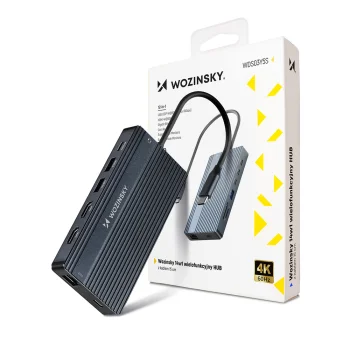
Wozinsky WDS03Y5S 14-in-1 USB-C Hub for 3 Monitors, Gray
Delivery in 5–12 business days
49.80 €
New
Wozinsky
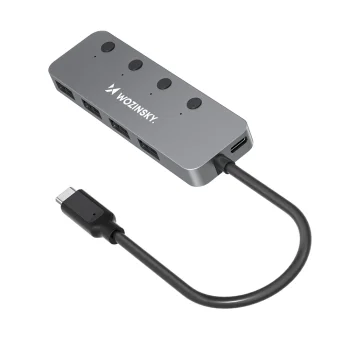
Wozinsky WHS080YSS 4-Port USB-A 3.0 Aluminum Hub with Switches and USB-C Cable, Gray
Delivery in 5–12 business days
14.20 €
USB hubs add connections for computer peripherals and, on multifunction models, external displays and power delivery. The range includes USB 3.0 hubs, USB-C adapters with HDMI and PD, hubs with individual port switches, and USB sharing switches. Orico, Baseus, Newell and Ugreen offer different connection layouts, from USB expansion to adapters combining several interfaces.
How to choose USB hubs for computers
Check the specific hub's compatibility with your computer, including the connector and support for the functions you need. Count the devices you will connect simultaneously, then identify the required USB-A, USB-C and HDMI ports. For file transfers, compare the stated USB standard and data rate. Power requirements, cable length and port positioning also matter when arranging a desk.
- USB 3.0 hubs: These add USB ports for peripherals. Choose the port count around the devices you intend to use at the same time.
- Multifunction USB-C hubs: These combine several connection types. Compare the actual port list rather than relying only on the advertised number of functions.
- HDMI connections: An HDMI-equipped hub can connect an external display when the computer supports the required video output. For models labelled 4K, review the stated display conditions.
- Power adapters and PD: Some hubs include a separate power adapter, while some USB-C hubs support PD. These serve different power arrangements, so check the purpose of each power connection.
- Port switches and sharing switches: Individual switches control separate hub ports. A USB sharing switch changes connections according to its specified switching arrangement.
For a keyboard, mouse and other USB peripherals, focus on port count and layout. For a workspace with an external display, consider a USB-C hub with HDMI. Where power delivery is also needed, compare PD support alongside the data connections.
Frequently Asked Questions
What is the difference between a USB hub and a multifunction USB-C adapter?
A USB hub primarily adds USB ports. A multifunction USB-C adapter can also include HDMI and PD, depending on the model.
Can every USB-C hub connect an external monitor?
A USB-C hub needs a suitable video output, such as HDMI, to connect an external monitor. The computer's USB-C connection must also support the required video function.
Is a powered USB hub the same as a USB-C hub with PD?
A powered USB hub uses a separate power supply according to its design. A USB-C hub with PD supports power delivery through its designated USB-C connection, so the two features serve different purposes.
What are individual switches on a USB hub used for?
Individual switches on a USB hub turn the corresponding ports on or off. They allow connected peripherals to be controlled separately.
What are the most popular 2026 products in category - USB Hubs for Computers
What are the newest products in category - USB Hubs for Computers
- USB-C Hub NEEWER PS020E 4-in-1, 10 Gbps, PD 100W, Black
- Ugreen CM266 5-in-1 USB Hub USB-A to RJ45, 3x USB-A 3.0, Micro USB Adapter, Gray
- USB Hub Ugreen CM653 with 4 USB-A Ports, Black
- Wozinsky WAH-81 8-in-1 USB-C Hub with USB 3.0 SD MicroSD Reader and 3.5mm Audio Output - Gray
- Wozinsky WHS080YSS 4-Port USB-A 3.0 Aluminum Hub with Switches and USB-C Cable, Gray
 Gudri pirkumi vienuviet
