0

USB Hubs

147 products

USB hubs and concentrators expand the number of available ports on laptops, desktops and tablets so you can connect keyboards, mice, external drives and charge devices simultaneously. This category includes portable travel hubs, powered hubs for multiple high-draw devices, and USB-C docks with video and Ethernet outputs. Browse to find compact, high-speed or fully featured docks that match your workspace, travel needs or media setup.

Extra Digital USB-C Adapter (8-in-1) HDMI, RJ45, USB 3.0, SD, Gray
Extra Digital
Extra Digital USB-C Adapter 2x USB 3.0, HDMI 4K, SD, TF, Gray
Extra Digital
Extra Digital USB-C Adapter 8-in-1, 3x USB 3.0, HDMI 4K, PD 60W, SD/TF, Grey
Extra Digital
Extra Digital USB-C Adapter HDMI, 3x USB-A, SD, TF, PD 100W, Space Gray
Extra Digital
Extra Digital USB-C Adapter HDMI, LAN, 3x USB 3.0, PD 100W, Space Gray
Extra Digital
Extra Digital USB-C Adapter HDMI, LAN, 3x USB-A, USB-C, PD100W, SD/TF, Blue
Extra Digital
Extra Digital USB-C Adapter to 2x USB 3.0, HDMI, USB-C PD, Gray
Extra Digital
Extra Digital USB-C to 4 x USB 3.0 Adapter, Grey
Extra Digital
Extra Digital USB-C to DVI Adapter, 15cm
Extra Digital
Extra Digital USB-C to VGA Adapter, 15cm
Extra Digital
Hub USB-C 12 in 1 Wozinsky WHBC09Y8S multifunctional, with wireless charging function, aluminum, with 15 cm cable - gray
Wozinsky
New
Maxlife 4-Port USB Hub + 1.5m Cable, Black
Maxlife
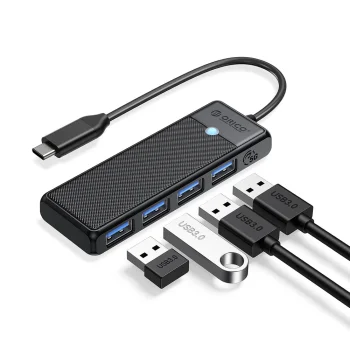
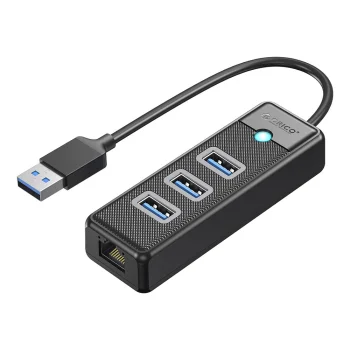
Orico 4-Port USB 3.0 Hub W5P-U3-030, Black
Extra Digital
Orico AH-13 USB-C Hub 1x USB 3.0 + 3x USB 2.0, Gray
Orico

-13%

Orico AH-A13 USB-A Hub (1x USB 3.0, 3x USB 2.0), Gray
Orico
Orico BT2U3-13AB 13-Port USB-A 3.0 Hub with Individual Switches, Gray
Orico
Orico BT2U3-16AB 16-Port USB-A 3.0 Hub with Switches Gray
Orico
Orico BT2U3-7AB 7-Port USB-A 3.0 Hub with Individual Switches, Gray
Orico
Orico CL7U-U3 USB Hub 7x USB-A 3.0, Gray
Orico
Orico CT2U3-10AB 10-Port USB-A 3.0 Hub with Switches, Black
Orico
Orico CT2U3-13AB 13-Port USB-A 3.0 Hub with Individual Switches, Black
Orico
Orico CT2U3-7AB 7x USB-A 3.0 Hub with Switches - Black
Orico

-13%

Orico FL01 USB-A Hub with 4x USB 2.0 Ports, Black
Orico

-13%

Orico FL02 USB-A Hub with 4x USB-A 2.0 Ports, Black
Orico

-14%

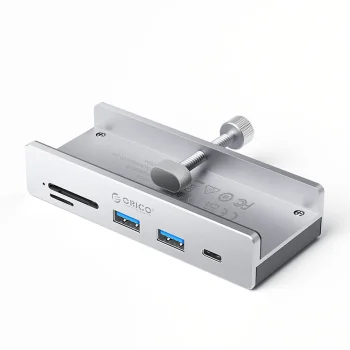
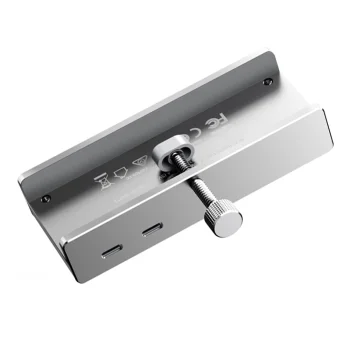
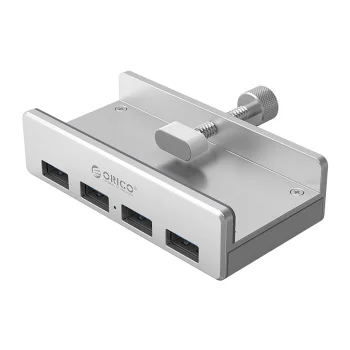
Orico MH4PC Clamp-Mounted USB-C Hub, 3x USB-A / 1x USB-C, Silver
Orico
Orico MH4PU Clamp-Mounted 4-Port USB-A 3.0 Hub, Black
Orico
Orico MH4PU Clamp-Mounted 4-Port USB-A 3.0 Hub, Silver
Orico
Orico MH5PC Clamp-Mounted USB-C Hub with SD/TF Reader, Silver
Orico

-14%

Orico MH5PMM Clamp-mounted Hub USB-C / 2x USB-A / SD/TF / Audio, Black
Orico
New
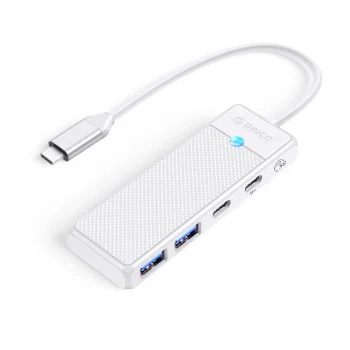
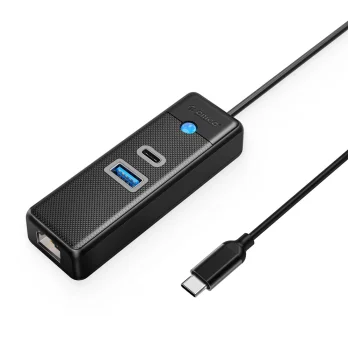
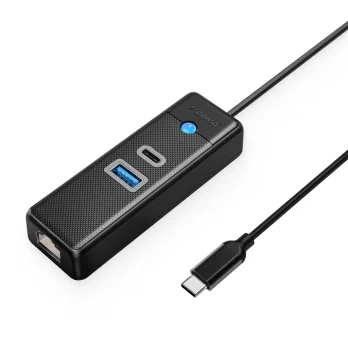
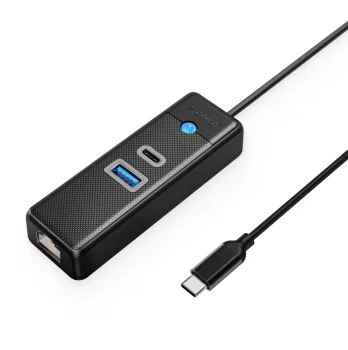
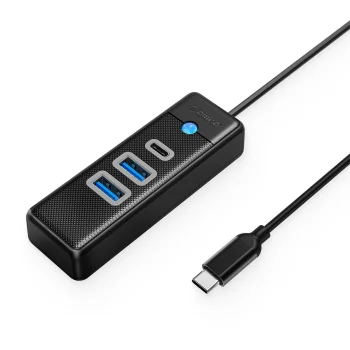
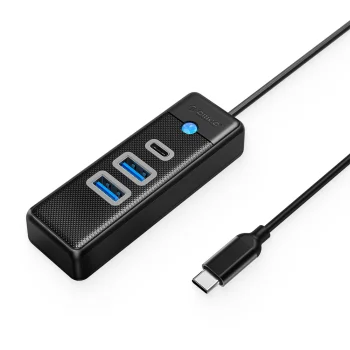
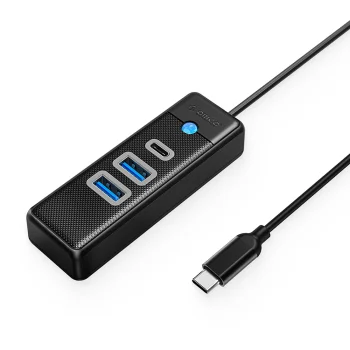
Orico PAPW2AC-C3 USB Hub 4-port (2x USB-A, 1x USB-C, PD 100W) 0.15m, White
Orico
New
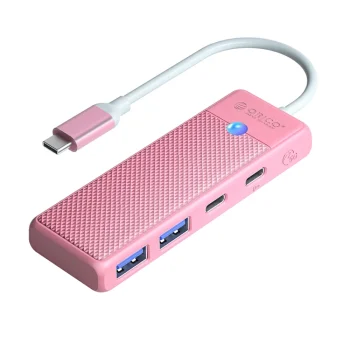
Orico PAPW2AC-C3-C3 4-Port USB Hub (2x USB-A, USB-C, 100W PD), 0.15m, Pink
Orico
New
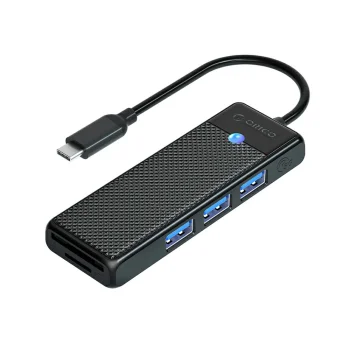
Orico PAPW3AT-C3 USB-C Hub with 3x USB-A 3.0 & SD/MicroSD Reader 1m Black
Orico
New
Orico PAPW3AT-C3 USB-C Hub with 3x USB-A 3.0 and Card Reader, 0.15m, Black
Orico
New
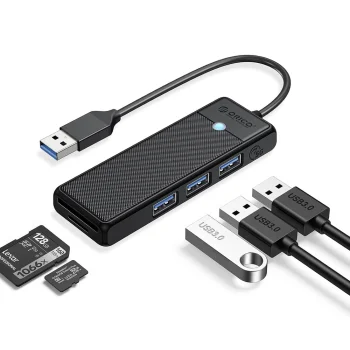
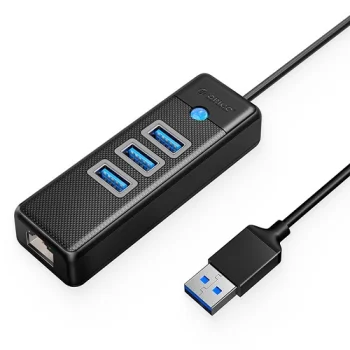
Orico PAPW3AT-U3 USB Hub with 3x USB-A 3.0 and microSD/SD Card Reader, 1.8m, Black
Orico
New
Orico PAPW3AT-U3 USB Hub with 3x USB-A 3.0 and microSD/SD Card Reader, 1m, Black
Orico
New
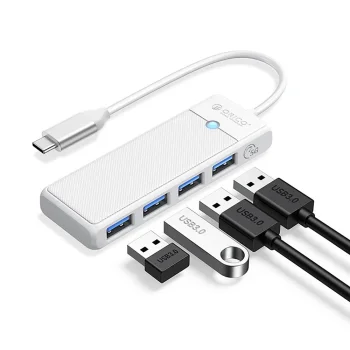
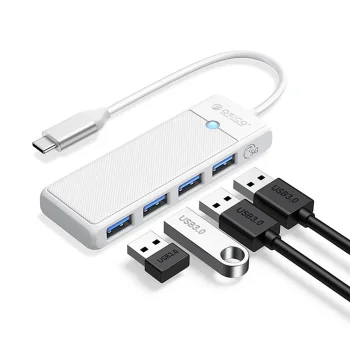
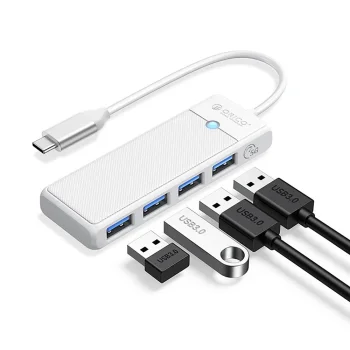
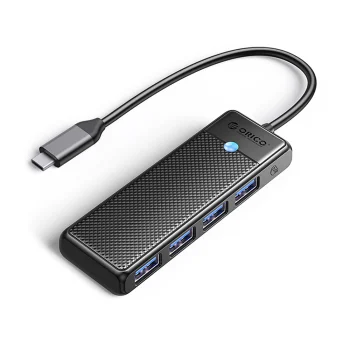
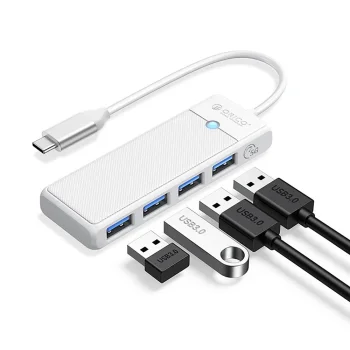
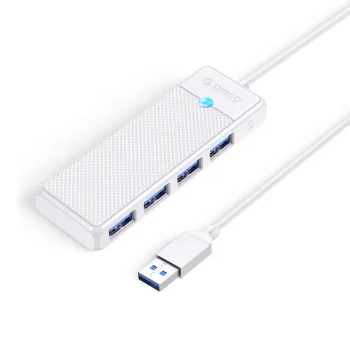
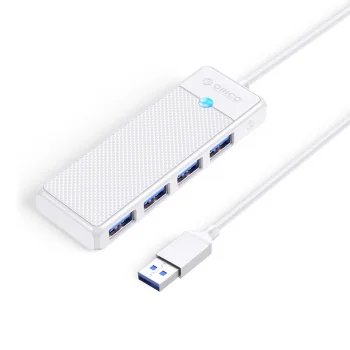
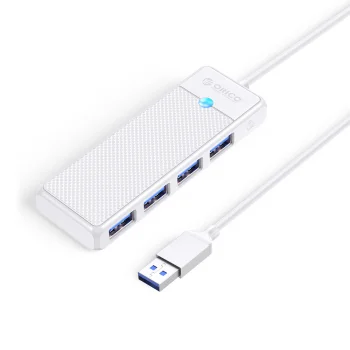
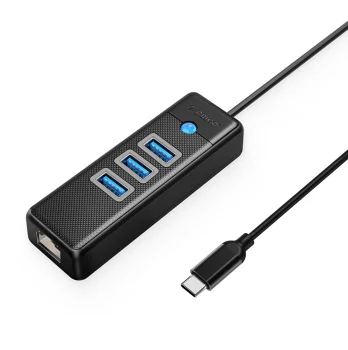
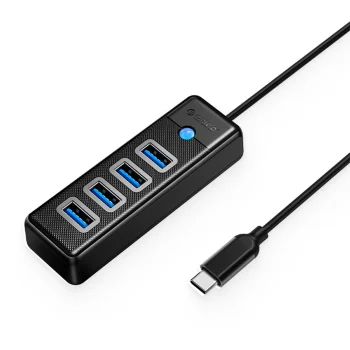
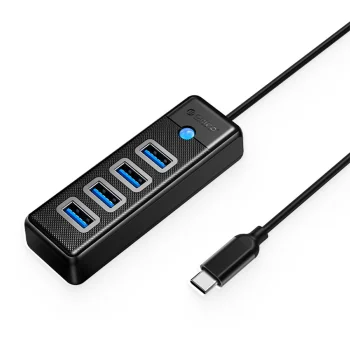
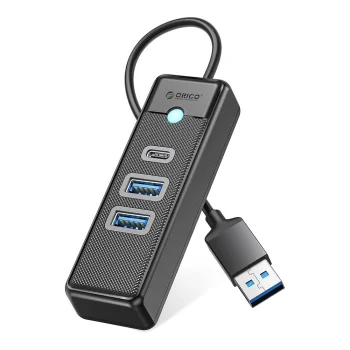
Orico PAPW4A-C3 4-Port USB-A 3.0 Hub with USB-C Connector 0.15m - White
Orico


USB hubs and concentrators are versatile accessories that increase the number of USB ports available from a single connector. In this category you will find passive hubs, powered (active) hubs with external adapters, USB-C docking stations with HDMI/DisplayPort and Ethernet, as well as compact travel hubs designed for portability.

Common use cases include home offices where multiple peripherals and external drives must be connected, travel scenarios with slim laptops that lack sufficient ports, multimedia setups requiring video output and network access, and professional workflows that demand fast file transfers. Hubs are also practical gifts for students and remote workers who need simple, reliable connectivity.

Key features to consider are supported USB standards (USB 3.0/3.1/3.2 for faster data transfer), Power Delivery (PD) support for charging via USB-C, and additional interfaces like HDMI, DisplayPort or Gigabit Ethernet on docking stations. Construction materials typically include durable plastics or aluminum housings—aluminum offers better heat dissipation and a premium look. Sizes range from tiny dongles to larger multi-port docks with built-in stands.

How to choose the right hub: start by listing the devices you want to connect and the types of ports you need (USB-A vs USB-C). If you plan to attach external hard drives or multiple power-hungry devices, choose a powered hub with an external adapter. For video output and Ethernet, select a USB-C dock that supports DisplayPort/HDMI and Gigabit Ethernet. Also check cable length and port layout for desk convenience, and verify the hub’s supported transfer speeds to match your workflow.

  • Adds multiple USB-A or USB-C ports to one connector
  • Support for USB 3.x standards for high-speed transfers
  • Powered hubs available for energy-demanding devices
  • USB-C docks with video output and Ethernet connectivity
  • Compact, travel-friendly models for mobility
  • Durable plastic or aluminum construction for reliability
  • Plug-and-play operation for most devices

Frequently Asked Questions

Most USB hubs are compatible with Windows, macOS and Linux systems and will work with laptops and tablets that have matching ports. Confirm whether you need USB-A or USB-C and consider an adapter if necessary.
Hubs typically work plug-and-play without additional drivers. Maintenance is minimal: keep connectors clean, avoid moisture, and check power cables for powered hubs to ensure stable operation.
Choose a powered hub if you plan to connect multiple external hard drives, SSDs or other power-hungry devices. External power ensures stable performance and prevents overloading the host port.
Hubs are safe when used properly. Keep them supervised around children to avoid cable tangles or accidental damage, and do not expose hubs to rain or excessive moisture when used outdoors.