
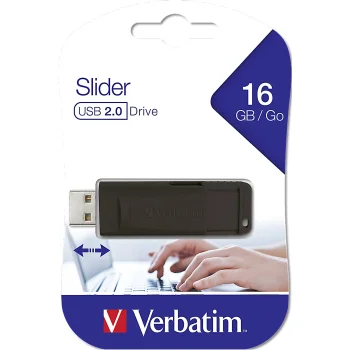
New
Verbatim
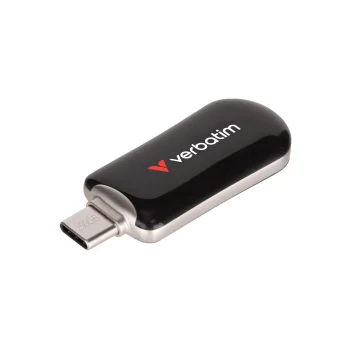
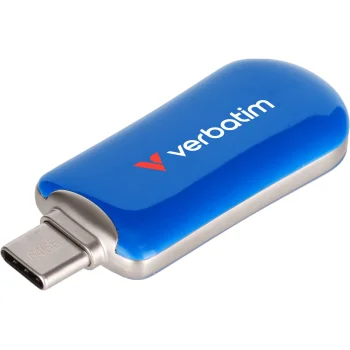
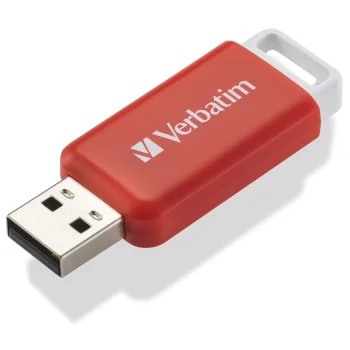
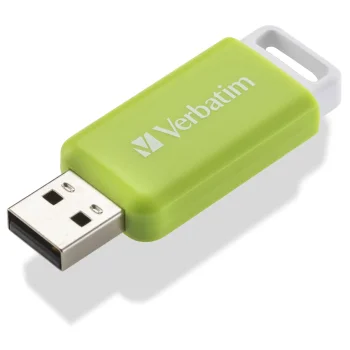
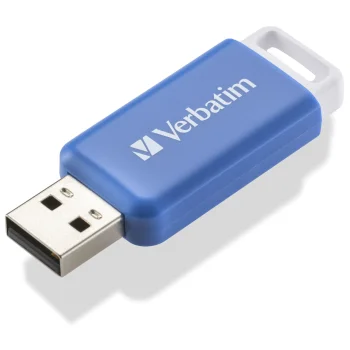
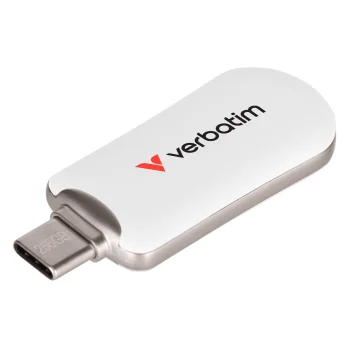
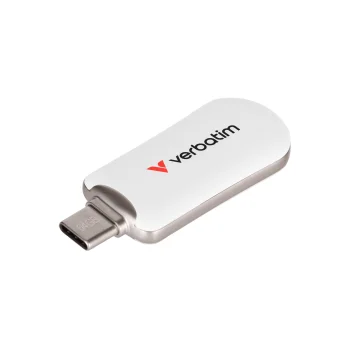
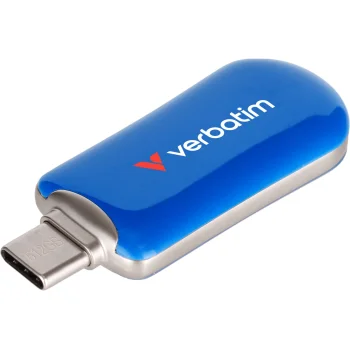
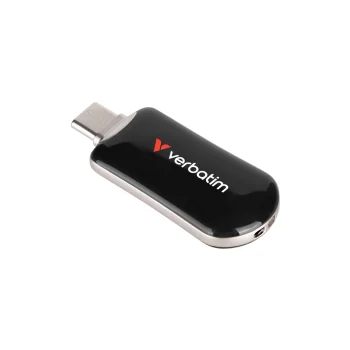
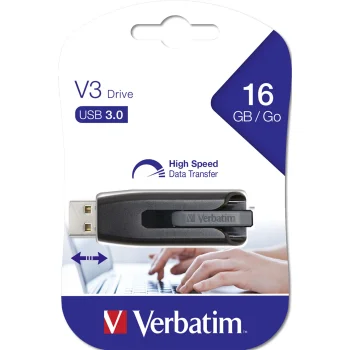
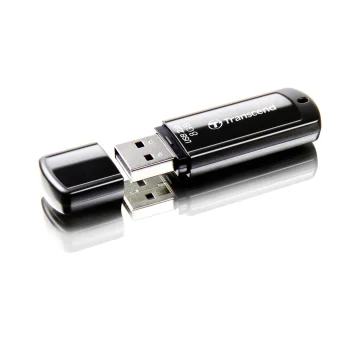
USB Flash Drive Verbatim Store n Go Slider 16GB USB 2.0 98696, Black
Delivery in 7–15 business days
7.80 €
USB flash drives are portable storage devices for saving and transferring files, with models from Kingston, Goodram, Verbatim, Intenso, Philips, Sandisk, Transcend and Imro. Options include USB-C drives and USB 2.0, USB 3.0 and USB 3.2 models. They suit work documents, study materials and personal files. Choose by storage capacity, the connector your device accepts and the stated USB standard.
USB flash drives provide portable storage for documents, photographs, presentations and other files. The range includes Intenso, Verbatim, Philips, Sandisk, Transcend, Goodram, Kingston and Imro models. Options include drives with USB-C connectors and models using USB 2.0, USB 3.0 or USB 3.2. Different capacities suit different amounts of data and everyday storage tasks.
Start with the total size of the files you want to keep and the port on the device you will use. Check the individual model's capacity, connector and USB standard. USB-C describes a connector type, while USB 2.0, USB 3.0 and USB 3.2 describe interface standards. These details should be considered separately.
USB flash drives suit sharing study materials, carrying work documents and keeping a separate copy of personal files. Narrow the choice by capacity and connector first, then compare the USB standard and the relevant model details.
Choose a USB flash drive based on the combined size of the files you want to store. Documents generally need less space than videos or photo collections, and leaving room for additional files is useful.
USB-C describes a flash drive's connector type, while USB 3.2 describes a data transfer standard. Consider the connector and USB standard separately when choosing a USB flash drive.
USB flash drive transfer speeds vary by model and the device used for the connection. Capacity or brand alone does not establish a drive's transfer speed.
+371 20408041
info@motivs.lv
Duntes 56, Rīga, LV-1005, Latvija
Monday: 10:00 - 19:00
Tuesday: 10:00 - 19:00
Wednesday: 10:00 - 19:00
Thursday: 10:00 - 19:00
Friday: 10:00 - 19:00
Saturday: Closed
Sunday: Closed


 Gudri pirkumi vienuviet