
USB flash drives and memory sticks
USB flash drives and memory sticks store files for transfer between devices, with models from Kingston, Goodram, Verbatim, Intenso, Philips, Transcend, Sandisk and Imro. The range includes different capacities, a USB-C model and drives marked USB 2.0, USB 3.0 or USB 3.2. Whether you need to carry documents, photos or other files, choose by storage capacity and check the port on the device you plan to use.
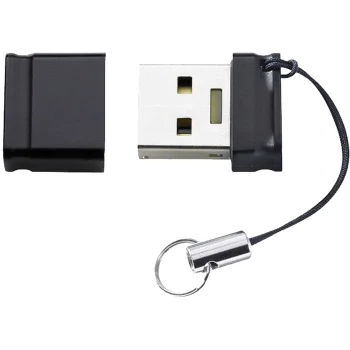
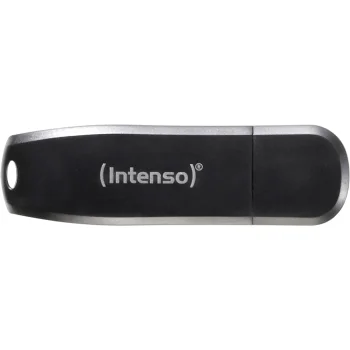
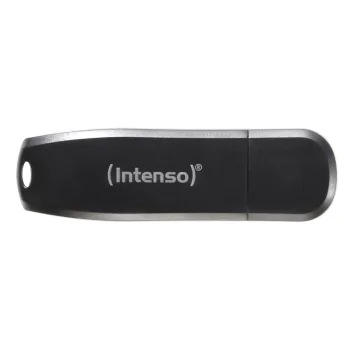
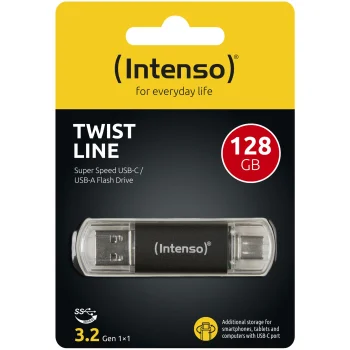
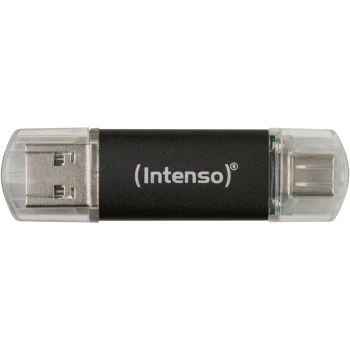
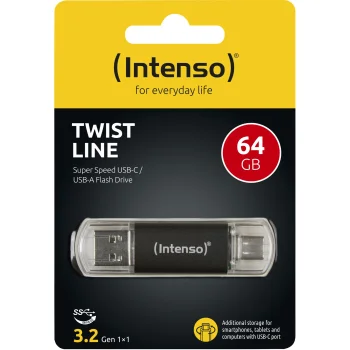
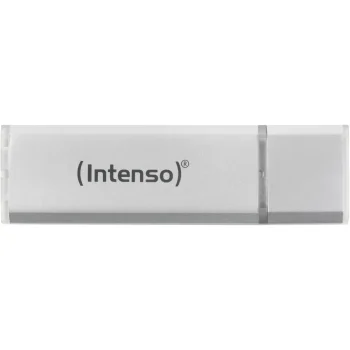
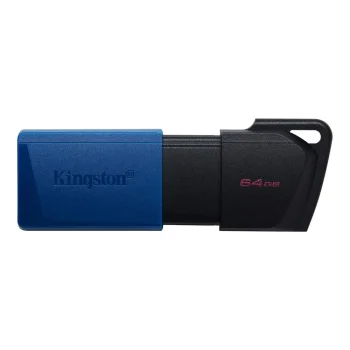
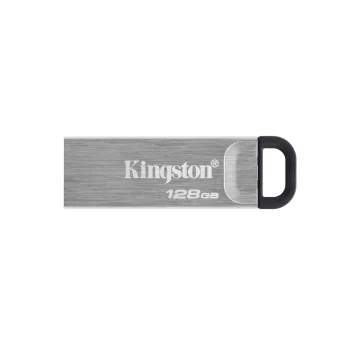
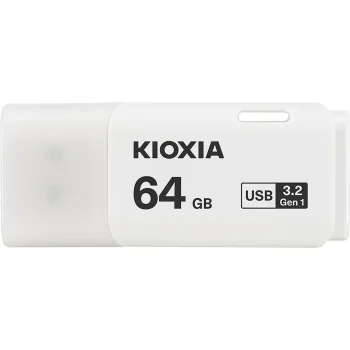
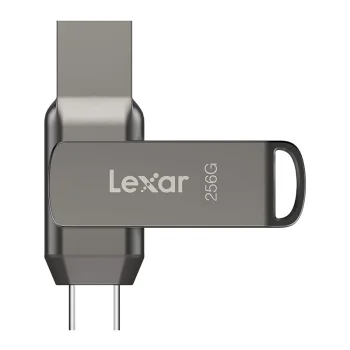
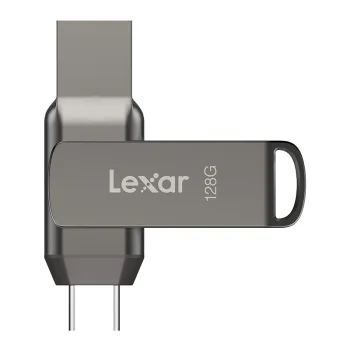
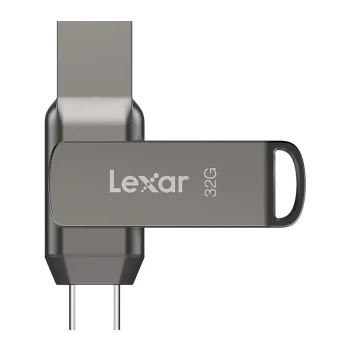
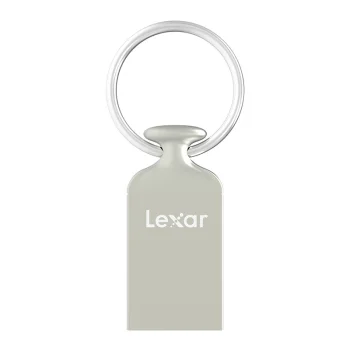
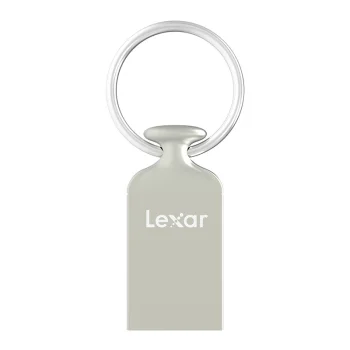
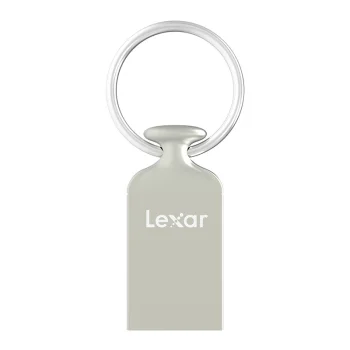
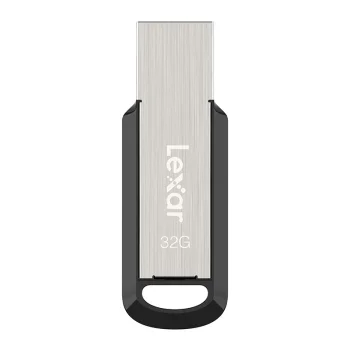
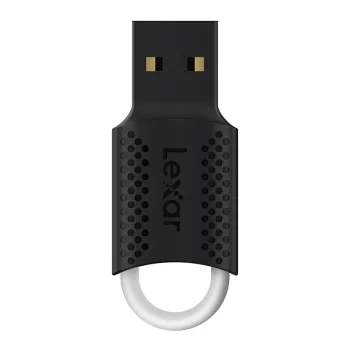
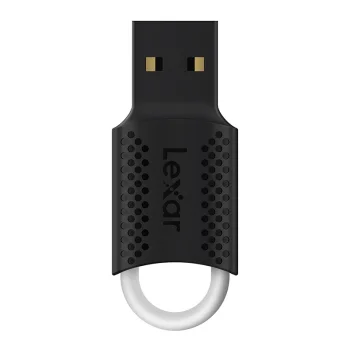
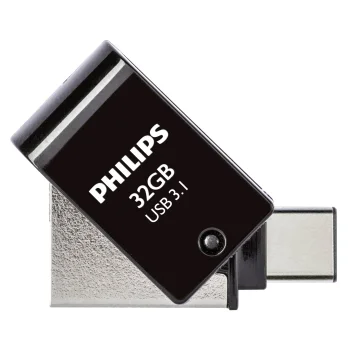
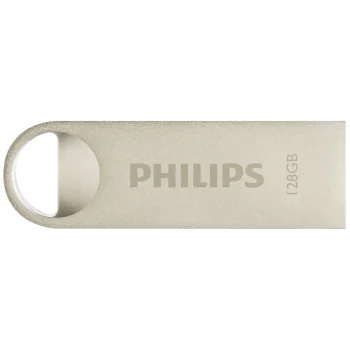
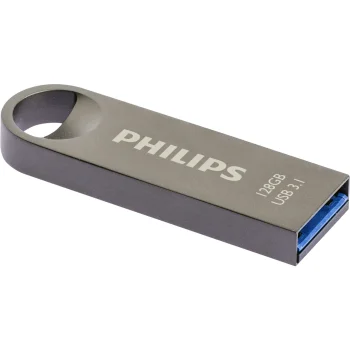
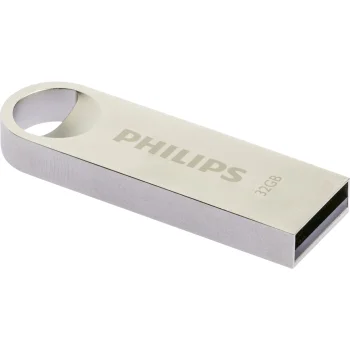
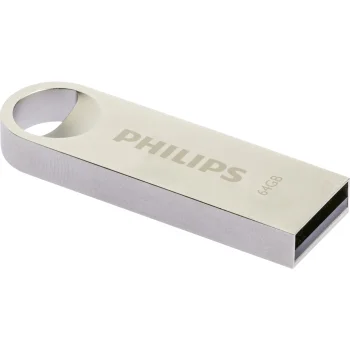
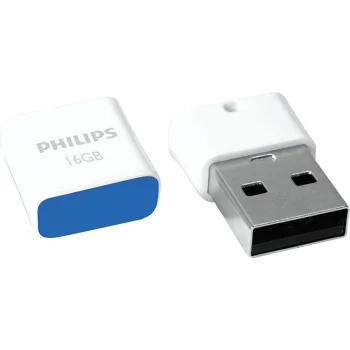
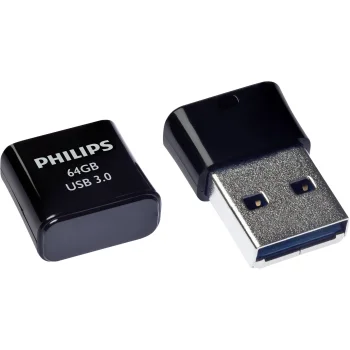
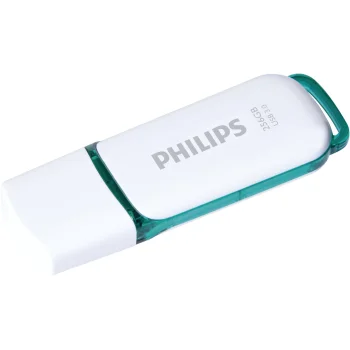
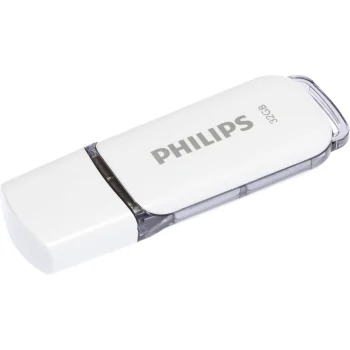
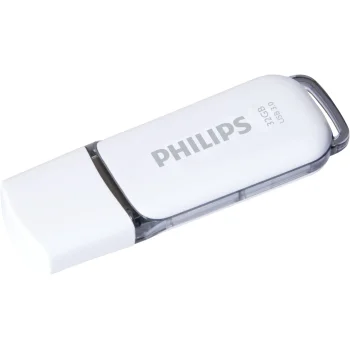
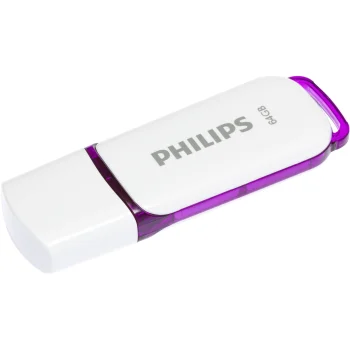
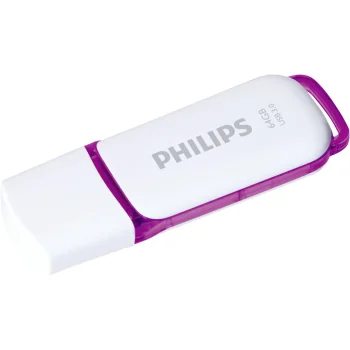
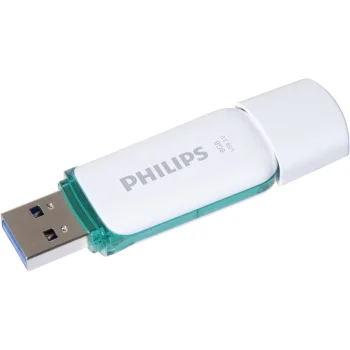
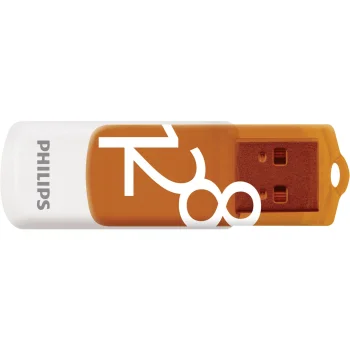
USB flash drives are removable storage devices for keeping documents, photos and other files or moving them between devices. This category includes Kingston, Goodram, Verbatim, Intenso, Philips, Transcend, Sandisk and Imro products. Examples include the Kingston DataTraveler 70 128GB USB-C drive, the Goodram UME3 64GB drive marked USB 3.0 and the Verbatim Store 'n' Go PinStripe 16GB drive marked USB 2.0. Capacities and interface markings vary across the drives, so the right choice depends on both the files and the device you intend to use.
How to choose a USB flash drive
Start with the amount of data you need to store. A small collection of documents and a larger set of photos may call for different capacities. Next, check the device's port: a USB-C flash drive needs a matching connection. USB 2.0, USB 3.0 and USB 3.2 are interface version markings, not guarantees of a particular transfer speed. The device you connect also affects actual file transfer performance. Reading the complete product name helps distinguish models within the same family, including Kingston DataTraveler Exodia variants.
- Storage capacity. Model listings include 16GB, 32GB, 64GB, 128GB and 256GB drives. Compare these figures with the size and number of files you expect to keep.
- USB-C connection. Kingston DataTraveler 70 128GB is a USB-C flash drive. Check the port on your device before selecting it.
- Interface version. Goodram UME3 carries a USB 3.0 marking, while Kingston DataTraveler Exodia models include USB 3.2 markings. Consider the device's connection as well as the drive's label.
- USB 2.0 drives. Verbatim Store 'n' Go PinStripe and Goodram UTS2 are examples. Capacity remains an important distinction between models.
- Model and colour. Kingston and Goodram drives appear under several model names and in different colours. Use the full name to identify the version you want.
For everyday file storage or moving files between devices, compare USB flash drives by capacity, connector and interface marking. Checking those details against your device and your typical file sizes is more useful than choosing by the product family name alone.
Frequently Asked Questions
What capacity USB flash drive do I need?
Choose a USB flash drive capacity based on the number and size of the files you want to keep. Models shown include 16GB, 32GB, 64GB, 128GB and 256GB options.
Will a USB-C flash drive connect to my device?
A USB-C flash drive such as the Kingston DataTraveler 70 needs a matching port on your device. Check the port type before choosing a drive.
What do USB 2.0, USB 3.0 and USB 3.2 mean on flash drives?
These labels identify interface versions on USB flash drives. Actual file transfer speed also depends on the device used with the drive.
What are the most popular 2026 products in category - USB flash drives and memory sticks
What are the newest products in category - USB flash drives and memory sticks
- USB Flash Drive Philips Moon Vintage 32GB USB 2.0, Silver
- USB Flash Drive Intenso cMobile Line OTG 32GB USB 3.2 Type-C / Type-A, Silver
- Philips Snow Edition 128GB USB 2.0 Flash Drive, White and Sunrise Orange
- USB Flash Drive Philips Vivid Edition 16GB USB 2.0, Ocean Blue
- USB Flash Drive Verbatim Store 'n' Go PinStripe 8GB USB 2.0, Black, 49062


