
-22%
Baseus
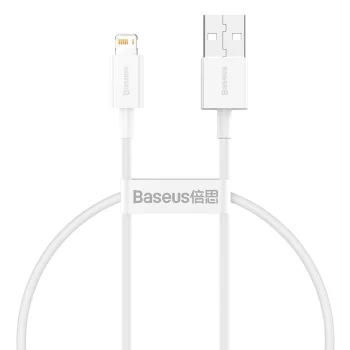
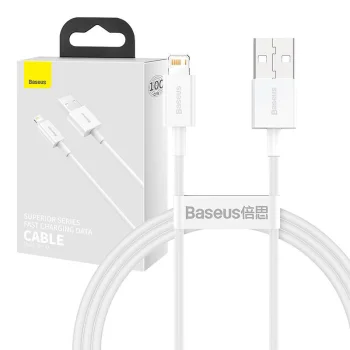
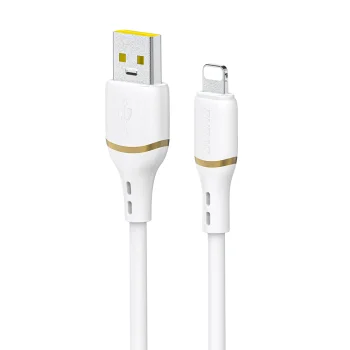
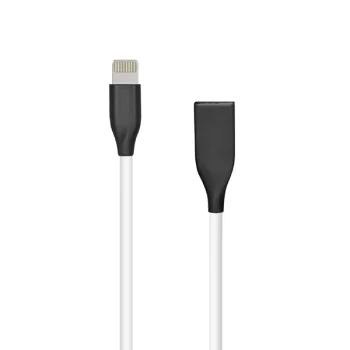
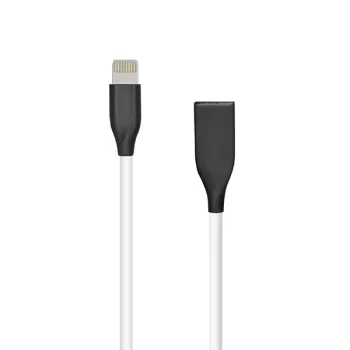
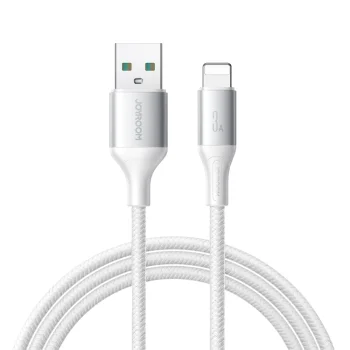
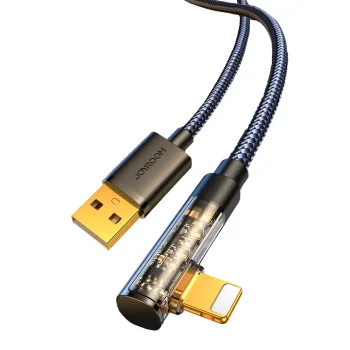
Baseus Superior USB to Lightning Cable 1.5m 2.4A, White
Delivery in 5–12 business days
6.20 €7.90 €
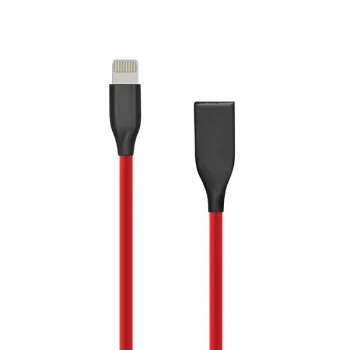
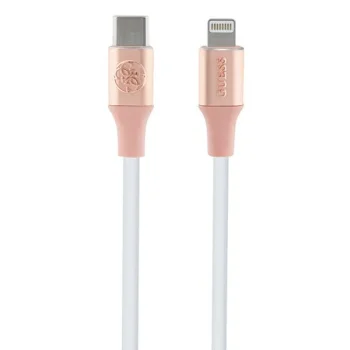
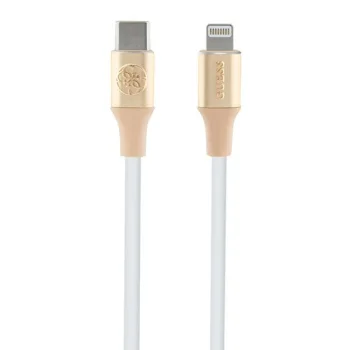
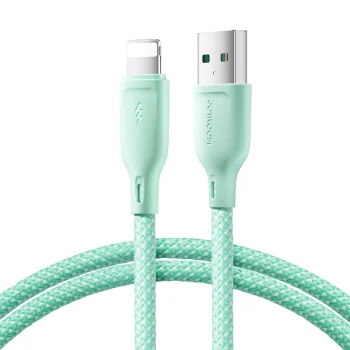
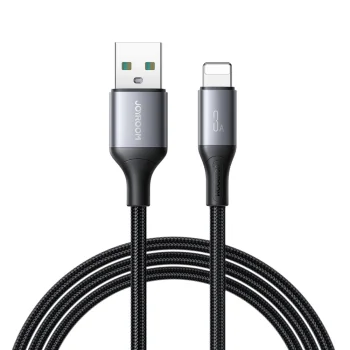
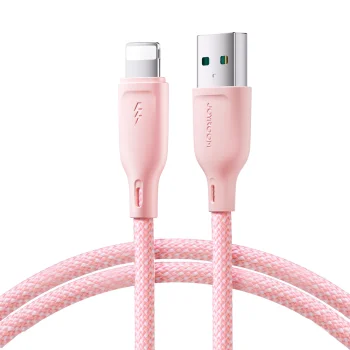
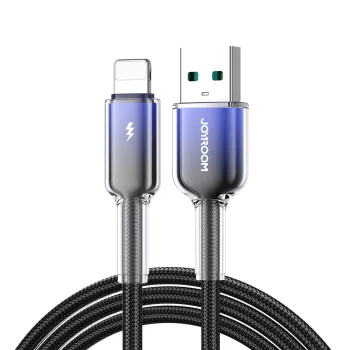
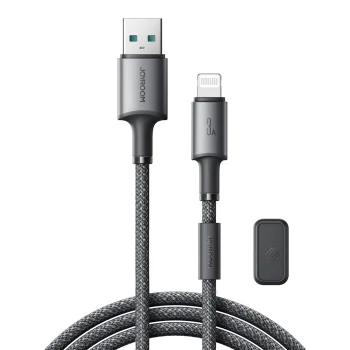
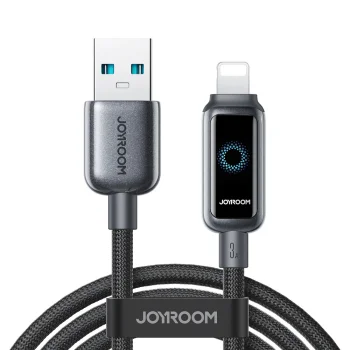
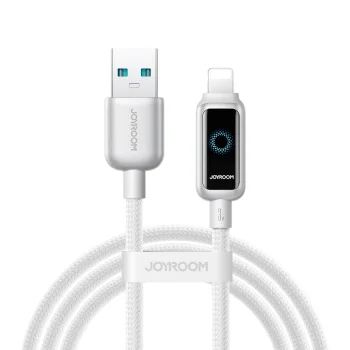
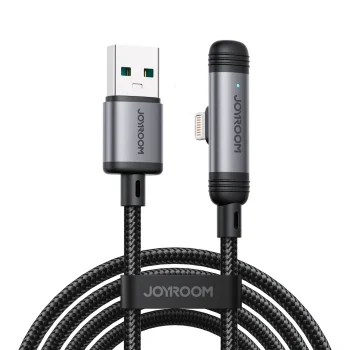
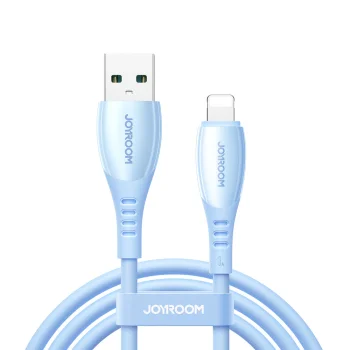
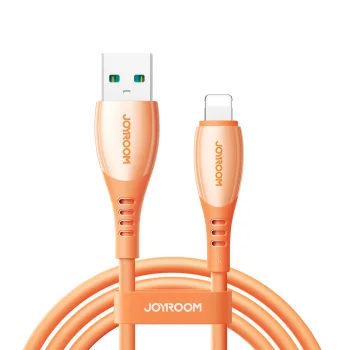
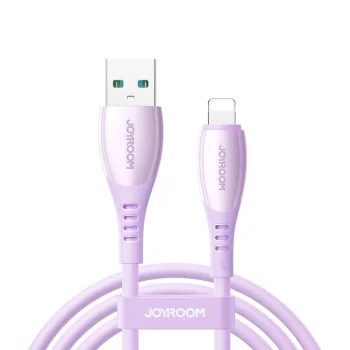
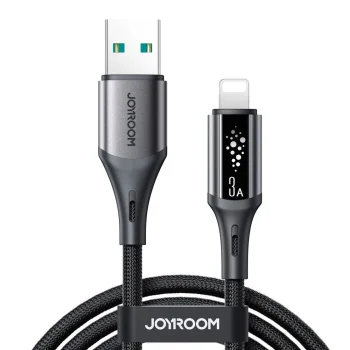
Apple iPhone Lightning USB cables and adapters include Baseus and Dudao charging and data cables, plus Dudao and Joyroom audio adapters. They suit users connecting an iPhone with a Lightning port to a charger, computer or audio accessory. Choose by connector type, cable length and whether you need charging, data transfer or an audio connection.
Apple iPhone Lightning USB cables and adapters cover charging, data transfer and audio connections. Options include Baseus and Dudao USB to Lightning cables, Dudao Lightning to 3.5 mm audio adapters, and Joyroom adapters with Lightning and 3.5 mm connections. Multiple connector cables are also represented. Other brands include Extra Digital, Tech-Protect, Wozinsky, Acefast and 3MK.
Check your exact iPhone model and its port, then match the cable’s other connector to your charger or computer. Choose a length based on the distance between the connection point and where you use your phone. A listed current rating is useful for comparison, but it does not establish charging speed by itself: the phone and charger also matter.
A charging and data cable suits a desk setup, while a Lightning audio adapter serves wired audio accessories. A multiple connector cable is an option for users with devices that have different ports.
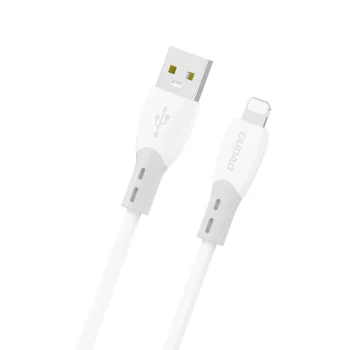
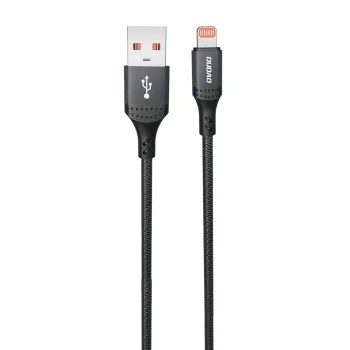
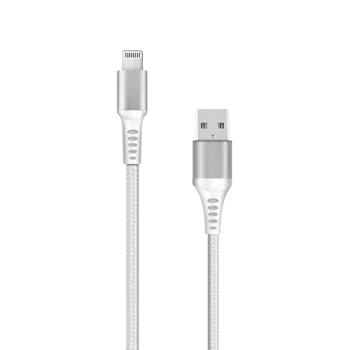
A USB to Lightning charging and data cable connects an iPhone with a Lightning port to a suitable USB charger or computer.
Choose a Lightning cable length that reaches from the connection point to where you use your phone. A shorter cable takes up less space, while a longer cable gives you more placement options.
A Lightning audio adapter with a 3.5 mm connection is intended for connecting audio accessories. A USB to Lightning charging and data cable supplies power and provides a data connection.
+371 20408041
info@motivs.lv
Duntes 56, Rīga, LV-1005, Latvija
Monday: 10:00 - 19:00
Tuesday: 10:00 - 19:00
Wednesday: 10:00 - 19:00
Thursday: 10:00 - 19:00
Friday: 10:00 - 19:00
Saturday: Closed
Sunday: Closed



 Gudri pirkumi vienuviet