
Touchscreen Styluses
Touchscreen styluses include capacitive pens for phones and tablets, active styluses, precision disc designs and combined stylus pens from Tech-Protect, Baseus and ESR. There are also magnetic styluses designed for iPad. These accessories suit screen navigation, handwritten notes and sketching in suitable apps. Choose according to device compatibility, tip design and whether you also need an ink pen for writing on paper.
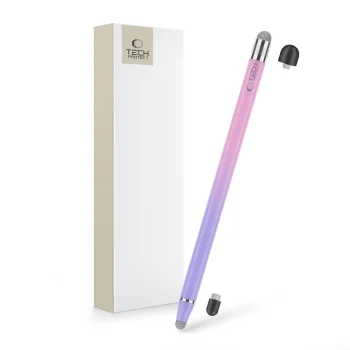
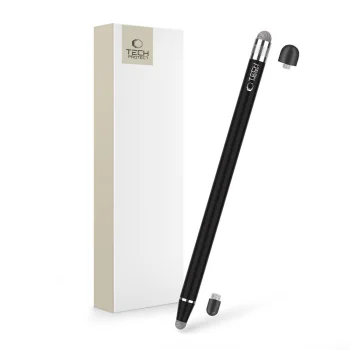
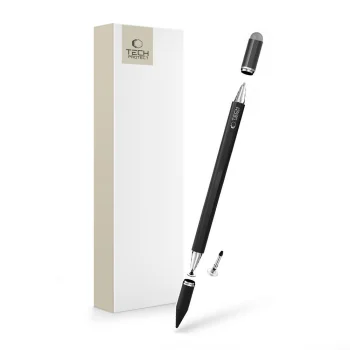
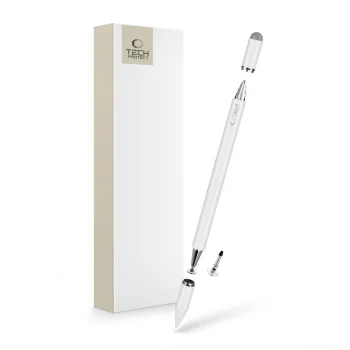
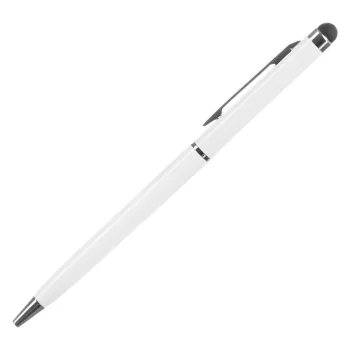
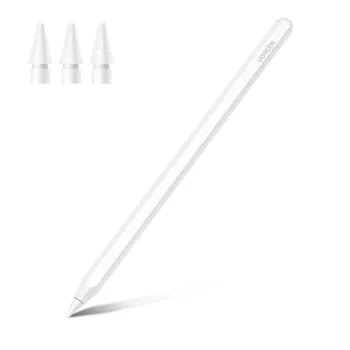
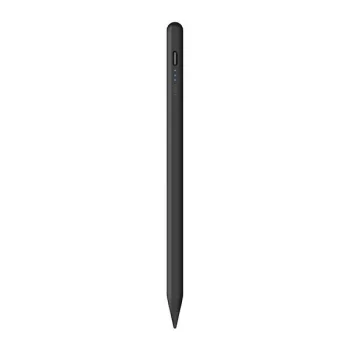
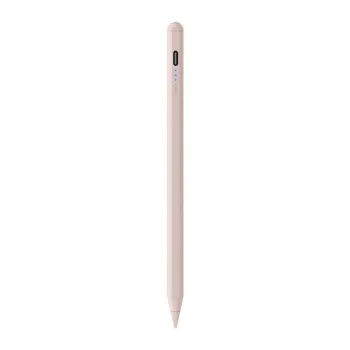
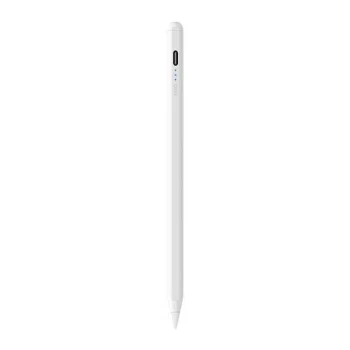
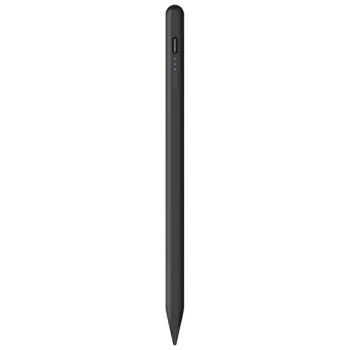
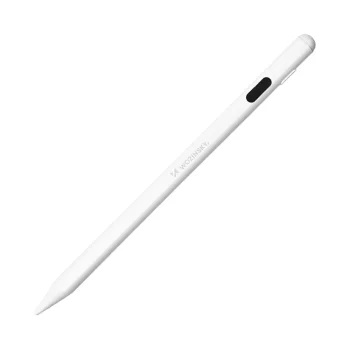
Touchscreen styluses provide a pen-style tool for interacting with phones and tablets, taking handwritten notes and sketching in suitable apps. The range includes capacitive styluses, active styluses, precision disc tips and designs that combine a touchscreen stylus with an ink pen. Brands include Tech-Protect, Baseus, ESR, Metapen and Joyroom, with iPad options such as ESR Digital+ Magnetic and Baseus Smooth Writing 2.
How to choose touchscreen styluses
Start by checking compatibility with your exact phone or tablet model. Then consider the main task: everyday screen navigation, handwritten study notes, work annotations or drawing. Tip design and an integrated ink pen are useful comparison points. A combined stylus and pen suits a workflow that moves between a device and a paper notebook, while active models are worth considering for tablet-based writing.
- Capacitive styluses: options for phones and tablets include Tech-Protect Touch Stylus. Consider this type for everyday interaction with a touchscreen.
- Precision disc tips: some capacitive styluses feature a disc-style tip. Tip shape is a useful detail to compare when choosing a tool for small on-screen elements.
- Active styluses: Tech-Protect Active Stylus Pen and Baseus Smooth Writing 2 belong to this group. These models are options for handwritten notes and drawing on supported devices.
- Magnetic styluses: ESR Digital+ Magnetic models are designed for iPad. The magnetic design distinguishes this line when comparing iPad styluses.
- Stylus and pen combinations: Baseus Golden Cudgel combines a capacitive stylus with a gel pen. This format supports both touchscreen use and writing on paper.
For everyday screen navigation, compare capacitive designs; for study notes and sketches, also consider active styluses. Combined stylus pens suit work and study routines that involve both digital content and paper documents.
Frequently Asked Questions
What is the difference between a capacitive and an active stylus?
A capacitive stylus is intended for interaction with a capacitive touchscreen, while an active stylus is a separate type of digital input tool. The writing and drawing capabilities of an individual stylus depend on its supported devices and features.
Which styluses are intended for iPad?
ESR Digital+ Magnetic and Baseus Smooth Writing 2 are stylus options designed for iPad. Compatibility varies according to the particular iPad version.
Can a touchscreen stylus also write on paper?
A combined stylus and ink pen can be used for both purposes. Baseus Golden Cudgel, for example, combines a capacitive stylus with a gel pen.
Which stylus type should I consider for notes and sketches?
Active styluses such as Tech-Protect Active Stylus Pen and Baseus Smooth Writing 2 are options to consider for notes and sketches. The device and app also determine how a stylus can be used.


