Stylus Pen Metapen Pen M1, USB-C, Black
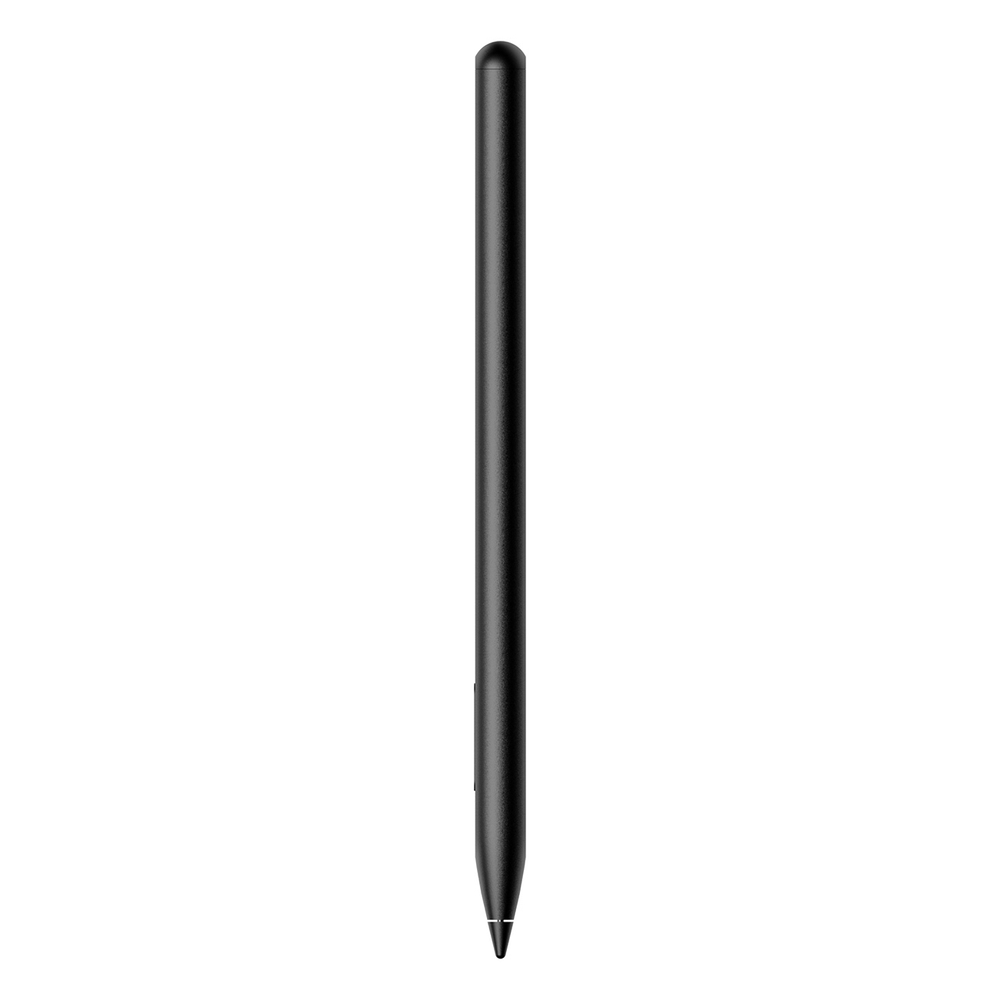
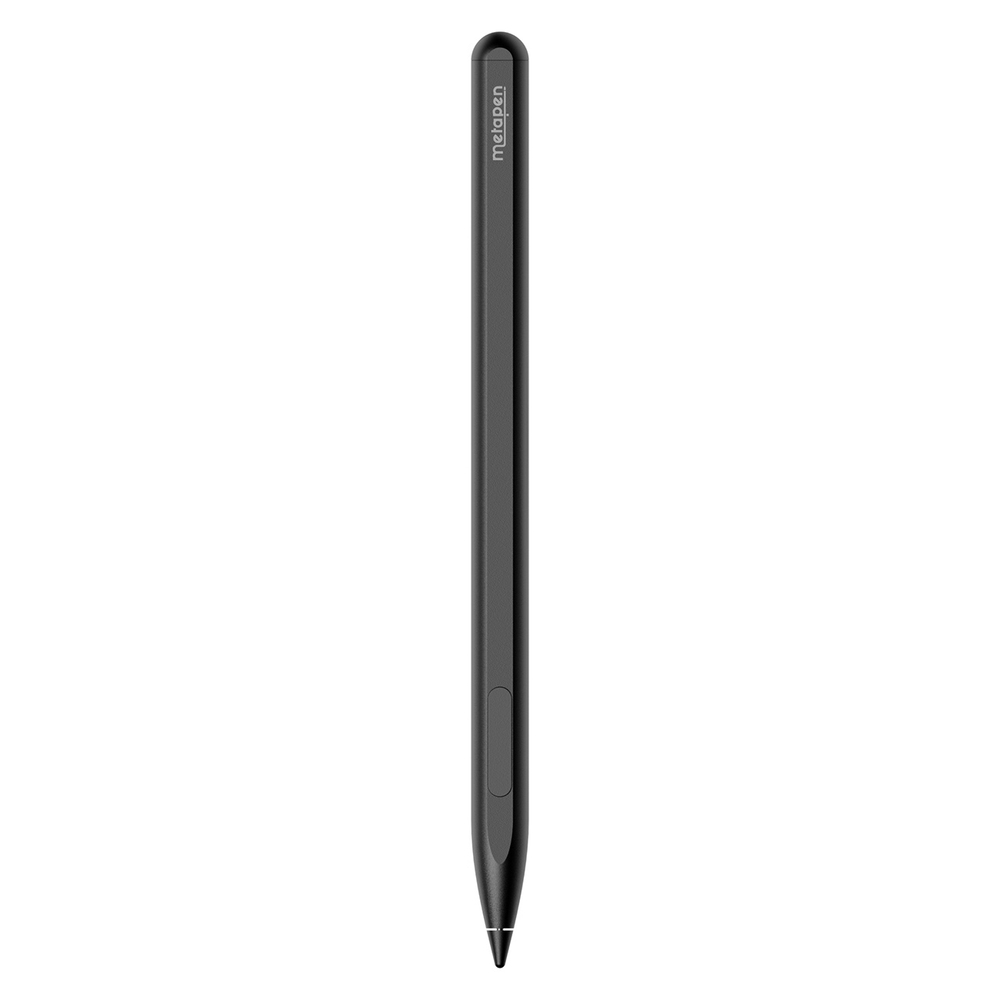
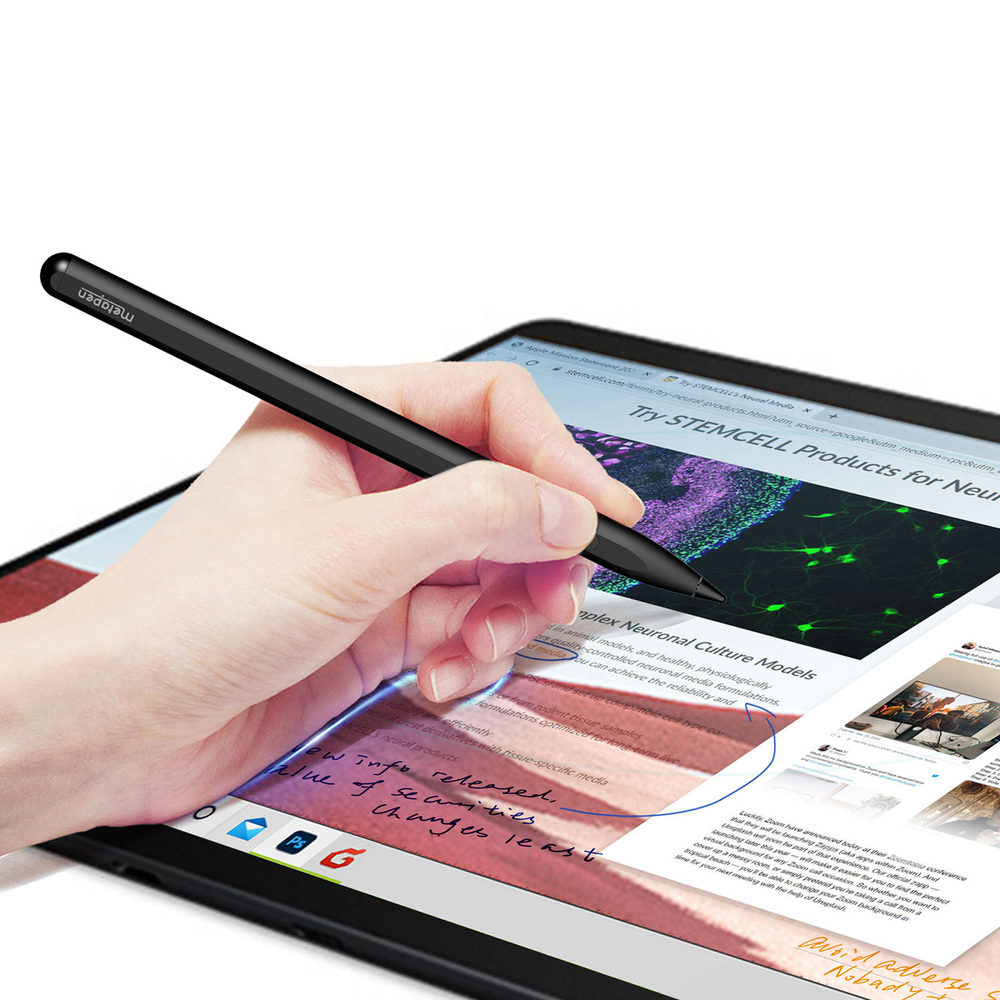
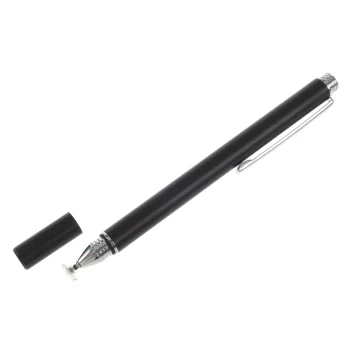
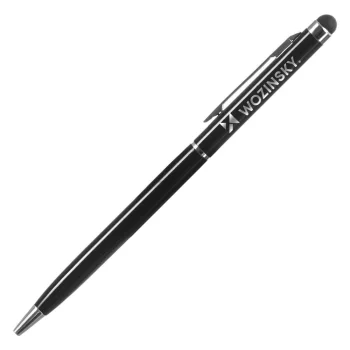
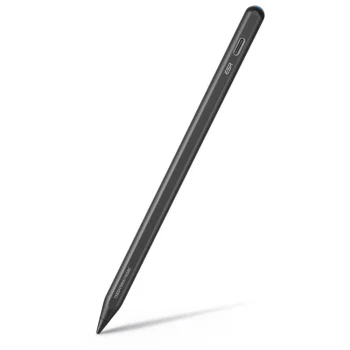
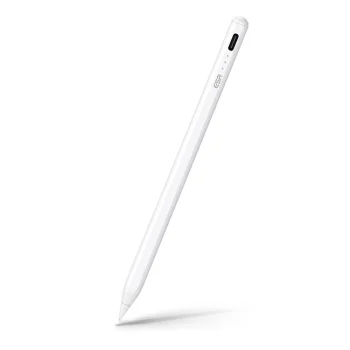
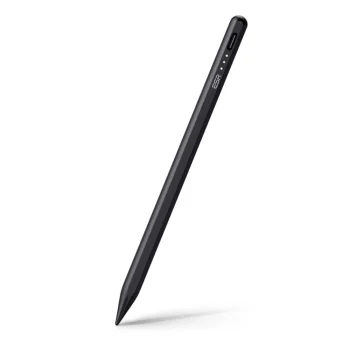
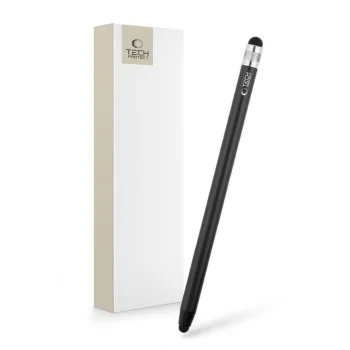
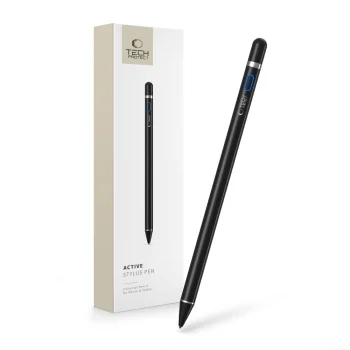
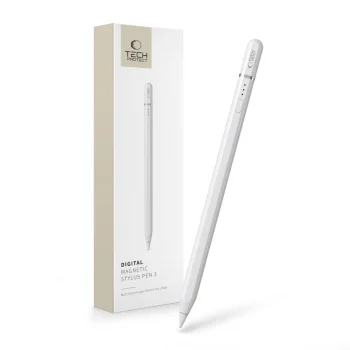
The Metapen Pen M1 is a precision stylus pen for writing and drawing on devices supporting the Microsoft Pen protocol. Requiring no Bluetooth connection, it remains ready for immediate use.
Controls and Drawing Precision
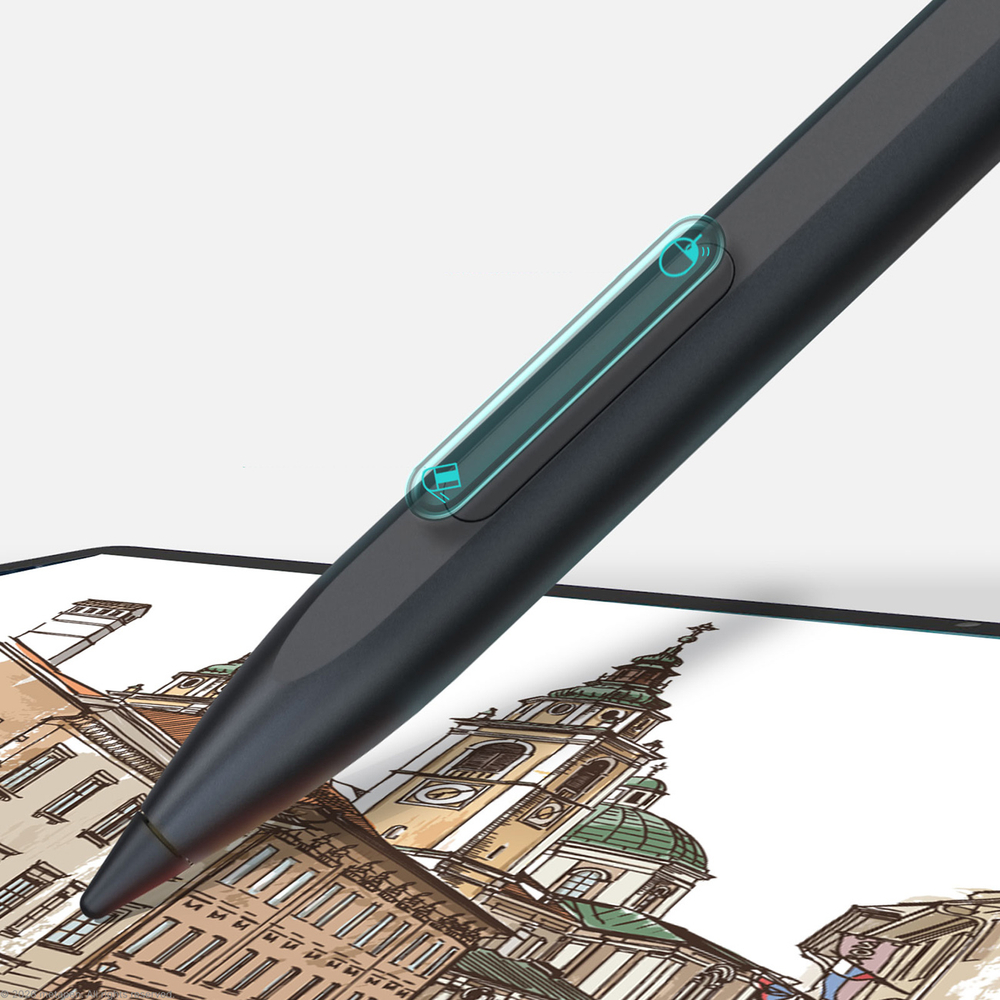
Equipped with 1024 pressure levels and palm rejection technology, the stylus prevents accidental screen touches while writing. A tapered conical tip provides a strong signal, and the integrated 2-in-1 button supports right-click functionality alongside quick mistake erasing.
Design and Battery Performance
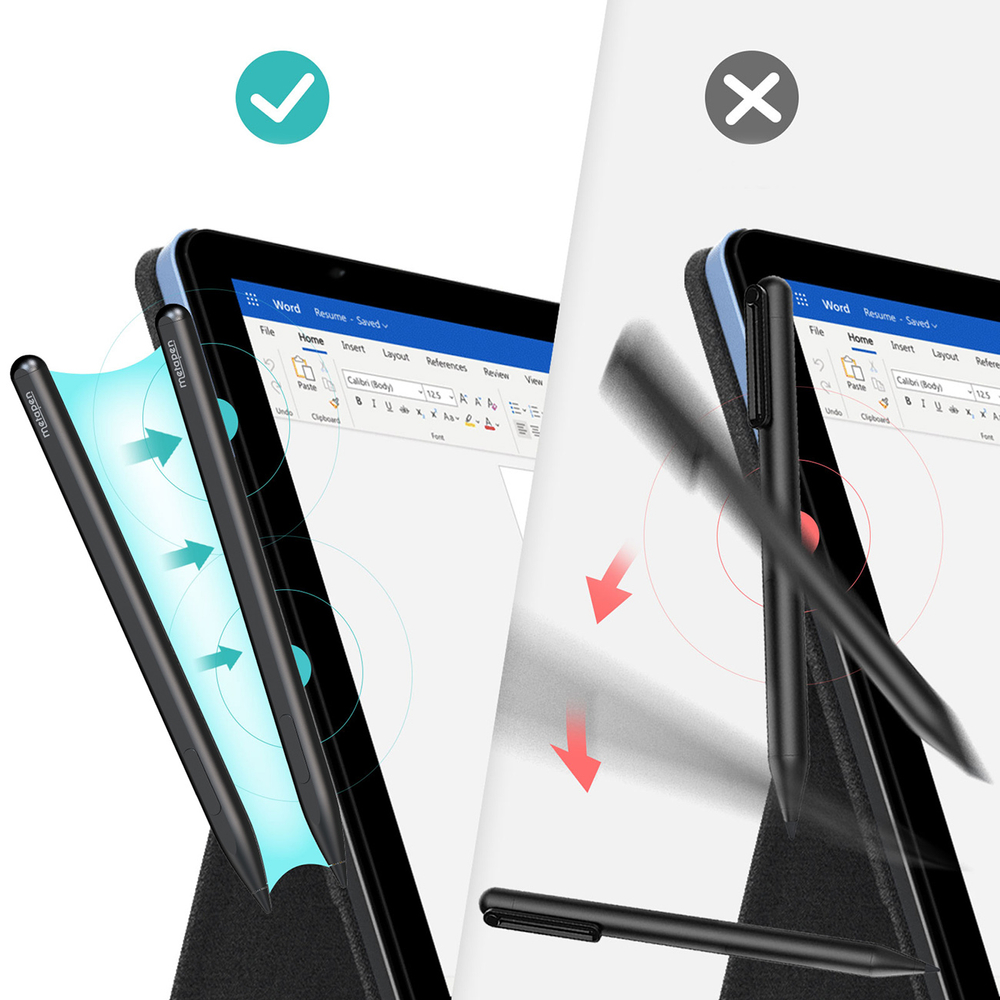
The seamless aluminum housing features flat sides to provide a stable grip and prevent rolling off surfaces. Built-in dual magnets allow direct attachment to compatible Microsoft Surface tablets. Fast charging via USB-C takes approximately 40 minutes for up to 300 hours of continuous operation, with an automatic sleep mode after 5 minutes of inactivity.
| Brand | Metapen |
|---|---|
| Model | Metapen Pen M1 |
| Color | Black |
| Connector type | USB-C |
| Operating time | Up to 300 hours |
| Charging time | Approximately 40 minutes |
| Auto power off | After 5 minutes of inactivity |
| Compatibility | Microsoft Surface, HP Devices, ASUS Devices, DELL Devices, KOBO Devices |
| EAN | 6936360601042 |
|---|
How long does it take to fully charge the stylus?
A full charge takes approximately 40 minutes using the USB-C port.
What functions does the 2-in-1 button have?
The upper part acts as a right-click mouse button, while the lower part quickly erases mistakes when writing or drawing.
Does this stylus require a Bluetooth connection?
No, the Metapen Pen M1 works without requiring a Bluetooth connection on supported Microsoft Pen protocol devices.