
- Gifts & Party Decorations
- Phone Accessories
- Photo & Video
- Computers & Electronics
- Sports & Fitness
- Beauty & Health
- Car & Motorcycle Accessories
- Bicycle Accessories
- Home & Living
- Garden & Outdoor
- Baby & Kids Products
- Games, Hobbies & Leisure
- Travel & Outdoor Activities
- Pet Supplies
- Discounted Items & Products with Defects
Laptop Replacement Batteries
Laptop replacement batteries include original Dell, Lenovo, HP and ASUS batteries, Extra Digital alternatives, and products from Newell, Razer and Xiaomi. They are for laptop owners replacing an existing battery. The first choice criterion is the exact laptop model or battery part number; then check the listed voltage and capacity rather than relying on the laptop brand alone.
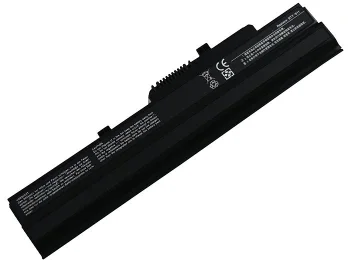
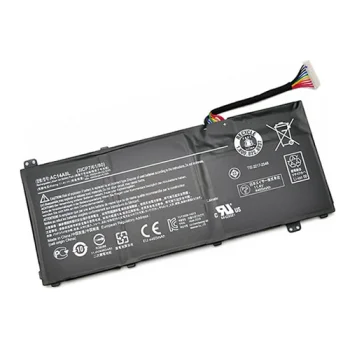
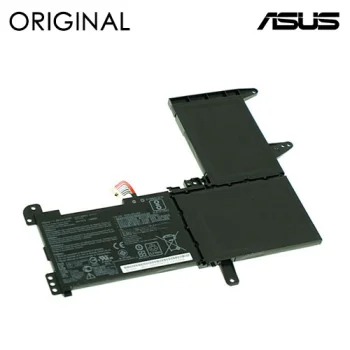
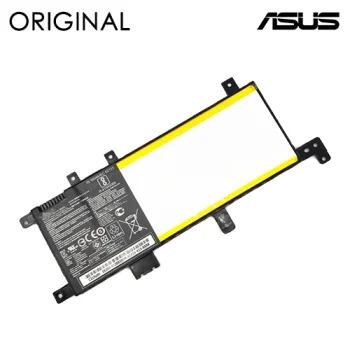
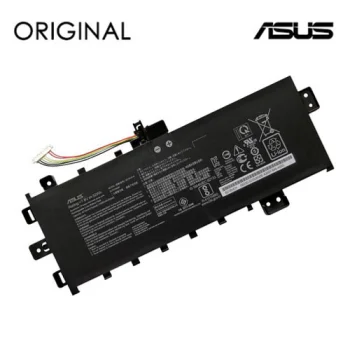
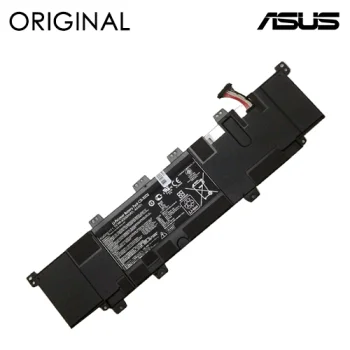
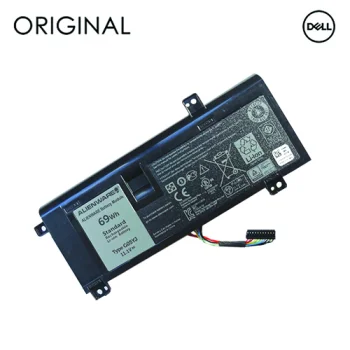
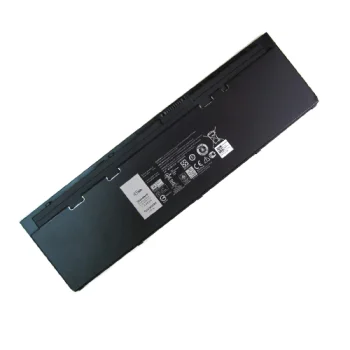
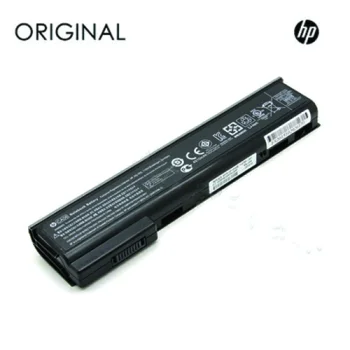
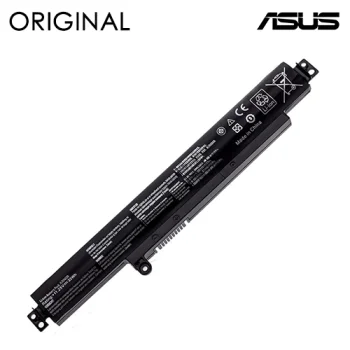
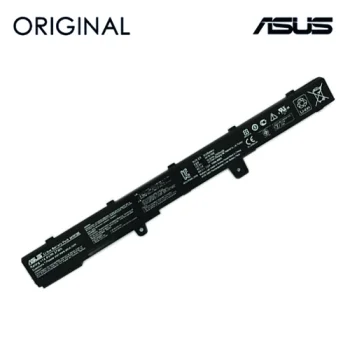
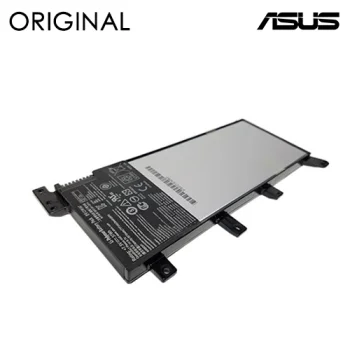
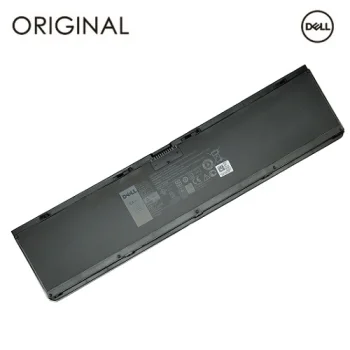
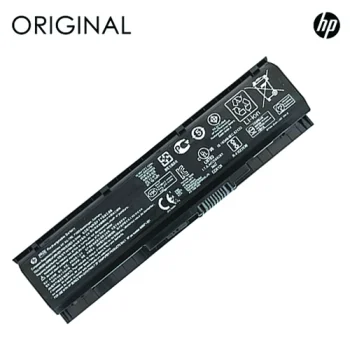
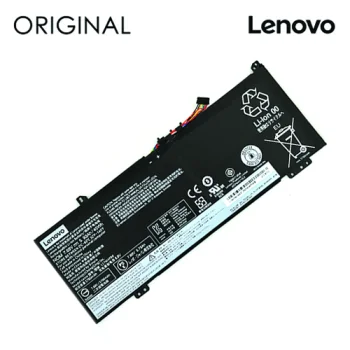
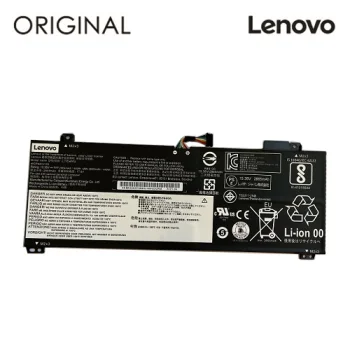
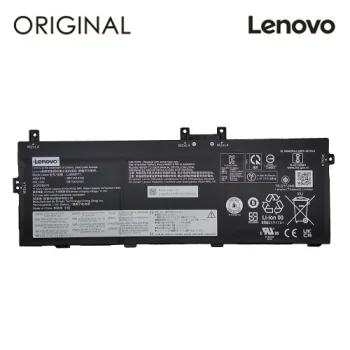
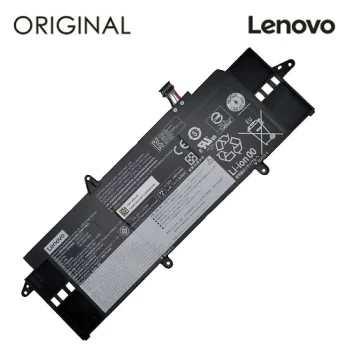
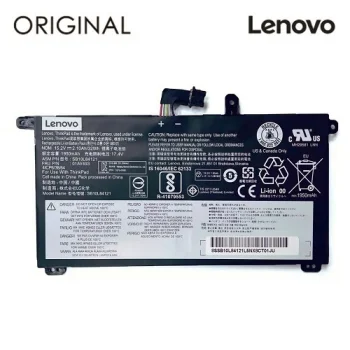
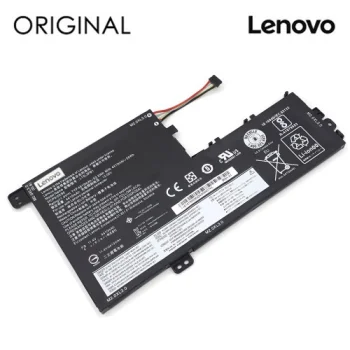
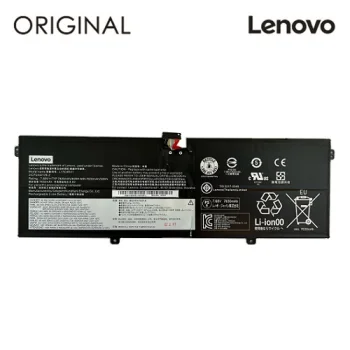
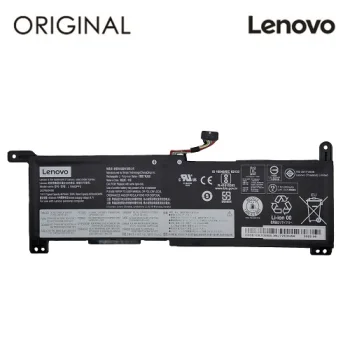
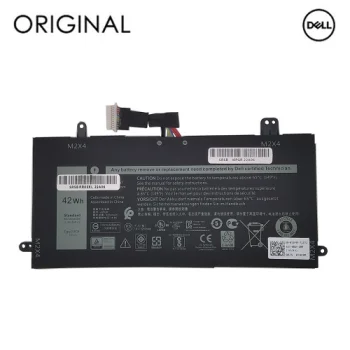
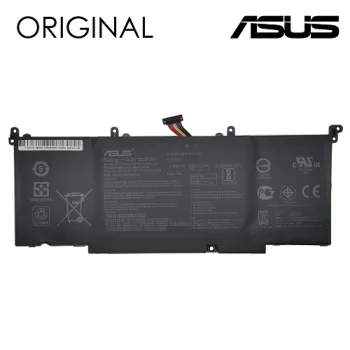
Laptop replacement batteries are listed for specific laptops and battery part numbers. This category includes original Dell, Lenovo, HP and ASUS batteries, alongside Extra Digital models identified for devices such as Apple A1398 / A1618 and Lenovo ThinkPad X60 / X61. Newell, Razer and Xiaomi are also represented among the brands. Individual product names may include a part number, such as Dell WDX0R, Lenovo L14L2P21 or HP JC04. A part number gives you a more precise starting point than the laptop maker’s name when looking for a replacement.
How to choose a laptop replacement battery
Find the full model of your laptop and the code printed on its current battery before comparing products. A shared laptop brand does not establish that two batteries are interchangeable. Check the stated device compatibility and compare any listed voltage with the information on your existing battery. Capacity may be shown in milliamp-hours (mAh) or watt-hours (Wh), so read the unit as well as the number. Product names also distinguish batteries described as original from those sold under the Extra Digital name.
- Battery part number: Codes such as Dell WDX0R, HP JC04 and ASUS C41N1837 identify specific batteries. Compare the code with your existing battery’s marking.
- Laptop model: Some Extra Digital batteries name Apple A1398 / A1618 or Lenovo ThinkPad X60 / X61. Check the full model designation rather than just the product family.
- Original battery: Certain Dell, Lenovo, HP and ASUS products are explicitly described as original. Check the wording for the particular item you are considering.
- Voltage: Some listed batteries state values such as 7.4V or 11.4V. Compare the stated value with your current battery’s label.
- Capacity: Listings may state capacity in mAh or Wh. Keep the units in view when reviewing different batteries.
Whether replacing a Dell, Lenovo, HP or ASUS battery or considering an Extra Digital model, start with the battery code and stated laptop compatibility. Voltage and capacity provide further details to check once you have identified a candidate for your device.
Frequently Asked Questions
How do I check whether a replacement battery fits my laptop?
Compare the laptop’s full model and the existing battery’s part number with the replacement battery’s stated compatibility. The laptop brand alone is not enough to identify a match.
Are Dell WDX0R and Dell WJ5R2 the same battery?
Dell WDX0R and Dell WJ5R2 have different battery part numbers. Check your existing battery’s marking and laptop model before selecting either one.
What should I compare when battery capacity is listed in mAh or Wh?
Laptop battery capacity may be stated in milliamp-hours (mAh) or watt-hours (Wh). Note the unit when comparing listings, and check the battery code and voltage too.
What are the most popular 2026 products in category - Laptop Replacement Batteries
What are the newest products in category - Laptop Replacement Batteries
- Laptop Battery Lenovo L14S4P22, Extra Digital Advanced, 4750mAh, 15.4V
- Laptop Battery for Dell D2VF9, Power Plant, 3840mAh, 11.1V, 43Wh
- Notebook Battery Lenovo 01AV421, Extra Digital, 1950mAh, 11.4V
- Laptop Battery Extra Digital Lenovo L18M3P73, 4200mAh, 11.55V
- Laptop Battery Lenovo L15L3PB1 Extra Digital, 3600mAh, 11.1V