

TELESIN Mini P5-RMT-06 portable camera monitor, 2"
Delivery options to:
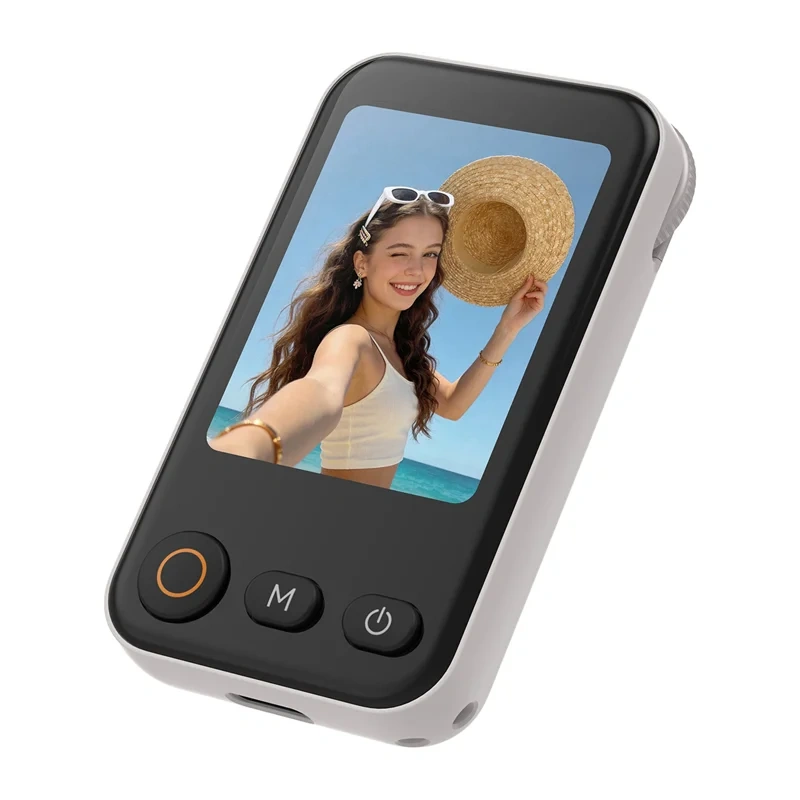
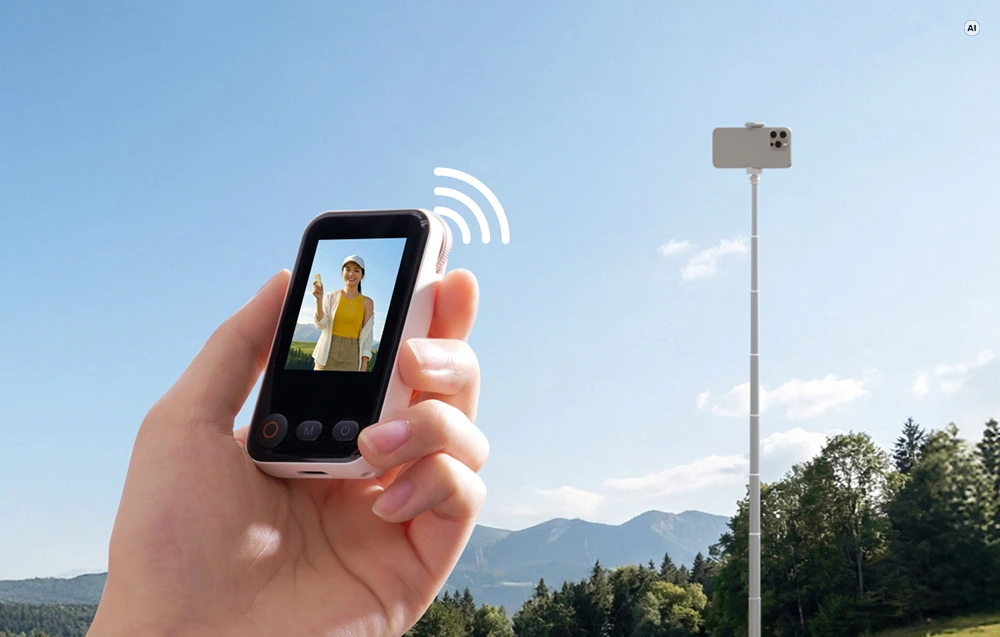
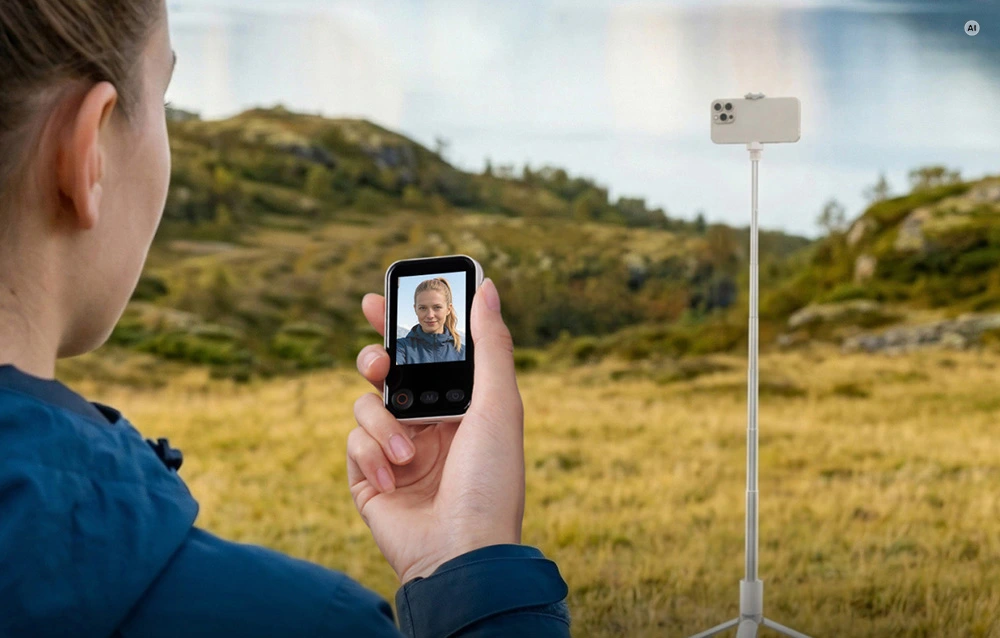
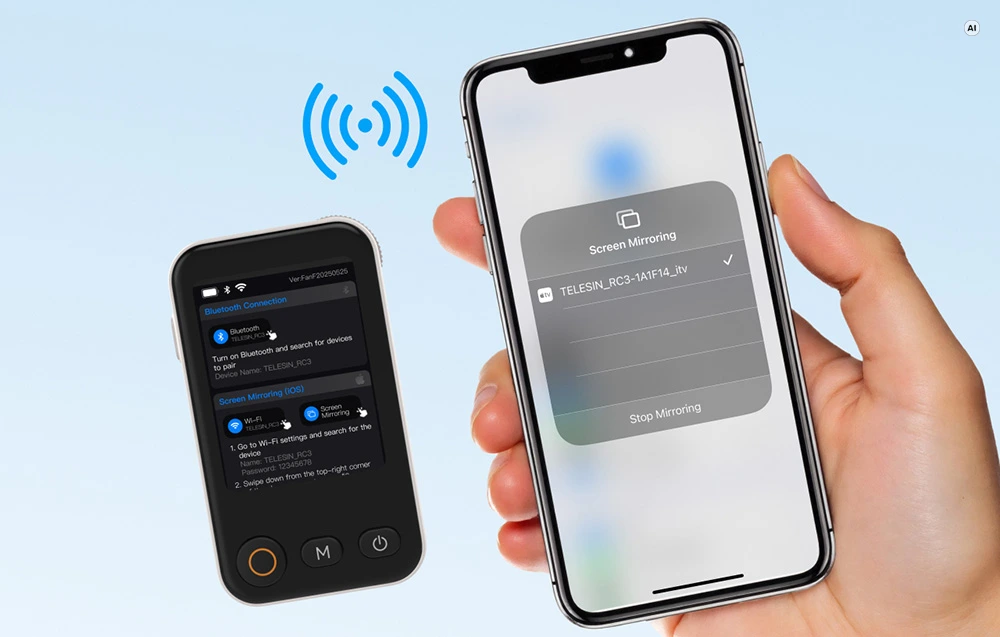
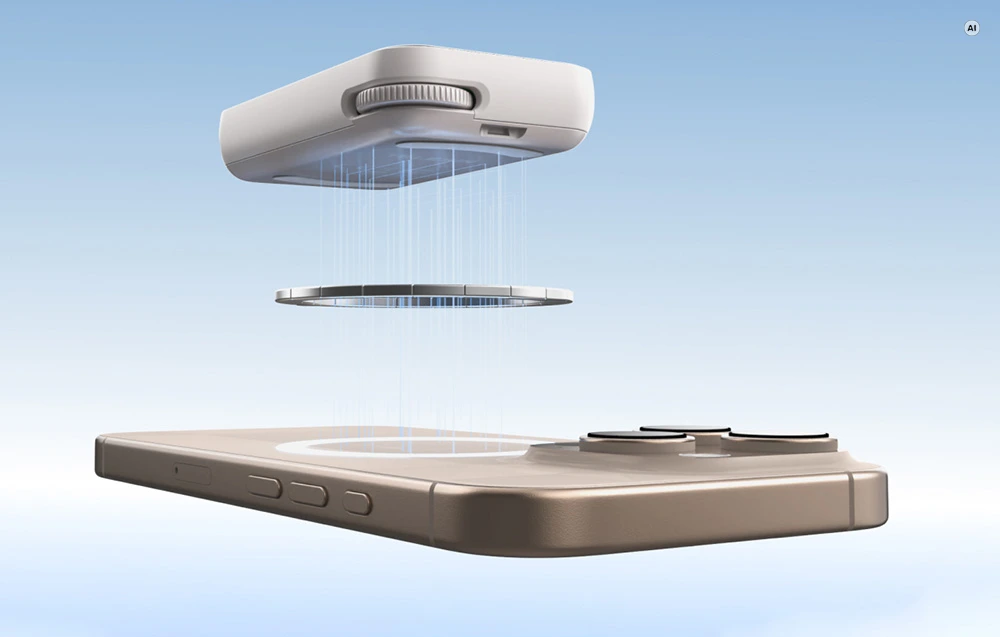
Choose countryThe TELESIN Mini is a 2" portable monitor for viewing your smartphone camera feed in real time while taking selfies or recording video with the rear camera. Wi-Fi carries the live image, while Bluetooth lets you take photos remotely from up to 10 m away.
Preview and camera controls
Choose from four zoom levels: 0.5x, 1x, 2x and 3x. Front and side buttons provide shutter release, zoom control, camera mode switching and device power control. A short press of the relevant button flips the image horizontally; a longer press rotates it. The screen offers 3 brightness levels.
Mounting and compatibility
- Mounting: magnetic attachment to your phone; a compatible magnetic ring can be used with cases without a magnetic mount.
- Compatibility: iOS, Android and HarmonyOS, with iPhone 13, 14, 15, 16 and 17 series compatibility explicitly listed.
- iOS zoom: enable the Zoom feature to use zoom control.
- Power: built-in 600 mAh / 3.7 V battery, USB-C charging and a 5 V ⎓ 1 A input.
The set includes the monitor, a magnetic ring, charging cable, wrist strap and user manual. Operating temperature is 5–45 °C; charging temperature is 0–45 °C.
| Manufacturer | TELESIN |
|---|---|
| Model | P5-RMT-06 |
| Dimensions | 72 × 42 × 15 mm |
| Weight | 75 g |
| Material | Plastic, metal |
| Screen diagonal | 2" |
| Screen resolution | 240 × 320 px |
| Screen brightness | Max. 200 cd/m², 3 brightness levels |
| Input voltage | 5 V ⎓ 1 A |
| Rated power | 1.75 W |
| Battery capacity | 600 mAh / 3.7 V |
| Charging port | USB-C |
| Remote control range | Up to 10 m |
| Wireless connectivity | Wi-Fi, Bluetooth |
| Operating temperature | 5–45 °C |
| Charging temperature | 0–45 °C |
| Compatible operating systems | iOS, Android, HarmonyOS |
| Listed iPhone series | iPhone 13, 14, 15, 16, 17 |
| Zoom levels | 0.5x, 1x, 2x, 3x |
| Mounting | Magnetic |
| EAN | 6974944465079 |
|---|
Can it attach to a case without a magnetic mount?
Yes, using a compatible magnetic ring. A magnetic ring is included in the set.
What must be enabled for zoom control on iOS?
Enable the Zoom feature on iOS to use zoom control.
 Gudri pirkumi vienuviet