
Other computer equipment accessories
Other computer equipment accessories include Ugreen USB Wi-Fi adapters, Izoxis external CD/DVD drives and writers, Maclean PC mounts, keyboard wrist rests and keyboard stickers. These accessories suit workspace setup, wireless networking and disc-based tasks. Choose according to the connection required, the space available for installation and the functions needed for your everyday computer use.
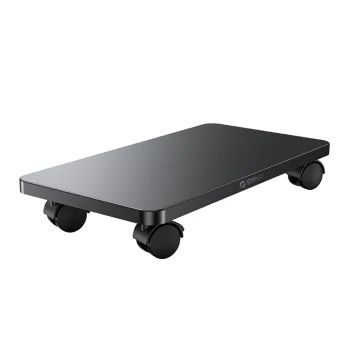
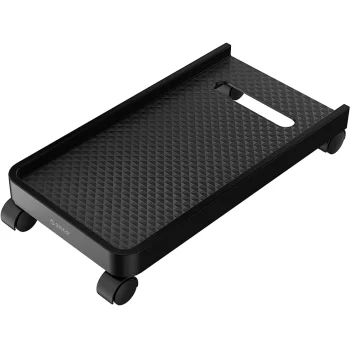
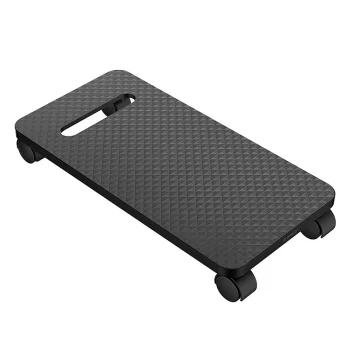
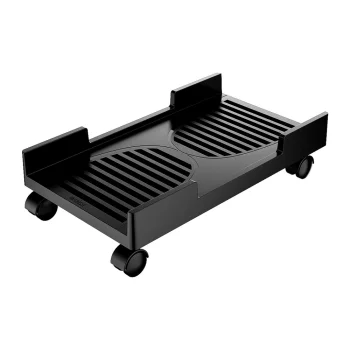
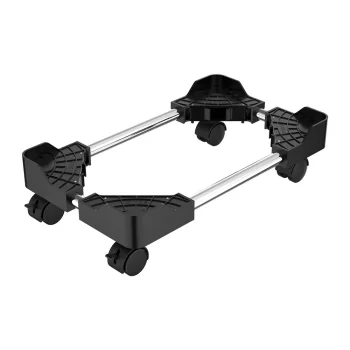
Other computer equipment accessories cover wireless connections, optical disc tasks, equipment placement and keyboard use. Products include Ugreen wireless network adapters, Izoxis external CD/DVD drives and writers, Maclean under-desk PC mounts, router shelves and laser pointers. Drawing gloves support graphics tablet use, while gel wrist rests and keyboard stickers provide different ways to adapt a keyboard workspace.
How to choose other computer equipment accessories
Start with the task: adding a wireless connection, reading discs or finding a suitable position for equipment. Check the selected accessory’s compatibility with your exact computer or device model. For electronic accessories, compare connection types and listed functions. For mounts and shelves, consider dimensions, installation space and load limits. Keyboard accessories require attention to key size, layout and the area available around the keyboard.
- USB Wi-Fi adapters: compare supported frequency bands and USB connections. Dual-band options list 2.4 GHz and 5 GHz networking, along with connection speed ratings.
- External CD/DVD drives and writers: Izoxis devices provide optical disc reading and writing. Choose according to the disc tasks you need to perform.
- PC mounts and router shelves: Maclean under-desk holders provide a position for the computer case, while wall shelves accommodate a router. Check mounting requirements and available space.
- Keyboard wrist rests and stickers: gel rests provide wrist support. QWERTY and Cyrillic stickers add character labels to keyboard keys.
- Drawing and presentation accessories: drawing gloves are intended for graphics tablet work, while laser pointers serve presentation tasks. Select the accessory that matches the activity.
Workspace arrangements can combine holders, shelves and keyboard accessories. USB Wi-Fi adapters address wireless networking, external drives handle CD and DVD tasks, and drawing gloves or laser pointers serve creative work and presentations.
Frequently Asked Questions
What should I check when choosing a USB Wi-Fi adapter?
For a USB Wi-Fi adapter, compare supported frequency bands, the USB connection and listed speed ratings. Also check compatibility with your computer and operating system.
What is the difference between a CD/DVD reader and a writer?
A CD/DVD reader reads data from discs, while a writer also records data onto suitable discs. The Izoxis external drives offered include reading and writing functions.
How do I choose an under-desk PC mount?
Choose an under-desk PC mount according to the computer case dimensions and weight, the mount’s load limit and the installation requirements. For an adjustable holder, compare its adjustment range with the case dimensions.
What are QWERTY and Cyrillic keyboard stickers for?
QWERTY and Cyrillic keyboard stickers add the corresponding character labels to keys. Compare the sticker dimensions with your keyboard’s key sizes before choosing.


