
- Gifts & Party Decorations
- Phone Accessories
- Photo & Video
- Computers & Electronics
- Sports & Fitness
- Beauty & Health
- Car & Motorcycle Accessories
- Bicycle Accessories
- Home & Living
- Garden & Outdoor
- Baby & Kids Products
- Games, Hobbies & Leisure
- Travel & Outdoor Activities
- Pet Supplies
- Discounted Items & Products with Defects
OnePlus 15 cases, covers and screen protectors
Explore cases, wallet covers, and screen protectors designed for OnePlus 15. From slim TPU and clear shells to shock-absorbing hybrids and 9H tempered glass, protect your phone in style. Find the right match for home, office, outdoors, and travel.
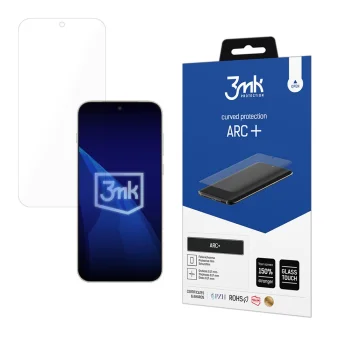
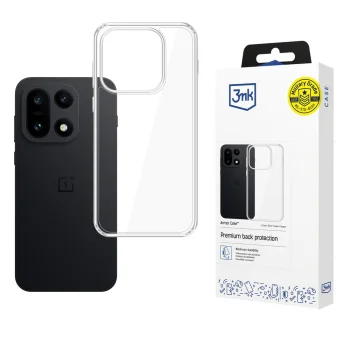
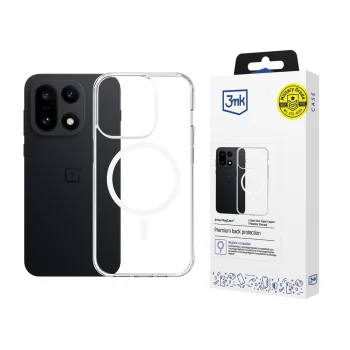
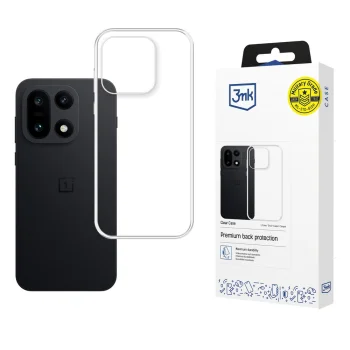
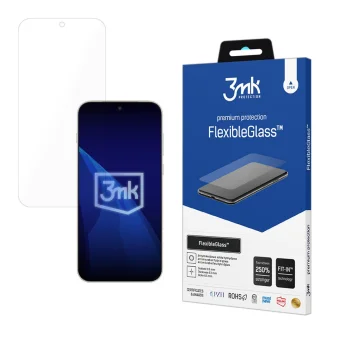
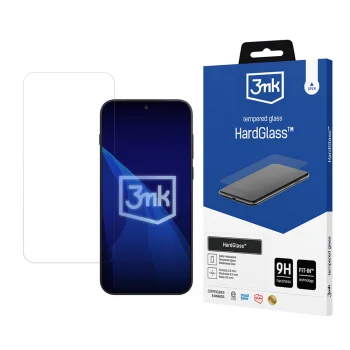
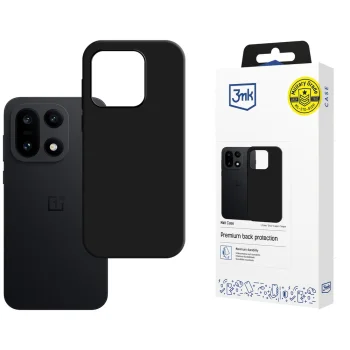
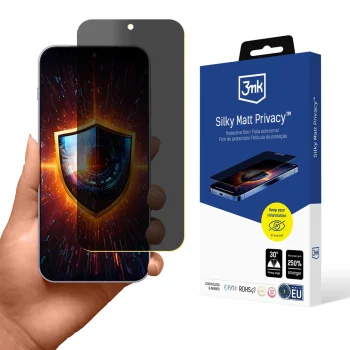
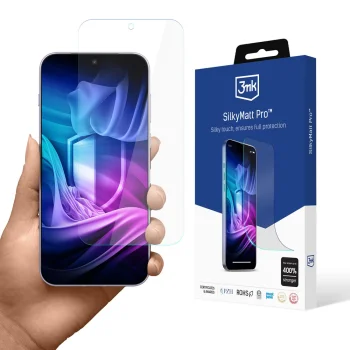
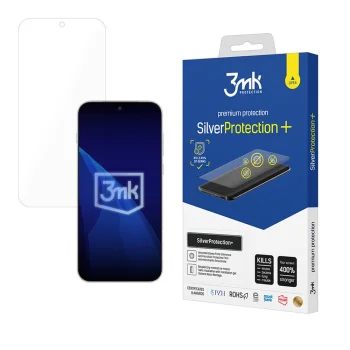
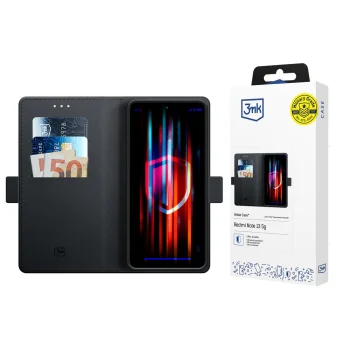
This category features a curated range of OnePlus 15 accessories: slim silicone/TPU cases, tough polycarbonate and hybrid designs with reinforced corners, elegant wallet folios, plus tempered glass and films. Precisely shaped cutouts keep buttons, ports, and cameras easy to use while helping prevent scratches and impact damage.
Use cases cover everyday life and more. At home and at work, slim and grippy cases with raised bezels protect the screen and camera. Outdoors or on the commute, anti-slip textures, corner cushioning, and wrist lanyards add confidence. For travel, wallet folios with card slots and a kickstand make watching videos and boarding passes more convenient. 9H tempered glass and protective films shield the display from scuffs and minor knocks while maintaining clarity and touch responsiveness.
Materials and features include soft TPU for elasticity and comfort, rigid polycarbonate for structure, and PU or genuine leather folios with microfiber lining for a premium feel. Many models add raised lips around the screen and lenses, air-cushion corners, UV anti-yellowing coatings for clear shells, magnetic closures, hands-free kickstands, and detachable straps. Screen protectors commonly offer an oleophobic layer to resist fingerprints, with options for full-coverage (3D), case-friendly edges, matte anti-glare, or privacy filters.
How to choose: Start with the protection level you need. For light daily use, a slim TPU case is comfortable and unobtrusive; for a more active lifestyle, consider a hybrid with reinforced corners. Check thickness, weight, and grip, plus compatibility with your preferred screen protector and wireless chargers. If you rely on wireless charging or NFC, thinner cases without metal plates are usually more reliable. For screen protection, pick full-coverage 3D glass for a seamless look, or a case-friendly cut if your case has a pronounced lip.
Installation and care tips: Before applying tempered glass, wash your hands, clean and degrease the display thoroughly, use dust-removal stickers, and the alignment frame if provided. Align carefully over sensors and cameras, press gently in the center, then push out any remaining bubbles toward the edges with a microfiber cloth. Wipe cases with a slightly damp microfiber; treat leather with appropriate care products and avoid harsh chemicals.
- Exact OnePlus 15 fit with precise cutouts
- Material choices: TPU, polycarbonate, leather, hybrids
- Raised bezels and reinforced corners for impact mitigation
- 9H tempered glass with oleophobic coating
- Case-friendly and full-coverage (3D) screen options
- Useful extras: card slots, kickstand, wrist strap
- Compatible with most wireless chargers (case thickness dependent)


