
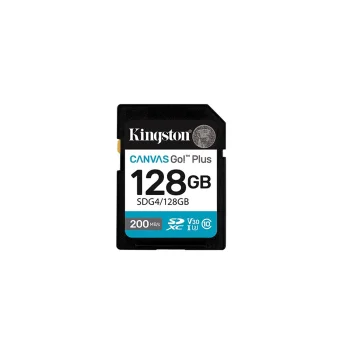
Kingston
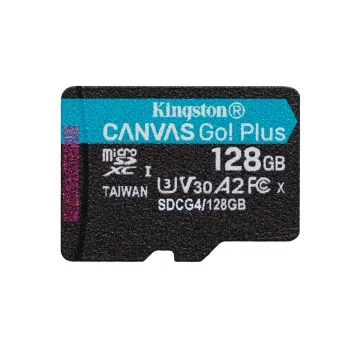
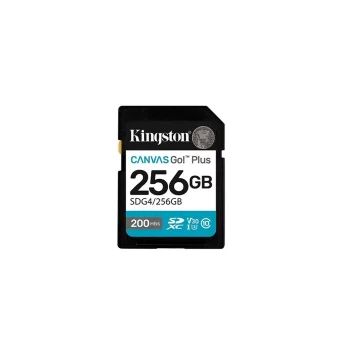
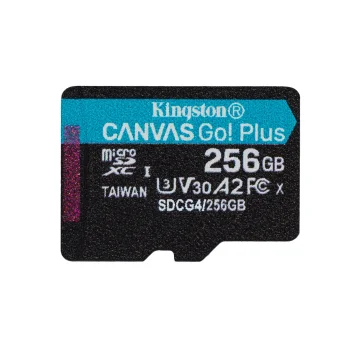
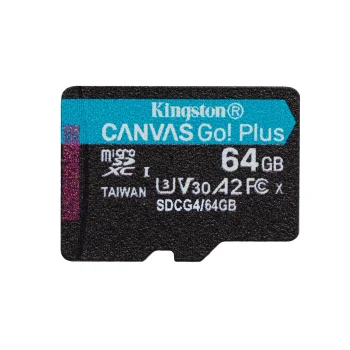
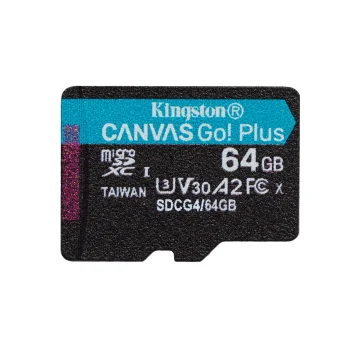
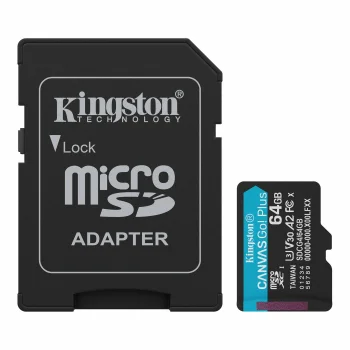
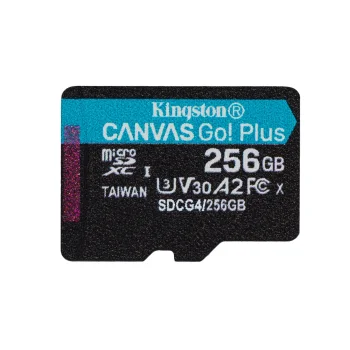
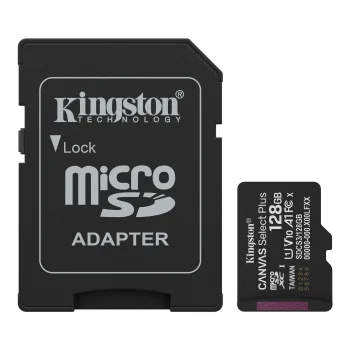
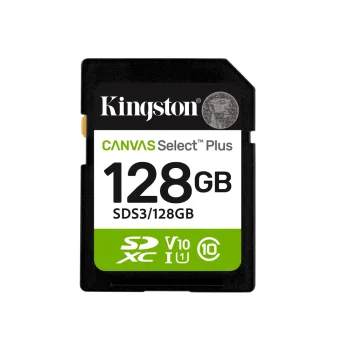
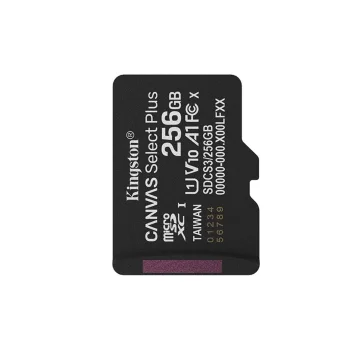
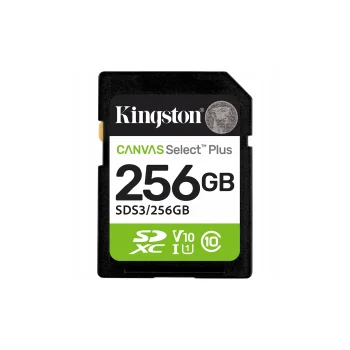
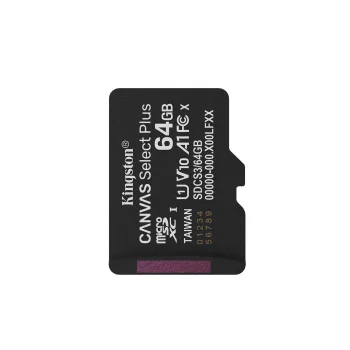
Kingston Canvas Go! Plus 128GB Memory Card 200MB/s UHS-I U3 V30 A2
Delivery in 7–15 business days
49.60 €
microSD memory cards include microSDHC and microSDXC cards, with SD adapter options from Kingston, Sandisk, Intenso, Imro and Goodram. They suit people storing photos, videos and other files on devices that support the relevant card format. Choose according to storage capacity, read and write performance, and whether you need an SD adapter to use the card with a card reader.
microSD memory cards provide storage for photos, videos and other files. The range includes microSDHC and microSDXC cards, with some supplied with an SD adapter. Brands include Kingston, Sandisk, Intenso, Imro, Goodram, Lexar, Transcend and Philips. Product descriptions feature markings such as Class 10, UHS-I, U1 and V10, alongside stated read or write speeds. These details help distinguish cards by intended use rather than by brand alone.
Start by checking the exact device model's supported card format, maximum capacity and speed requirements. Then consider how much data you expect to keep and how often you transfer files. A photo collection and regular video recording can place different demands on storage. When comparing performance figures, check whether each figure refers to reading data from the card or writing new data to it.
Typical uses include phone storage, transferring photographs and saving video recordings. If the card will move between devices, consider the need for an adapter alongside capacity and performance.
The microSD memory card's format, capacity and speed class must meet the device's requirements. Compare the card specifications with the instructions for your exact device model.
An SD adapter lets a microSD card fit into a suitable SD slot or card reader. Check the individual microSD memory card description to see whether an adapter is included.
A microSD card's read speed describes retrieving data from the card, while write speed describes saving data to it. Compare these figures separately when assessing card performance.
Choose microSD memory card capacity according to the size and number of files you plan to store. For photos and video, allow space for future recordings as well as existing files.
+371 20408041
info@motivs.lv
Duntes 56, Rīga, LV-1005, Latvija
Monday: 10:00 - 19:00
Tuesday: 10:00 - 19:00
Wednesday: 10:00 - 19:00
Thursday: 10:00 - 19:00
Friday: 10:00 - 19:00
Saturday: Closed
Sunday: Closed
 Gudri pirkumi vienuviet
