
Laptop Screen Cables
Laptop screen cables transfer video signals and power directly from the motherboard to the display panel. A worn or damaged video cable often leads to screen flickering, image distortion, or a blank display. Motivs.lv offers a wide range of reliable laptop display cables (including LVDS and eDP standards) for various models, helping you restore sharp and stable visual performance during repairs.
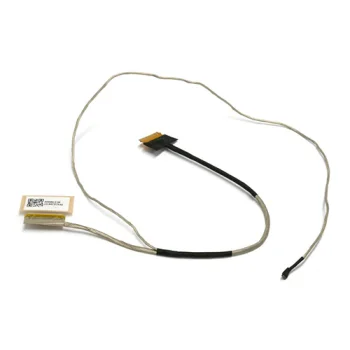
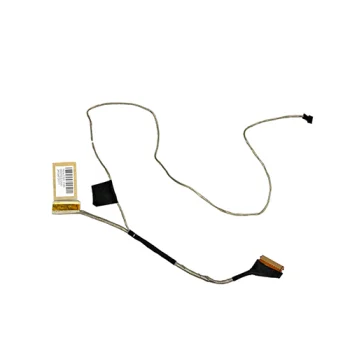
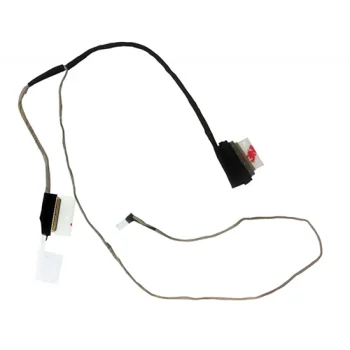
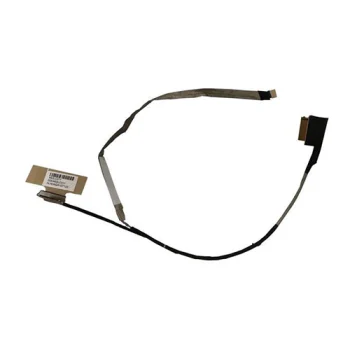
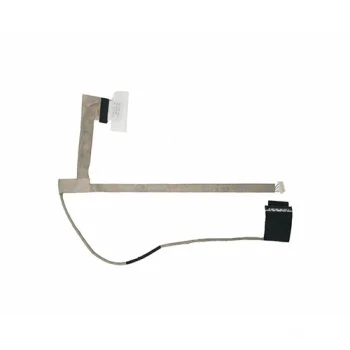
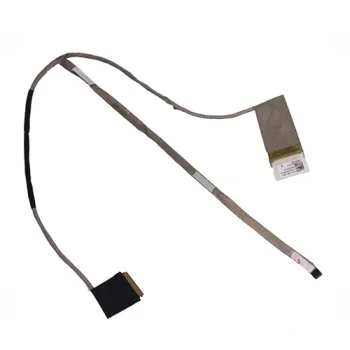
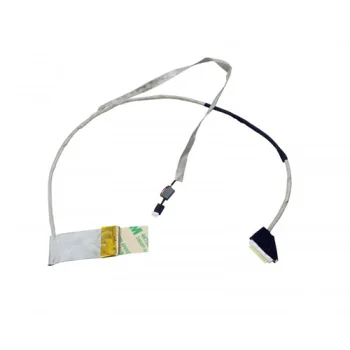
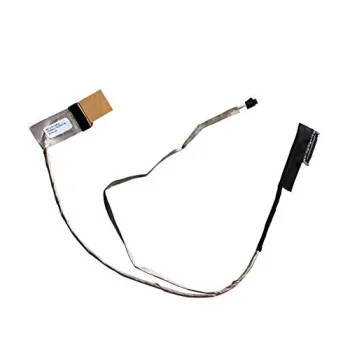
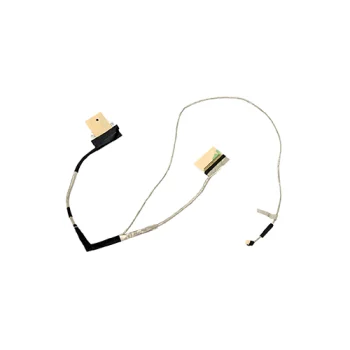
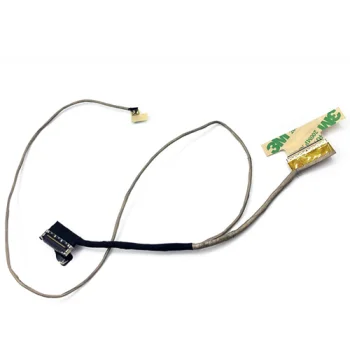
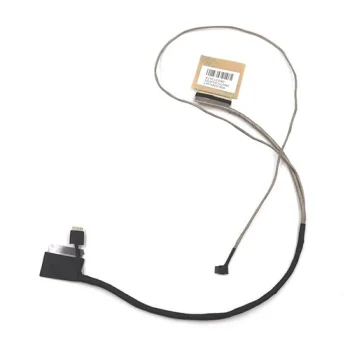
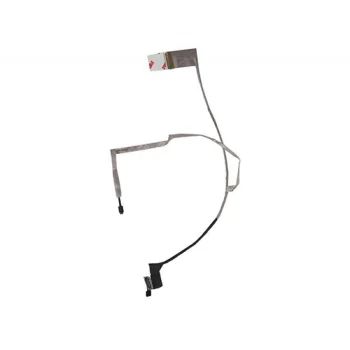
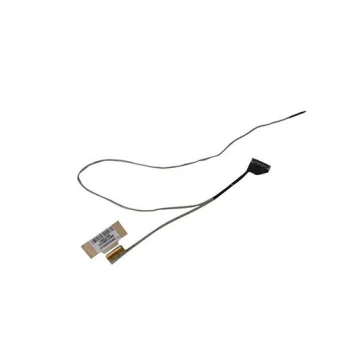
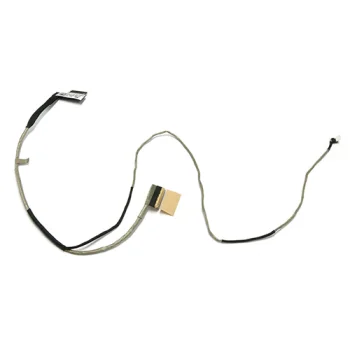
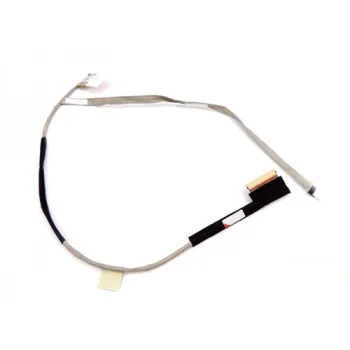
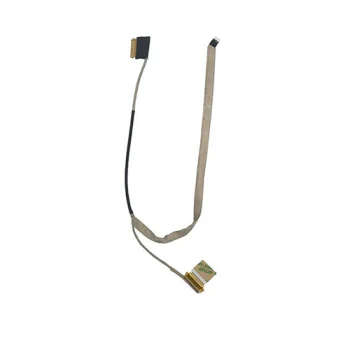
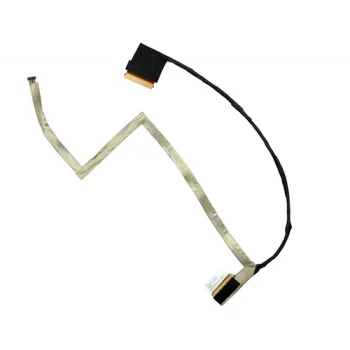
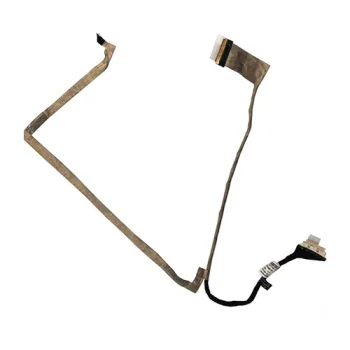
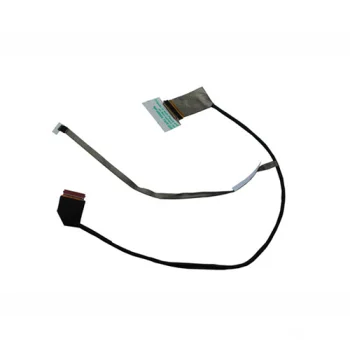
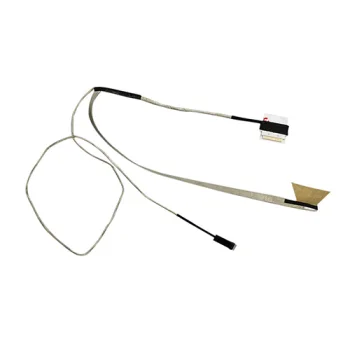
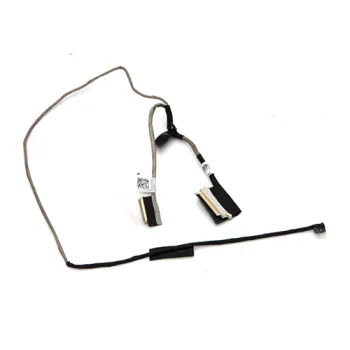
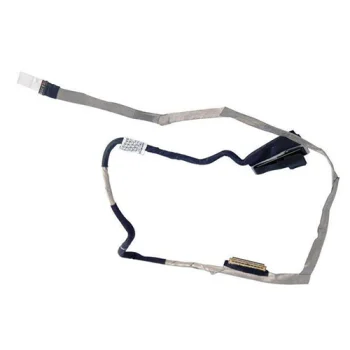
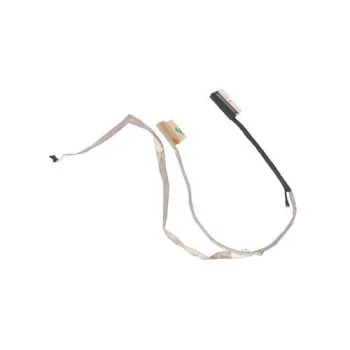
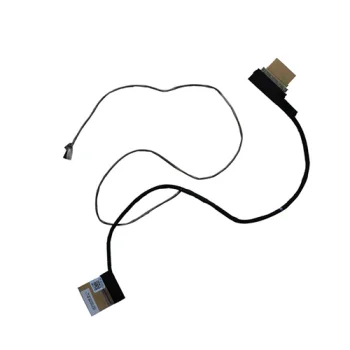
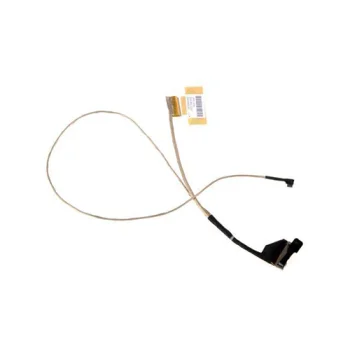
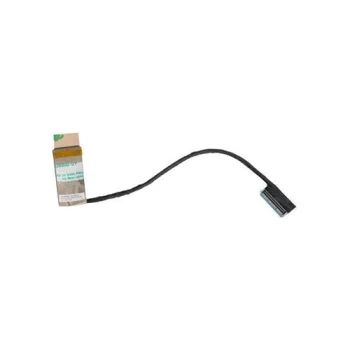
Reliable Laptop Screen Cables for Display Repairs
The display cable is an essential laptop component connecting the motherboard to the LCD/LED screen, often also routing connections for the webcam and microphone. Due to the constant opening and closing of the laptop lid, wires passing through the hinge area undergo mechanical stress and may fray or break over time.
How to Choose the Correct Laptop Display Cable
When selecting a replacement cable, matching exact technical parameters is critical for proper operation:
- Model Compatibility: Always check your laptop model series and the original cable Part Number (P/N).
- Connector Standard: Verify whether your system requires an eDP (30-pin, 40-pin) or older LVDS cable interface.
- Resolution & Refresh Rate: Higher resolution panels (FHD, QHD, 4K) or high refresh rate screens require compatible cable bandwidth.
- Integrated Connectors: Ensure the harness includes appropriate branches for the built-in webcam, microphone, or touch sensor if applicable.
Find the right replacement laptop screen cable at Motivs.lv and restore your device's display performance with confidence.
Frequently Asked Questions
What are common signs of a faulty laptop screen cable?
Common symptoms include screen flickering when adjusting the lid angle, lines across the display, discolored images, or a completely black screen while external monitors work fine.
How can I find the correct replacement screen cable?
Check the specific Part Number (P/N) printed on the label of your original cable, and ensure the connector pin count matches your screen specifications.
Does the screen cable also connect the webcam?
Yes, in many modern laptops, the display harness bundles lines for both the display panel and the integrated webcam/microphone.


