0

Laptop Replacement Fans

228 products

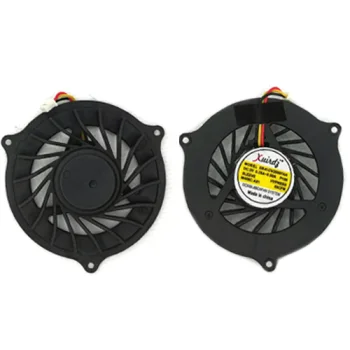
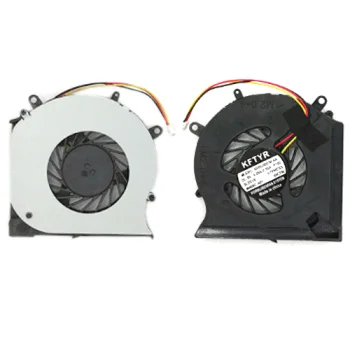
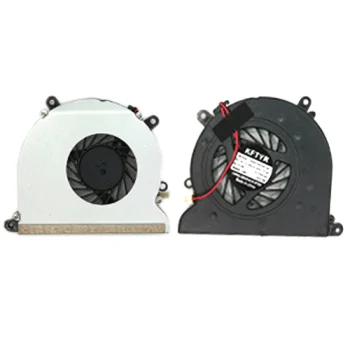
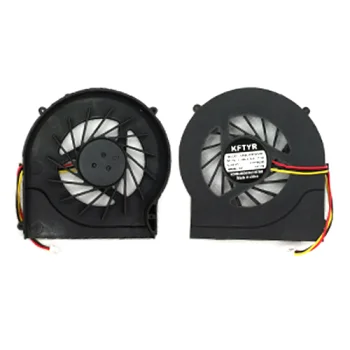
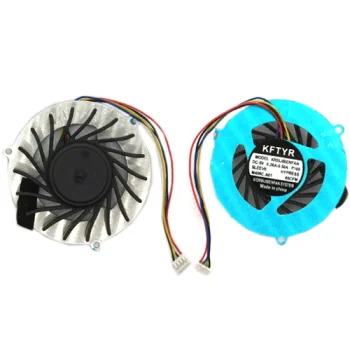
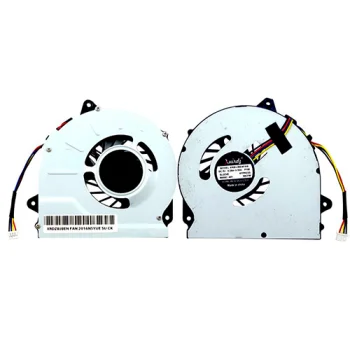
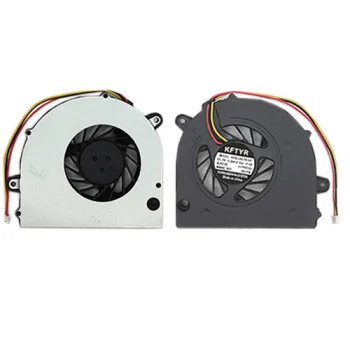
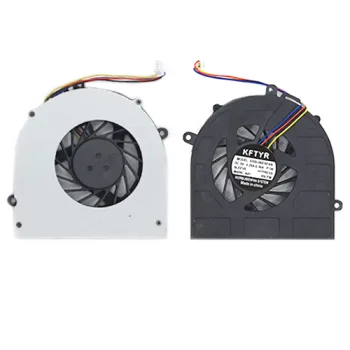
Laptop replacement fans deliver essential cooling for internal components such as the CPU and GPU, preventing thermal throttling and hardware damage. A properly matched replacement fan restores balanced airflow and quiet operation. Motivs.lv offers a wide selection of internal cooling fans designed to match specific laptop models with exact mounting points and connectors.
New
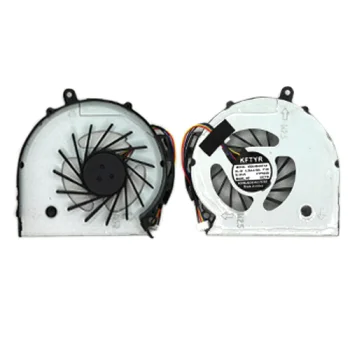
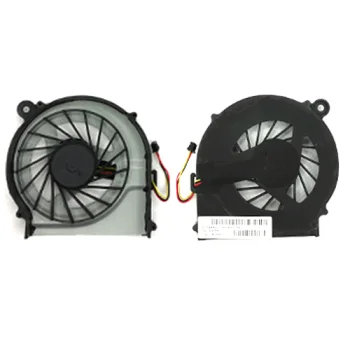
Laptop Cooling Fan for HP CQ515, CQ516, CQ320, CQ420, CQ620
HP
New
Laptop Cooling Fan for HP CQ56, G56, CQ62, G62, CQ42, G42
HP
New
Laptop Cooling Fan for HP CQ57, G57, CQ43, G43
HP
New
Laptop Cooling Fan for HP CQ60, G60, CQ50, G50
HP
New
Laptop Cooling Fan for HP CQ61, CQ71, G61, G71
HP
New
Laptop Cooling Fan for HP CQ610, CQ620, CQ625
HP
New
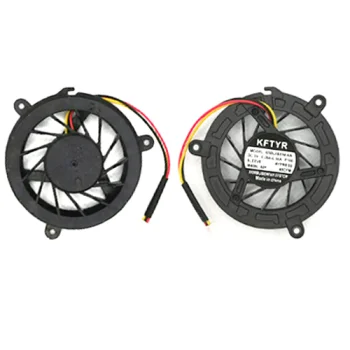
Laptop Cooling Fan for HP DV2000, V3000, DV3000, V3700, DV2500
HP
New
Laptop Cooling Fan for HP DV3, DV3Z, CQ35
HP
New
Laptop Cooling Fan for HP DV4, DV4T, DV4Z, CQ40, CQ41, CQ45
HP
New
Laptop Cooling Fan for HP DV6-3000, DV6T-3000, DV7-4000
HP
New
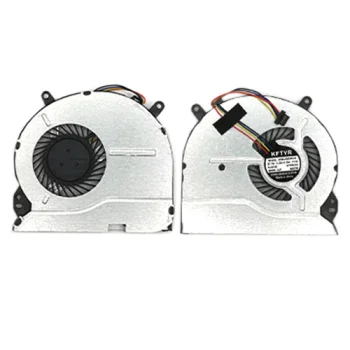
Laptop Cooling Fan for HP Envy 14, 14-K, M6-K
HP
New
Laptop Cooling Fan for HP Envy 4, 4-1000
HP
New
Laptop Cooling Fan for HP G6-1000, G4-1000, G7-1000
HP
New
Laptop Cooling Fan for HP Mini 210 / 210-1000
HP
New
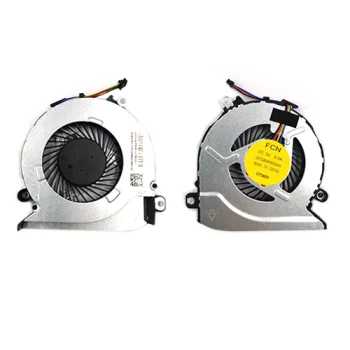
Laptop Cooling Fan for HP Pavilion 15-AB 17-G 17-G100
HP
New
Laptop Cooling Fan for HP Pavilion 15-B025SR, 15-B142DX
HP
New
Laptop Cooling Fan for HP Pavilion 15-D035DX, 15-D101TX
HP
New
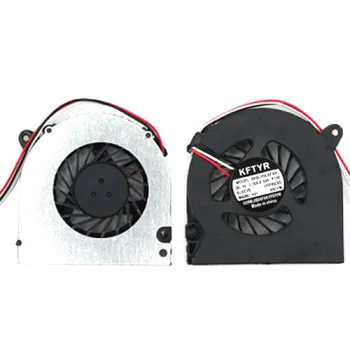
Laptop Cooling Fan for HP Probook 4510S, 4415S, 4416S, 4710S
HP
New
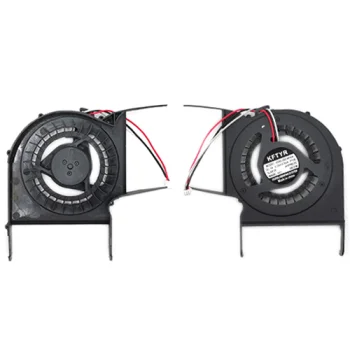
Laptop Cooling Fan for Lenovo B460, V565, V460
Lenovo
New
Laptop Cooling Fan for Lenovo G40, G50, Z50, Z70 Series (4PIN)
Lenovo
New
Laptop Cooling Fan for Lenovo G450, G450A, G550
Lenovo
New
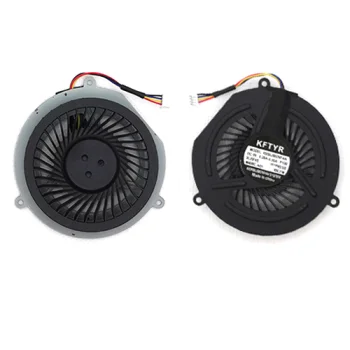
Laptop Cooling Fan for Lenovo G470, G470A, G570, G575, G475
Lenovo
New
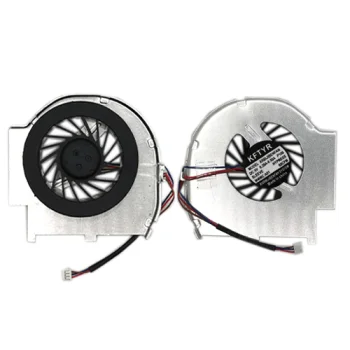
Laptop Cooling Fan for Lenovo T60, T61, T61P
Lenovo
New
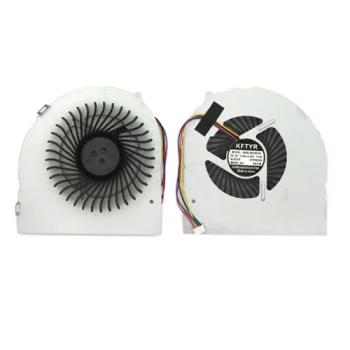
Laptop Cooling Fan for Lenovo Y470, Y470A, Y470N, Y471, Y570
Lenovo
New
Laptop Cooling Fan for Lenovo Y480, Y480A, Y480M, Y480P
Lenovo
New
Laptop Cooling Fan for Lenovo Z360, Z365, Z360A, G360
Lenovo
New
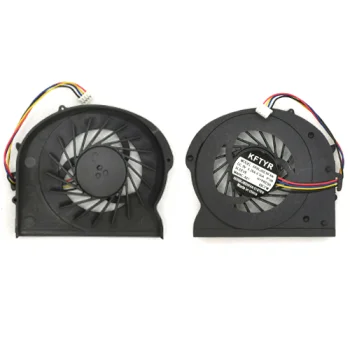
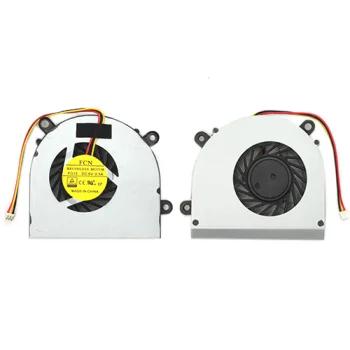
Laptop Cooling Fan for MSI CR61, MS16GB, GP60, CX61
MSI
New
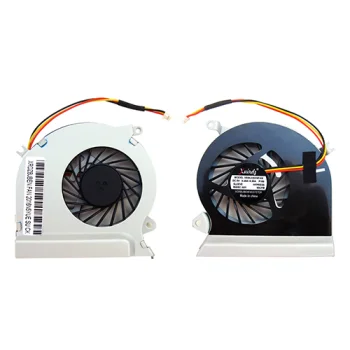
Laptop Cooling Fan for MSI GE40, MS-1491, MS-1492, X460
MSI
New
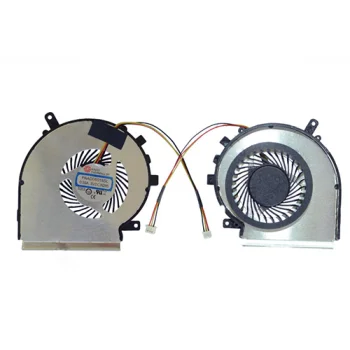
Laptop Cooling Fan for MSI GE62, GE72 (Left Side, 3-Pin)
MSI
New
Laptop Cooling Fan for MSI GE70, MS-1756, MS-1757
MSI
New
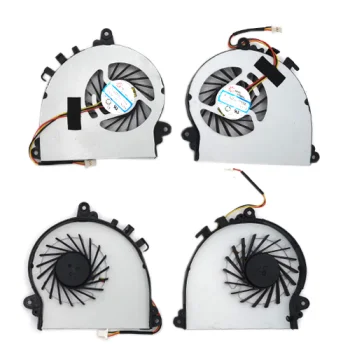
Laptop Cooling Fan for MSI GS70, GS72, MS-1771, MS-1773
MSI
New
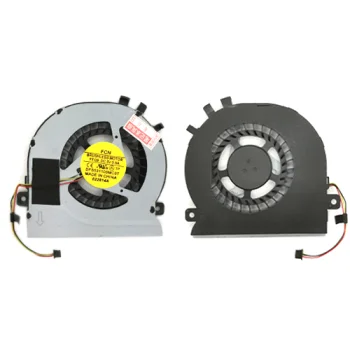
Laptop Cooling Fan for Samsung NP270, NP270E5E, NP300E5E
Samsung
New
Laptop Cooling Fan for Samsung NP300E43, 305V4, NP305V5A
Samsung
New
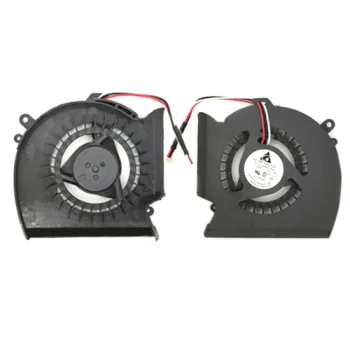
Laptop Cooling Fan for Samsung P530, R523, R525, R528, R530, R538, R540
Samsung
New
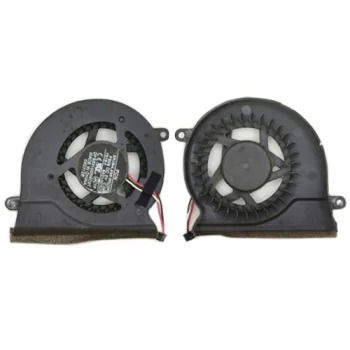
Laptop Cooling Fan for Samsung R18, R19, R20, R23, R25
Samsung
New
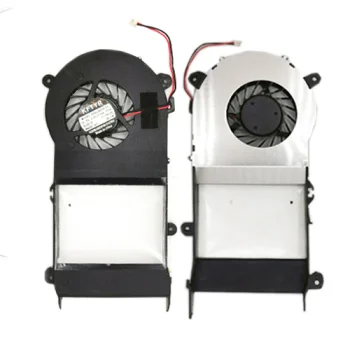
Laptop Cooling Fan for Samsung R428, R429, R431, P428, RV408, R439
Samsung


Reliable Cooling and Hardware Protection

Over time, internal laptop fans can develop bearing wear, generate excessive noise, or fail entirely, causing dangerous heat build-up. Installing a quality laptop replacement fan restores optimal heat dissipation, ensuring stable system performance during demanding daily tasks and resource-heavy applications.

How to Choose the Correct Replacement Fan

Selecting the right replacement fan requires checking several key physical and technical specifications:

  • Model Compatibility: match the precise laptop model number and original part number (P/N).
  • Connector Configuration: confirm the pin layout, usually 3-pin or 4-pin PWM connectors.
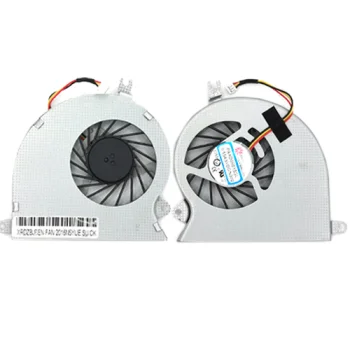
  • Mounting Dimensions: check screw placement and casing shape against your original cooler.
  • Voltage Ratings: verify technical specifications, typically DC 5V, printed on the original label.
  • Target Component: determine whether you are replacing the CPU fan, GPU fan, or a combined assembly.

Explore the selection of laptop replacement fans on Motivs.lv to maintain lower operating temperatures and extend the lifespan of your device.

Frequently Asked Questions

How do I know my laptop fan needs replacement?

Common warning signs include rattling noises, fan failure errors on startup, overheating, and sudden system shutdowns under load.

How can I verify compatibility before ordering?

Check the exact laptop model and the original part number (P/N) printed directly on your existing fan casing.

What is the difference between 3-pin and 4-pin laptop fans?

4-pin fans support precise PWM speed regulation by the motherboard, while 3-pin models use standard voltage-based speed control.