
- Gifts & Party Decorations
- Phone Accessories
- Photo & Video
- Computers & Electronics
- Sports & Fitness
- Beauty & Health
- Car & Motorcycle Accessories
- Bicycle Accessories
- Home & Living
- Garden & Outdoor
- Baby & Kids Products
- Games, Hobbies & Leisure
- Travel & Outdoor Activities
- Pet Supplies
- Discounted Items & Products with Defects
Laptop keyboards
Laptop keyboards in this category include options for Lenovo, HP and Dell models, with Extra Digital, Asus, Acer and MSI also represented. Listings include US-layout keyboards, a version with a frame, and black or silver options. These keyboards suit shoppers replacing an existing laptop keyboard; the key checks are the exact laptop model, key layout and whether a frame is required.
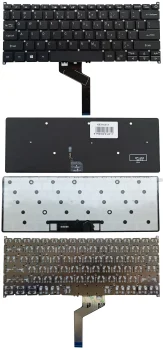
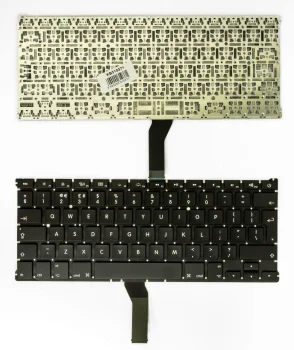
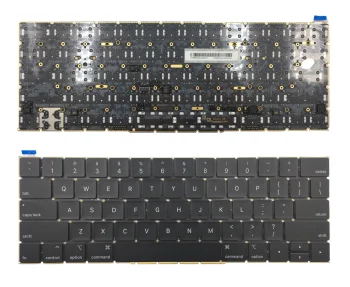
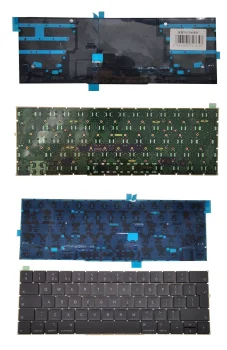
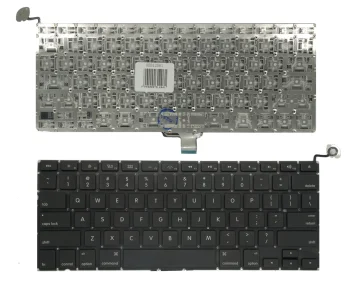
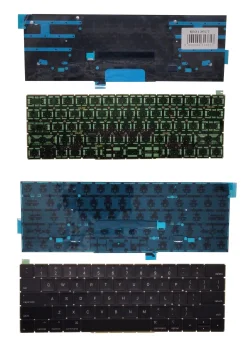
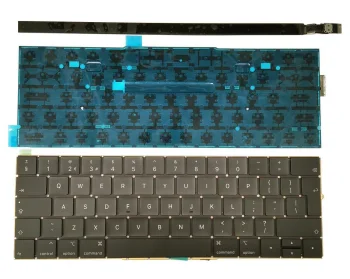
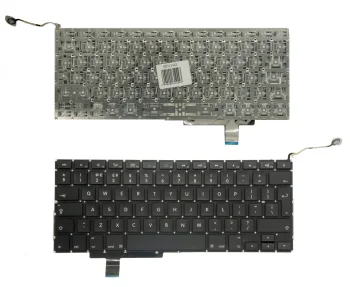
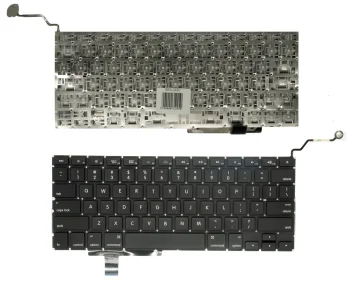
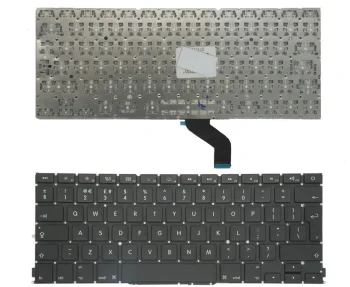
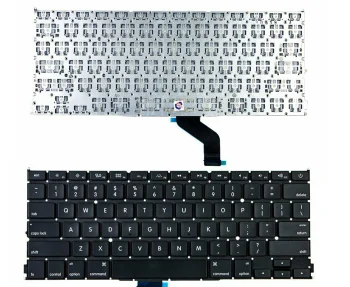
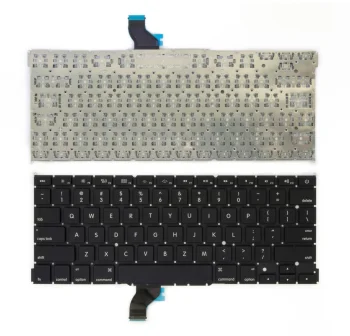
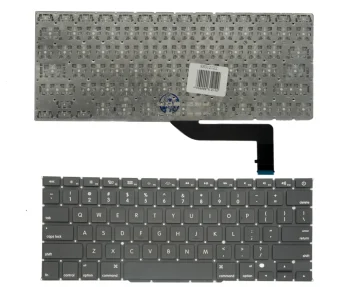
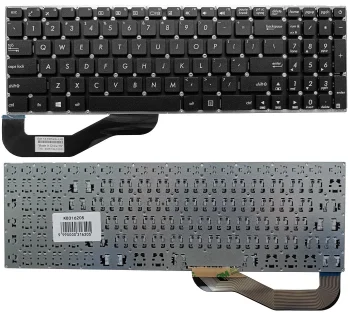
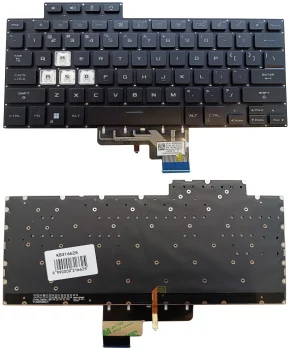
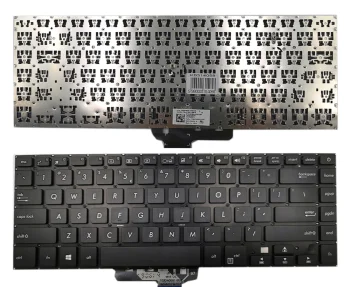
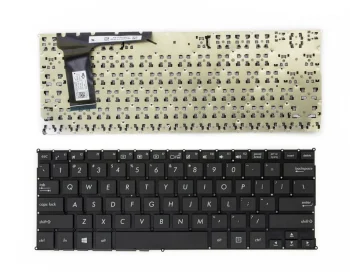
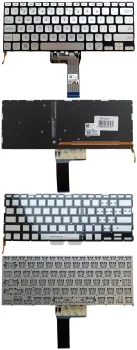
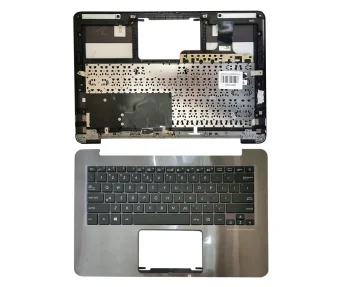
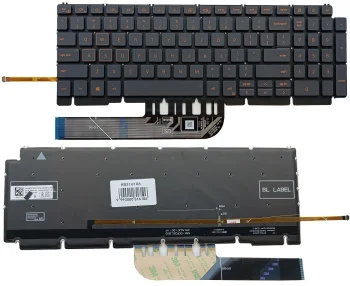
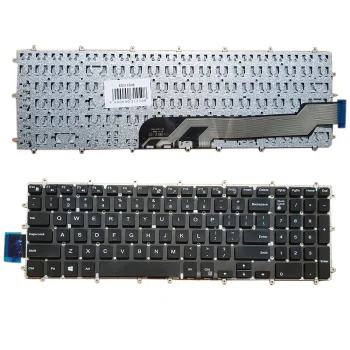
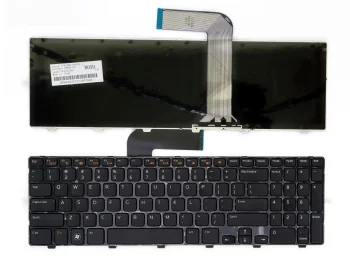
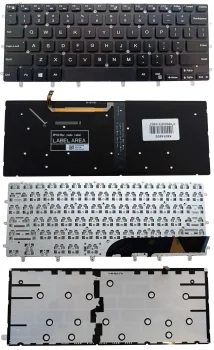
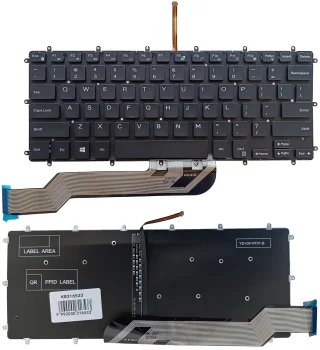
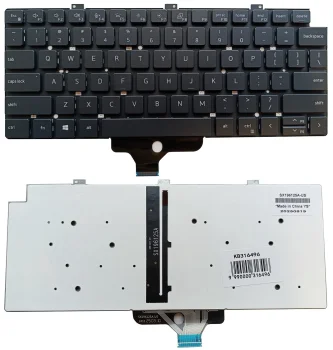
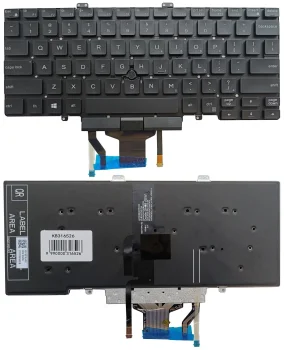
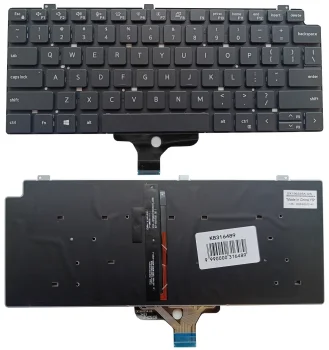
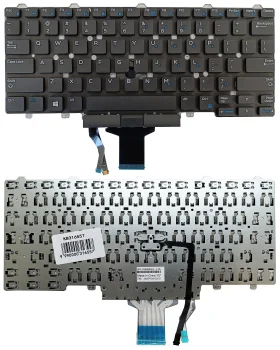
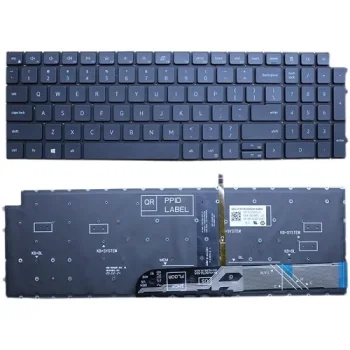
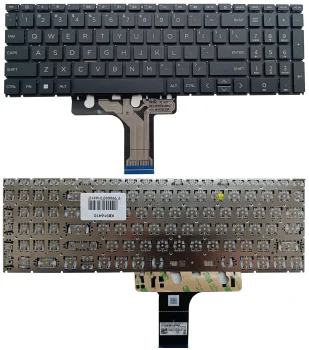
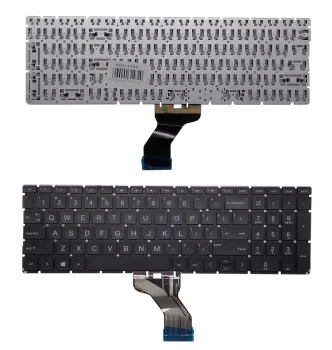
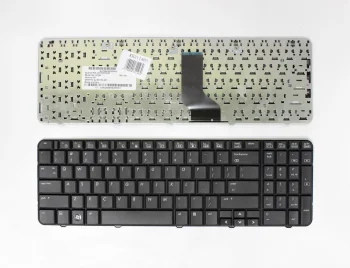
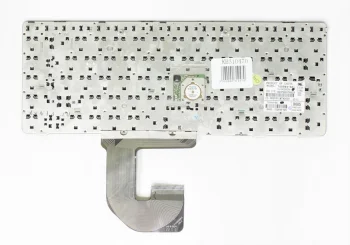
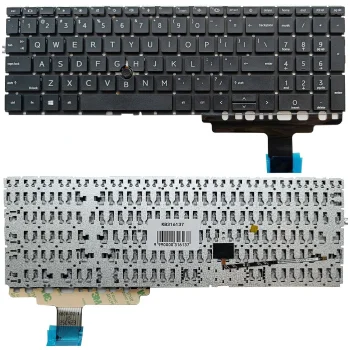
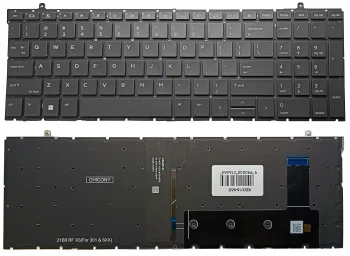
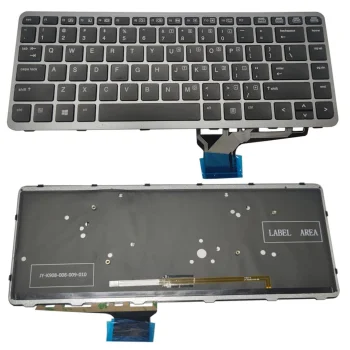
Laptop keyboards here are replacement options identified for specific laptop models. The listed examples cover Lenovo ThinkPad, HP ProBook and EliteBook, plus Dell Latitude, Inspiron, Vostro and Precision. Brands represented in the category include Extra Digital, HP, Dell, Asus, Lenovo, Acer and MSI. Some keyboard names specify a US layout or a frame, and black and silver options appear. Since these are model-specific parts, the full model designation matters more than a familiar series name when comparing options.
How to choose a laptop keyboard
Start with the complete model designation of your laptop and check it against the models named for the keyboard. For example, HP ProBook 450 G5 and HP ProBook 4540 have different model designations, despite sharing the ProBook name. Next, compare the stated key layout with the keyboard you use now. Check whether the option includes a frame and whether its colour suits the laptop if appearance matters to you. Do not assume that a keyboard named for one model fits every device in the same series.
- Exact model: A Lenovo keyboard may name ThinkPad T470, T470S and T480 individually. Check that your laptop's full designation appears in the relevant listing.
- US layout: Several Lenovo, HP and Dell examples specify US layout. Compare the key arrangement with your current keyboard before selecting one.
- Keyboard with frame: A framed option is listed for HP ProBook 450 G5, 455 G5 and 470 G5. Check whether the keyboard you need includes a frame.
- Colour: Black and silver keyboards are represented. Match the listed colour to the existing keyboard if you want a similar appearance.
- Laptop series: Dell Latitude, Inspiron, Vostro and Precision are distinct series names. Use the full model number alongside the series when narrowing down keyboards.
Laptop keyboards are useful when replacing an existing keyboard on a known laptop model. For Lenovo, HP or Dell devices, checking the named model, layout, frame option and colour helps distinguish between keyboards that might otherwise look similar in a search result.
Frequently Asked Questions
How do I check whether a laptop keyboard fits my model?
Compare your laptop's full model designation with the models named for the keyboard. A matching brand or series alone is not enough.
What does US layout mean on a laptop keyboard?
US describes the keyboard's key layout. Compare it with the arrangement on your current laptop keyboard before choosing.
Do all laptop keyboards include a frame?
No. A frame is specified for certain options, including an option for selected HP ProBook models; check the individual keyboard description.
What are the most popular 2026 products in category - Laptop keyboards
- Lenovo B50 / G50 / Z50 Series Laptop Keyboard (US), Black
- Lenovo Keyboard for ThinkPad T470, T470S, T480 US Black
- Lenovo Thinkpad L420 / W510 / T410 / T420 Keyboard, US Layout, Black
- HP 630 / 635 / 655 / 2000 / CQ43 / CQ57 / G4 / G6 Laptop Keyboard, Black
- HP Probook 450 G5 / 455 G5 / 470 G5 Keyboard with Frame, Black


