
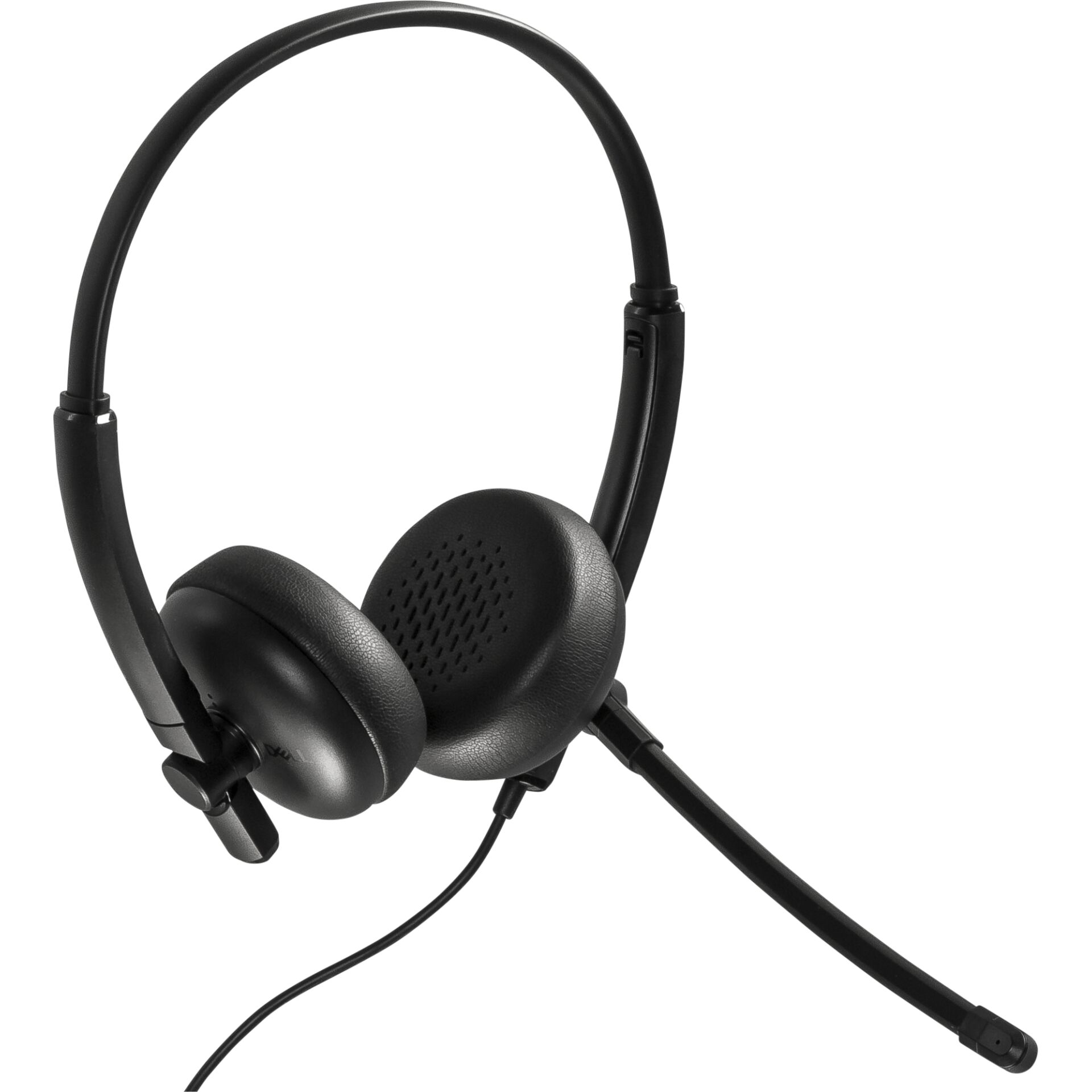
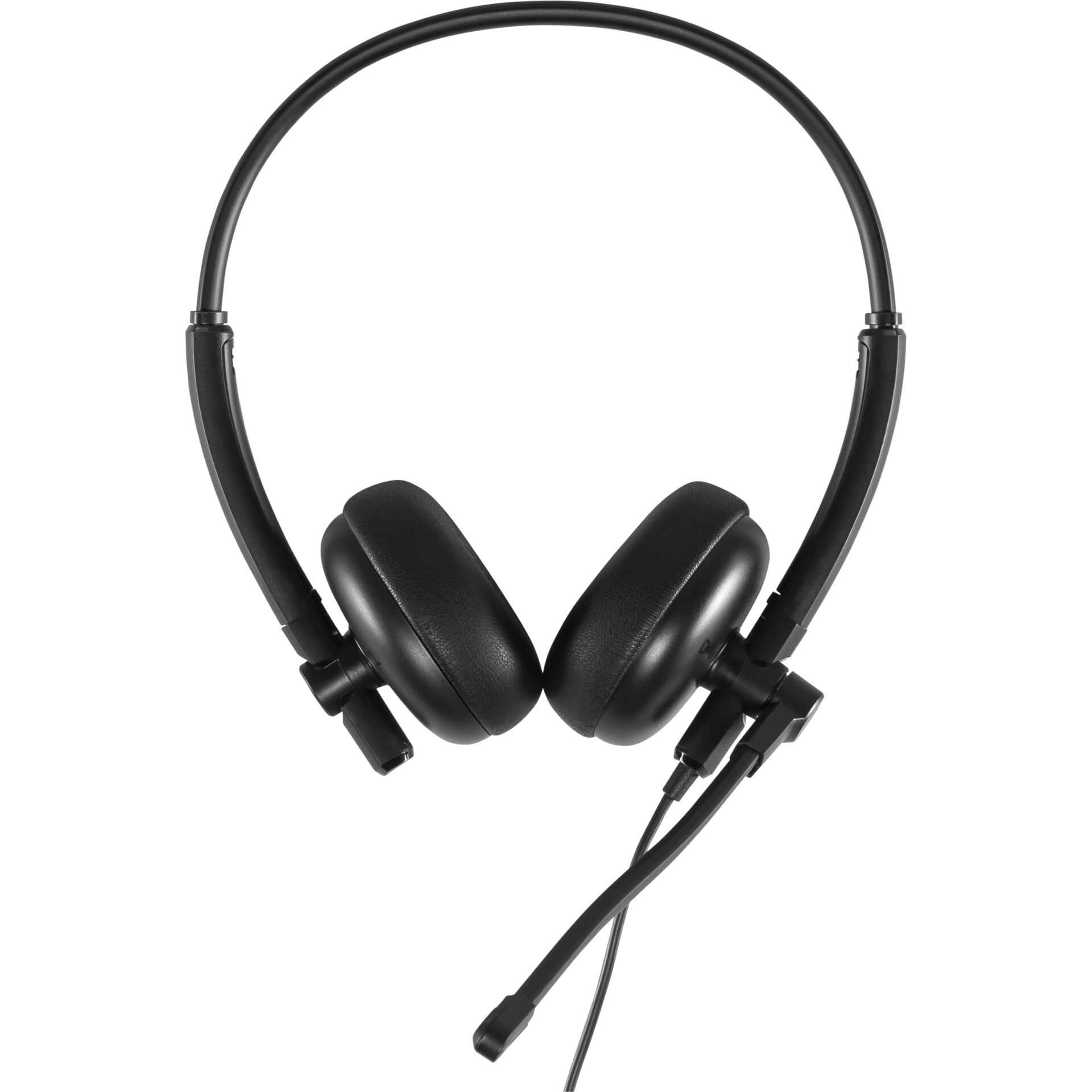
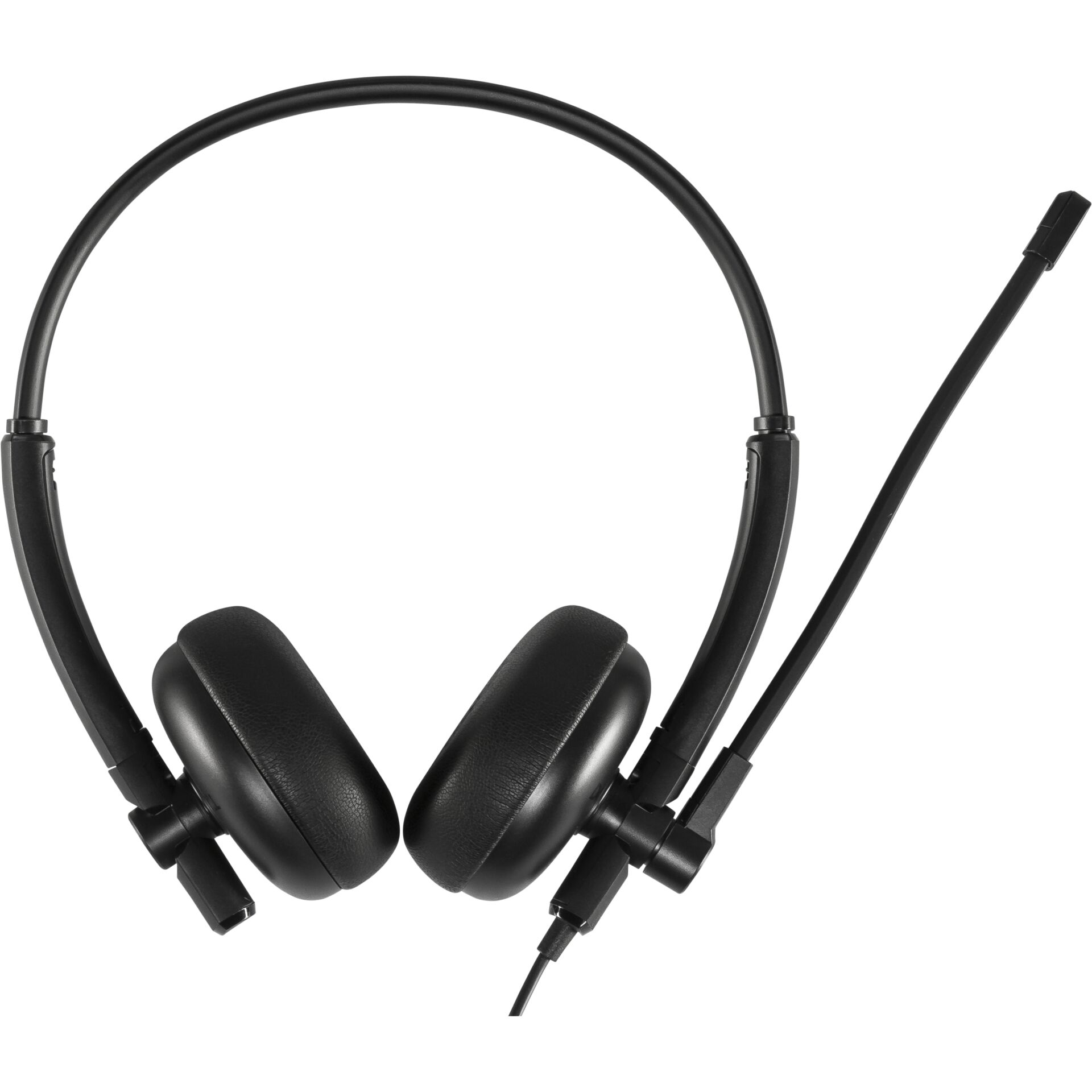
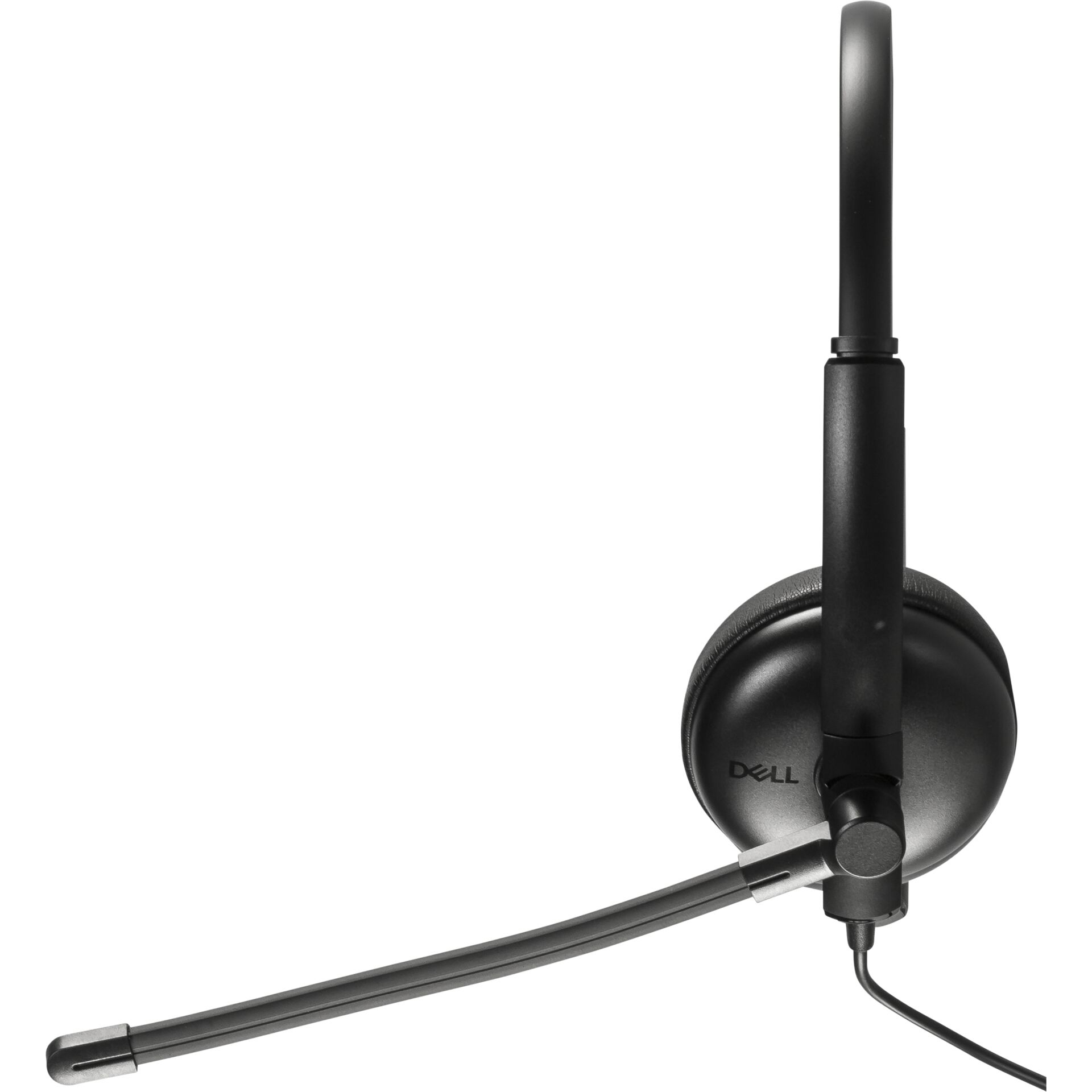
Dell WH125 wired USB-A headset with rotating boom microphone
30.30 €

Products ID: 155981
In supplier warehouse
Available to order: 1 pcs.
Delivery Time 7–15 business days
Delivery options to:
Choose countryThe Dell WH125 is a wired headset for office work, home working and online meetings. Its USB-A connection supports plug-and-play use with Windows and macOS computers, while the 2.1 m cable provides room to adjust your position at your desk.
Microphone positioning and call controls
The boom microphone rotates through 270° so it can be positioned on either the left or right side. It features passive microphone noise cancellation; the headset does not have active noise cancellation (ANC).
- Inline controls: adjust volume, mute the microphone and switch audio on or off.
- Compatibility: Windows 10/11, macOS and communication applications such as Teams and Zoom.
- Weight: 125 g.
| Connection | USB-A |
|---|---|
| Cable length | 2.1 m |
| Headphone frequency response | 20 Hz – 20 000 Hz |
| Headphone sensitivity | 117 dB ± 3 dB |
| Signal-to-noise ratio | 61 dB |
| Microphone | 270° rotating boom microphone |
| Microphone frequency response | 100 Hz – 10 kHz |
| Microphone sensitivity | −46 dBV/Pa |
| Microphone noise cancellation | Passive |
| Controls | Inline controller: volume, microphone mute, audio on/off |
| Compatibility | Windows 10/11, macOS, UC applications such as Teams and Zoom |
| Weight | 125 g |
| Sound pressure level at 1 kHz | 117 dB |
| Driver diameter | 27 mm |
| Colour | Black |
| Transmission method | Wired |
| USB function | Playback |
| USB port | 1 × USB-A 2.0 |
| Integrated microphone | Yes |
| Active noise cancellation (ANC) | No |
| Type | PC headset |
| EAN | 5397184962305 |
|---|
Can the microphone be used on either side?
Yes. The microphone boom rotates through 270°, allowing it to be positioned on the left or right side.
Which computers and applications does the headset support?
The headset connects to a USB-A port and supports Windows 10/11, macOS and communication applications such as Teams and Zoom.







 Gudri pirkumi vienuviet