Video Cables and Adapters
Video cables and adapters include HDMI and DisplayPort cables, VGA adapters, RCA and SCART to HDMI converters, and HDMI USB video capture devices, with products from Ugreen, Baseus and Wozinsky. They suit computer-to-screen connections, equipment with different video ports and video capture tasks. Choose by connector type, signal direction, cable length and the display mode specified for the individual product.
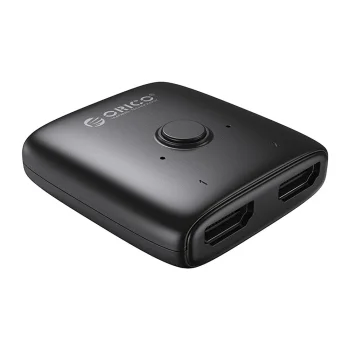
Orico AS2-A1 Bi-directional HDMI Splitter / Switch, Black
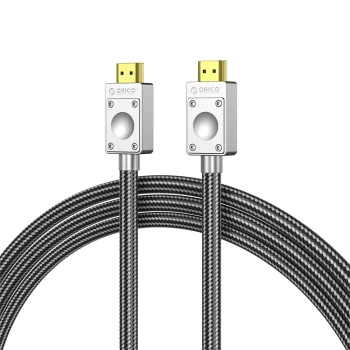
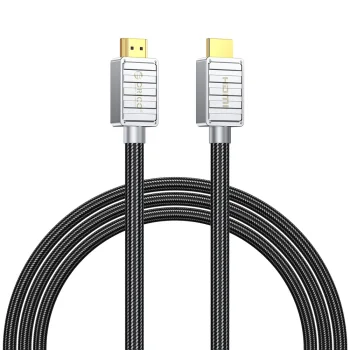
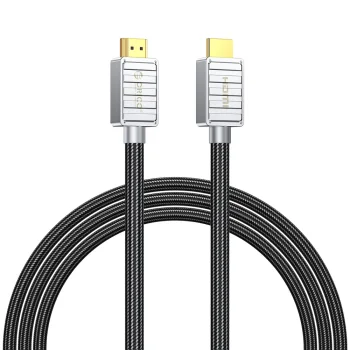
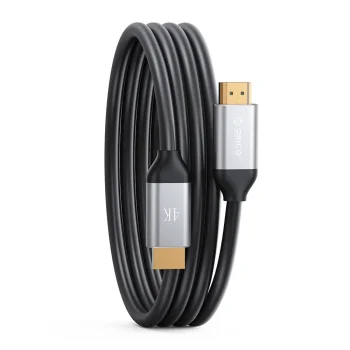
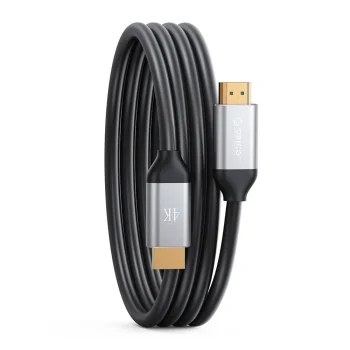
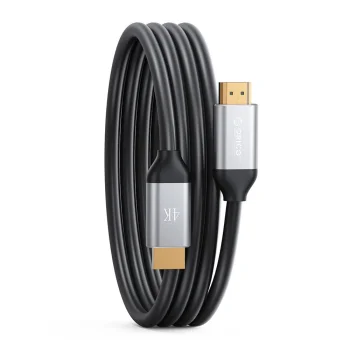
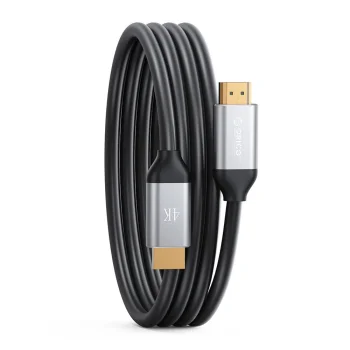
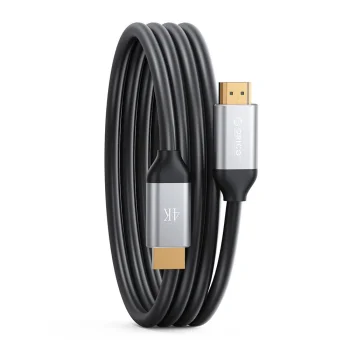
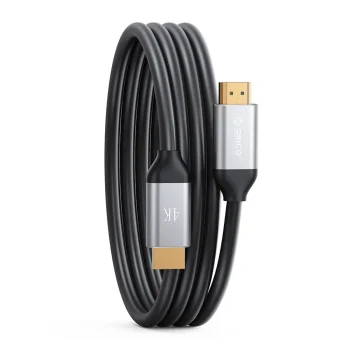
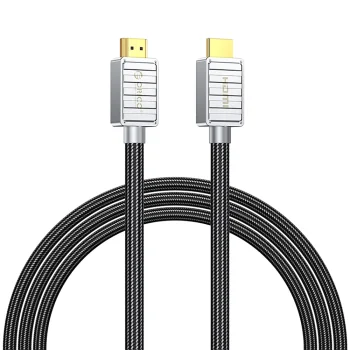
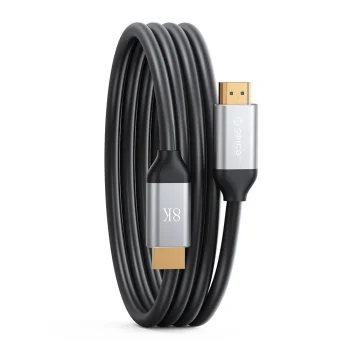
Orico H4Y1 HDMI 2.0 4K 60Hz HDMI Cable 5 m - Black
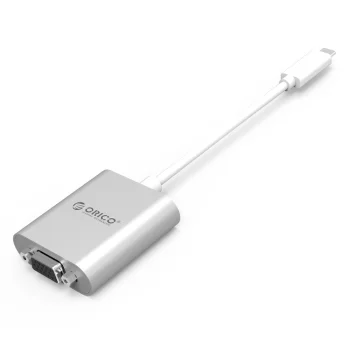
Orico PTAV USB-C to VGA & 3.5mm Audio Adapter 0.15m Silver
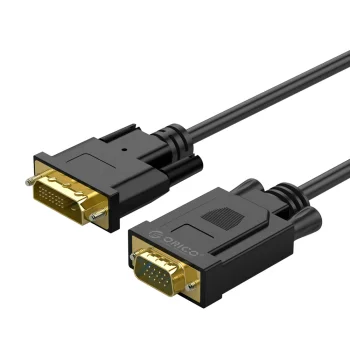
Orico XD-DITV DVI to VGA Full HD Adapter Cable 5m Black
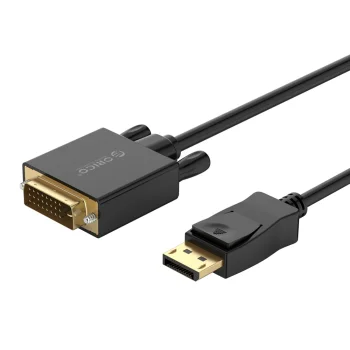
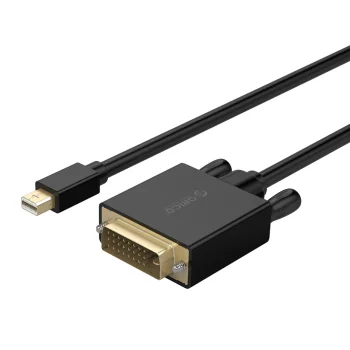
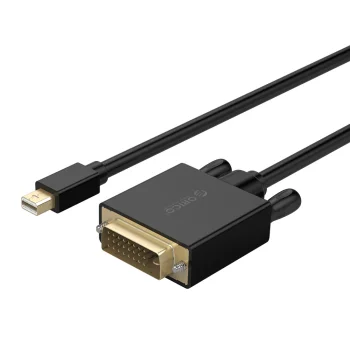
Orico XD-MDTD Mini DisplayPort to DVI Cable, Full HD 60Hz, 3m, Black
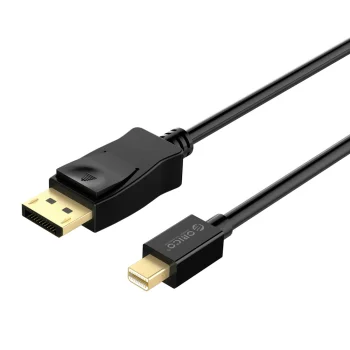
Orico XD-MDTH4 Mini DisplayPort to HDMI Cable, 4K 30Hz, 3m, Black
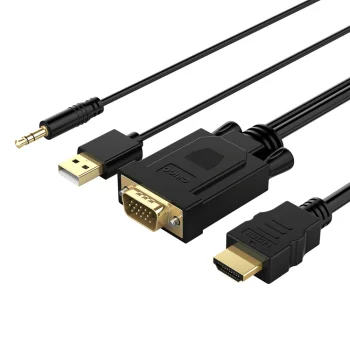
Orico XD-VATH VGA + 3.5mm Audio to HDMI Cable with USB Power 5m Black
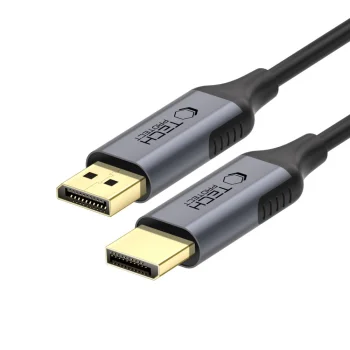
Tech-Protect UltraBoost DisplayPort 1.4 4K 60Hz Cable 2m - Black
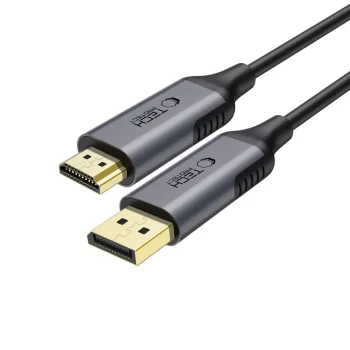
Tech-Protect UltraBoost DisplayPort to HDMI 2.0 Cable 4K 60Hz 2m - Black
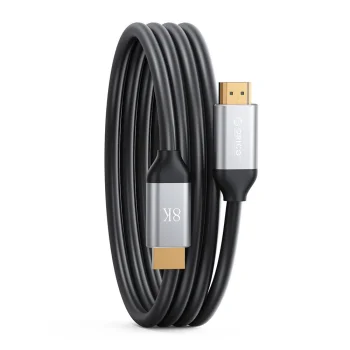
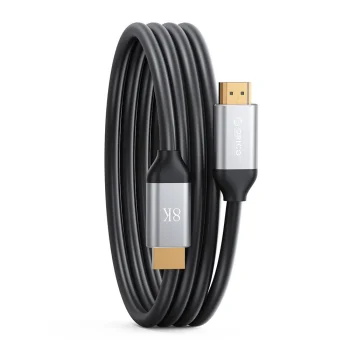
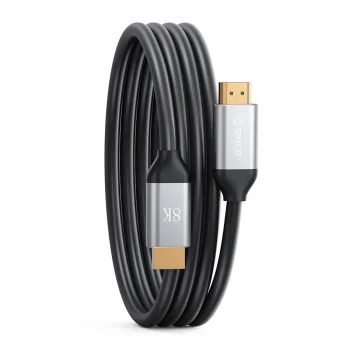
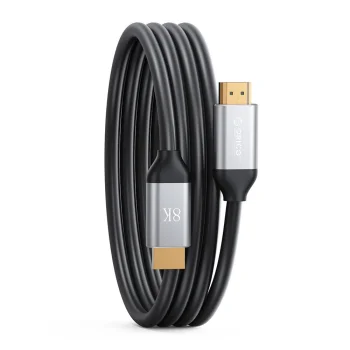
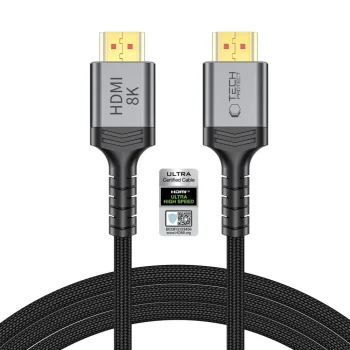
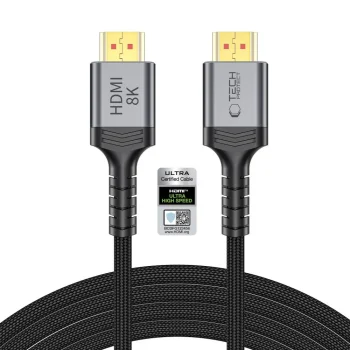
Tech-Protect UltraBoost HDMI 2.1 8K 60Hz / 4K 120Hz Cable 200 cm - Black
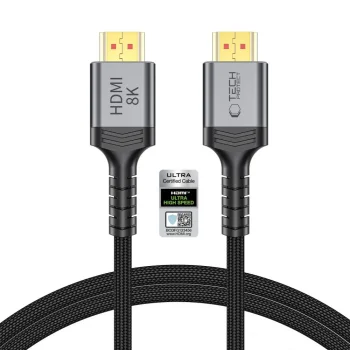
Tech-Protect UltraBoost HDMI 2.1 Cable 8K 60Hz / 4K 120Hz 100 cm - Black
Tech-Protect UltraBoost HDMI 2.1 Cable 8K 60Hz / 4K 120Hz 300 cm - Black
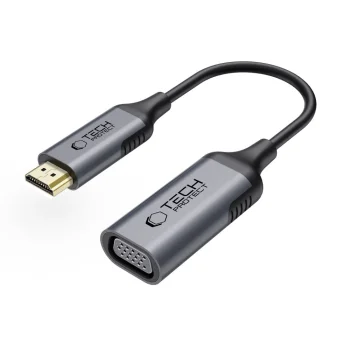
Tech-Protect UltraBoost HDMI to VGA Full HD 60Hz Adapter - Black
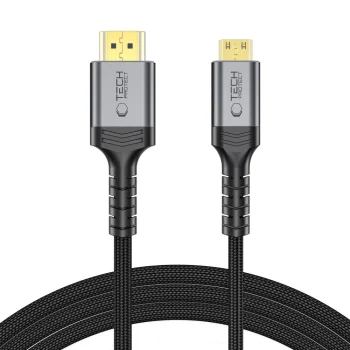
Tech-Protect UltraBoost Mini HDMI to HDMI 2.1 8K 60Hz Cable 200 cm - Black
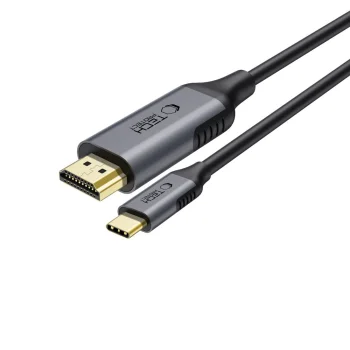
Tech-Protect UltraBoost USB-C / HDMI Cable 4K 60Hz 180cm - Black
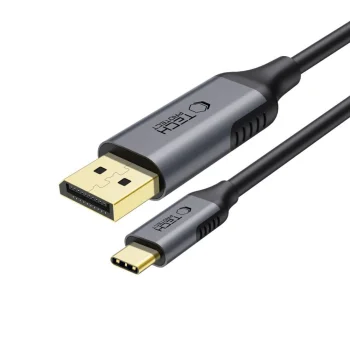
Tech-Protect UltraBoost USB-C to DisplayPort 1.4 8K 60Hz Cable 180cm - Black
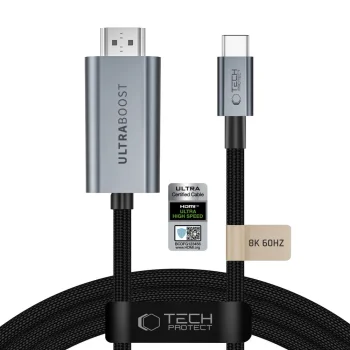
Tech-Protect UltraBoost USB-C to HDMI 2.1 Video Cable 8K 60Hz 300 cm - Gray
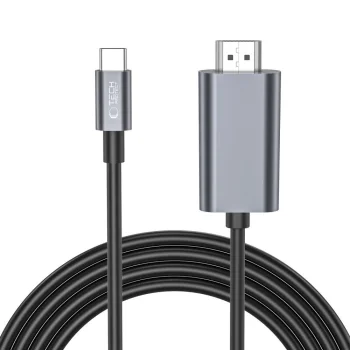
Tech-Protect UltraBoost USB-C to HDMI 4K 60Hz Cable 2m - Black
Video cables and adapters cover connections between video sources and screens, signal conversion and video capture. Products include HDMI and DisplayPort cables, Mini DisplayPort to HDMI adapters, HDMI to VGA adapters, RCA and SCART to HDMI converters, and HDMI USB capture devices. Brands include Ugreen, Baseus, Wozinsky and Extra Digital.
How to choose video cables and adapters
Start with the source output and the screen input. Check compatibility with the exact device model, connector format and whether each connection requires a plug or socket. Signal direction matters when converting between interfaces. Choose cable length around the equipment layout, and compare the stated resolution and refresh rate with the display mode you intend to use.
- HDMI cables: connect an HDMI source to an HDMI screen. For 4K use, compare the resolution and refresh rate stated for the individual cable rather than relying on the connector name alone.
- DisplayPort cables and adapters: options include DisplayPort cables and connections to HDMI or VGA. Mini DisplayPort uses a different connector size from standard DisplayPort.
- HDMI to VGA adapters: provide a connection from an HDMI source to a VGA screen. Some Ugreen adapters also list micro USB and 3.5 mm audio connections.
- RCA and SCART converters: convert an RCA or SCART signal to HDMI. Match the converter to the source connection and the specified conversion direction.
- HDMI USB capture devices: support video capture through a USB connection. Compare the listed input and recording capabilities rather than treating a resolution in the product name as a complete specification.
HDMI and DisplayPort cables suit screen connections, while adapters and converters address different video interfaces. HDMI to Micro HDMI adapters provide another connector format, and HDMI USB capture devices serve recording tasks.
Frequently Asked Questions
What is the difference between a video cable and an adapter?
A video cable connects equipment using the connectors fitted at its ends. A video adapter accommodates different connections, while an RCA or SCART to HDMI converter converts the signal.
Can an HDMI to VGA adapter work in both directions?
An HDMI to VGA adapter should not be assumed to work in both directions. The stated HDMI to VGA direction means an HDMI source connects to a VGA screen.
What should I check when choosing a video cable for 4K?
Compare the video cable's stated resolution and refresh rate with the capabilities of the source and screen. An HDMI or DisplayPort connector alone does not establish every supported display mode.
What is an HDMI USB video capture device used for?
An HDMI USB video capture device captures an HDMI video signal through a USB connection. Choose an HDMI USB capture device by its stated input and recording capabilities.
What are the most popular 2026 products in category - Video Cables and Adapters
What are the newest products in category - Video Cables and Adapters
- Maclean MCE720B Single HDMI Wall Socket Module, Black
- Newell HDMI 2.1 Cable, 8K 60Hz, 4K 120Hz, 48 Gbps - 2 m, Graphite
- Tech-Protect UltraBoost USB-C to HDMI 2.1 Video Cable 8K 60Hz 300 cm - Gray
- Devia Storm EC084 USB-C to HDMI cable, 4K 60 Hz, 2 m, black
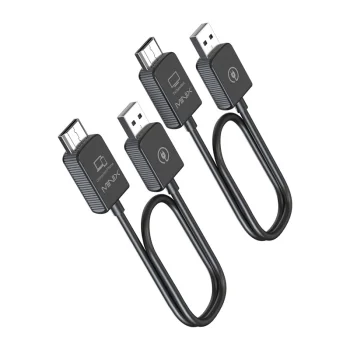
- Minix NEO-H1 Wireless HDMI Video Transmitter and Receiver, 1080p, 50m


Gudri pirkumi vienuviet