
- Gifts & Party Decorations
- Phone Accessories
- Photo & Video
- Computers & Electronics
- Sports & Fitness
- Beauty & Health
- Car & Motorcycle Accessories
- Bicycle Accessories
- Home & Living
- Garden & Outdoor
- Baby & Kids Products
- Games, Hobbies & Leisure
- Travel & Outdoor Activities
- Pet Supplies
- Discounted Items & Products with Defects
Graphic tablets for drawing and design
Graphic tablets include Huion and Wacom pen tablets, Huion and BOSTO pen displays, Lenovo and Dell styluses, and Huion LED light pads. These tools suit digital drawing, illustration, image editing and paper-based sketch work. Start by choosing between a separate drawing surface and drawing directly on a screen, then compare the active area, pressure sensitivity and connection options for your workspace.
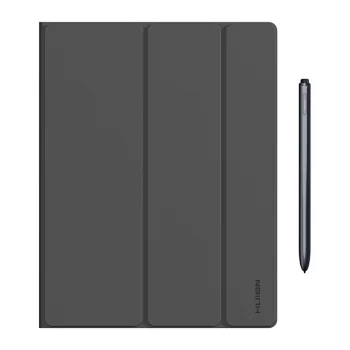
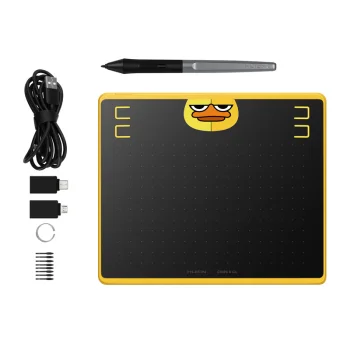

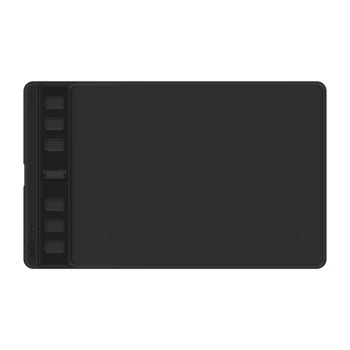
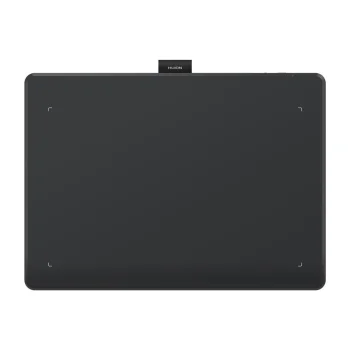
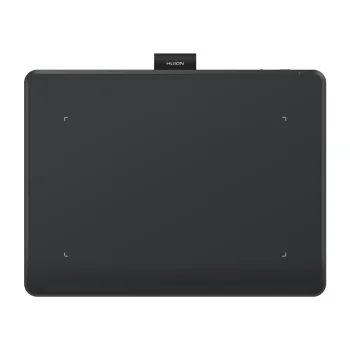
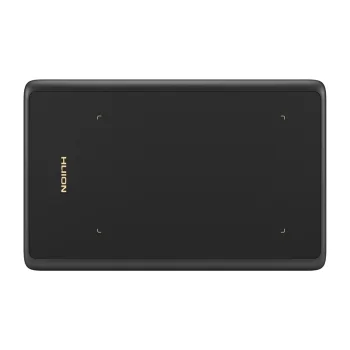
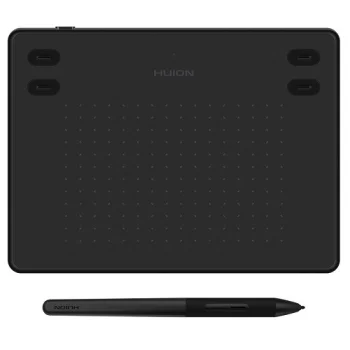
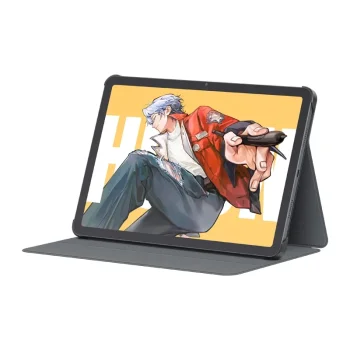
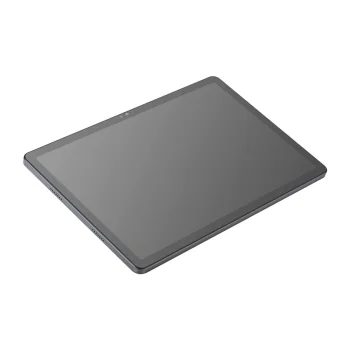
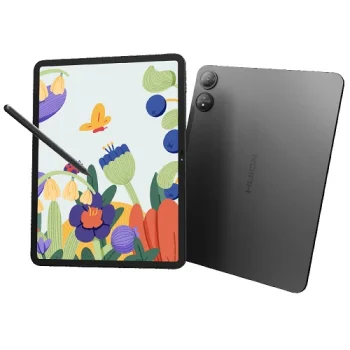
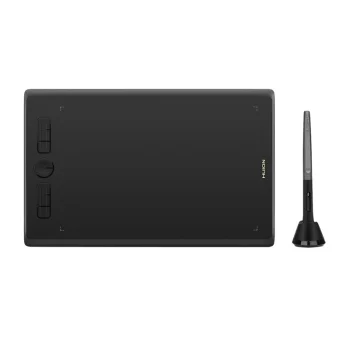
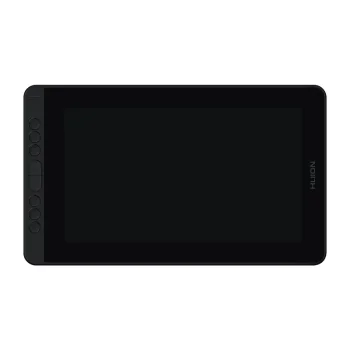
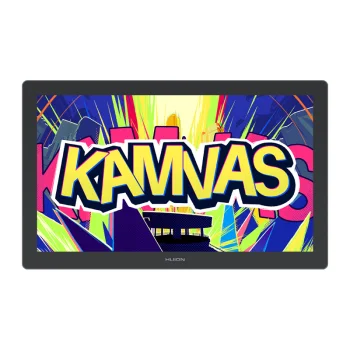
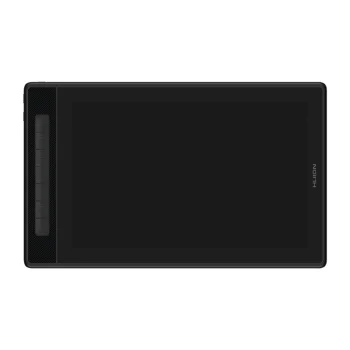
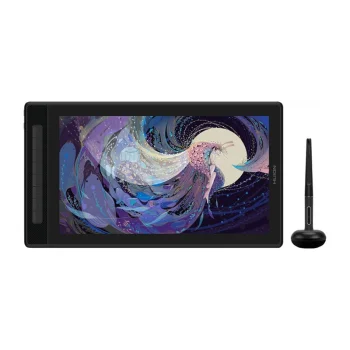
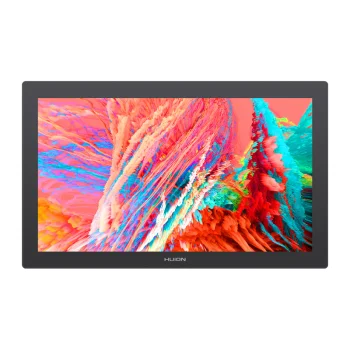
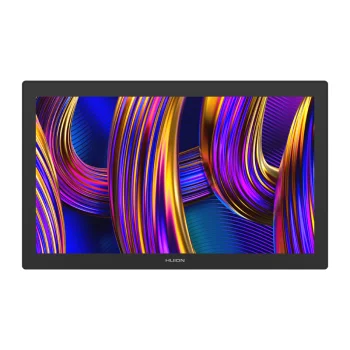
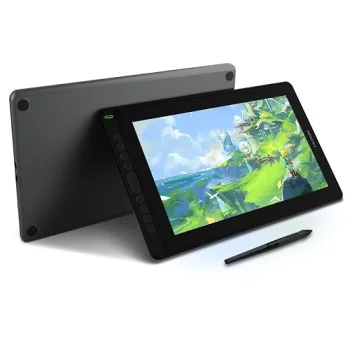
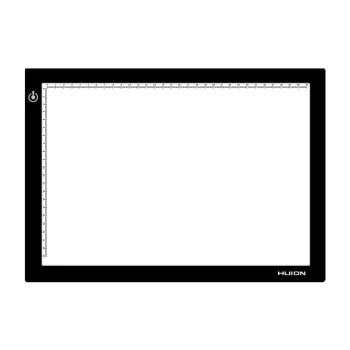
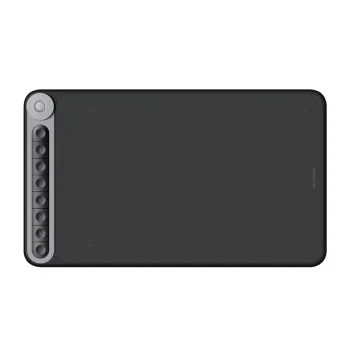
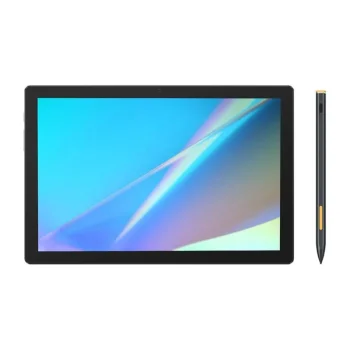
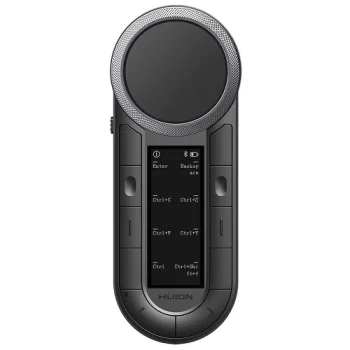
Graphic tablets provide pen-based input for digital drawing, illustration and image editing. The range includes Huion and Wacom pen tablets, Huion and BOSTO pen displays, and Lenovo and Dell styluses. Huion LED light pads support drawing tasks on paper. Each type serves a different working method, so the starting point is whether the artwork will be created digitally or traced from a paper original.
How to choose graphic tablets
Decide whether you prefer drawing on a separate tablet while watching a computer monitor or drawing directly on a display. Compare the active area, screen size and resolution, pressure sensitivity and listed connections. A compact tablet takes up less desk space, while a larger working area allows broader hand movements. For a tablet or replacement stylus, check compatibility with the exact device model and operating system before making a choice.
- Pen tablets: Huion and Wacom models capture pen movements while the computer monitor shows the result. Compare active drawing areas rather than overall dimensions alone.
- Pen displays: Huion and BOSTO models combine the drawing surface with a screen. Screen size and resolution help determine how the device fits your drawing tasks and desk.
- Pressure sensitivity: Pressure levels describe the pen input's ability to distinguish changes in applied pressure. This matters when controlling expressive strokes.
- Connection options: Models include USB and Bluetooth connectivity. The connection type affects device setup and cable arrangements.
- Styluses and light pads: Lenovo and Dell styluses support digital input on suitable devices. Huion LED light pads illuminate paper for tracing and transferring sketches.
For digital illustration and photo editing, focus on the tablet's working area and pen input. For paper sketch preparation, a light pad offers a different workflow, while a separate stylus can serve handwriting and drawing tasks on a suitable device.
Frequently Asked Questions
What is the difference between a pen tablet and a pen display?
A pen tablet captures pen movements while the artwork appears on a computer monitor. A pen display shows the artwork on the surface where you draw.
What size graphic tablet should I choose?
Choose a graphic tablet by comparing its active drawing area with your desk space and preferred hand movements. For pen displays, also compare screen size and resolution.
What do pen pressure levels mean?
Pen pressure levels indicate how many degrees of pressure a device can distinguish. Software that supports pressure input can use these changes to adjust stroke width or opacity.
What is an LED light pad used for?
An LED light pad illuminates paper from underneath to help trace outlines or transfer a sketch to another sheet. It supports paper-based drawing tasks.


