- Gifts & Party Decorations
- Phone Accessories
- Photo & Video
- Computers & Electronics
- Sports & Fitness
- Beauty & Health
- Car & Motorcycle Accessories
- Bicycle Accessories
- Home & Living
- Garden & Outdoor
- Baby & Kids Products
- Games, Hobbies & Leisure
- Travel & Outdoor Activities
- Pet Supplies
- Discounted Items & Products with Defects
Tech-Protect SC Pen Keyboard Case for Xiaomi Poco Pad M1 / Redmi Pad 2 Pro 12.1, Black
Tech-Protect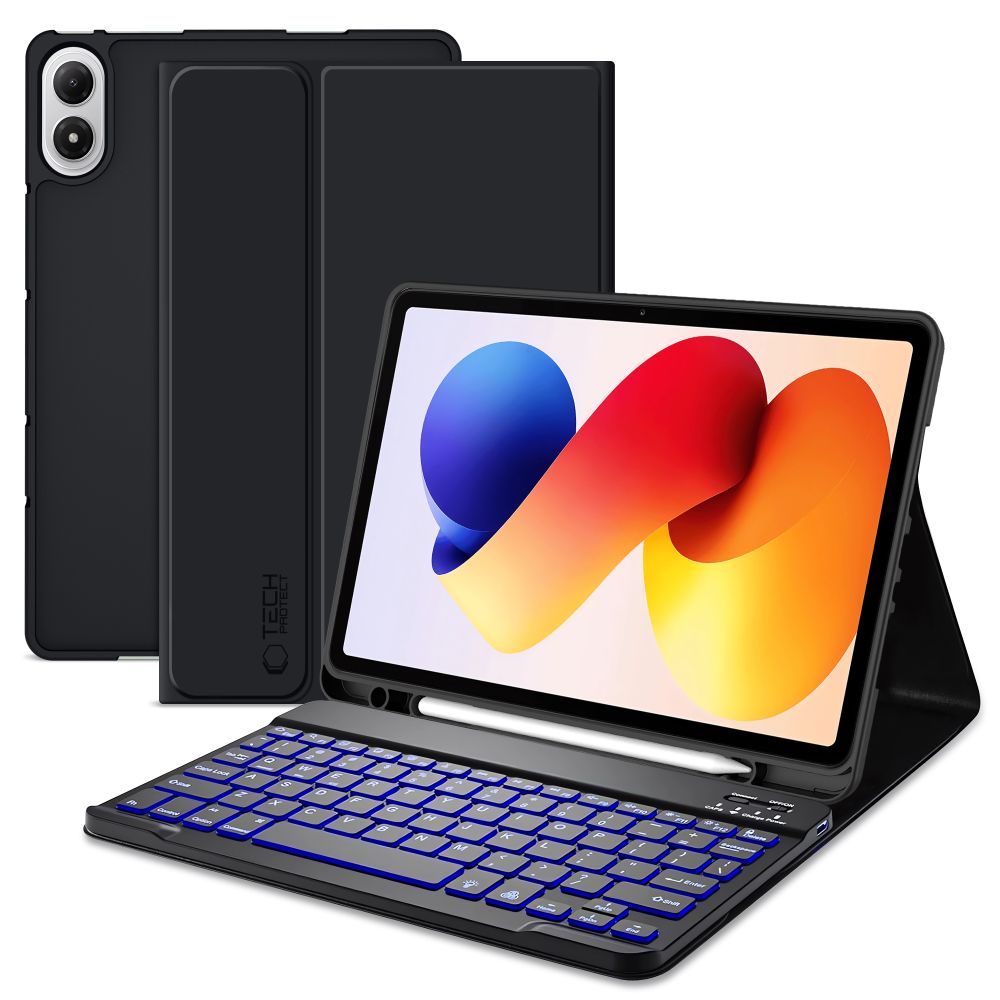
| Products ID: | 189044 |
|---|---|
| Manufactured by: | Tech-Protect |
| Availablity: | Ready to Order |
| Delivery Time | 5-12 business days |
| EAN: | 5906302335473 |
Delivery options to:
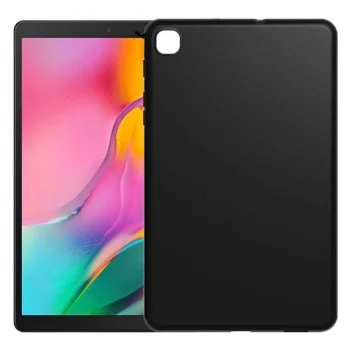
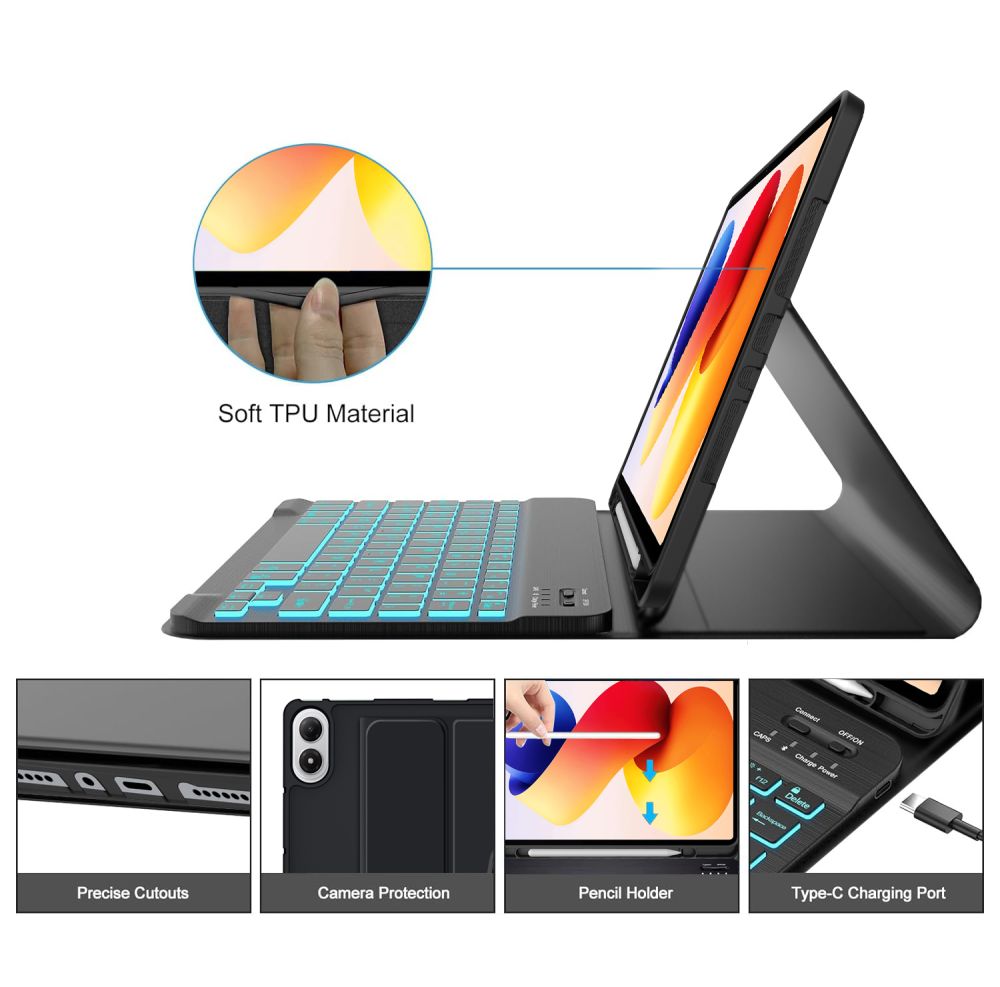
Choose countryThe functional Tech-Protect SC Pen case protects your device from damage and scratches. It is crafted from durable materials and flexible TPU with a pleasant matte finish.
Practical Design and Integrated Stand
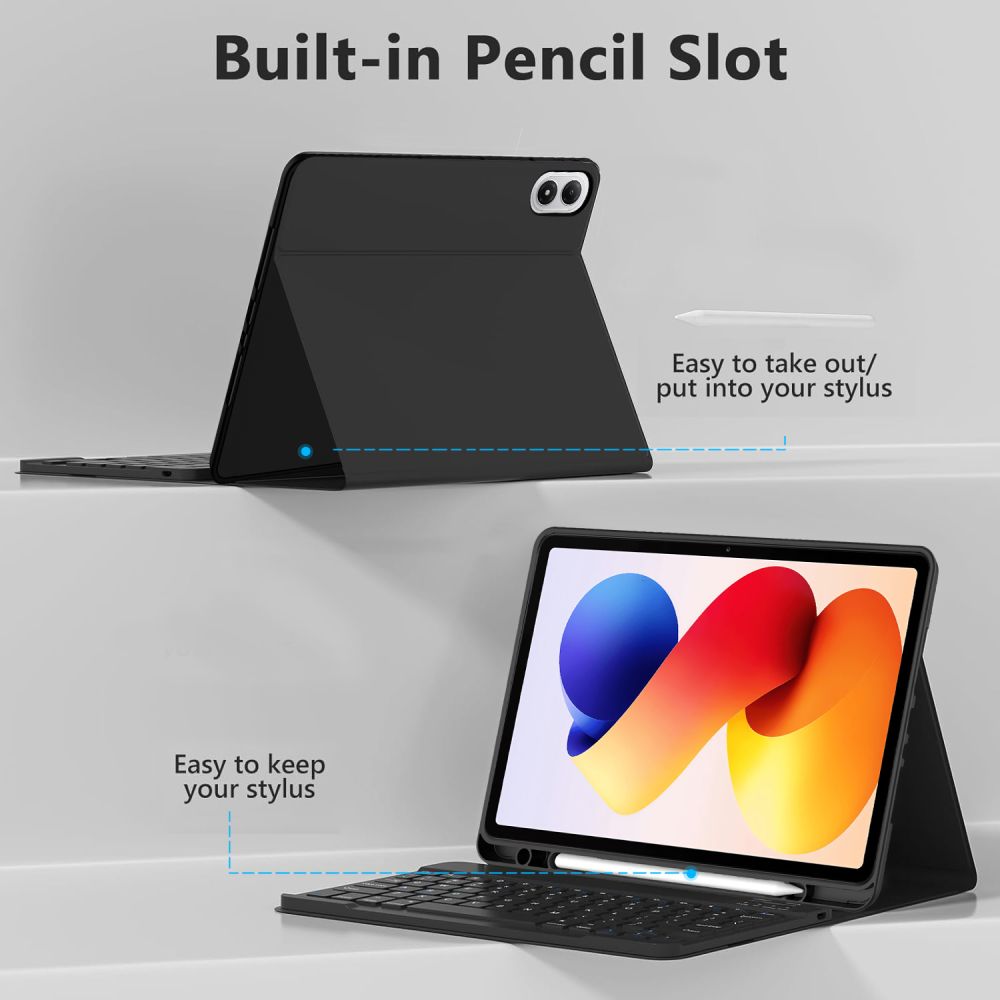
Accurate cutouts for the camera, ports, and speakers ensure full access to all device functions without removing the case. A dedicated stylus holder prevents accidental loss of your pen, while the foldable front cover easily converts into a stand for comfortable viewing or typing.
Detachable Backlit Bluetooth Keyboard
The set features a magnetic, wireless Bluetooth keyboard with key backlighting and an operating range of up to 10 meters. It offers up to 140 hours of continuous battery operation. Switching between operating platforms is simple with standard shortcuts: Fn+Q for iOS, Fn+W for Android, and Fn+E for Windows.
| Compatibility | Xiaomi Poco Pad M1 / Redmi Pad 2 Pro 12.1 |
|---|---|
| Material | TPU |
| Connectivity | Bluetooth |
| Operating range | up to 10 m |
| Battery life | up to 140 h |
| Keyboard backlighting | Yes |
| Stylus holder | Yes |
| Cable connectors | USB-A / USB-C |
| Cable length | 18 cm |
| Color | Black |
What is included in the package?
The package includes 1 Tech-Protect SC Pen case, 1 black Bluetooth keyboard, and 1 USB-A to USB-C charging cable (18 cm).
How do you switch OS layout modes on the keyboard?
After pairing the keyboard with your device, press Fn+Q for iOS, Fn+W for Android, or Fn+E for Windows.
How long does the keyboard battery last?
The integrated battery delivers up to 140 hours of continuous operation.