
New
Computer mice for work and gaming
69 products
Computer mice include wireless optical mice, vertical mice and gaming mice from Rebeltec, Izoxis, Onikuma and other brands. These options suit document work, study and gaming, with connection type and grip shape providing a useful starting point for comparison. Check the mouse dimensions, USB receiver requirements and listed DPI to narrow down a suitable option.
New
Onikuma
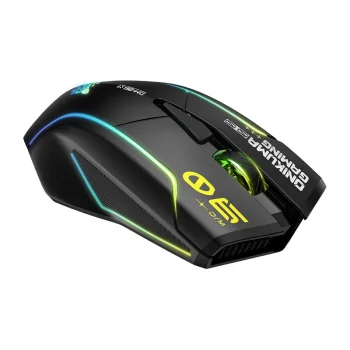
ONIKUMA DM06 Wireless Gaming Mouse, 2.4 GHz / Bluetooth / USB-C, 12 800 DPI, RGB
Delivery in 5–12 business days
25.90 €
New
-5%
New
Onikuma
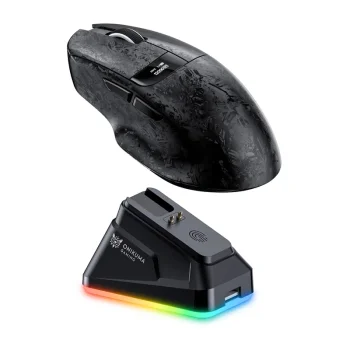
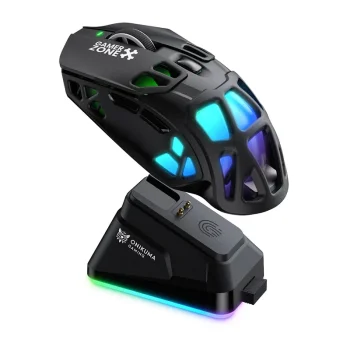
ONIKUMA DM08 Wireless Gaming Mouse with Charging Dock, Black
Delivery in 5–12 business days
37.20 €
New
Onikuma
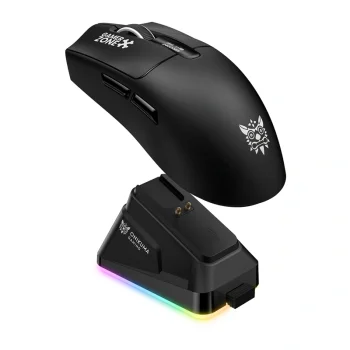
ONIKUMA DM09 Wireless Gaming Mouse, 24,000 DPI, 2.4 GHz / BT / USB-C, Black
Delivery in 5–12 business days
37.10 €
New
Onikuma
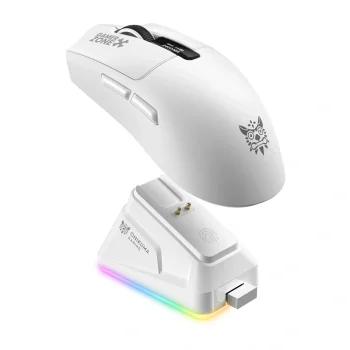
ONIKUMA DM10 Wireless Gaming Mouse with Charging Dock, Black
Delivery in 5–12 business days
37.20 €
New
Onikuma
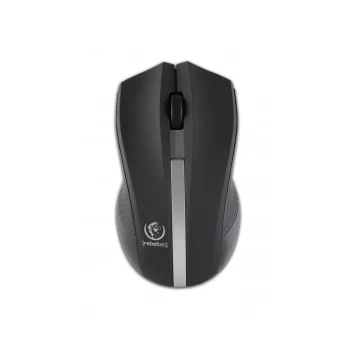
ONIKUMA DM10 Wireless Gaming Mouse, 24,000 DPI, White
Delivery in 5–12 business days
37.20 €
-11%
Rebeltec
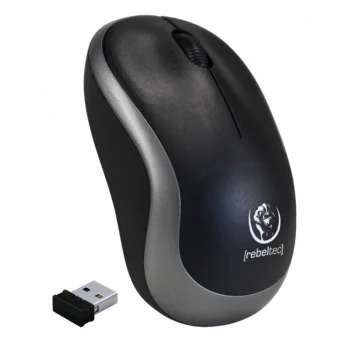
Rebeltec Galaxy Wireless Optical Mouse Black/Silver
Delivery in 7–15 business days
9.20 €10.30 €
-6%
Rebeltec
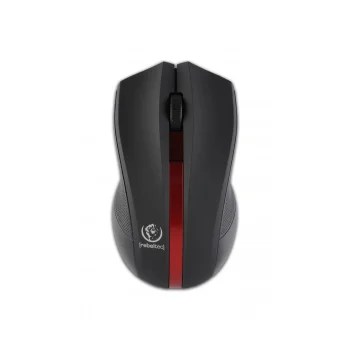
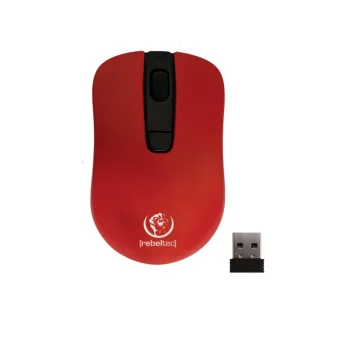
Rebeltec Galaxy Wireless Optical Mouse, Black/Red
Delivery in 7–15 business days
9.30 €9.90 €
-7%
Rebeltec
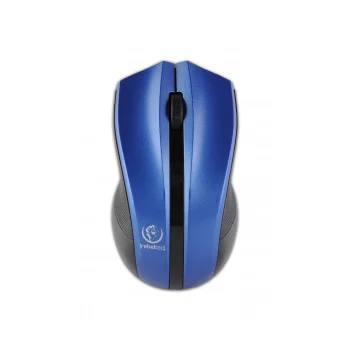
Rebeltec Galaxy Wireless Optical Mouse, Blue-Black
Delivery in 7–15 business days
9.20 €9.90 €
New
New
New
New
Rebeltec
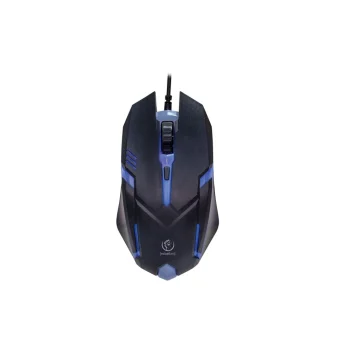
Rebeltec NEON optical gaming mouse, 800/1200/1600 DPI
Delivery in 7–15 business days
8.10 €
New
Rebeltec
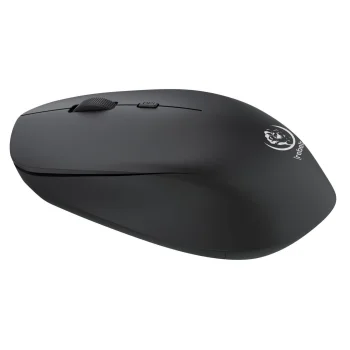
Rebeltec ORION wireless mouse, Bluetooth, 400 mAh, black
Delivery in 7–15 business days
9.90 €
New
-9%
Rebeltec
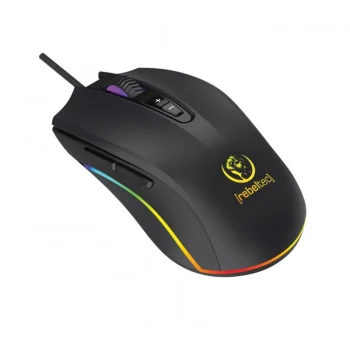
Rebeltec PREDATOR wired gaming mouse, 6400 DPI, RGB
Delivery in 7–15 business days
14.00 €15.40 €
New
-9%
Rebeltec
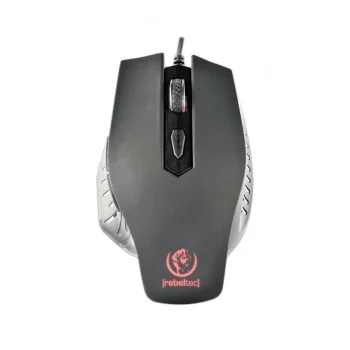
Rebeltec RED DRAGON wired gaming mouse and mouse pad, 2400 DPI
Delivery in 7–15 business days
13.00 €14.30 €
New
New
New
New
New
Rebeltec
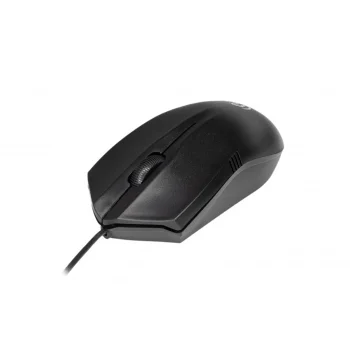
Rebeltec Wolf optical USB mouse, 1000 dpi, 1.8 m, black
Delivery in 7–15 business days
6.90 €
-6%
-13%
Onikuma
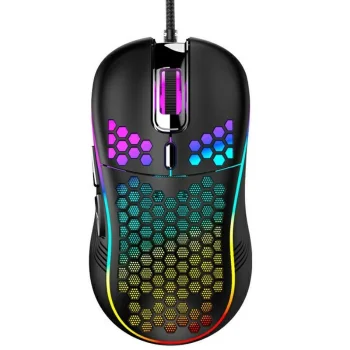
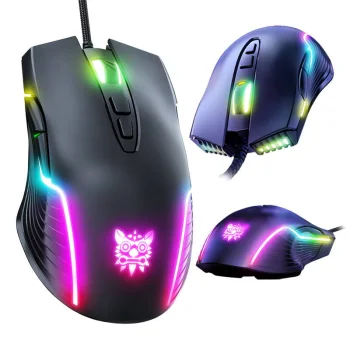
Wired Gaming Mouse ONIKUMA CW905, 6400 DPI, RGB, Black
Delivery in 5–12 business days
15.80 €18.10 €
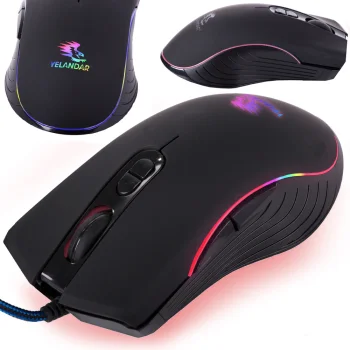
Wired Optical Computer Mouse with RGB Lighting
Delivery in 5–12 business days
8.40 €
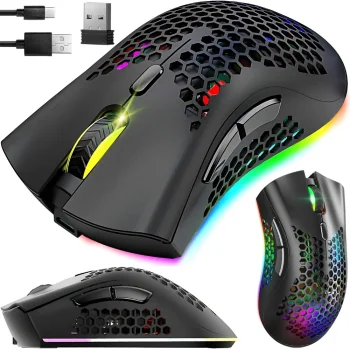
-15%
Wireless Mouse 2.4GHz with RGB Backlight, 1600 DPI, Black
Delivery in 5–12 business days
14.70 €17.30 €
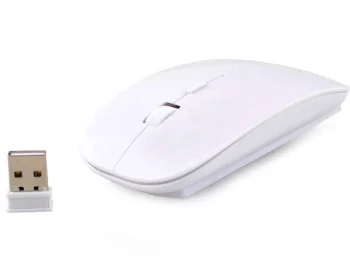
Wireless Slim Optical Mouse 2.4GHz 1600 DPI White
Delivery in 5–12 business days
7.70 €
New
-9%
Wozinsky
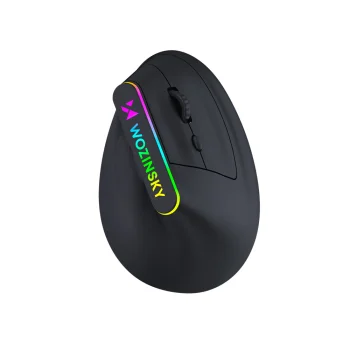
Wozinsky WMG-1164 Wireless Vertical Ergonomic Mouse 3600 DPI - Black
Delivery in 5–12 business days
13.40 €14.70 €
New
-9%
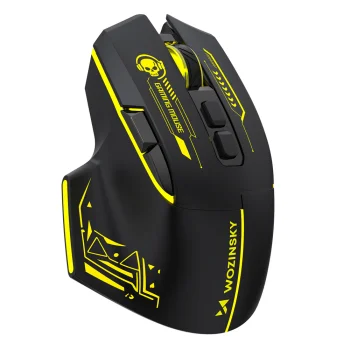
Wozinsky
Wozinsky WMGB-1181 Wireless Optical Gaming Mouse 3200 DPI - Black/Yellow
Delivery in 5–12 business days
11.00 €12.10 €
New
-9%
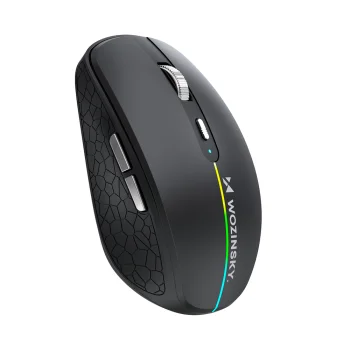
Wozinsky
Wozinsky WMGK-1132 Wireless Mouse with RGB Backlight - Black
Delivery in 5–12 business days
10.80 €11.90 €
New
-9%
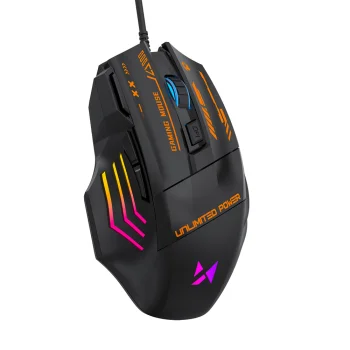
Wozinsky
Wozinsky WMGK-1179W wired gaming mouse, 7200 DPI, RGB, black
Delivery in 5–12 business days
10.00 €11.00 €
New
-9%
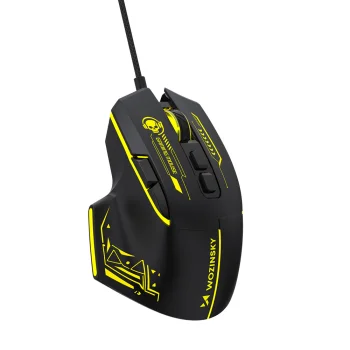
Wozinsky
Wozinsky WMGK-1181W Wired Optical Gaming Mouse 7200 DPI - Black and Yellow
Delivery in 5–12 business days
10.40 €11.40 €
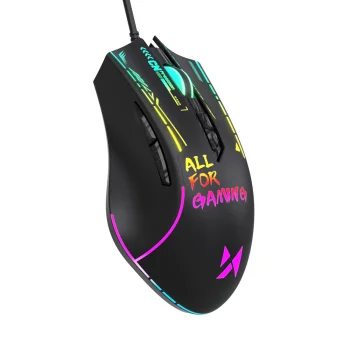
New
-9%
Wozinsky
Wozinsky WMGK-7200 Wired Optical Gaming Mouse 7200 DPI - Black
Delivery in 5–12 business days
12.70 €14.00 €
Computer mice cover everyday desktop tasks, studying and gaming, with wireless optical, slim-bodied, vertical wireless and gaming designs available. Brands include Rebeltec, Onikuma, Wozinsky, Machenike, Liocat, Delux, Maxlife and Dunmoon, alongside vertical mice from Izoxis. Rebeltec Galaxy is a wireless optical option, while Rebeltec DIABLO is a gaming mouse. Each type offers a different starting point when comparing shape and intended use.
How to choose computer mice for your setup
Start with the connection type and the way you normally hold a mouse. For documents and browsing, compare body shape and dimensions; for gaming, also consider the listed DPI. Check the selected model's connection requirements and compatibility with your computer. A mouse that uses a USB receiver needs a suitable USB port. Look up the power source and dimensions in the product description rather than judging these details from photographs alone.
- Wireless optical mice: options include USB receiver models and 2.4 GHz connections. A wireless connection removes the mouse's connecting cable from the desk.
- Vertical mice: Izoxis models use an upright body shape that changes the hand's position. Consider whether this grip suits your usual working habits.
- Gaming mice: Rebeltec DIABLO is one example designed for gaming. Compare its controls, body shape and listed specifications against your needs.
- Shape and size: slim and vertical designs feel different in the hand. Dimensions also matter when fitting a mouse into a laptop bag.
- DPI sensitivity: this figure describes how mouse movement translates into cursor movement. A higher number is not automatically more suitable for every task.
For home, office or study use, focus on a comfortable grip and a suitable connection. Gaming models suit gaming comparisons, while vertical mice offer an alternative hand position.
Frequently Asked Questions
What should I check before choosing a wireless mouse?
Check the wireless mouse's connection type, power source and compatibility with your computer. A model with a USB receiver requires a suitable USB port.
How is a vertical mouse different from a standard mouse?
A vertical mouse has an upright body that changes the position of your hand when gripping it. Whether a vertical mouse feels comfortable depends on hand size and your preferred grip.
What does mouse DPI mean?
Mouse DPI describes sensitivity: with other settings unchanged, a higher DPI produces more cursor movement for the same physical mouse movement. The appropriate sensitivity depends on the task and personal preference.
Which computer mice are intended for gaming?
Gaming computer mice include Rebeltec DIABLO and models from other brands. Compare the gaming mouse's shape, controls and listed DPI when choosing.
What are the most popular 2026 products in category - Computer mice for work and gaming
What are the newest products in category - Computer mice for work and gaming
- ONIKUMA DM10 Wireless Gaming Mouse, 24,000 DPI, White
- ONIKUMA DM09 Wireless Gaming Mouse, 24,000 DPI, 2.4 GHz / BT / USB-C, Black
- ONIKUMA DM10 Wireless Gaming Mouse with Charging Dock, Black
- ONIKUMA DM08 Wireless Gaming Mouse with Charging Dock, Black
- ONIKUMA DM06 Wireless Gaming Mouse, 2.4 GHz / Bluetooth / USB-C, 12 800 DPI, RGB
 Gudri pirkumi vienuviet