
SODI Z01T Tri-Fold Bluetooth keyboard with touchpad, red
42.90 €
Sodi
Products ID: 199099
In supplier warehouse
Available to order: 10+ pcs.
Delivery Time 5–12 business days
Delivery options to:
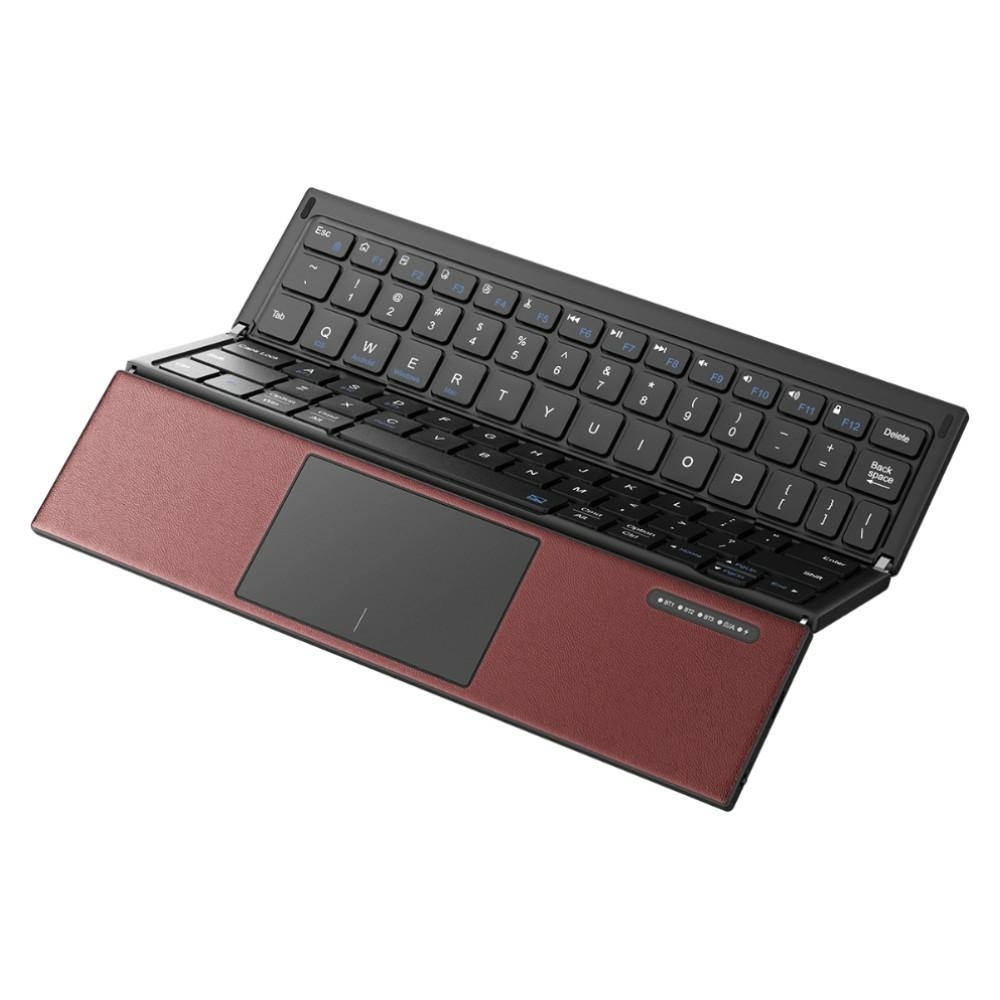
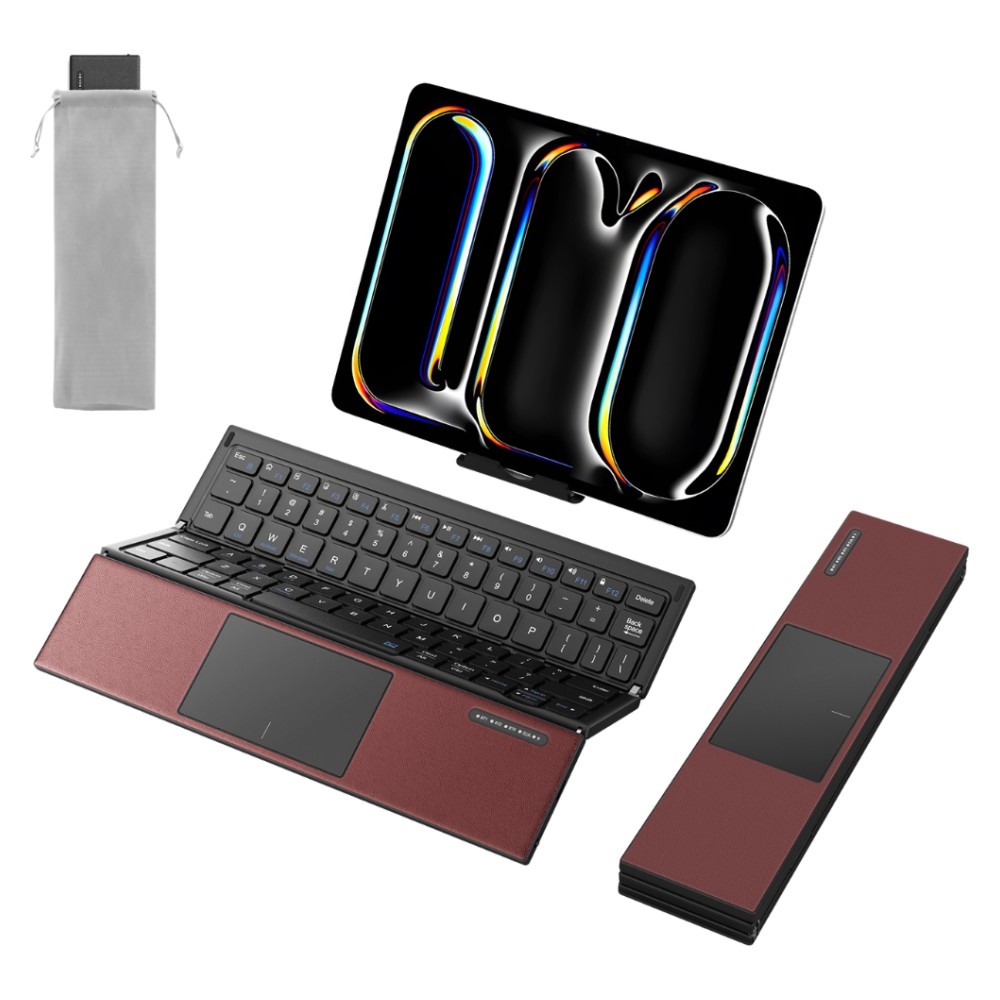
Choose countryThe SODI Z01T is a red Bluetooth keyboard with a built-in touchpad for working at home, in the office or on the go. Its three-panel Tri-Fold design folds away quickly and opens into a full-size, 5-row QWERTY layout with a dedicated number row.
Typing and cursor control
The keys use a scissor-switch mechanism. Toggle the touchpad with Fn + Space when you want to enable or disable cursor control. The soft finish around the touchpad provides wrist support.
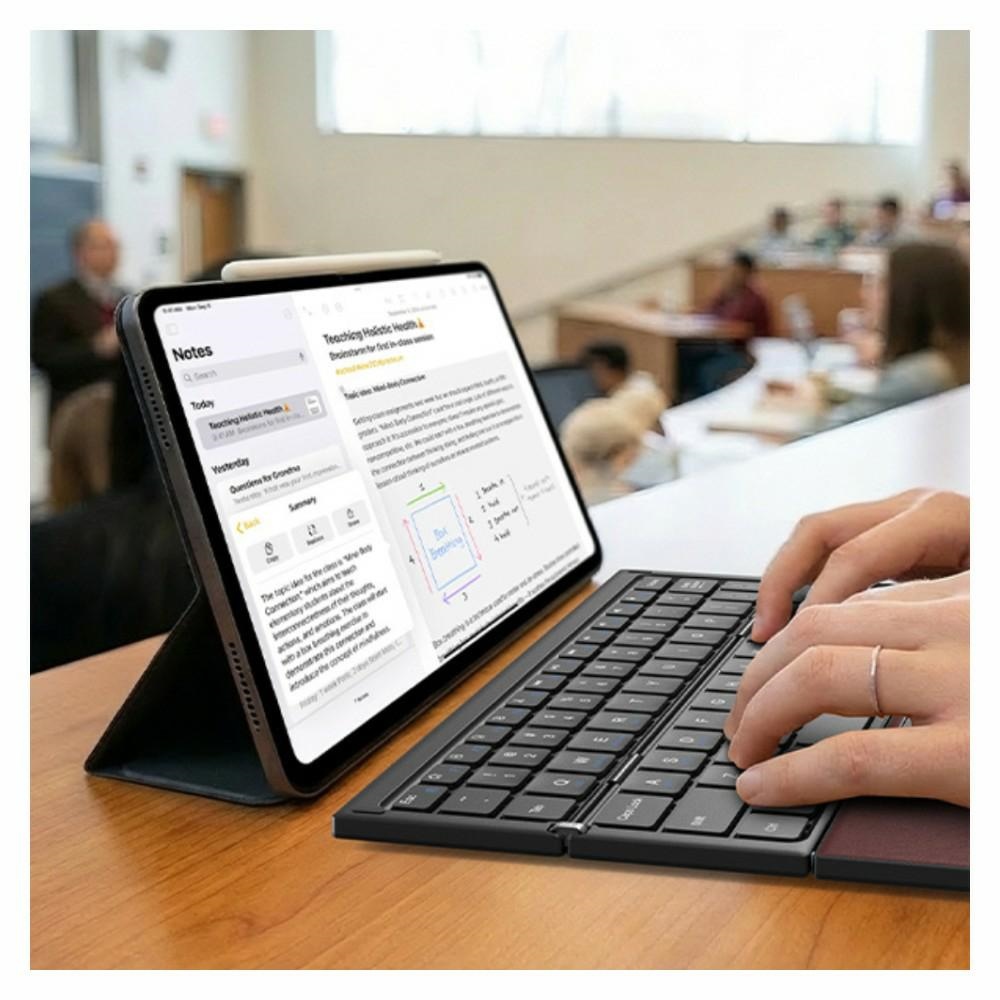
- Compatibility: laptops, smartphones and tablets running iOS, Android, Windows or macOS.
- System selection: dedicated Fn shortcuts select the relevant operating system.
- Portable construction: the hinge has been tested for over 5 000 folding cycles.
Built-in battery
The keyboard charges via USB-C and provides up to 150 hours of use or up to 180 days in standby mode. Automatic sleep activates after 30 minutes of inactivity to conserve power.
| Type | Wireless foldable keyboard with touchpad |
|---|---|
| Model | SODI Z01T |
| Materials | Aluminium, plastic, PBT, PU |
| Connectivity | Bluetooth |
| Colour | Red |
| Compatible devices | Laptop, smartphone, tablet |
| Compatible operating systems | iOS, Android, Windows, macOS |
| Keyboard layout | QWERTY, full-size, 5-row with a dedicated number row |
| Touchpad | Built-in, can be enabled and disabled |
| Design | Tri-Fold three-panel folding design |
| Key mechanism | Scissor-switch |
| Charging | USB-C |
| Battery life | Up to 150 hours; up to 180 days in standby mode; automatic sleep after 30 minutes of inactivity |
| System selection shortcuts | Fn + Q – iOS; Fn + W – Android; Fn + E – Windows; Fn + R – Mac |
| Features | Foldable design, touchpad, built-in battery, portable construction, hinge tested for over 5 000 folding cycles |
| EAN | 6975969181333 |
|---|
Can the touchpad be disabled?
Yes. Press Fn + Space to enable or disable the touchpad.
How do I select the operating system?
Use Fn + Q for iOS, Fn + W for Android, Fn + E for Windows and Fn + R for Mac.
Reviews
No reviews for this item yetOnly customers can leave a review, after buying the item.








 Gudri pirkumi vienuviet