
- Gifts & Party Decorations
- Phone Accessories
- Photo & Video
- Computers & Electronics
- Sports & Fitness
- Beauty & Health
- Car & Motorcycle Accessories
- Bicycle Accessories
- Home & Living
- Garden & Outdoor
- Baby & Kids Products
- Games, Hobbies & Leisure
- Travel & Outdoor Activities
- Pet Supplies
- Discounted Items & Products with Defects
USB Flash Drives for File Storage
USB flash drives are portable storage devices for saving and transferring files, with models from Kingston, Goodram, Verbatim, Intenso, Philips, Sandisk, Transcend and Imro. Options include USB-C drives and USB 2.0, USB 3.0 and USB 3.2 models. They suit work documents, study materials and personal files. Choose by storage capacity, the connector your device accepts and the stated USB standard.
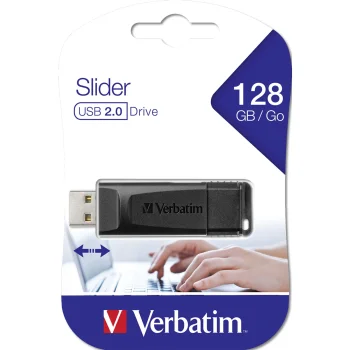
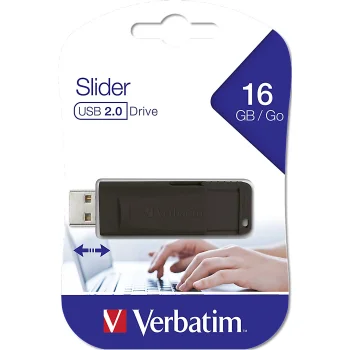
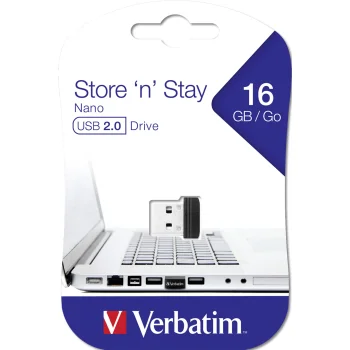
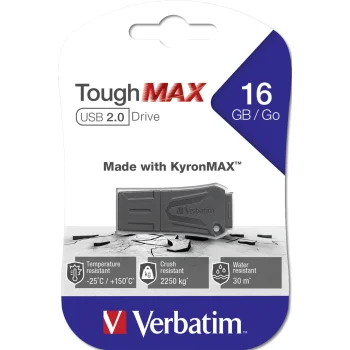
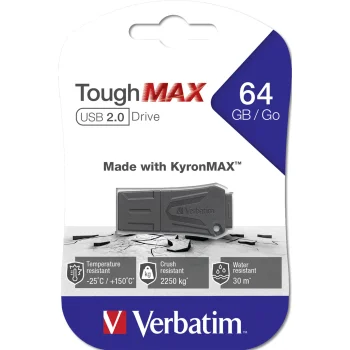
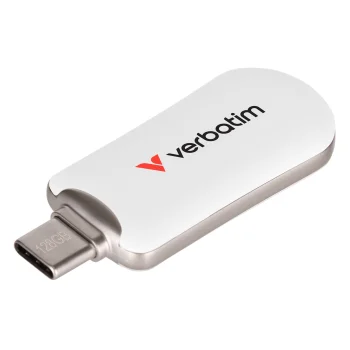
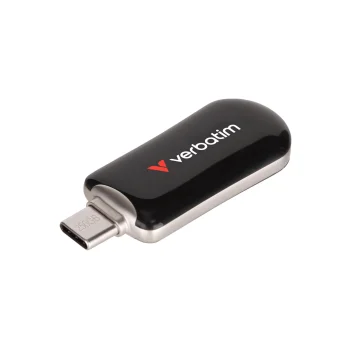
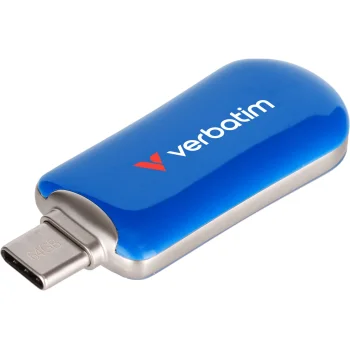
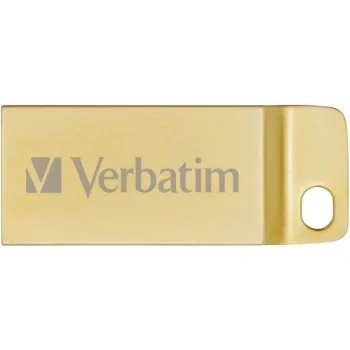
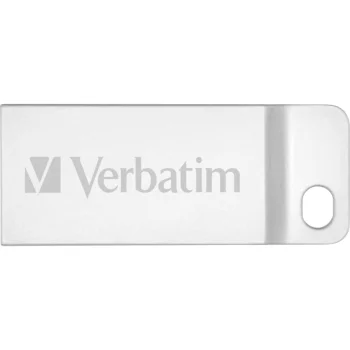
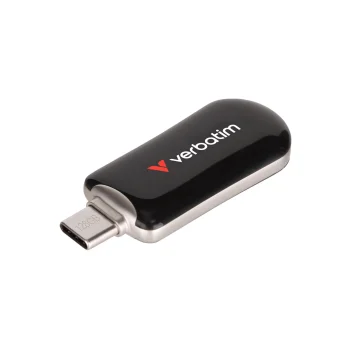
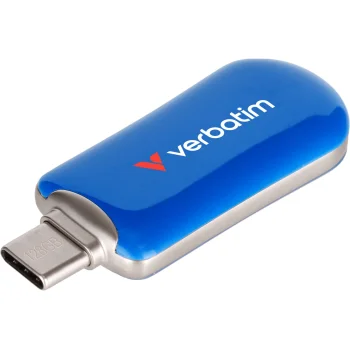
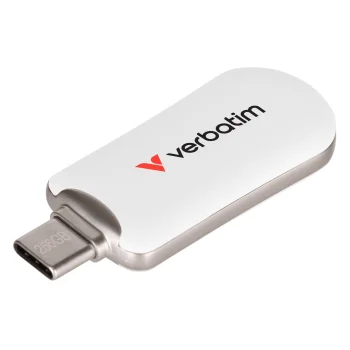
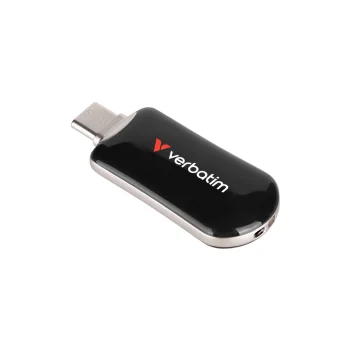
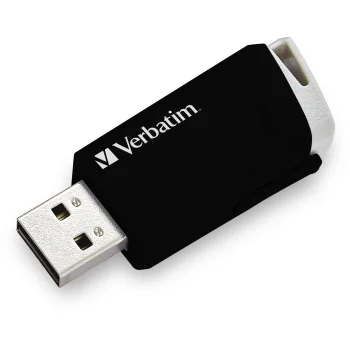
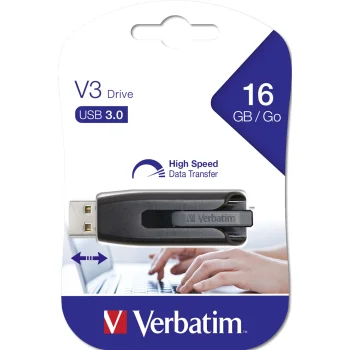
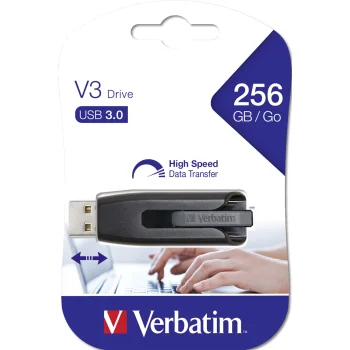
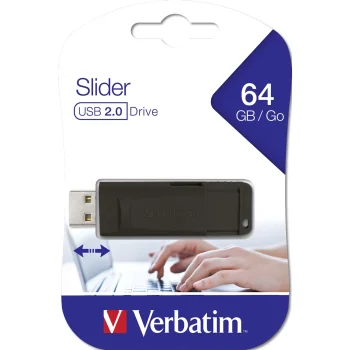
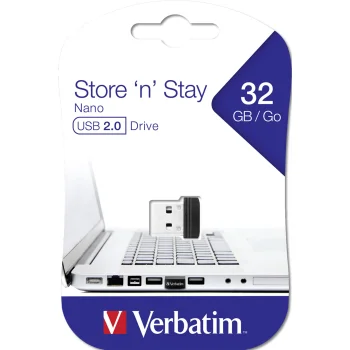
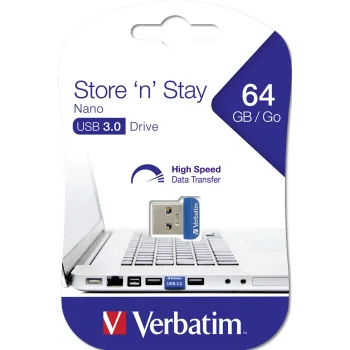
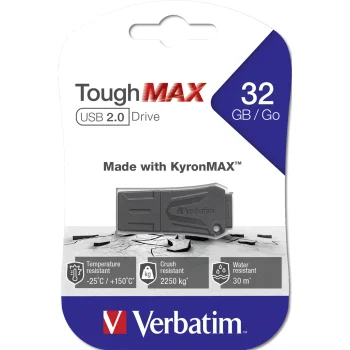
USB flash drives provide portable storage for documents, photographs, presentations and other files. The range includes Intenso, Verbatim, Philips, Sandisk, Transcend, Goodram, Kingston and Imro models. Options include drives with USB-C connectors and models using USB 2.0, USB 3.0 or USB 3.2. Different capacities suit different amounts of data and everyday storage tasks.
How to choose USB flash drives for file storage
Start with the total size of the files you want to keep and the port on the device you will use. Check the individual model's capacity, connector and USB standard. USB-C describes a connector type, while USB 2.0, USB 3.0 and USB 3.2 describe interface standards. These details should be considered separately.
- Storage capacity: Text documents need less space than large video files or photo collections. Allow room for files you expect to add later.
- USB-C flash drives: Kingston DataTraveler 70 is an example of a drive with a USB-C connector. Choose this connection for a device with a matching port.
- USB 2.0 drives: Options include Verbatim Store 'n' Go PinStripe and Goodram UTS2. Compare capacity against the amount of data you usually carry.
- USB 3.0 and USB 3.2 drives: Goodram UME3 and Kingston DataTraveler Exodia represent these standards. Use the individual drive's specifications to assess stated transfer speeds.
- Intended use: Carrying a presentation and keeping a copy of a photo collection can require different capacities. File size is a more useful starting point than appearance alone.
USB flash drives suit sharing study materials, carrying work documents and keeping a separate copy of personal files. Narrow the choice by capacity and connector first, then compare the USB standard and the relevant model details.
Frequently Asked Questions
What capacity USB flash drive do I need?
Choose a USB flash drive based on the combined size of the files you want to store. Documents generally need less space than videos or photo collections, and leaving room for additional files is useful.
What is the difference between USB-C and USB 3.2?
USB-C describes a flash drive's connector type, while USB 3.2 describes a data transfer standard. Consider the connector and USB standard separately when choosing a USB flash drive.
Do all USB flash drives transfer files at the same speed?
USB flash drive transfer speeds vary by model and the device used for the connection. Capacity or brand alone does not establish a drive's transfer speed.
What are the most popular 2026 products in category - USB Flash Drives for File Storage
What are the newest products in category - USB Flash Drives for File Storage
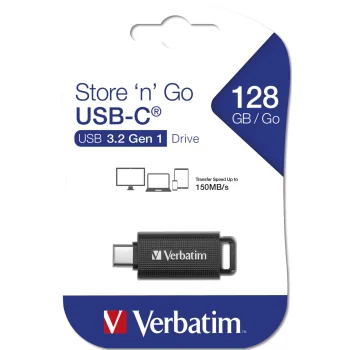
- Verbatim Store 'n' Go 128 GB USB-C retractable flash drive
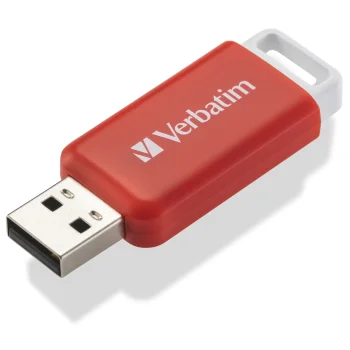
- Verbatim DataBar USB 2.0 flash drive 16 GB, red
- SanDisk Ultra Dual Drive Go 128GB USB Type-C Flash Drive SDDDC3-128G-G46, Black
- USB Flash Drive Intenso Flex Line 3544491 128 GB USB 3.2 Gen 1x1 USB-C USB-A OTG, Black
- USB Flash Drive Intenso Office Line 128GB USB 3.2, Silver/Black


