
- Gifts & Party Decorations
- Phone Accessories
- Photo & Video
- Computers & Electronics
- Sports & Fitness
- Beauty & Health
- Car & Motorcycle Accessories
- Bicycle Accessories
- Home & Living
- Garden & Outdoor
- Baby & Kids Products
- Games, Hobbies & Leisure
- Travel & Outdoor Activities
- Pet Supplies
- Discounted Items & Products with Defects
USB–Lightning cables & adapters for iPhone
Find Apple iPhone Lightning USB cables and adapters for charging and data transfer — from short car leads to durable braided cables up to 3 m. Available in USB‑C to Lightning and USB‑A to Lightning variants, including MFi‑certified options for reliable charging and sync. Browse lengths, materials and connector types to pick the right cable for home, office or travel.
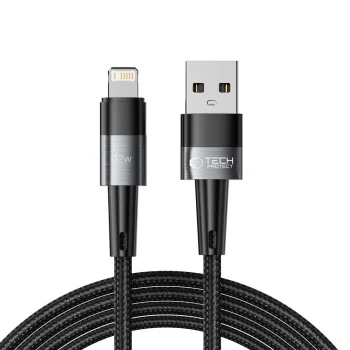
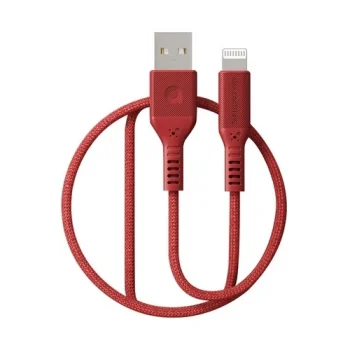
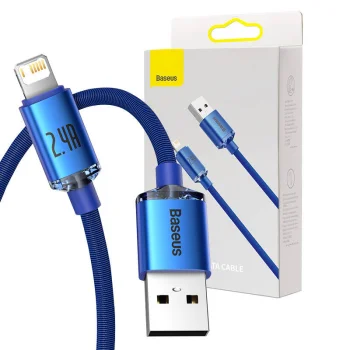
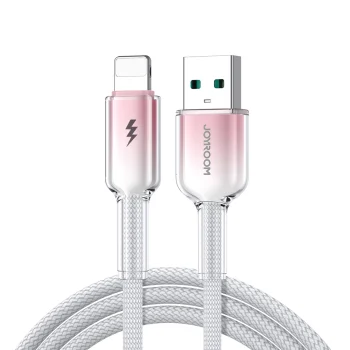
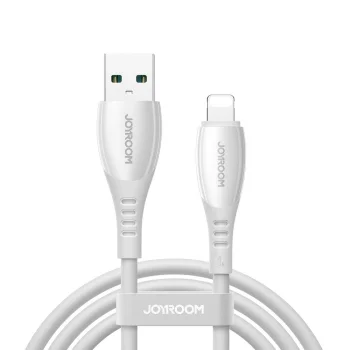
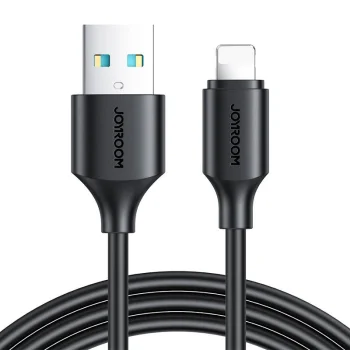
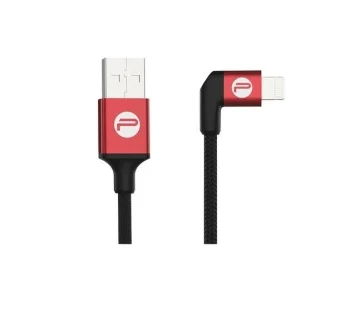
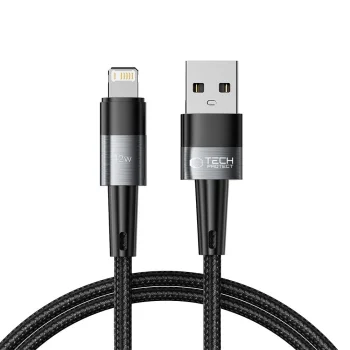
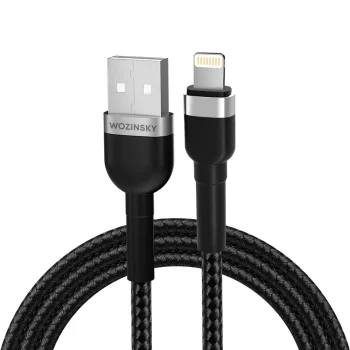
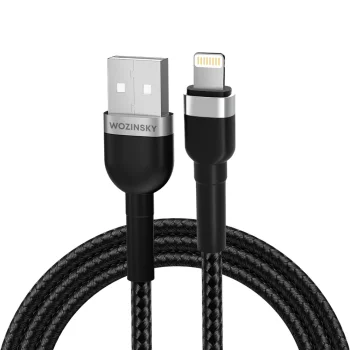
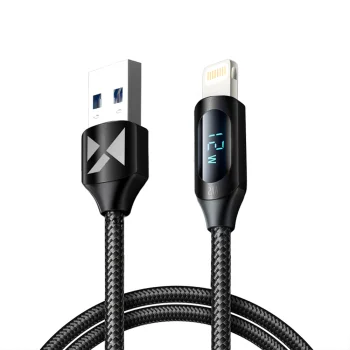
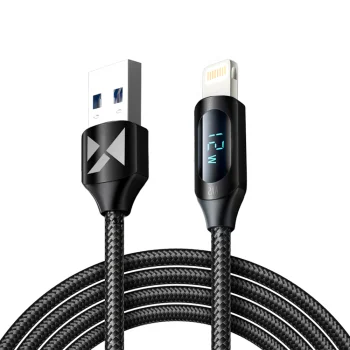
This USB – Apple iPhone Lightning category includes cables and adapters designed for charging, syncing and connecting iPhone devices. You will find USB‑C to Lightning and USB‑A to Lightning cables, short and long lengths, reinforced braided options and flexible TPE models. Some cables are MFi‑certified, ensuring compatibility and safer communication with Apple devices.
Common use cases: bedside charging at home, connecting to computers at work, car charging on the go, portable cables for travel and longer cords for comfortable use on couches or in conference rooms. Professionals often prefer USB‑C to Lightning cables with Power Delivery support for faster charging.
Key features to consider are connector type (USB‑C or USB‑A), cable length, outer material, strain relief at connectors and contact quality. Braided cables typically resist fraying and bending stress better, while TPE cables are more flexible and easier to store. Metal housings or gold‑plated contacts can reduce corrosion and improve long‑term connection quality.
How to choose the right cable: first, check your charger — if you use a USB‑C PD adapter, opt for USB‑C to Lightning to enable fast charging. Second, choose length based on usage: 20–30 cm is ideal for cars and powerbanks, 1–1.5 m suits desks, and 2–3 m is convenient for living areas. Third, prefer reinforced connectors and braided jackets for frequent use or travel.
Care tips: unplug by holding the connector rather than pulling the cable, avoid sharp bends near the connector, keep cables dry and away from extreme heat, and periodically inspect connectors for dirt or damage. Replace cables that show exposed wires or loose connectors to avoid device issues.
- USB‑C and USB‑A to Lightning connector options
- MFi‑certified and compatible models for safe use
- Multiple lengths: from 0.2 m to 3 m
- Braided, TPE and reinforced connectors for durability
- Support for fast Power Delivery charging (USB‑C)
- Reliable data transfer and syncing capabilities


